

The best monitor arm is the one whose weight range, VESA plate and clamp actually match your monitor and desk. For a typical flat screen up to 34 inches and 22 lb, that is the Ergotron LX Pro. For a light 24 to 27-inch screen, a far cheaper pole mount or gas-spring arm from VIVO or Wali is rated to carry it. A heavy or deeply curved ultrawide needs an arm built for it, such as the Ergotron HX, and that is where most buying mistakes happen.
Maker Stations has not tested these arms. This guide does two other things instead: it gives each arm’s ratings as published by its manufacturer (every figure links to the document it came from, all opened on 16 November 2026), and it draws on what owners interviewed on this site mounted on which arm and what they said about it.
Monitor arms compared: the manufacturers’ own figures
| Arm (link goes to the source) | Screen size | Weight it holds | Desk mounting | Warranty |
|---|---|---|---|---|
| Ergotron LX Pro Desk Arm | Up to 34 in | 4–22 lb (1.8–10 kg) | Two-piece clamp, grommet or C-clamp, depending on the part number | 10 years |
| Ergotron LX Desk Monitor Arm | Up to 34 in | 7–25 lb | Two-piece clamp; grommet mount included with the aluminium and black versions | 10 years |
| Ergotron HX Desk Monitor Arm | Up to 49 in | 20–42 lb | Clamp and grommet mount both included | 10 years |
| Ergotron LX Dual Side-by-Side (same LX document) | Up to 27 in each | 7–20 lb each, 40 lb combined | Two-piece clamp; grommet with the aluminium version | 10 years |
| VIVO STAND-V101G1 (gas spring) | Flat up to 32 in, ultrawide up to 49 in | 2.2–33 lb | C-clamp and grommet | 3 years |
| VIVO STAND-V001 (fixed pole) | 13–32 in, ultrawide up to 38 in | Up to 22 lb | Desks up to 3.25 in thick | 3 years |
| Wali GSDM001 (gas spring) | Up to 32 in | Up to 19.8 lb | C-clamp and grommet base | Not stated on the page |
| Wali GSM001XL (gas spring) | Ultrawide up to 49 in | 33 lb or 44 lb: the page gives both | C-clamp and grommet, desks 0.39–1.77 in thick | Not stated on the page |
| Workstream by Monoprice Low-Profile Dual (gas spring) | Up to 32 in each | Up to 19.8 lb each | Clamp or grommet | Not stated in the manual |
| Humanscale M8.1 | Not given | 6–28 lb (2.7–12.7 kg), flat or curved | Varies by configuration | Not given in the chart |
All of these use the VESA 75 x 75 mm and 100 x 100 mm hole patterns, except the Humanscale, whose chart does not list one. Screen sizes are the makers’ approximations. Ergotron’s LX sheet says the “LCD size may be exceeded as long as screen weight does not exceed maximum weight capacity of the mount”, so weight is the figure to buy by.
Four things to check before you buy
1. Does your monitor have VESA holes?
Look at the back of the monitor for four screw holes in a square, 75 mm or 100 mm apart. Every arm in the table bolts to that pattern. If you cannot see the holes, check the monitor maker’s specification sheet for a line such as “VESA mounting support” with the value 100 mm x 100 mm, which is how Dell’s U3818DW spec sheet puts it. Some monitors have no VESA holes at all.
Kamp, a brand manager in Canada, found out after buying. Kamp’s gear list includes a HUANUO arm plus a separate VESA bracket adapter for her Samsung monitor: “When choosing a monitor, definitely opt for one with a VESA mount — I learned that the hard way! I ended up having to buy an expensive adapter for my monitor arm.”
2. Is the monitor’s weight inside the arm’s range, at both ends?
Find the weight without stand on the monitor maker’s specification page. Spring and gas-spring arms balance a range of weights, so the minimum matters as much as the maximum: below it, the maker has not rated the spring to balance the screen. The Ergotron HX starts at 20 lb. Dell lists the 38-inch U3818DW at 19.95 lb panel only, a fraction under that floor, while it sits comfortably inside the 6–28 lb range that Humanscale’s weight chart gives for the M8.1. That is the pairing Lloyd Carig lists in his Vancouver photography setup.
Screen-size labels on budget arms deserve the same care. Ryoma Brunel bought an arm to save precious desk space. His gear list names a VIVO mount sold for 13 to 27-inch screens, carrying a 34-inch Gigabyte ultrawide. In his words: “The monitor arm isn’t anything fancy and was purchased off Amazon. I did have to mod it slightly as my monitor is on the heavier side.” It worked, but he had to modify it.
3. Will the clamp or grommet fit your desk?
A clamp grips the back edge of the desk; a grommet mount bolts through a hole in the top. Measure the desktop thickness and check for a crossbar or frame under the edge. The published limits vary a lot: the Wali GSM001XL lists desks 0.39 to 1.77 inches thick, the VIVO STAND-V101G1 lists 0.4 to 3.3 inches for its clamp and 0.4 to 1.9 inches for its grommet, and Ergotron’s low-profile LX clamp is for 0.98 to 1.38-inch (25–35 mm) tops. Check too that the part number you order includes the mount you need. The white Ergotron LX, for example, ships with the clamp only.
The surface matters as well. Dennis Schellenberger, who works at a floor desk in Frankfurt, chose his table for its height and “a flat tabletop suitable for mounting my monitor arm” (interview). Alex, a product manager in Chicago, clamps a VIVO arm to a tempered-glass desk. He cut a piece of foam to the shape of the clamp, and reports that “after sliding the foam underneath the top part of the clamp the monitor arm locked in with no damage to the top glass” (interview). That is one owner’s workaround, not a manufacturer’s recommendation.
4. Ultrawide? Check depth and curve as well as weight
A curved screen carries its weight further out from the mounting plate, and manufacturers derate for it. Humanscale’s weight chart rates its M2.1 arm at 5–15.5 lb for a flat screen but 5–12.5 lb for a curved one. Ergotron’s HX sheet describes a separate version of the HX with a heavy-duty pivot for wide curved displays that are 6 to 12 inches deep and weigh 28 to 42 lb, and the sheet names the Samsung Odyssey G9 as the example.
Joseph Z., a physician in Florida, runs a 49-inch super ultrawide on a desk mount: a Samsung Odyssey G9 on what the gear list calls a “Wali Heavy Duty Single Arm Mount”. The interview does not give the exact model of either. For scale, Samsung lists the original Odyssey G9 at 14.1 kg without stand and 291 mm deep. The Wali GSM001XL, a current 49-inch arm, gives two figures on its page: its title gives 44 lb, while its description gives 33 lb. If the lower figure is the true one, a panel of that weight leaves little margin, so ask the seller which number applies before trusting it with a monitor that size.
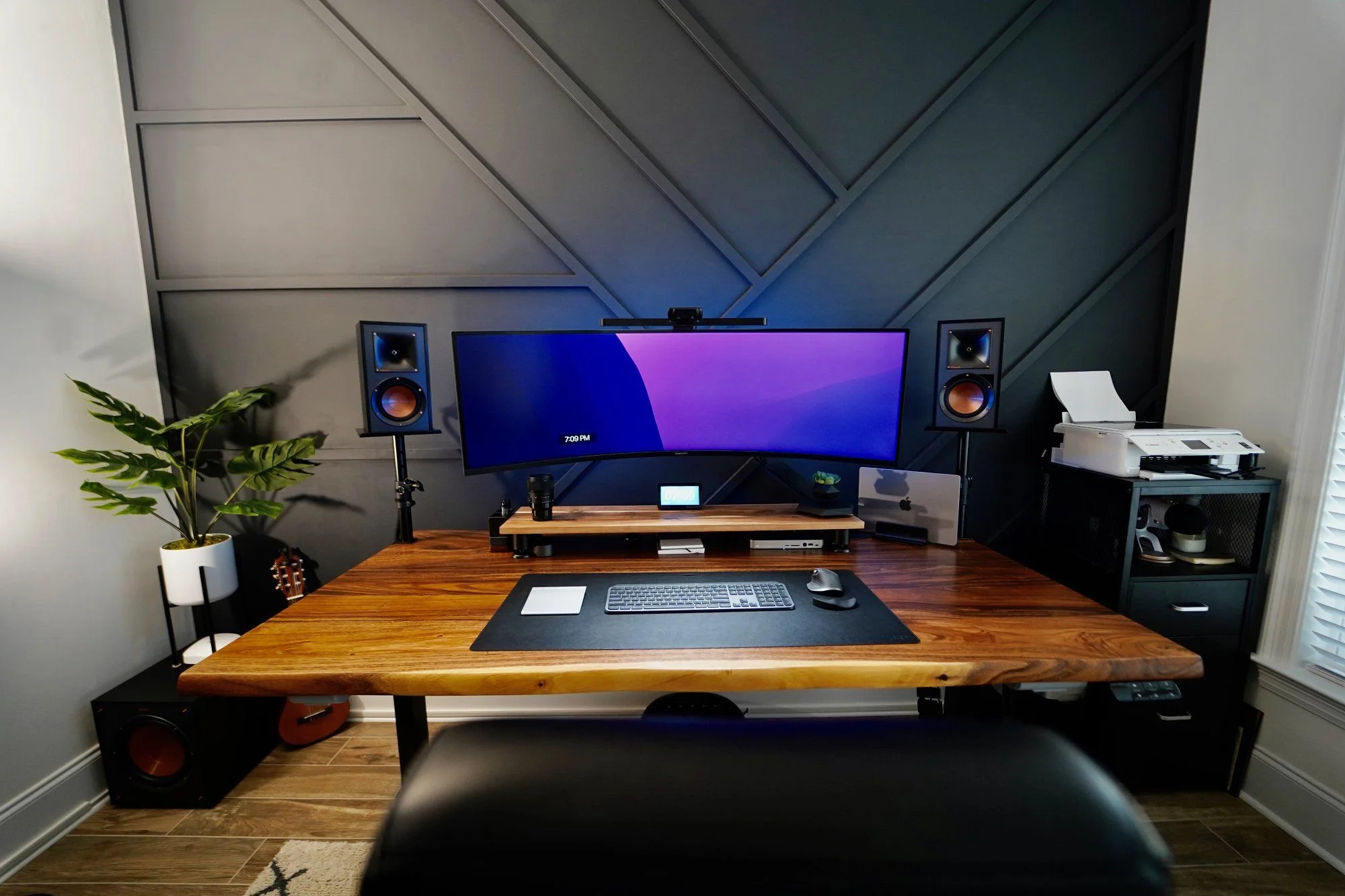
Best Monitor Arm for Most People: Ergotron LX Pro
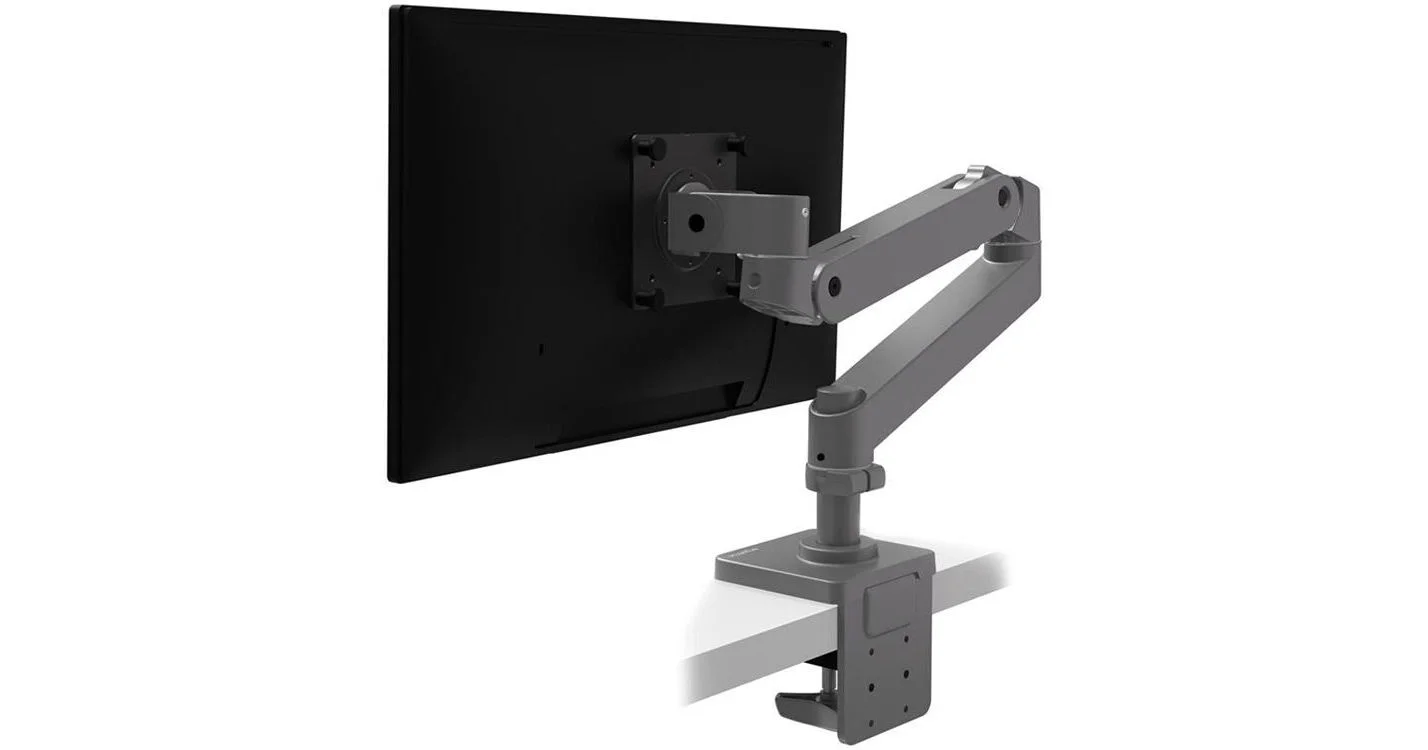
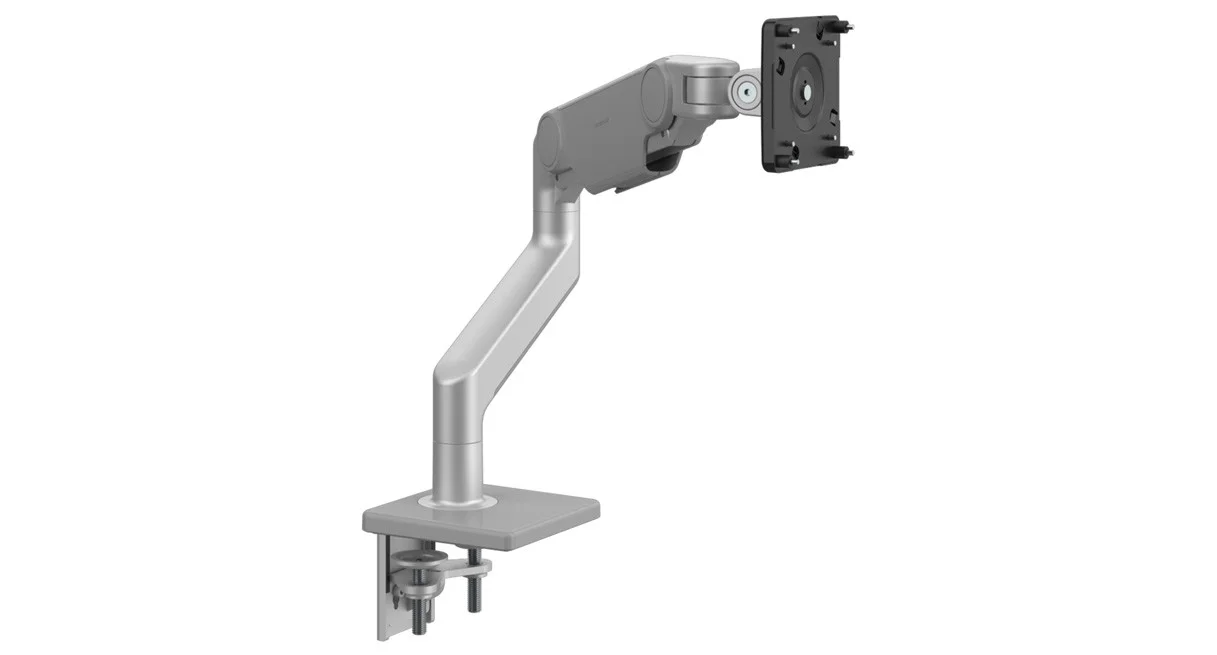
Ergotron’s LX Pro specification sheet rates the desk arm for screens up to 34 inches weighing 4 to 22 lb, with 13 inches of lift, up to 25 inches of extension, 180° of pan at the monitor and a 10-year warranty. The sheet also lists integrated cable management with a cable cover, a detachable head and a rotation stop that limits the base to 180° so the screen cannot swing into a wall. The low 4 lb floor is what makes it the safe general choice: light panels and most 34-inch ultrawides both fall inside the range.
No owner interviewed on this site has the LX Pro yet. Several use its predecessor, the LX, which Ergotron rates at 7–25 lb with the same 13-inch lift and 10-year warranty. Stephen James’s Calgary office, a feature-rich, functional desk build, has the tall-pole LX under a 27-inch LG. Stephen calls the mount and the task chair “both feature-rich and ensuring I don’t feel worse for wear after a few hours of work”. Hazel Jennings lists an Ergotron LX in a San Francisco study, and James M runs three of them (part number 45-241) behind a combined work and sim-racing desk.
If your monitor weighs under 7 lb, the LX Pro’s lower floor is the reason to pick it over an LX. If it weighs 22 to 25 lb, only the older LX is rated for it.
Best Budget Single Monitor Arm Picks
Budget arms are the most common mounts in this site’s interviews: VIVO, North Bayou, Wali, HUANUO and BONTEC all appear in owners’ gear lists. The trade-offs are a shorter warranty (or none stated) and less detail in the published ratings.
VIVO STAND-V001: a pole mount, not a spring arm
VIVO’s page rates the STAND-V001 for screens up to 22 lb on a 17-inch pole with 16 inches of extension, and says “Height can be adjusted along the center pole”. In other words, you set the height once rather than moving it through the day. VIVO’s own store listed it at $34.99 on 16 November 2026. Alex in Chicago, who has a VIVO single arm and laptop mount, said the VIVO products “exceeded my expectations and provided the dose of functional minimalism that I cannot shake for the price”.
If you change position often, pay for a gas spring. Videographer James Zhan explains why in a 2025 interview: “My main display is mounted on a gas spring monitor arm, making it easy to reposition as I adjust my recline or switch between sitting and standing.”
North Bayou gas-spring arms
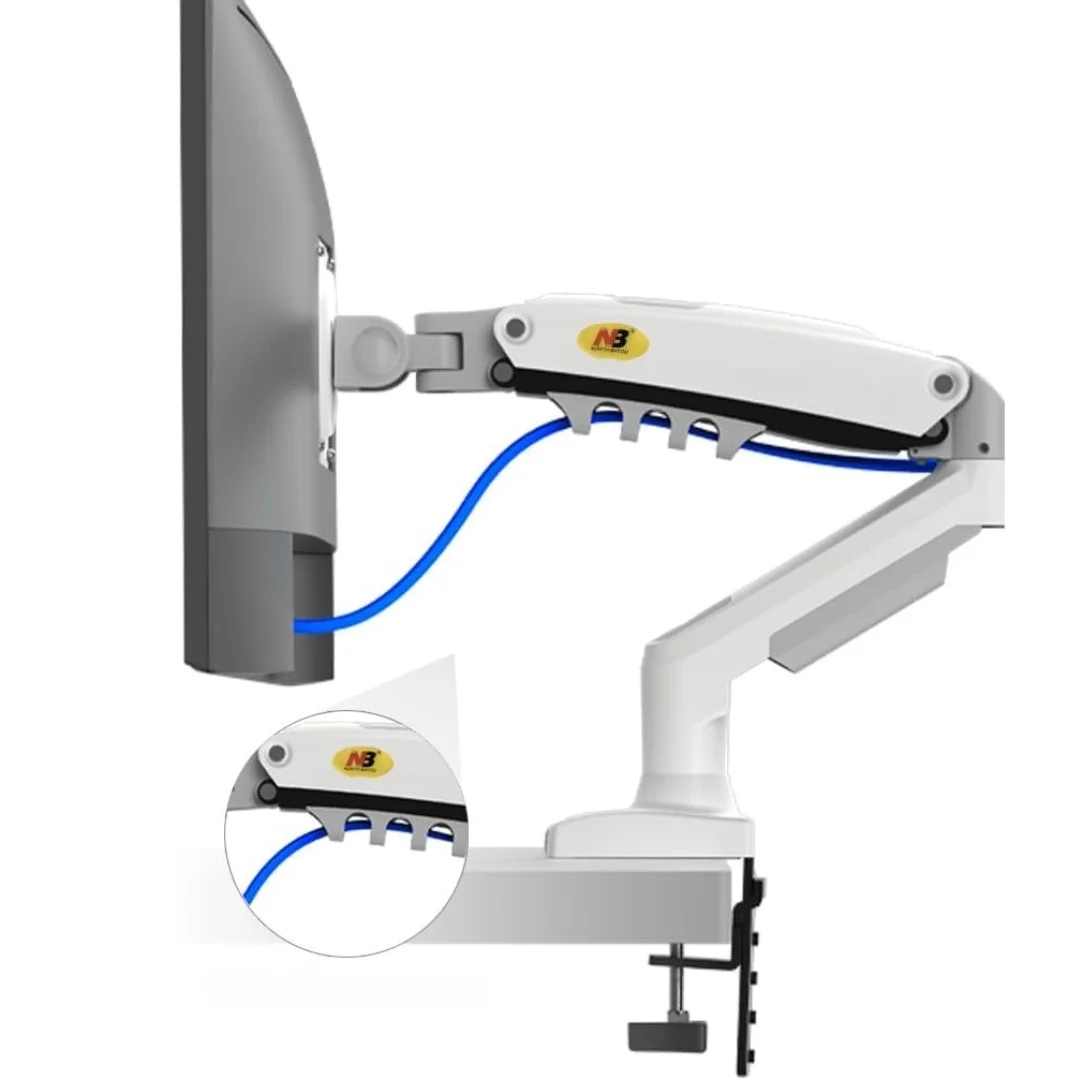
North Bayou’s own product pages could not be opened when this guide was updated, so no ratings are repeated here: read the weight range off the listing or the box for the exact model. What this site does have is an owner. Michael Medina, an IT support specialist in Dubai, mounted a 27-inch Lenovo ThinkVision on a North Bayou H100-B, which his 2022 interview says he bought for $46. “It isn’t pricey compared to others,” he said. “It’s amazing how floating my monitor looks now! This mount provides effortless positioning and can be tilted or rotated. It also helped me organise my cables for a neat and spacious desktop solution.” Photographer Tony Sam Noel has North Bayou’s dual arm under a 32-inch BenQ and uses only one of its two arms to keep the desk clear.
Wali GSDM001
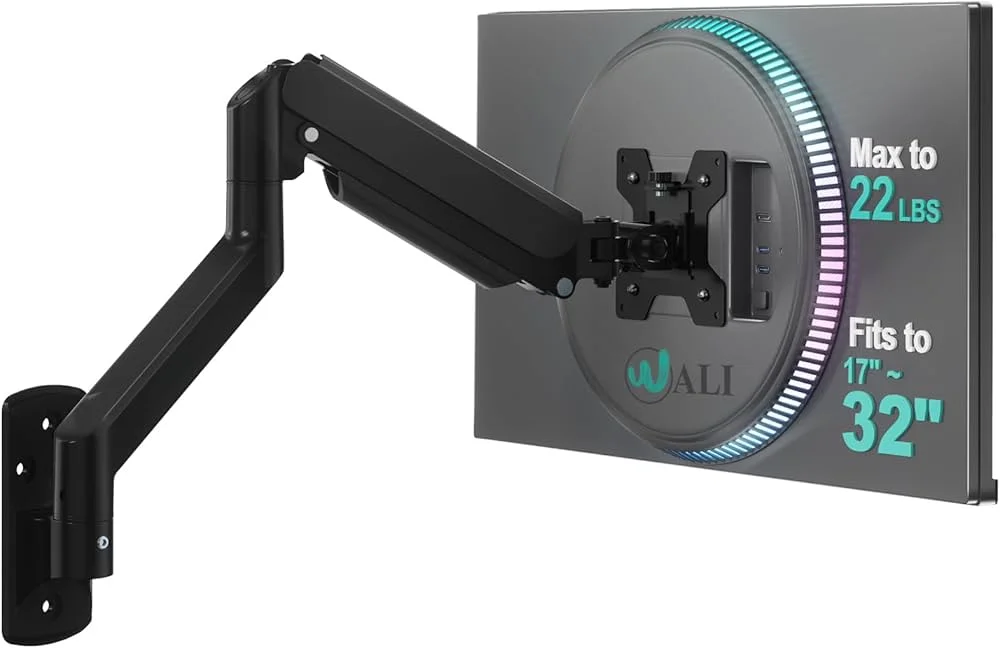
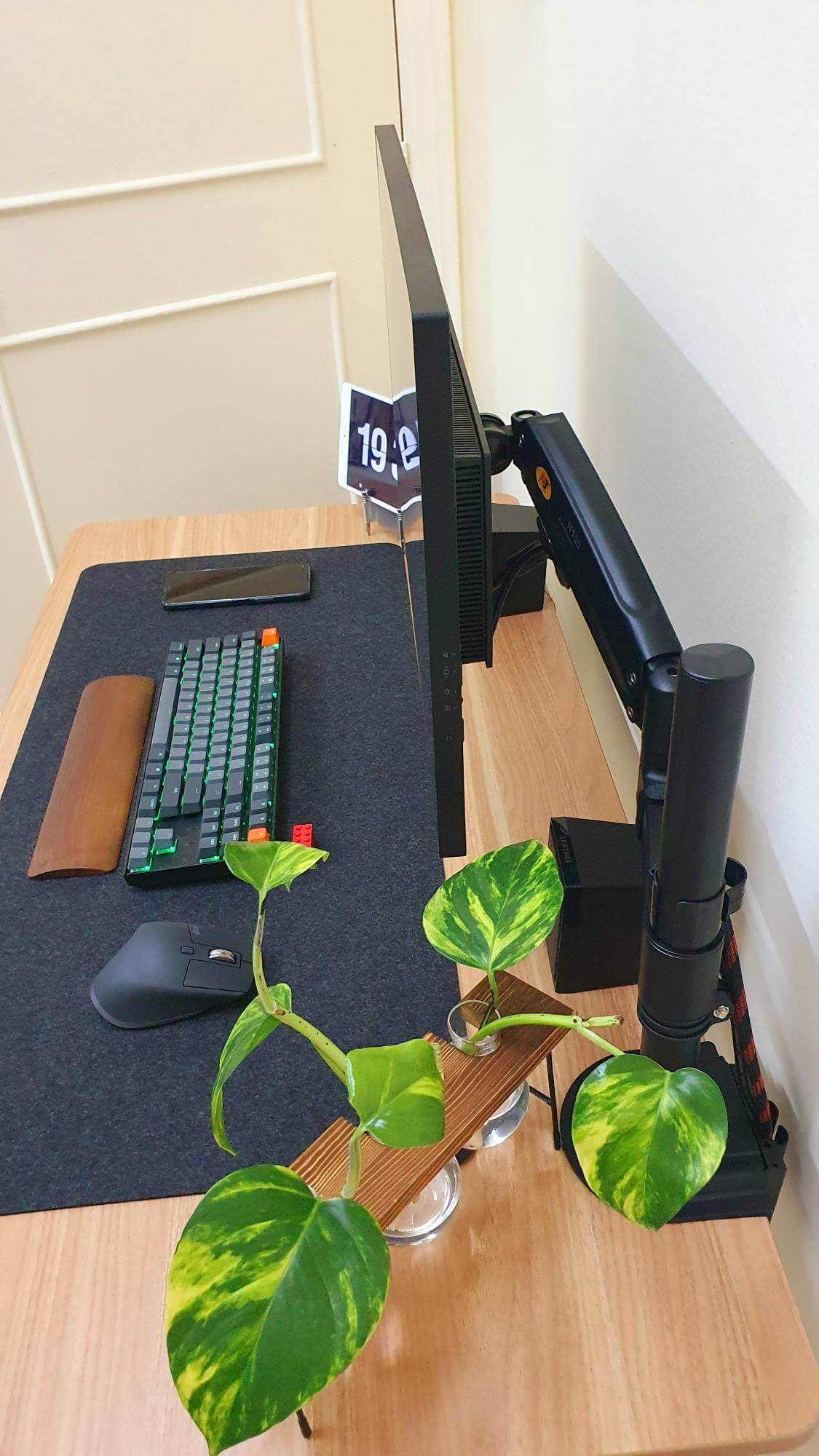
Wali’s gas-spring single arm is listed for screens up to 32 inches and 19.8 lb, with a maximum height of 23.6 inches and extension of 20.3 inches. The page describes a clamp for desks up to 2.76 inches and a grommet base for up to 1.97 inches. Wali’s store showed $43.99 on 16 November 2026. The page gives no minimum weight, so there is no way to tell from it how the spring behaves with a very light screen.
Best Monitor Arm for Ultrawide and Heavy Displays
Ergotron HX. Ergotron’s sheet rates it for 20–42 lb and screens up to 49 inches, with 11.5 inches of lift, up to 23.6 inches of extension and a 10-year warranty; clamp and grommet mounts are both in the box. Two owners here use one. Ogeh Ezeonu, a product designer in Lagos, has an LG 38-inch ultrawide on an HX, and VFX artist James TF hangs a 48-inch LG C1 OLED television from one as his main screen. Because of the 20 lb minimum, the HX is the wrong arm for an ordinary 27-inch monitor. For a deep 49-inch curve, look at the heavy-duty pivot version described above.
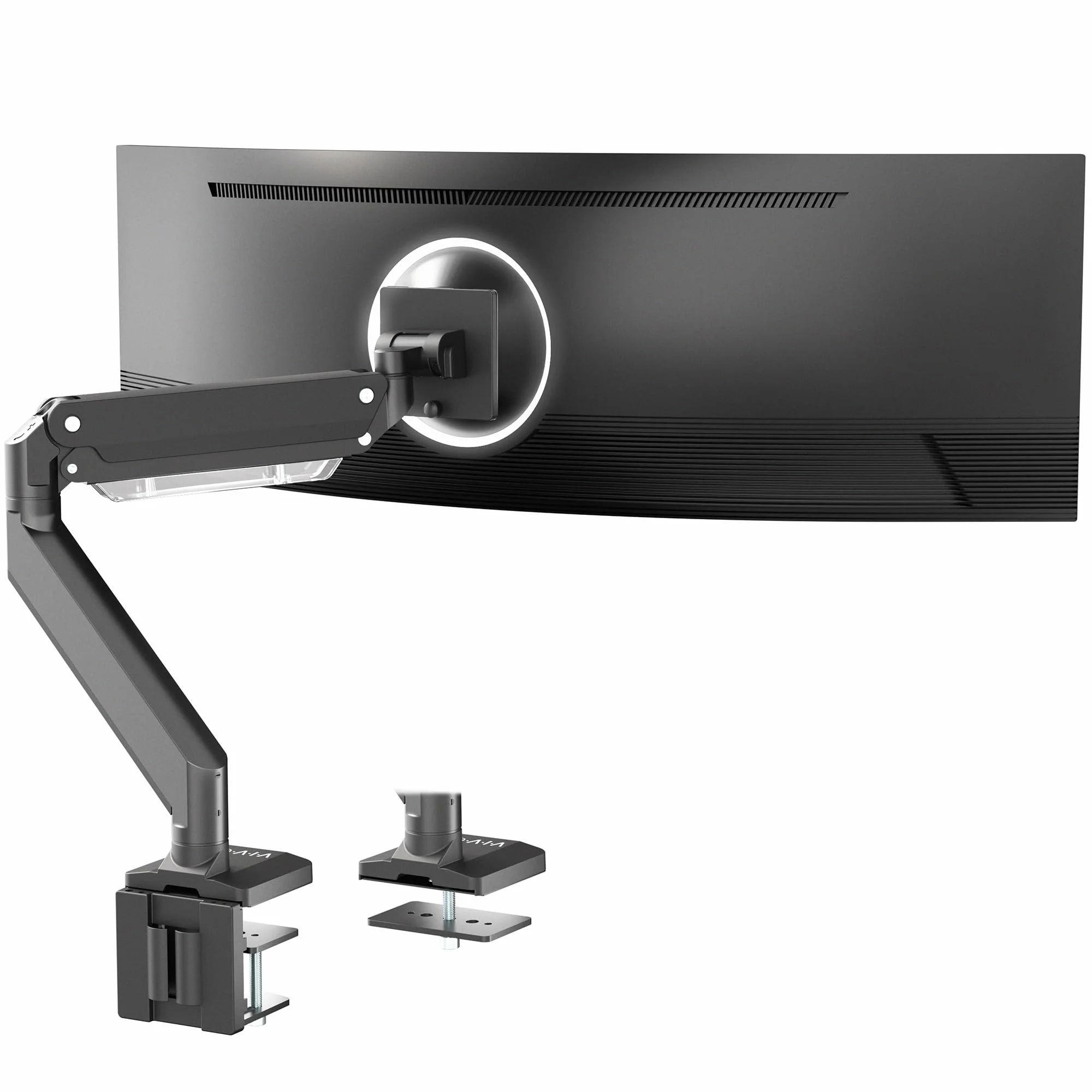
VIVO STAND-V101G1. The cheaper route to an ultrawide arm, according to VIVO’s page: 2.2–33 lb, ultrawides up to 49 inches including 1000R curves, 13 inches of gas-spring height travel and a 3-year warranty. VIVO’s store listed it at $99.99 on 16 November 2026. One caution from the page itself: the specification list gives clamp and grommet limits of 3.3 and 1.9 inches, while the description on the same page says 3.2 and 1.4 inches. Go by the smaller numbers.
Humanscale. Earlier versions of this page recommended the Humanscale M10. Humanscale’s M10 page now says “M8 Pro now replaces the discontinued M10”. Its March 2024 weight chart rated the M10 at 20–48 lb with non-tech mounts and the lighter M8.1 at 6–28 lb. The M8 Pro’s figures have not been checked for this guide, so confirm them with Humanscale before ordering.
An arm is not the only way to get there. Izumo’s desk is a clean ultrawide layout built around a single curved screen, and that feature does not say what the monitor is mounted on.
Best Monitor Arm for Dual-Monitor Setups
The Ergotron LX Dual Side-by-Side puts two LX arms on one pole (Ergotron’s LX sheet): 7–20 lb per screen, 40 lb combined, typical screens up to 27 inches each, 10-year warranty. The Workstream by Monoprice Low-Profile Dual is the cheaper documented alternative; its manual gives two screens up to 32 inches and 19.8 lb each on gas springs, with clamp or grommet mounting. No owner interviewed here uses the Monoprice, so there is nothing first-hand to add about it.
A dual arm is not the only way to mount two screens. Nicolas R. Dumas built a two-screen desk that frees up space around a 34-inch ultrawide and a Dell U2417H, with a Duronic mount in his gear list. His reason: “Stand-alone stands were taking up too much space on my desk, so I bought monitor arms.” James M has three separate LX arms and moves a sim rig in front of them most evenings. Re-aligning three screens each time is the drawback: “Despite the excellent Ergotron mounts, it can still be a bit cumbersome at times.”
What owners say after living with an arm
- The base still takes room. Product designer Yassir Hanzife, who uses a 38-inch LG, says “the monitor arm takes up more space on the desk than I’d like” (interview).
- Try a layout before buying hardware for it. Alex Gow, an IT manager in Australia, added a vertical second monitor, “bought another monitor arm and some longer HDMI cables, only to decide that it was not for me a week later” (interview).
- Cable routing varies by arm. Maru Mailan’s arm “had a hidden hole to put the main cables in” (interview). Arms without a channel need ties or clips, so it helps to borrow a few cable routing ideas first.
Where to set the screen once it is mounted
The US Occupational Safety and Health Administration’s computer workstation guidance puts the top of the monitor “at or slightly below eye level”, the centre of the screen 15 to 20 degrees below horizontal eye level, and the screen between 20 and 40 inches (50 and 100 cm) from your eyes. It warns that a monitor set too high makes you tilt your head back, “which fatigues the neck and shoulder muscles”. An arm earns its price by letting you hit those numbers exactly and change them when you stand. For a laptop-plus-monitor desk, there is a separate walkthrough on getting your monitor and laptop position right.
Which one to buy
- One flat monitor or a 34-inch ultrawide, 4–22 lb: Ergotron LX Pro.
- Light monitor, small budget, height set once: VIVO STAND-V001. If you want to move it daily, a gas-spring arm such as the Wali GSDM001.
- Ultrawide or TV weighing 20–42 lb: Ergotron HX. On a budget and under 33 lb, the VIVO STAND-V101G1.
- Two screens up to 27 inches: Ergotron LX Dual Side-by-Side, or two single arms if you want to place them independently.
Whichever you choose, weigh the decision on three numbers from your own desk: the monitor’s weight without its stand, its VESA pattern, and the thickness of the desktop where the arm will sit.
