

A monitor’s refresh rate is the number of times per second it draws a new image. At 60Hz that happens every 16.7 milliseconds; at 144Hz, roughly every 6.9 milliseconds; at 240Hz, about every 4.2. Those gaps sound too small to matter, yet most people who upgrade notice the difference within seconds of moving the mouse. The interesting part is working out which improvements are real, which are subtle, and which depend on everything else on the desk.
The short version is that a faster panel changes three things: how smooth motion looks, how blurry moving objects appear, and how quickly the screen reflects what your hands just did. Each of those has its own limits, and each depends on parts of the setup that have nothing to do with the monitor itself, from the graphics card to the cable plugged into the back.
Smoothness You Can Feel Before You Can Name It
The first change shows up on the desktop, not in a game. Dragging a window, scrolling a long page or sweeping the cursor across the screen suddenly looks continuous instead of stepped. At 60Hz the eye fills in the gaps between frames without complaint, but once it has seen more intermediate positions, going back feels oddly sticky.
That effect scales with speed. Slow panning in a strategy map benefits a little. Fast camera turns benefit a lot, because the distance an object travels between two frames shrinks as the refresh rate climbs, so the brain has an easier time tracking it.
This is where genre starts to matter. Fast action games online that ask for quick flicks, dodges and target switches get the most out of a high-refresh panel, since almost every second of play involves rapid movement across the screen. Turn-based titles, puzzle games and slower adventures still look pleasant at higher rates, but the practical gain is smaller when the image spends much of its time standing still. Before spending money, it helps to be honest about which kind of play fills most evenings.
Less Smear on Moving Objects
Modern LCD and OLED panels hold each frame on screen until the next one arrives. When your eyes follow a moving object, that frame stays frozen while your gaze keeps travelling, and the mismatch registers as blur. A shorter hold time means less of it.
Testing by the display specialists at Blur Busters photographed the difference directly. With an object moving at 960 pixels per second, a 60Hz refresh produced roughly 16 pixels of motion blur, because each frame stayed visible for a full 16.7 milliseconds; stepping up to 120Hz cut that blur in half. For reading fast-moving text, spotting small details during a camera pan or simply keeping edges crisp, this is often the change people describe as “clearer,” even when they cannot say why.
Some gaming monitors go further with a strobing backlight or black frame insertion mode, which flashes each frame briefly instead of holding it. That trims blur even more, but it usually dims the picture and can introduce flicker that some people find tiring, so it tends to suit short competitive sessions better than a full evening of play.
Responsiveness, and Where It Levels Off
A higher refresh rate also shortens the wait between an input and the frame that shows its result. That is part of why aiming feels tighter. The question is how far the benefit keeps growing.
Researchers at Worcester Polytechnic Institute, working with NVIDIA, built a custom shooter that could run anywhere from 7 to 500 frames per second and tested 44 players. Scores rose sharply at the low end, but the performance benefit levels off above roughly 90 frames per second. Players’ sense of smoothness, however, kept improving all the way to 500. In other words, the jump from 60Hz to something like 144Hz can help performance, while the leap from 240Hz to 500Hz is mostly about how good it feels.
The Upgrade Only Works If the Rest Keeps Up
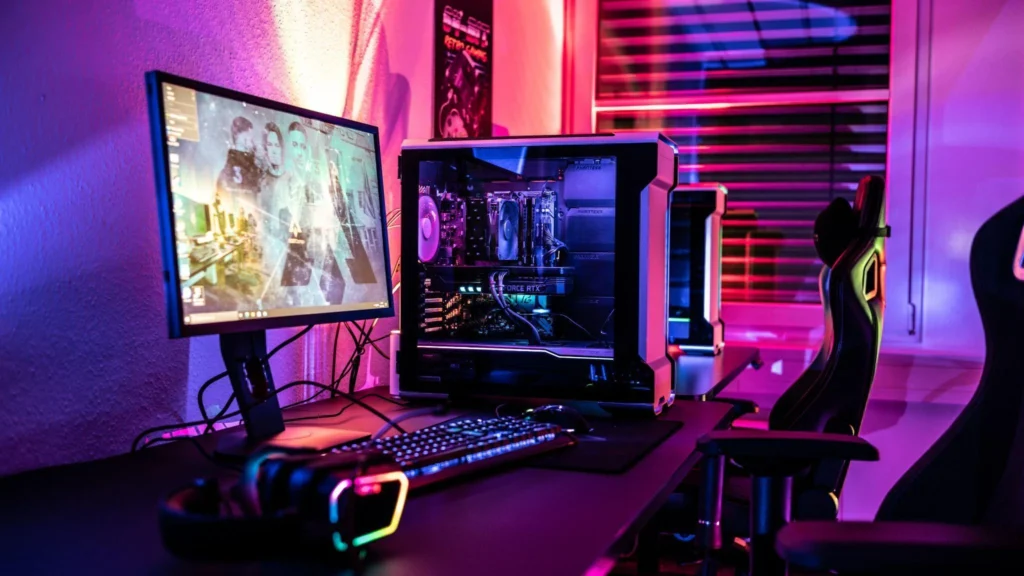
A 144Hz monitor showing 60 frames per second is still, in effect, a 60Hz experience. The graphics card has to produce frames fast enough to fill the extra refreshes, which usually means lowering some settings or accepting that demanding titles will not hit the panel’s maximum. Variable refresh rate support, sold under names like G-Sync and FreeSync, helps by letting the monitor match whatever frame rate the card delivers, which reduces tearing and stutter when the numbers fluctuate.
Two small traps catch a surprising number of people. The operating system may leave the display at 60Hz until the setting is changed manually, and an older or lower-spec cable may not carry enough bandwidth for high refresh at high resolution. Checking both takes a minute and saves a lot of confusion.
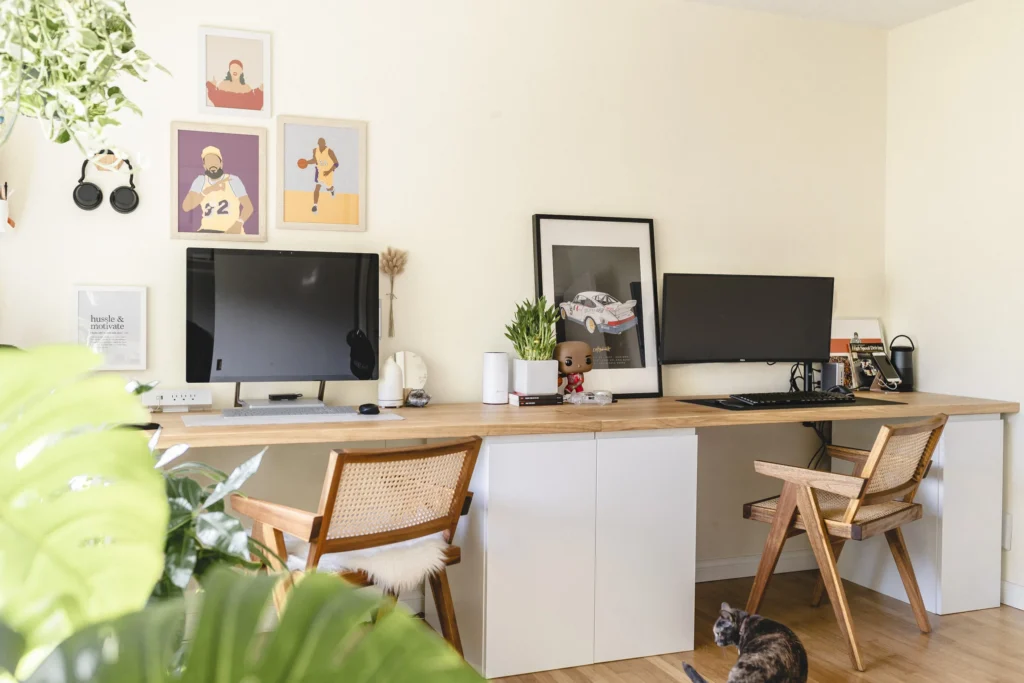
Desk layout plays a part too. Plenty of builders now design a whole station around the screen; one recent tour on this site shows a setup built around OLED, with a single 32-inch panel on an arm doing duty for both work and play. Placement, viewing distance and room lighting affect how much of that motion clarity your eyes actually notice.
Beyond Games: The Desk Feels Different
Much of the conversation around refresh rates centres on video games, but everyday work changes as well. Scrolling through code, spreadsheets or long documents is easier on the eyes when text stays legible in motion. Editing timelines and design canvases feel more immediate. None of this is dramatic on its own, yet together it makes a high-refresh screen hard to give up.
Sixteen Milliseconds, Reclaimed
Moving from 60Hz to a faster monitor does not add skill, and it will not rescue an underpowered graphics card. What it does is shrink the gaps between frames, cut the blur on anything in motion, and tighten the link between hand and screen. The biggest step is usually the first one, from 60 to somewhere around 120 or 144, and it is also the cheapest. Past that, the gains become smaller and more about comfort than performance. For anyone who spends long hours in fast-moving scenes, those reclaimed milliseconds are among the most noticeable upgrades a desk can get.
