

A monitor sitting too low pulls your head forward all day, and that forward tilt is the usual cause of tech neck. Stacking books under the screen does not fix the angle. Getting the display to real eye level does, and that means a proper monitor arm.
These best monitor arm picks for 2026 cover every budget, from a $30 spring arm to a $571 Humanscale build, all based on hands-on testing.
What a Monitor Arm Actually Does?
A monitor arm lifts the screen, clears the desk under it, and locks the height where you set it. Most decent ones adjust for height, tilt, swivel, and pivot without tools. Done right, it can save precious desk space while keeping the screen exactly where your eyes want it.
A screen parked at neutral eye level cuts neck and shoulder strain across a full workday. Placement matters as much as the hardware, and there’s a simple walkthrough for getting your monitor and laptop position right.
Before buying, flip your monitor over and check the VESA bolt pattern. It reads 75x75mm or 100x100mm. Measure desk thickness too, since that decides whether a clamp or grommet mount fits.
Best Monitor Arm for Most People: Ergotron LX Pro
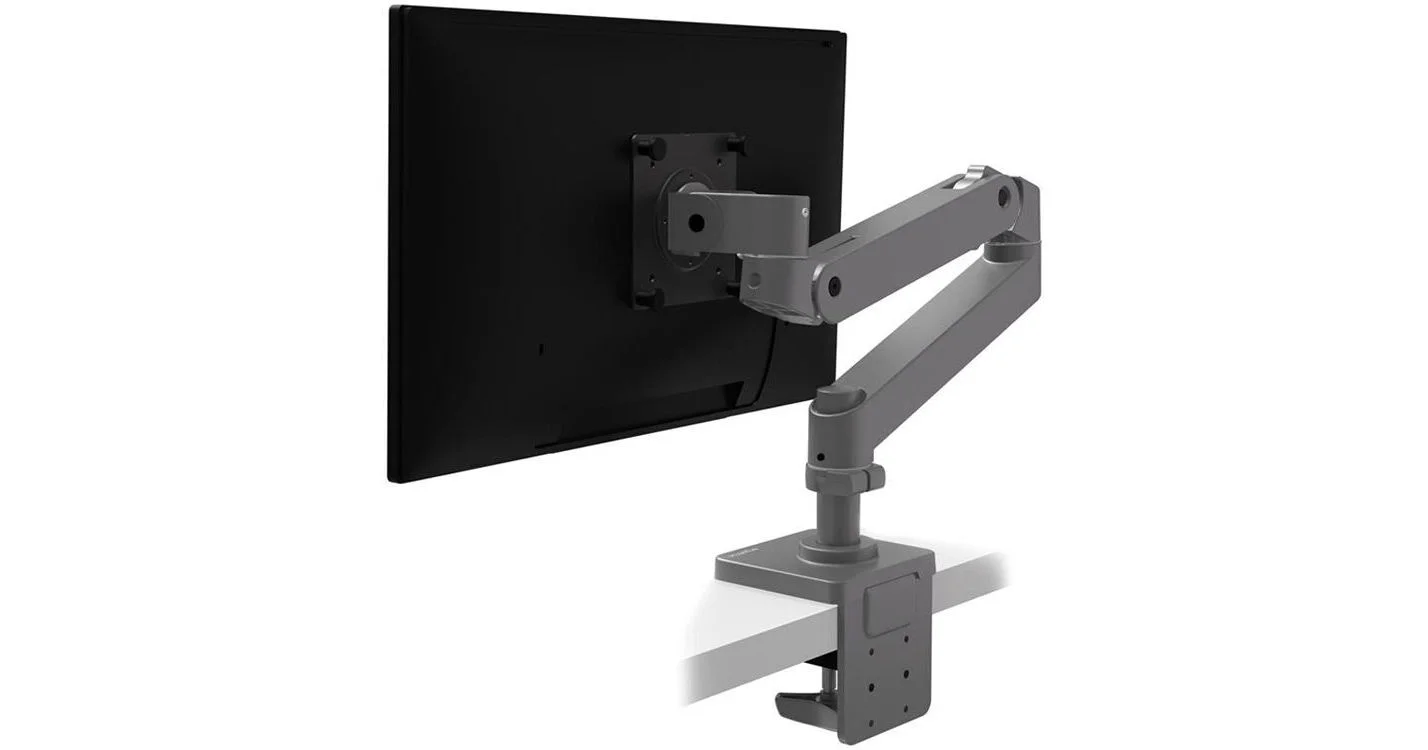
The Ergotron LX Pro is the pick for most people. It holds monitors up to 34 inches and 22 pounds. The clamp has a handhold, and the two arm sections slot together without a fight. Cables tuck into internal channels under clip-on cladding.
The desk clamp runs wider than usual, so it spreads load and is easier on the surface. Day to day, adjustment stays smooth and tool-free. It carries a 10-year warranty, and at a $209 MSRP the build earns it. Plenty of makers run an Ergotron mount in a feature-rich, functional desk build.
Monitor Arm Price Comparison
Best Budget Single Monitor Arm Picks
Two cheap arms earn their place when the monitor is light and not worth much.
North Bayou Single Spring — $30
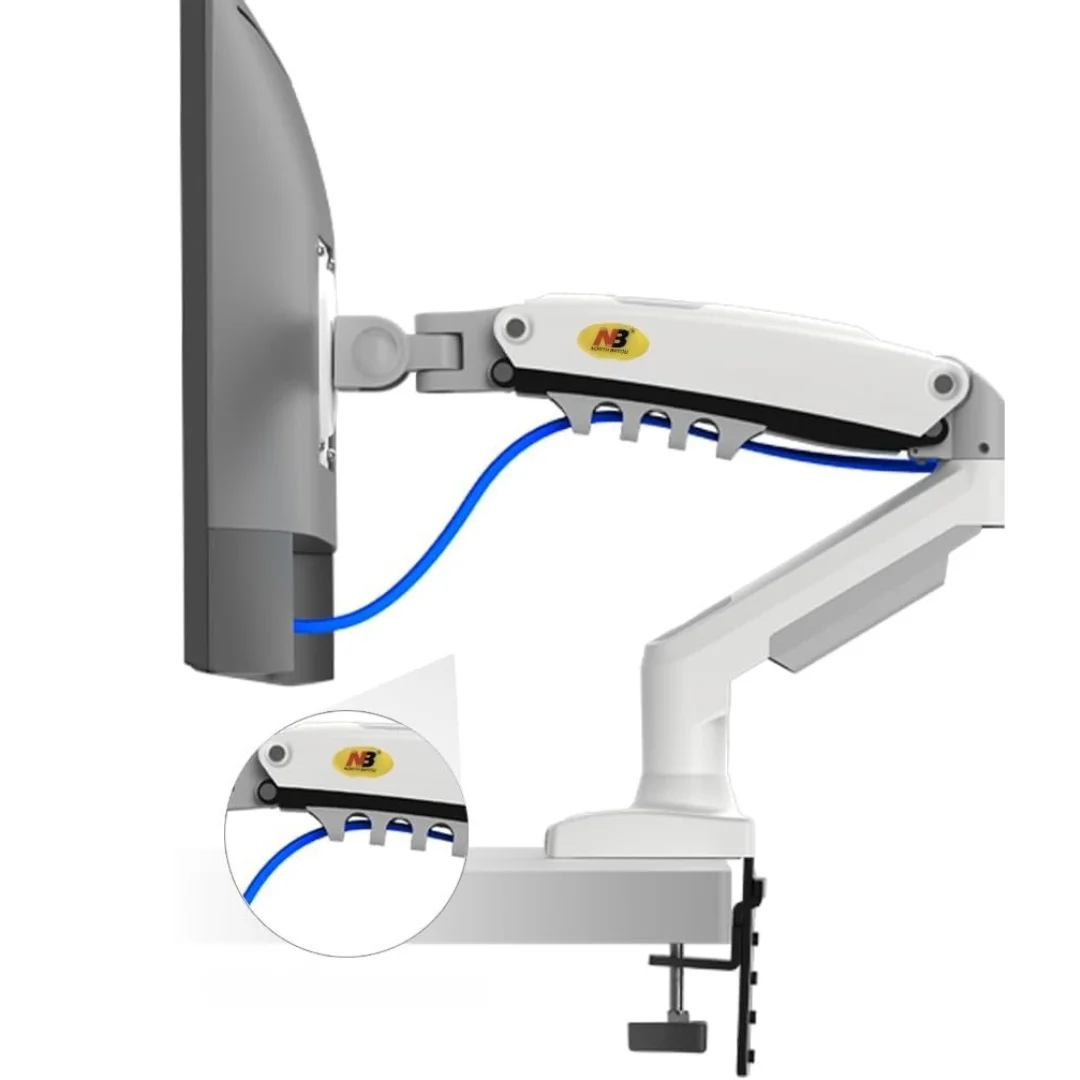
It fits screens from 17 to 30 inches and holds just under 20 lbs, the highest capacity at this price. More than 17,000 Amazon reviews average 4.5 stars. Cable management is bare-bones. The clamp gets shaky near its weight limit, so keep loads modest.
Wali Single Premium Spring — $37
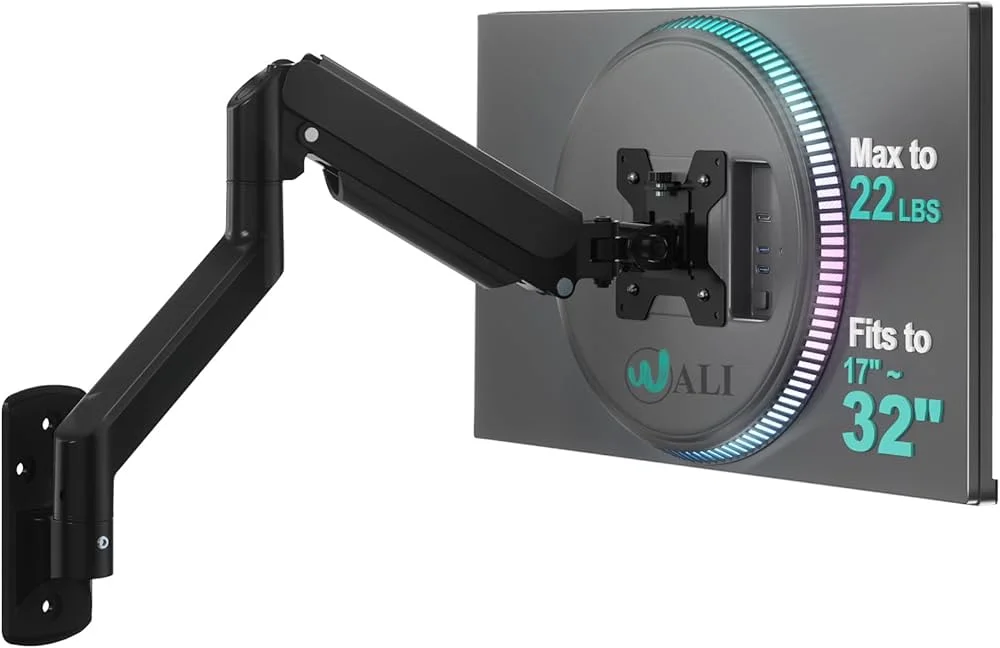
This single monitor arm gives more vertical range than the North Bayou. The post handles most of the lift, with extra height adjustment stacked on the secondary arm, and it takes screens up to 32 inches. The C-clamp uses thicker steel and a better threaded screw. You can route cables without a screwdriver, which helps if you rearrange gear often.
Best Monitor Arm for Ultrawide and Heavy Displays
| Arm | Price | Weight Limit | Max Screen | Best For |
|---|---|---|---|---|
| VIVO Heavy Duty | $100 | High | 49″ | Budget ultrawide users |
| Ergotron HX | $400 | 42 lbs | 49″ | Premium ultrawide and TV-as-monitor |
| Humanscale M10 | $571 | Heavy-duty | Large formats | Premium aesthetics |
VIVO Heavy Duty ($100) is the first true heavy-duty arm here. Steel and aluminum give it real rigidity, and the head pivots. The cable cover is clear plastic, so it shows against black cables, but it works. VIVO runs a US-based support team.
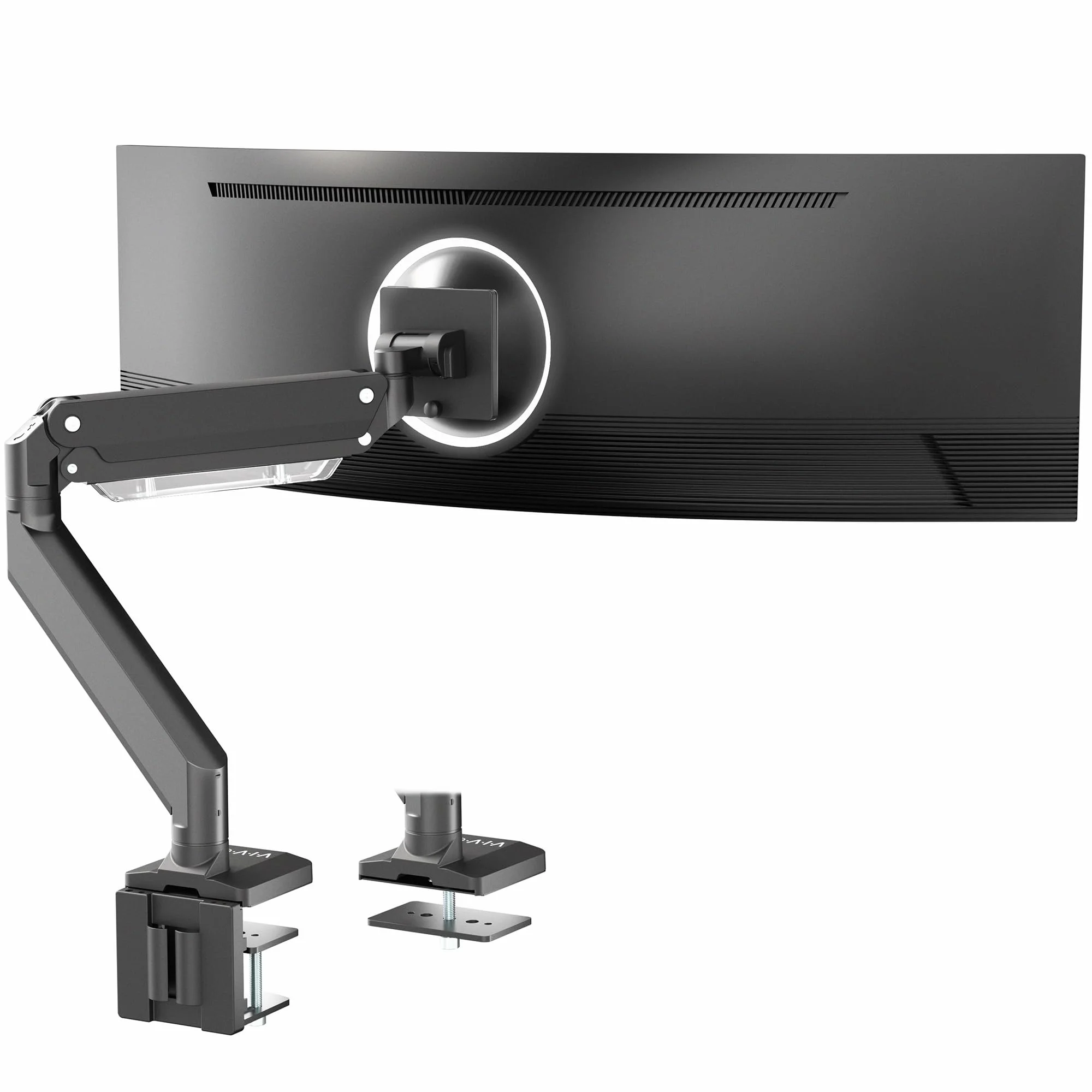
Ergotron HX ($400) suits ultrawides, big curved panels, and TVs used as monitors. The desk clamp is overbuilt on purpose, and a quick-release head lets you mount large panels solo. Upper-arm cable routing beats the LX.
The spring is big, so it fights monitors under roughly 30 lbs. The 10-year warranty applies. Makers regularly run a 49-inch super ultrawide on a desk mount, which is exactly this arm’s territory.
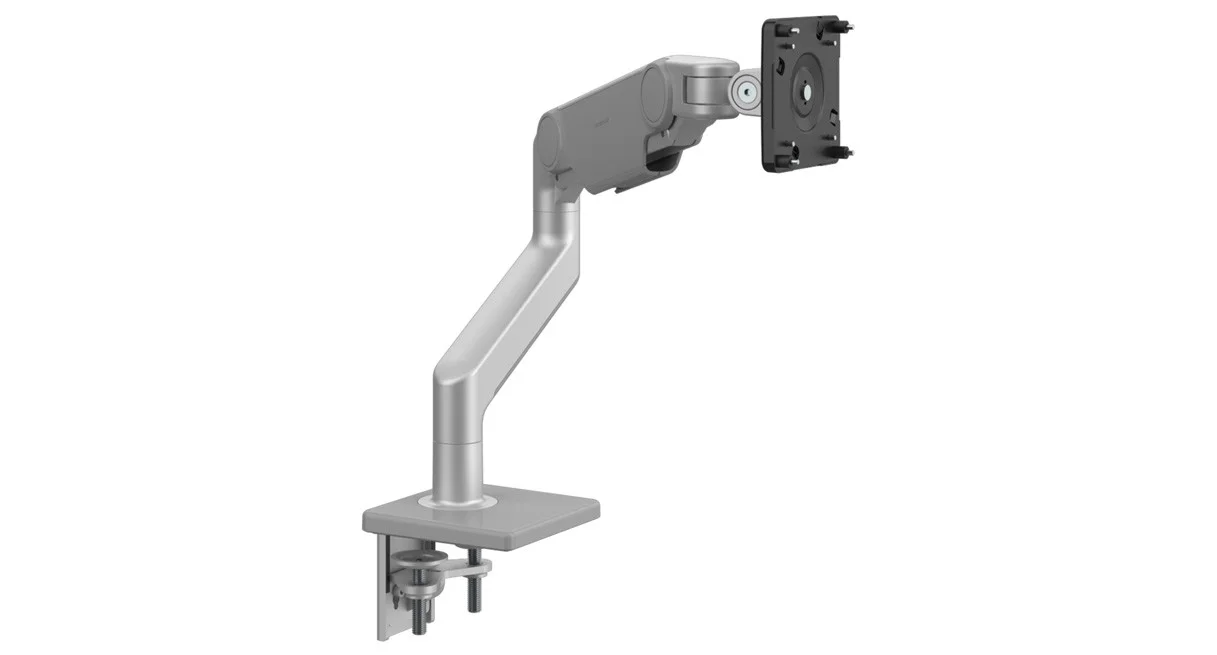
Humanscale M10 ($571) is the no-compromise option. Cables vanish completely, unlike Ergotron’s industrial look.
The clamp is heavy-duty, and an expensive ultrawide is in no danger of dropping. If desk appearance matters and the panel is high-end, nothing here matches it. The payoff is a clean ultrawide layout with no visible wiring.
Best Monitor Arm for Dual-Monitor Setups
| Arm | Price | Max Screen (Each) | Best For |
|---|---|---|---|
| Ergotron LX Dual | $330 | 27″ | Premium dual setup |
| Monoprice Workstream Dual | $100 | 27″ | Budget dual setup |
The Ergotron LX Dual mounts two LX-style arms on one base. Specs track the single LX, and the 10-year warranty carries over. Each side takes screens up to 27 inches, so two 32-inch panels will not fit. It’s a clean pick for a two-screen desk that frees up space.
The Workstream by Monoprice Dual costs $100, about a quarter of the Ergotron. Setup takes longer, adjustment needs more effort, and treat the weight rating with caution. Even so, the gap in everyday use does not justify four times the price for everyone.
What to Check Before You Buy a Monitor Arm?
Weight capacity. Look up your monitor’s weight without its stand. A 27-inch screen usually lands under 10 lbs. A 32-inch ultrawide can pass 20 lbs.
Size limits. A panel too large for the arm’s rating loads the tension mechanism unevenly and wears it out over time, even inside the weight limit.
Desk fit. For a clamp, clear the desk edge of obstructions. For grommet holes, confirm the arm ships a grommet mount.
Tool-free adjustment. Arms that need an Allen key for every angle change get old fast. Good ones move on the fly.
Cable management. Budget arms handle a cable or two. Running USB-C, HDMI, and power together usually means adding your own clips no matter what the box claims, so it helps to borrow a few cable routing ideas first.
For most desks, the Ergotron LX Pro is the best monitor arm to buy. On a budget, the Wali at $37 edges the North Bayou. For heavy panels, the Ergotron HX is the safe call, and the Humanscale M10 wins on looks when budget is no object.
FAQs
What size monitor arm do I need?
Match the arm’s rated screen size and weight to your monitor. Measure the monitor’s weight without its stand, then pick an arm with headroom above that figure rather than right at the limit.
Clamp mount or grommet mount: which is better?
Use a clamp when the desk edge is clear and you want quick install. Choose a grommet mount for thick desks, a permanent fixed position, or when the edge is blocked.
Can a budget monitor arm hold an ultrawide?
It’s risky. Under-$100 clamps strain near their limit. For an ultrawide monitor arm, start with the VIVO Heavy Duty at $100, or step up to the Ergotron HX for heavier panels.
Is the Ergotron LX Pro worth the price?
For most desks, yes. You get a premium build, smooth tool-free adjustment, support for 34-inch and 22-lb monitors, and a 10-year warranty at a $209 MSRP. The cable management is its weak point.
What is the correct monitor height?
Set the top of the screen at or slightly below eye level when sitting upright, with your eyes landing 1 to 2 inches below the top edge. Keep it about an arm’s length away.

Francesco is a maker, engineer, and 3D printing enthusiast passionate about building tools and spaces that inspire creativity. With a background in software development and hands-on hardware projects, he explores the intersection of digital fabrication, productivity, and modern workspaces. When he’s not designing or experimenting, Francesco shares insights to help others create smarter, more efficient environments for work and making.