

The short answer: the parts of a desk setup that last are the furniture and the things you bolt to it: the desk, the chair, the monitor arm and the wall storage. The parts people replace are the computer and the peripherals. That is what the owners we have interviewed over the years say about their own gear, and it matches how long the makers themselves are willing to guarantee each category.
So a five-year desk is not a list of the newest products. It is a solid base that you spend on once, with the fast-moving electronics treated as swappable parts.
What owners have kept for years
Raymond Cripps works from a loft-bed setup built on an IKEA kitchen worktop over two ALEX drawer units. “I have owned most of the equipment for over five years,” he told us, and later added: “I honestly do not remember how much my equipment costs because I bought most of it years ago, and it has lasted so long.” The one change he would make is a CPU upgrade (Raymond’s loft-bed desk setup).
Josiah Montassi upgraded his keyboard, monitor and laptop, but kept the IKEA Markus chair he has had for many years: “I’ll admit that it definitely looks like it’s been used for years, but it still saves my back every day” (Josiah’s minimalist workspace).
Sigit Adinugroho’s room in Singapore “started out with an old desk (that I passed on to my daughter now), the Sayl chair, and an IKEA sofa.” The desk has since changed, and so has the monitor, but the Herman Miller Sayl is still the chair he sits on daily. He chose it because “It is the cheapest I could find for a proper ergonomic chair from the brand” (Sigit’s product design setup).
Long ownership is not limited to furniture when the item does one job well. Jose Munoz used Apple’s Thunderbolt Display for over ten years before moving to a Studio Display (Jose’s product designer setup), and Luca Mezzalira had a USB microphone for almost ten years before he upgraded to an XLR one (Luca’s London home office).
What owners replace, and why
Cheap chairs are the clearest pattern of failure in our interviews. Mike Overton has “gone through three chairs since 2021”. The first, a cheap IKEA office chair, “became so uncomfortable after nearly a year that I ended up using cushions”; the second, from Argos, “broke after just eight months” (Mike’s geek home office). Nicholas went through two cheaper chairs before his Herman Miller Mirra 2, and says they “ultimately became garbage over time”, in the interview linked under his photo below.
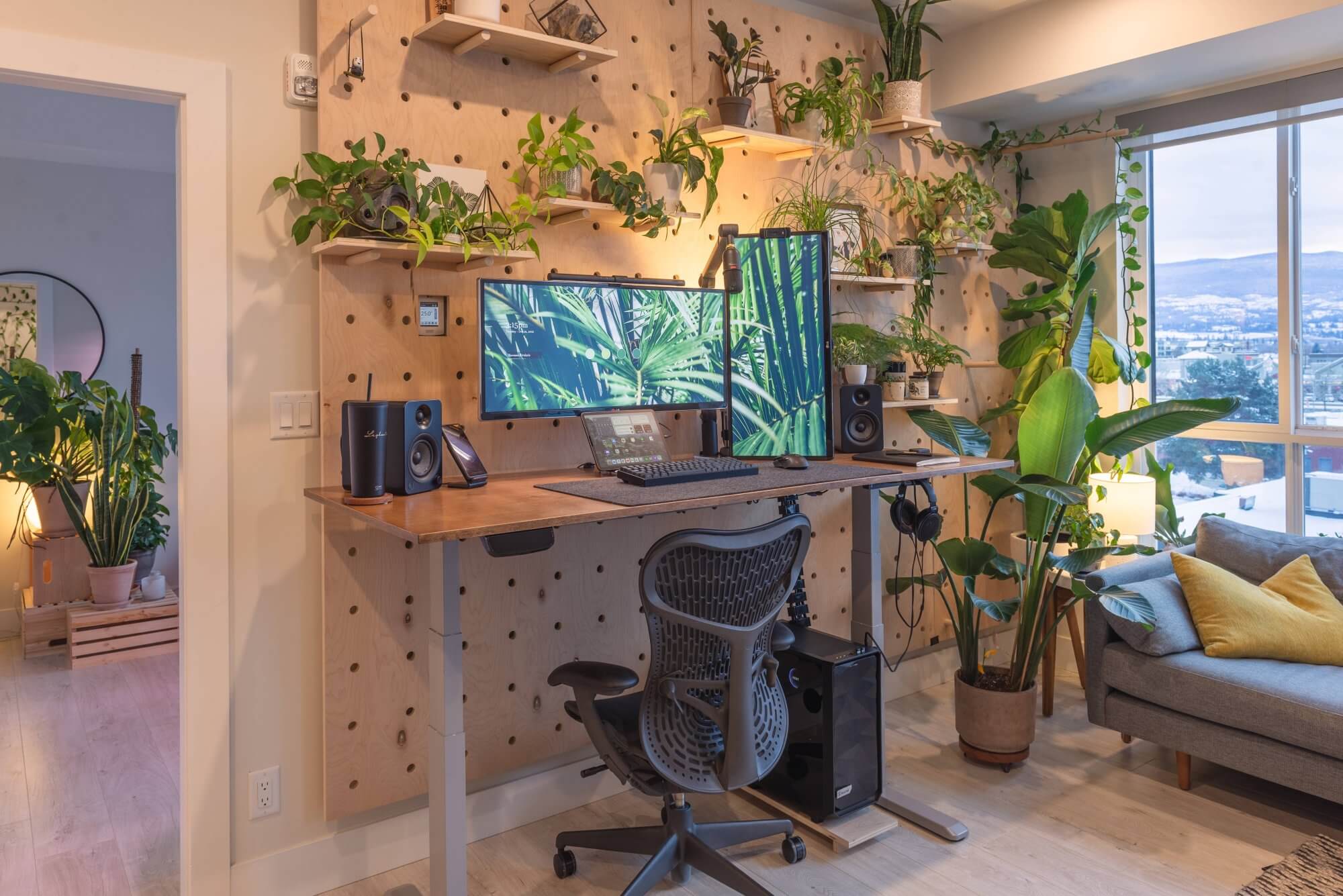
His reasoning for spending more is worth quoting in full: “The justification I always give for being willing to spend upwards of ~$1K on a chair comes from the fact that you won’t need to buy any replacement chairs within the 12-year warranty period they offer.” Kiboorou, who works from Singapore, learned the same lesson another way: “After suffering from back pain, I regretted not investing in a proper chair that could support my posture” (Kiboorou’s clean setup).
Peripherals get replaced even when they still work. Josiah had a WASD Code mechanical keyboard “for the last five years, and it hasn’t failed me once”, then swapped it in 2021 because he wanted to go fully wireless (Josiah’s workspace). Nicolas R. Dumas is open about it: “I switch up my peripherals frequently” (Nicolas’s IKEA KARLBY desk setup).
How long makers will stand behind each category
A warranty is not a lifespan, but it is the one number where a maker puts money behind how long a product should last. The gap between categories is large.
| Category | Example | Stated warranty |
|---|---|---|
| Office chair | Herman Miller Sayl | 12-year warranty |
| Standing desk | FlexiSpot (UK) | Up to 15-year warranty (varies by model) |
| Monitor arm | Ergotron LX | 10-year warranty |
| Computer | Most Apple products | one year of hardware coverage |
| Keyboard | Keychron | twelve (12) months |
Terms differ by country and by model, so check the warranty for the exact product before you buy. The pattern holds, though: the furniture and mounts are covered for a decade or more, the electronics for about a year.
Putting it into practice
- Spend on the chair first. It is the item owners in our interviews most often regret buying cheap, and makers cover good ones for over a decade.
- Keep the desk plain and sturdy. Raymond’s desk is a kitchen worktop on two drawer units, and most of what sits on it is more than five years old.
- Put the screen on a VESA arm. The arm and the screen are separate purchases, so a new monitor with VESA holes does not have to mean a new mount.
- Treat the computer and peripherals as replaceable. Plug them into a decent USB hub so that swapping a laptop means moving one cable, not rewiring the desk.
- Choose colours and materials for the long-lived pieces that you will not mind looking at in five years; the gadgets on top can carry the trends.
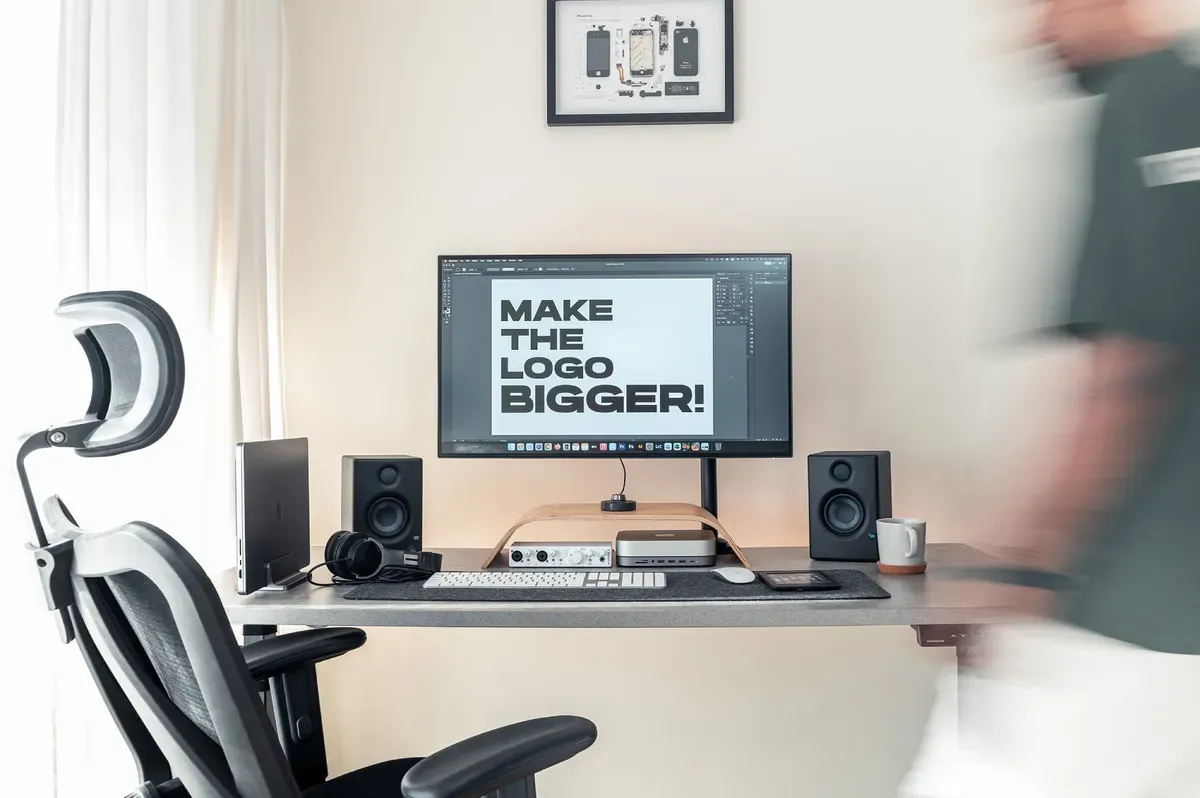
Photo: Minimal Bedroom Desk Setup of a Content Creator in Dubai
Waiting for the next model is its own trap. Tony Sam Noel worried that the monitor he wanted “was made in 2018, so the technology behind it felt old.” He says: “I waited for months just to see if they would release an updated version, but it didn’t happen.” He bought it anyway: “I’m so happy that I got it.”
Leave room to change
The setups that last are not frozen. Cam DiCecca built his desk in a rented apartment where, as he put it, “We aren’t sure if we’ll be living in this apartment for a few years, or until the one-year lease ends.” His answer was storage that moves with him: pegboards above the desk that he uses for storage and display, and “I do find myself always adding/removing items, as well as re-organising them.”
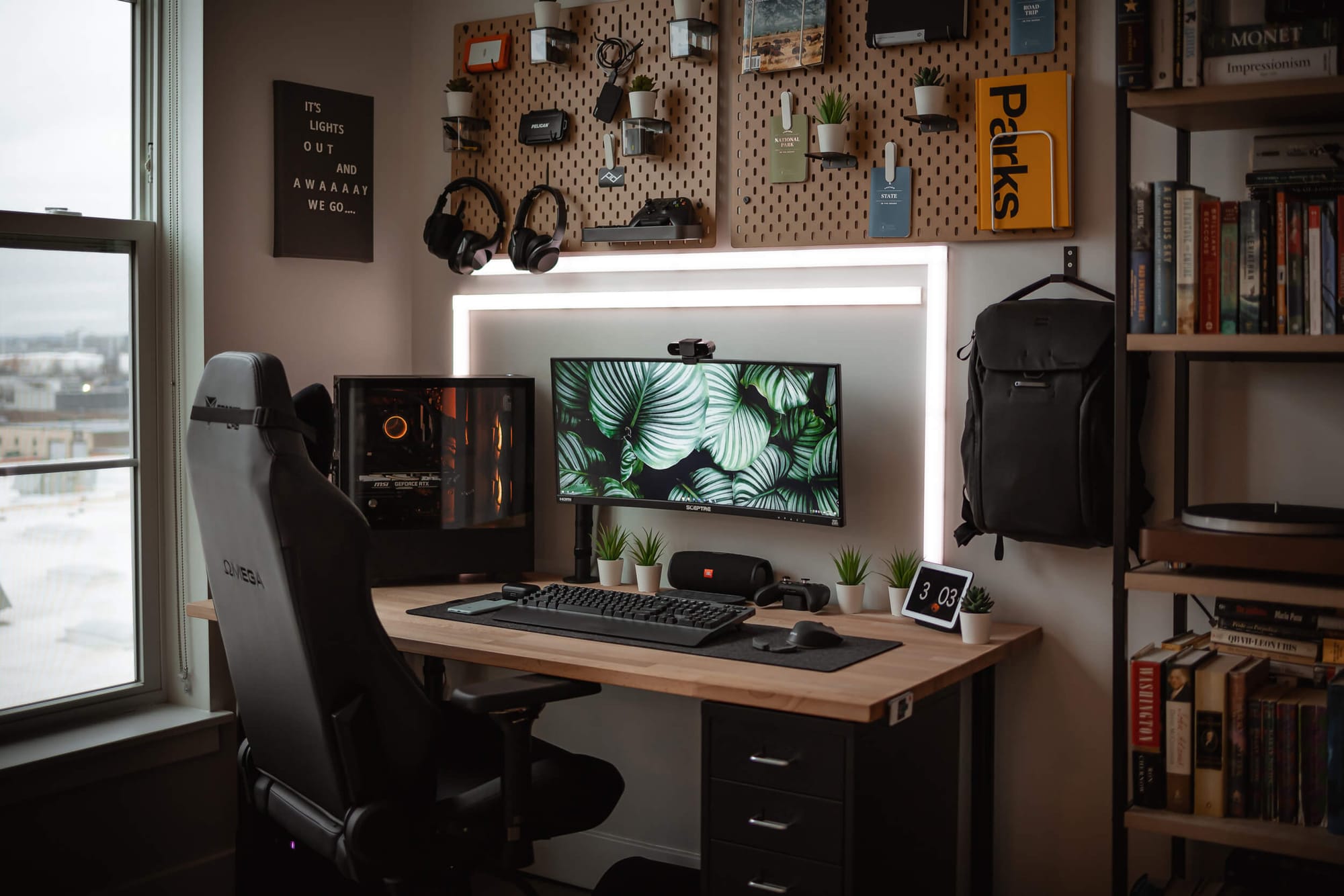
Cam and Jose Munoz both use the IKEA SKÅDIS Pegboard, Cam above his desk and Jose behind his. A pegboard, a monitor arm and a plain desk give you a frame that can take whatever computer, keyboard or hobby comes next without starting again.
We’re a reader-supported publication. This article might contain affiliate links. It means we may receive a commission if you click a link and buy a product that our maker has recommended. The interview was done independently.
