

An ergonomic home workspace comes down to six things you can check: the chair, the screen, the keyboard and mouse, temperature, light and sound. Here is the target for each from US (OSHA) and UK (HSE) workplace guidance, and what one maker on this site did about it.
If something already hurts, start with our guide to fixing a desk setup by symptom, and see a clinician about pain that does not settle.
| Essential | Target to check | Source |
|---|---|---|
| Chair | Feet flat on the floor or a footrest, lumbar support in the small of your back, backrest that reclines at least 15 degrees | OSHA: chairs |
| Screen | Top of the screen at or slightly below eye level, between 20 and 40 inches (50 and 100 cm) from your eyes | OSHA: monitors |
| Keyboard and mouse | Elbows about the same height as the keyboard, wrists straight, forearms roughly parallel with the floor | OSHA: keyboards |
| Temperature and air | At least 16°C in a UK workroom; OSHA recommends between 68° and 74° F (20° and 23.5° C) in the heating season and relative humidity between 30% and 60% | HSE: temperature, OSHA: workstation environment |
| Light | 20 to 50 foot-candles for paper work, up to 73 foot-candles with LCD screens; screen at right angles to the window | OSHA: workstation environment |
| Sound | Moderate background noise (about 70 dB) helped creative tasks in one study; 85 dB hurt them | Mehta, Zhu and Cheema (2012) |
1. A chair that supports your lower back
Seat height decides where your elbows and eyes end up, so start here. OSHA says the chair height is right when the whole sole of your foot rests on the floor; if that leaves you too low for the desk, raise the seat and use a footrest. With no lumbar support, a rolled-up towel or cushion is OSHA’s stop-gap. The HSE adds that the seat should support the front and back of your thighs equally, and that short, frequent breaks beat long, rare ones: 5 to 10 minutes every hour is better than 20 minutes every 2 hours.
Josiah Montassi, who works from a 4 m² space in Melbourne, puts the chair first: “I’ve had my IKEA Markus for many years now, and it’s saved me from a world of back pain, especially while working/studying from home!” He singles out its “excellent lumbar support” and advises against anything under $100 bought new (Josiah’s workspace).
2. A screen at eye level and arm’s length
The HSE’s posture guide puts it in one line: “Top of screen level with eyes, about an arm’s length away”. OSHA adds that the centre of the screen should normally sit 15 to 20 degrees below horizontal eye level, and that people with bifocals may need it lower still so they do not tilt their head back. If you work from a laptop, our laptop and monitor layout guide covers where each screen goes.
Joakim Widell, a project manager in Sweden, settled on an ultrawide plus a second screen in portrait mode, which he says works “without causing neck pain (which I got from the vertically stacked combo)” (Joakim’s setup).
3. Keyboard and mouse at elbow height
OSHA wants relaxed shoulders and wrists that do not bend up, down or sideways while you type; the HSE puts it as “Keyboard just below elbow height”. Keep the mouse close enough that you are not reaching for it.
Jantana Hennard, a 3D designer who rebuilt her setup after moving from Paris to Montréal, started there: “I put a lot of importance on good ergonomics, so I chose to invest in a decent mouse and desk chair.” (Jantana’s workstation)
4. A comfortable room temperature
In a study led by Alan Hedge at Cornell University, typing errors fell by 44% and typing output rose 150% when the office temperature went from 68 to 77 degrees Fahrenheit. Treat it as a pointer: it covered nine workstations in one office over a month and was presented at a conference.
For targets, use the guidance figures in the table, and, as OSHA advises, avoid sitting directly under an air-conditioning vent. The HSE’s thermal comfort guidance notes there is no law for a maximum working temperature, and suggests personal heaters or fans.

That is exactly what Qasim Zafar does in the garage he works from in Virginia, which has no temperature control: “I have to use a heater in the winter and a fan in the summer to keep things manageable.” (Qasim’s setup)
5. Enough light, without glare
Researchers at Northwestern Medicine and the University of Illinois at Urbana-Champaign have found that, in a group of 49 day-shift office workers, those with windows at work slept an average of 46 minutes more per night than those without, and showed a trend towards more physical activity. A co-author noted that daylight from side windows almost vanishes after 20 to 25 feet, so keep the desk close.
 Editorial Team
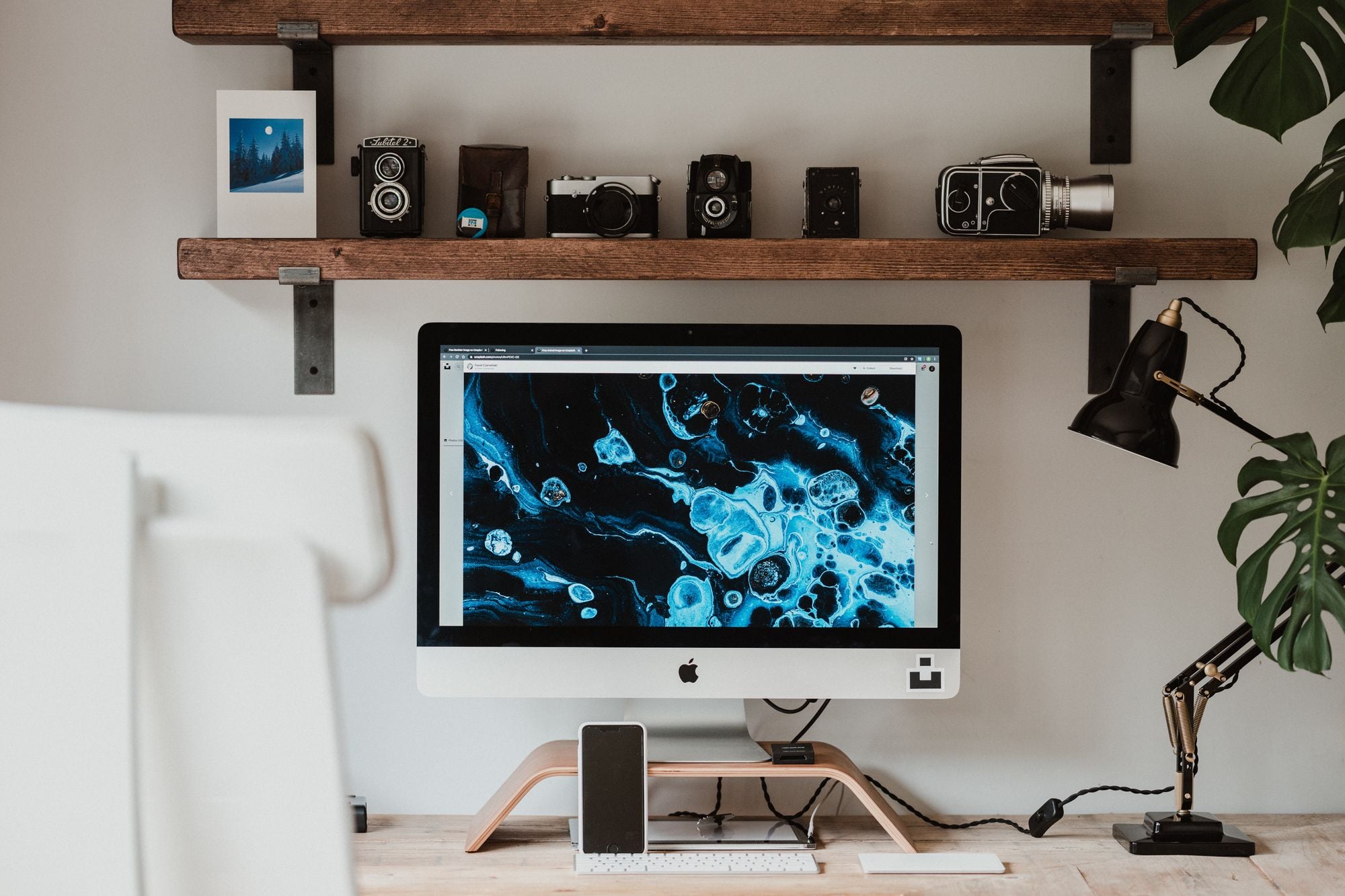
Close does not mean facing it. OSHA advises placing the monitor perpendicular to the window, with blinds to keep bright light out of your field of view and a shaded task lamp for paper work.
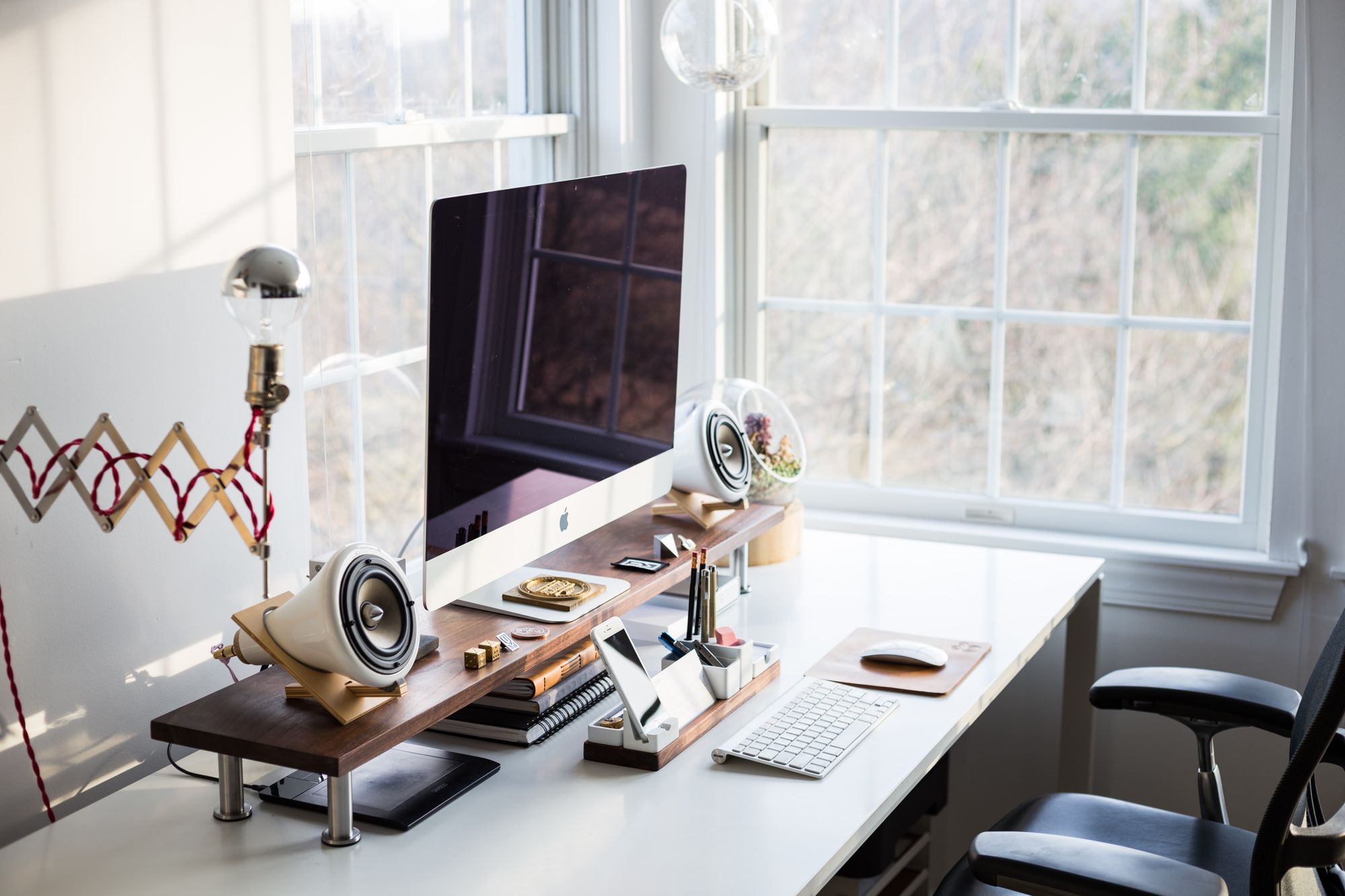
Kiboorou, a product designer in Singapore, arrived at the same answer by trial and error: “After many attempts at rearranging my workspace, I’ve found that the best position for my desk is next to a window.” The spot also makes it easy to open the window and refresh the air (Kiboorou’s setup).
6. The right level of background sound
A study published by the Journal of Consumer Research has found, across five experiments, that a moderate level of ambient noise (70 dB) improved performance on creative tasks compared with a low level (50 dB), while a high level (85 dB) hurt creativity, according to the paper’s abstract. The University of Illinois likened 70 decibels to a passenger car on a highway. It tested creative tasks, not routine work.
Editorial Team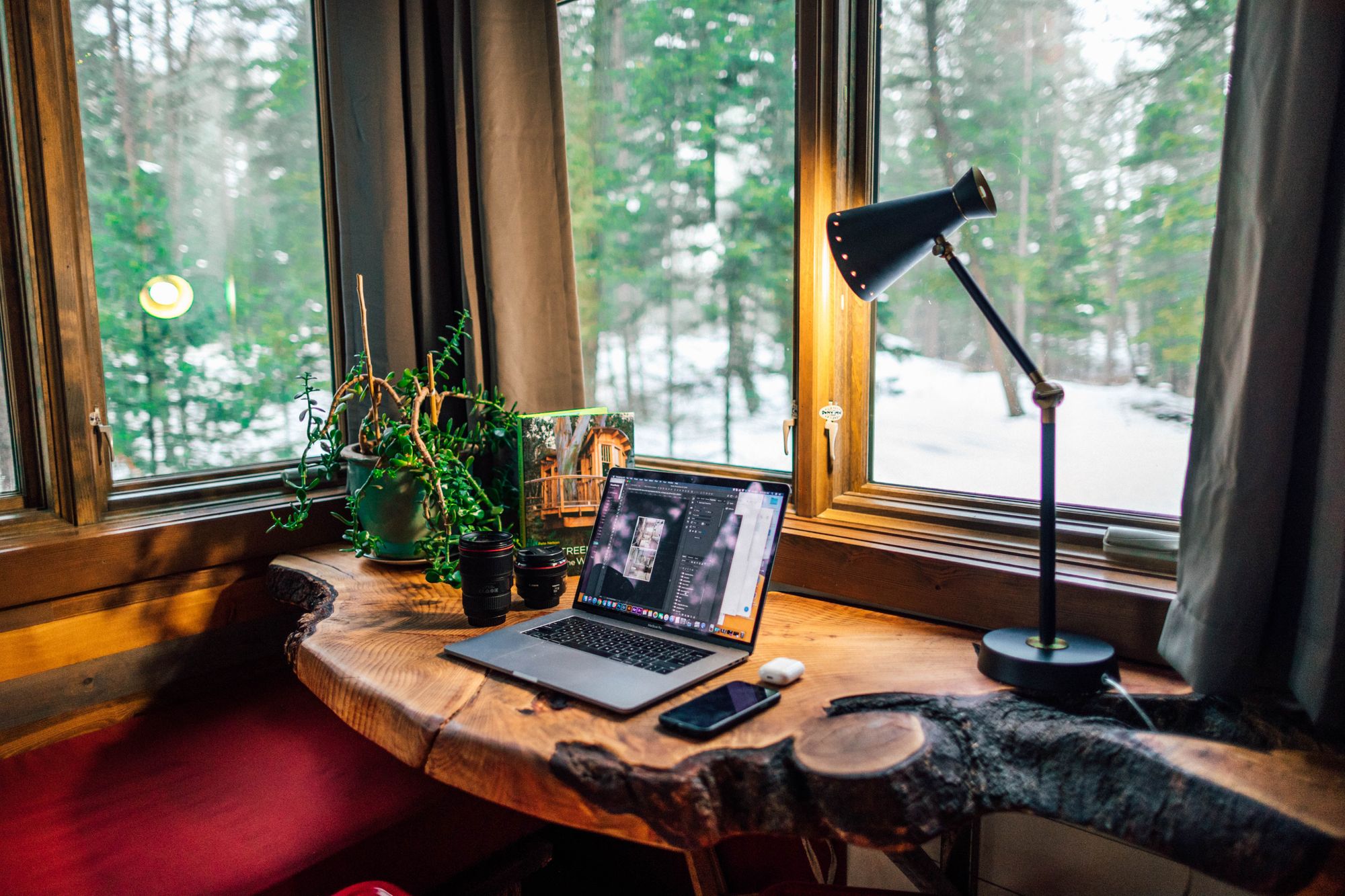
If your home is too quiet, free background sources include live air traffic radio chatter from Listen to the Cloud and recorded café ambience from Coffitivity. Graham Neff, who works from a basement office in Minnesota, uses the first approach: “Podcasts/newscasts are my white noise, and I’m more productive with something playing in the background (as long as I’m not in meetings).” (Graham’s workspace)
Plants, colour and scent: nice to have, weaker evidence
None of these has a measurable target, and the research is thinner than often presented.
- Plants: psychologists working in large commercial offices in the Netherlands and the UK have found enhanced outcomes, including perceived concentration and workplace satisfaction, in all three of their field experiments when offices were enriched by plants. A 2011 joint study by Ruth Raanaas and colleagues in the Journal of Environmental Psychology looked at the benefits of indoor plants on attention capacity in an office setting. A later experiment with 85 participants found plants were no more restorative than inanimate objects on the desk, although enriching a workstation with either can be restorative, the authors suggest.
- Colour: the one practical rule OSHA gives is to use light, matte colours and finishes on walls and ceilings, so they reflect indirect light and reduce dark shadows and contrast.
- Scent: Read on for which scents owners use to help them settle into work.


Hazel Jennings, a writer and designer in San Francisco, found that working all day beside her plants taught her to look after them: “You actually do notice small changes: a bit of a droop, slight browning at the tips of the leaves.” (Hazel’s creative station)

We’re a reader-supported publication. This article might contain affiliate links. It means we may receive a commission if you click a link and buy a product that our maker has recommended. The article was written independently.
