

A developer desk setup decides how the next ten hours feel. Screen real estate, posture, and input gear shape focus more than software ever will.
Most coding desk setup guides put the keyboard first. Working programmers usually find the screen and chair matter more. Here are the priorities, gear choices, and layout ideas that hold up in practice.
Priorities that shape a developer desk setup
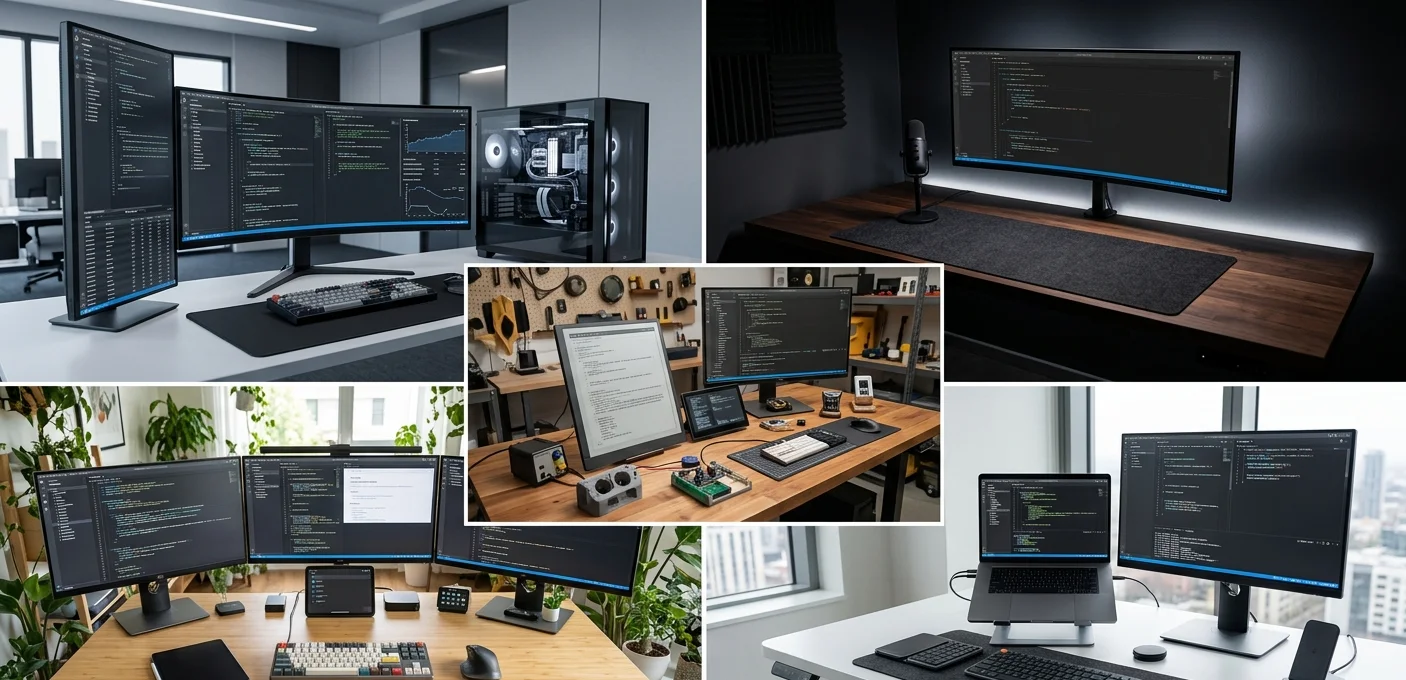
Order matters when building a programmer desk setup. Spending $400 on a mechanical board while running dual 24-inch panels gets the priority backwards. Screen first. Desk and chair next. Lighting and inputs after that.
Working developers spend more time reading code, terminal output, and documentation than typing. Screen space removes window-cycling and lets multiple panes stay visible. Posture decides whether hour ten still feels like hour two.
Core gear for any coding workstation
Monitor and screen space
A 27-inch panel handles one IDE plus a browser. An ultrawide opens enough room for two editors, a terminal, and documentation side by side. A 34-inch 3440×1440 panel fits most coders well. A 38-inch or 49-inch ultrawide monitor works for anyone running multiple agent sessions or live debug windows.
Dual 27-inch setups still work for vim and tmux operators who split focus across two distinct contexts. Curved screens reduce neck movement at sizes above 32 inches.
Standing desk that holds the load
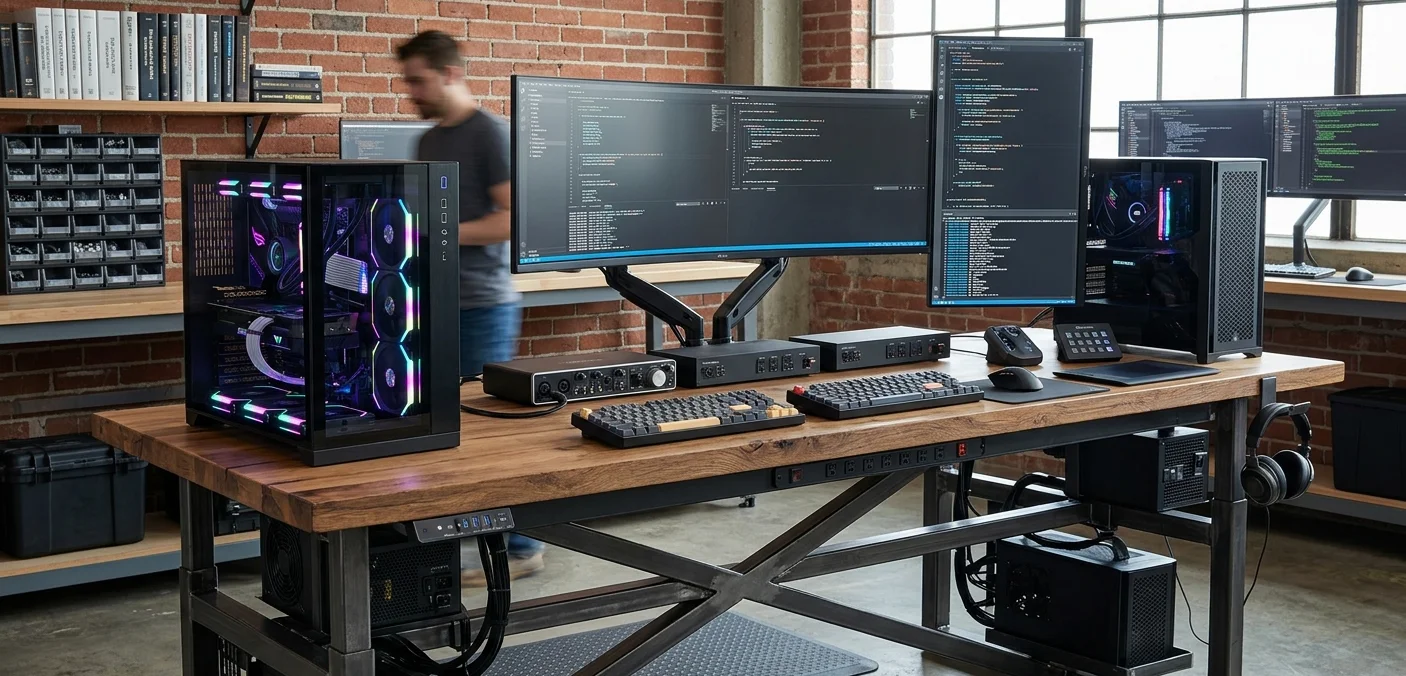
An ultrawide monitor plus a dock weighs 25 lbs or more. A wobbly desk amplifies movement at standing height.
Pick a frame with steel construction, dual motors, and a width of 55 to 60 inches minimum. Bamboo and solid wood tops outlast laminate by years. Browse a roundup of standing desks tested by real makers for options that hold up.
Chair built for long sessions
Long coding days push the chair harder than any other piece of gear. Mesh chairs run cooler. Foam chairs hold their shape better. Look for adjustable lumbar that locks in place, a recline that stays where you set it, and arm rests with three-way adjustment.
Aeron, Steelcase Gesture, Sihoo, and Secretlab all hold up at hour ten. A walkthrough of science-backed ergonomic tweaks covers chair angle and monitor distance in detail.
Keyboard, mouse, and inputs
A $120 mechanical keyboard with hot-swappable switches lasts five years. Layouts above 75% rarely earn their footprint on a coding desk setup.
Logitech MX Keys and MX Master 3 show up across most senior programmer desk setup photos for a reason: they get out of the way. Wrist pain is a real signal. Switch to a vertical mouse or trackball if it shows up.
Developer desk setup ideas by workflow
Minimalist single-screen build
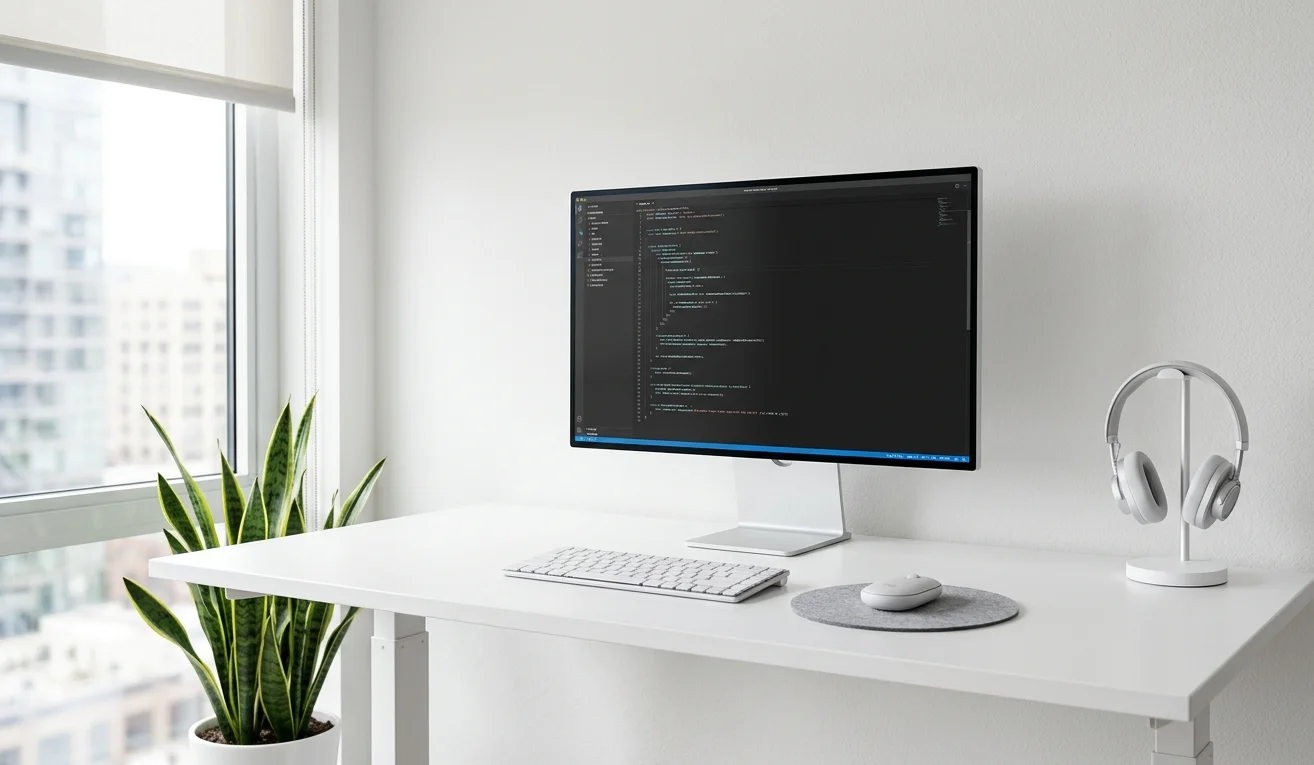
A MacBook Pro on a stand plus an external keyboard and mouse covers solo founders and one-IDE workflows. Add a 27-inch 4K display and a single desk lamp. That is enough to ship.
A walkthrough of a minimalist developer workspace in Istanbul shows how little gear it takes to build something quiet and functional.
Dual or triple monitor station
Two 27-inch panels side by side give roughly 5,000 horizontal pixels. A third smaller screen above or to the side holds Slack, music, or system monitors.
This layout suits backend developers, vim users, and anyone keeping a terminal always visible. Tim’s developer and content creation rig in Southwest Germany runs a similar pattern.
Ultrawide for parallel windows
A 49-inch ultrawide replaces two 27-inch panels with no bezel split down the middle. Four IDEs and a terminal fit at readable size.
The trade-off is desk depth, since the screen needs distance to feel comfortable. An ER doctor’s super ultrawide setup in Florida built around the Samsung G9 shows what this looks like in practice.
L-shaped corner station
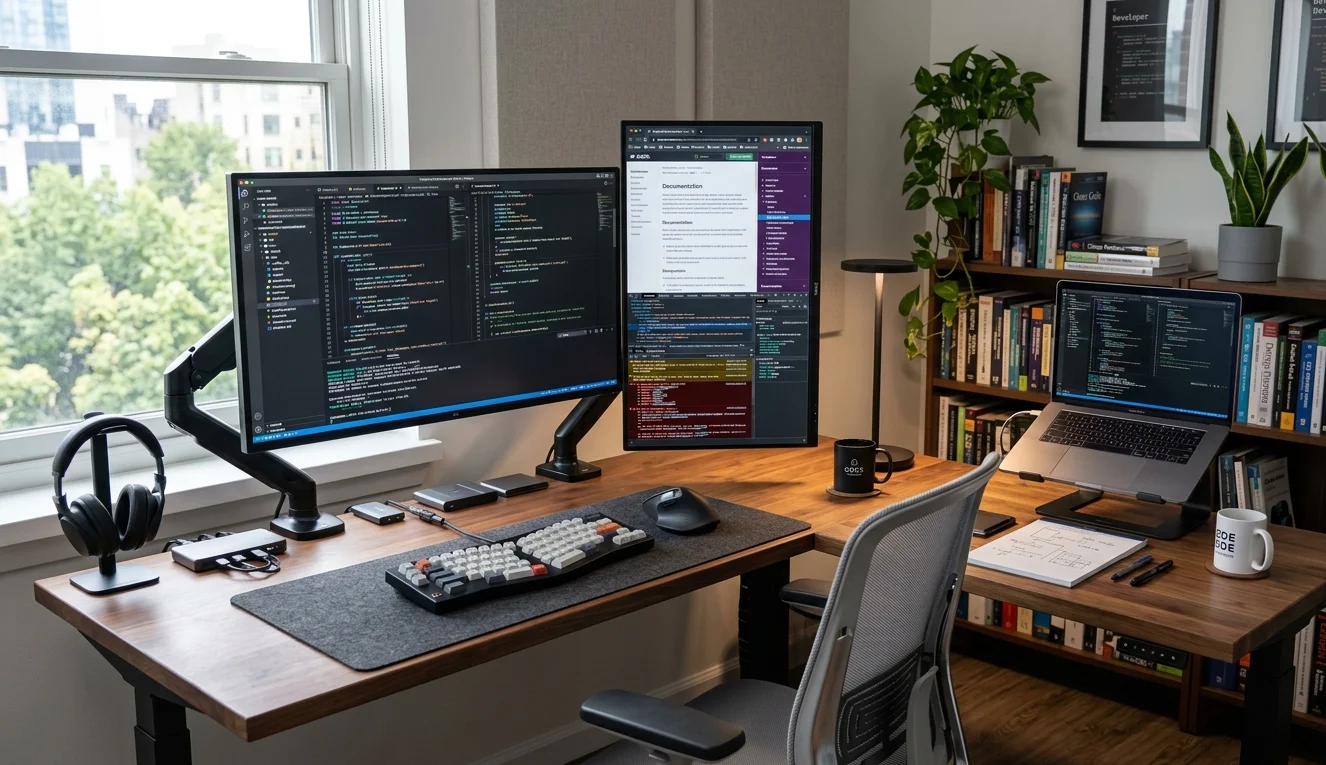
An L-shaped desk gives you a primary work surface and a separate space for hardware, notebooks, or a second machine.
The corner suits developers who run a home lab, do hardware work, or split time between coding and other tasks. Take a look at this L-shaped desk setup in Mississippi for a working layout.
Lighting and small touches that earn their spot
A monitor light bar like the BenQ ScreenBar cuts eye strain on late sessions without throwing glare on the screen. Bias lighting behind the monitor helps too.
Cable management runs underneath the desk: IKEA SIGNUM trays, velcro ties, and a mounted surge protector keep the visible side clean.
Plants, a notebook, and a pair of headphones cover the rest. Browse more developer setup tours if you want to see how working programmers piece these elements together.
FAQs
How much should a developer desk setup cost?
A working developer desk setup runs $1,500 to $3,500. Spend most of it on the monitor, desk, and chair. Lighting and peripherals take the rest. Higher budgets buy ultrawides and Herman Miller chairs.
Is an ultrawide monitor better than dual monitors for coding?
An ultrawide removes the bezel split and suits multi-pane workflows. Dual monitors let you rotate one vertical, which works for code review and long documents. Pick ultrawide for parallel sessions, dual for distinct contexts.
What desk size works for a programmer desk setup?
A 55-inch wide desk fits one 34-inch ultrawide or two 27-inch monitors with room for input gear. Run 60 inches or more for a 49-inch ultrawide. Depth should sit at 28 to 30 inches.
Do developers need a standing desk?
A standing desk helps anyone working ten-hour days. Switching between sitting and standing reduces back strain and improves alertness. A fixed desk works for shorter sessions, but adjustable height pays off past eight daily hours.
What lighting works best for a coding desk setup?
A monitor light bar plus warm bias lighting behind the screen reduces eye strain without glare. Add a desk lamp on the non-dominant side for notebook work. Natural light from a side window helps when available.

Francesco is a maker, engineer, and 3D printing enthusiast passionate about building tools and spaces that inspire creativity. With a background in software development and hands-on hardware projects, he explores the intersection of digital fabrication, productivity, and modern workspaces. When he’s not designing or experimenting, Francesco shares insights to help others create smarter, more efficient environments for work and making.