

A good lamp can be the difference between finishing a workday with a headache and finishing it feeling fine.
Whether you’re spending $13 or $500, the options below cover every budget and every kind of home office — from a bedroom corner in Manila to a dual-monitor rig in Portland.
This desk lamp buying guide walks through the eight lamps people are actually using right now, ordered from cheapest to most expensive, with real notes from the people who bought them.
1. IKEA Tertial — $13
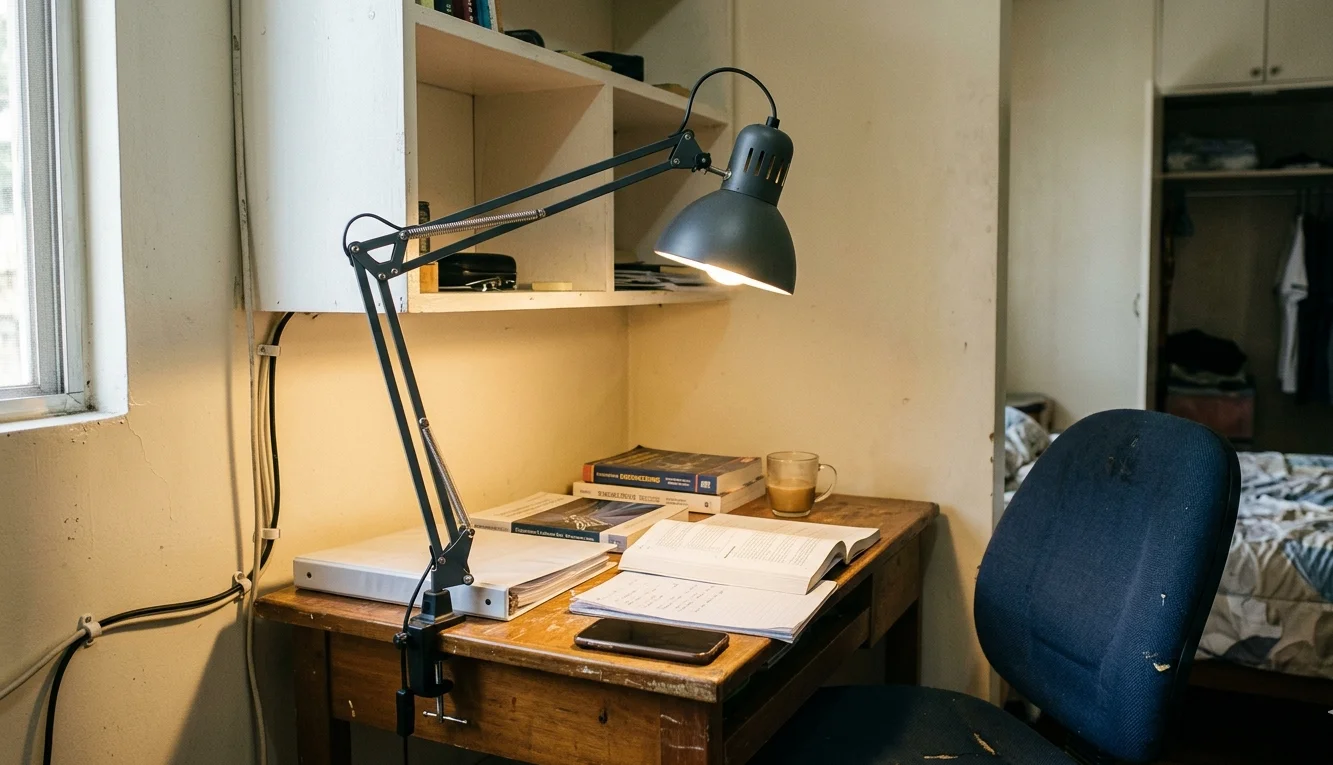
| Item | Model |
| Type | Clamp-mount work lamp |
| Light Source | E26 bulb (sold separately) |
| Arm Style | Spring-balanced, adjustable |
| Material | Steel |
| Color Options | Dark gray, light blue, white |
| Clamp Range | Up to 2.25 inches |
| Year Introduced | 1998 |
“I wasn’t going to spend real money on a lamp when I had textbooks to buy. The Tertial just clamps onto the shelf above my desk and stays where I put it.” — Rina, Quezon City
Rina picked the Tertial because it’s the cheapest adjustable desk lamp she could find that didn’t feel disposable. She pairs it with a $5 LED bulb from the same IKEA trip and says the combination throws enough light across her 100cm desk for reading and late-night study sessions.
The Tertial is almost three decades old at this point and still sells in volume, which says something. It’s not a best LED desk lamp by any stretch — no dimming, no color temperature desk lamp controls — but it does one thing well: it points light where you need it and stays put. If you’re working from a small home office or a shared bedroom, $13 is a hard price to argue with.
2. Lepro LED Desk Lamp — $22
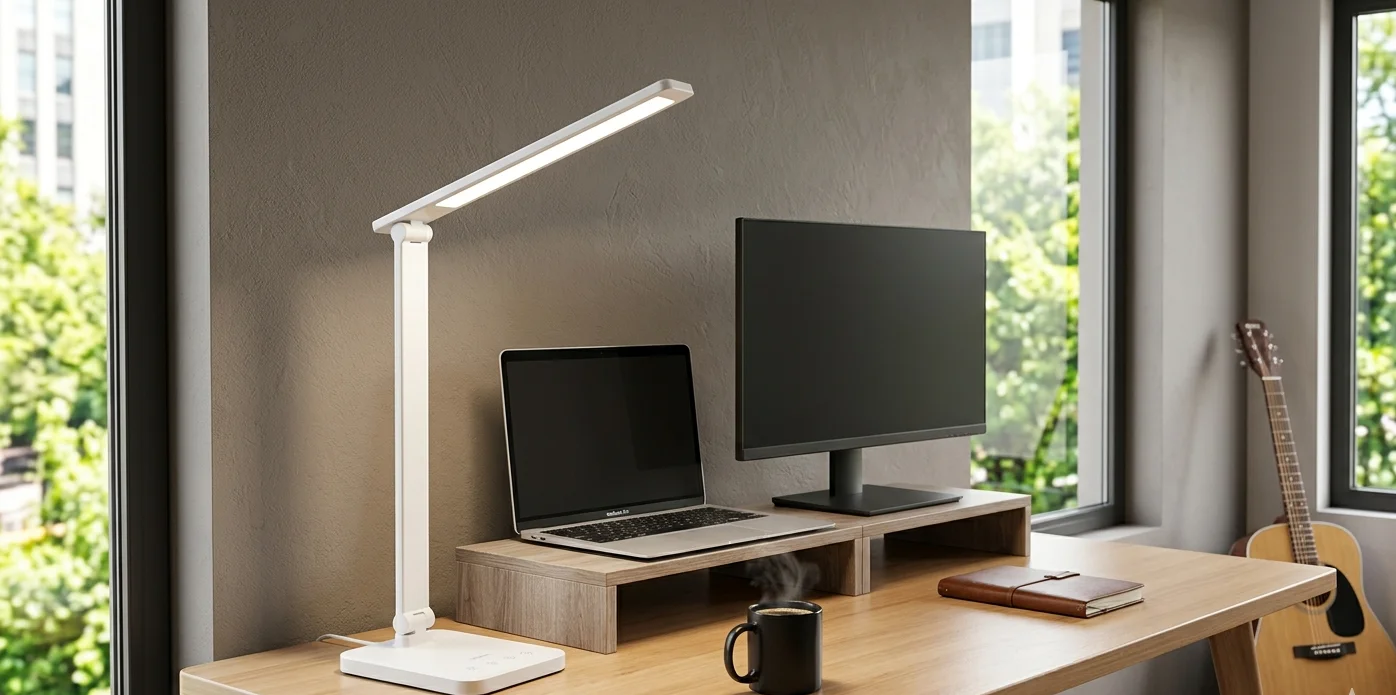
| Item | Model |
| Type | Freestanding LED desk lamp |
| Wattage | 9.5W |
| Brightness | 800 lumens |
| Color Modes | 3 (warm, natural, cool) |
| Brightness Levels | 5 per mode |
| Control | Touch panel |
| Material | Metal body |
| Color | White or silver |
“Fifteen brightness and color combos for twenty-two dollars. I don’t know what else to say.” — Marcus, Atlanta
Marcus uses the Lepro as his primary light source during evening Zoom calls and says the cool white setting at full brightness looks clean on camera without washing him out. He was originally looking for a best reading lamp for desk use, and says the 800-lumen output is more than he expected at this price.
The touch controls on the base are responsive enough, though Marcus notes they can be a bit sensitive — “I’ve accidentally turned it off reaching for my coffee more than once.”
As an entry point into adjustable desk lamp territory with multiple color temperatures, the Lepro is hard to beat. It shows up in a lot of the minimal desk setups people share online, usually paired with a white desk and a single monitor.
3. Xiaomi Mi LED Desk Lamp 1S — $40
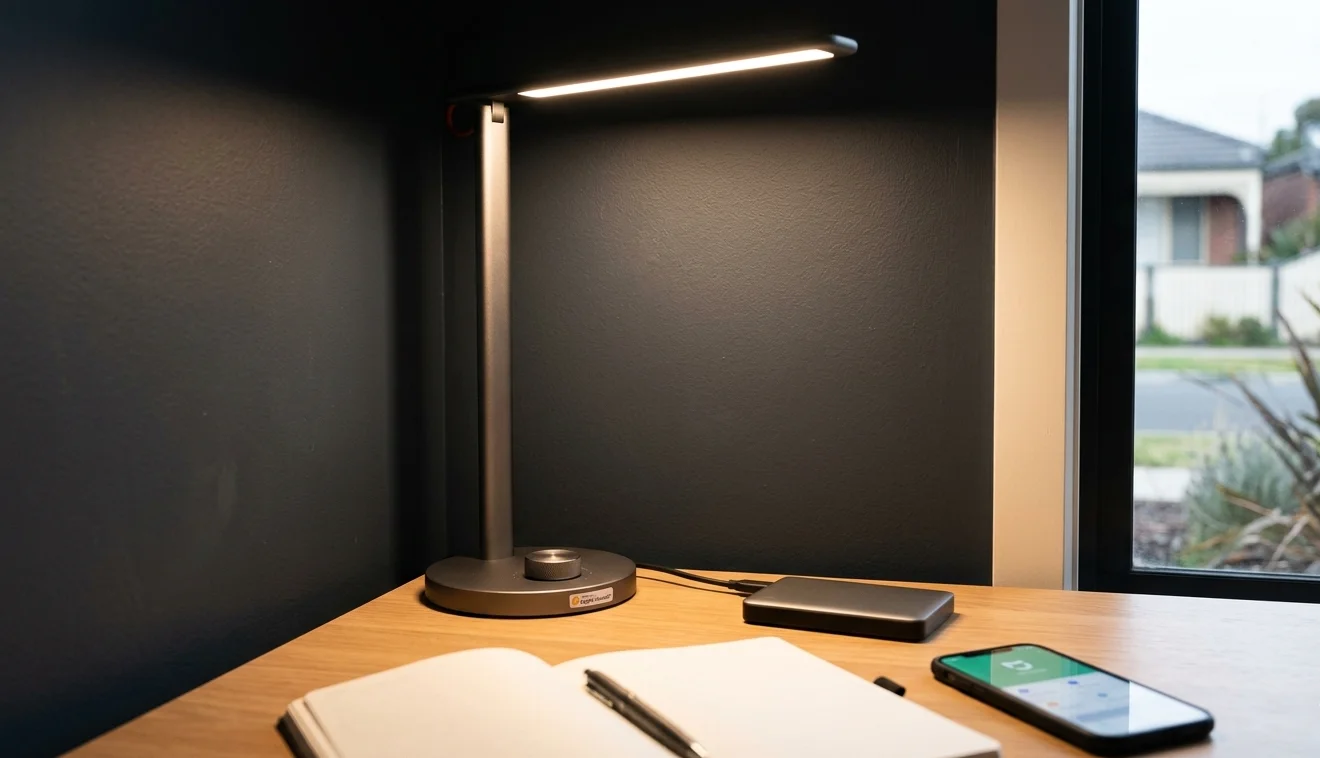
| Item | Model |
| Type | Freestanding smart LED lamp |
| Brightness | Up to 520 lumens |
| Central Illuminance | 1,250 lux |
| CRI | Ra 90 |
| Color Temperature | 2700K–6500K |
| Smart Home | Apple HomeKit, Google Assistant, Alexa |
| Control | Rotary knob + Mi Home app |
| Flicker | Flicker-free at all settings |
“I wanted something I could control from my phone at night without getting up. The knob on the lamp itself is nice, but the HomeKit integration is what sold me.” — Daniel, Melbourne
Daniel runs a daylight desk lamp setup during work hours — color temperature cranked to 5000K+ — and dials it down to 2700K warm white after dinner.
He says the transition is smooth and the flicker-free rating holds up even at the lowest dimming levels, which matters when he’s working past midnight.
The Xiaomi 1S fits a specific niche: it’s a best smart desk lamp option that doesn’t cost smart lamp money. The Ra 90 color rendering is solid for this price range, and the app lets you set schedules and brightness curves throughout the day.
Daniel mounted his in a tight corner of his bedroom home office where a full-size architect lamp wouldn’t fit, and says the slim profile was a big factor.
4. Quntis Monitor Light Bar — $46
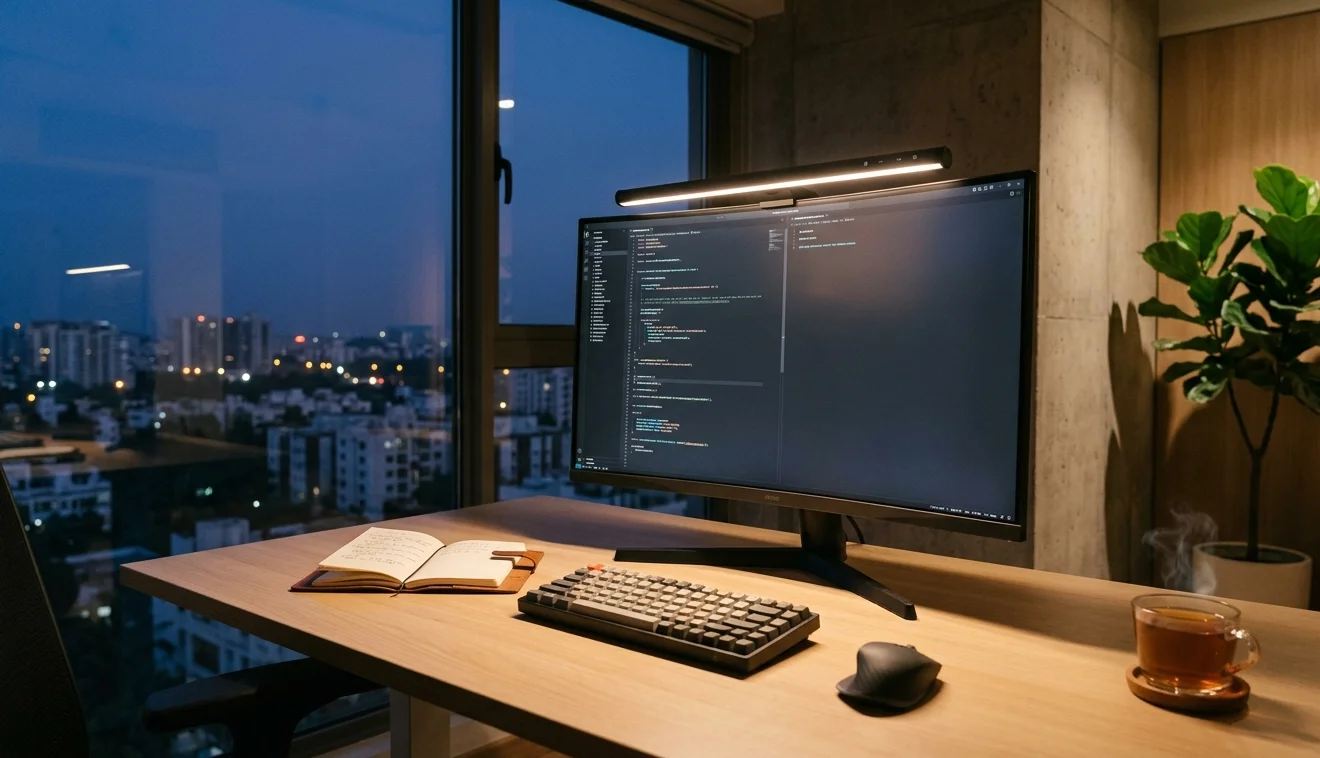
| Item | Model |
| Type | Monitor-mounted light bar |
| Width | 40 cm |
| Brightness | Stepless dimming |
| Color Temperature | 3000K–6500K |
| Auto-Dimming | Yes (ambient sensor) |
| Power | USB (5V/1A) |
| Glare | Asymmetric optics, no screen reflection |
| Weight | 0.6 kg |
“I switched from a desk lamp to a monitor bar because I needed the desk space back. My desk is 60cm deep — there was no room for a lamp base and a keyboard and a notebook.” — Priya, Bangalore
Priya says the auto-dimming sensor handles her lighting needs throughout the day without her touching the controls.
During the morning when sunlight fills the room, the bar dials itself down. By evening, it ramps up. She tried a couple of clip-on lamps before but says the asymmetric light pattern on the Quntis is what makes the difference — light hits the desk, not the screen.
For anyone trying to reduce eye strain during long screen sessions, a monitor bar is worth considering. Priya works eight-to-ten-hour days and says she stopped getting the end-of-day headaches that had become routine.
At $46, the Quntis undercuts the big-name alternatives by a wide margin. It won’t look as polished on your desk setup as a BenQ ScreenBar, but functionally, it does the same job.
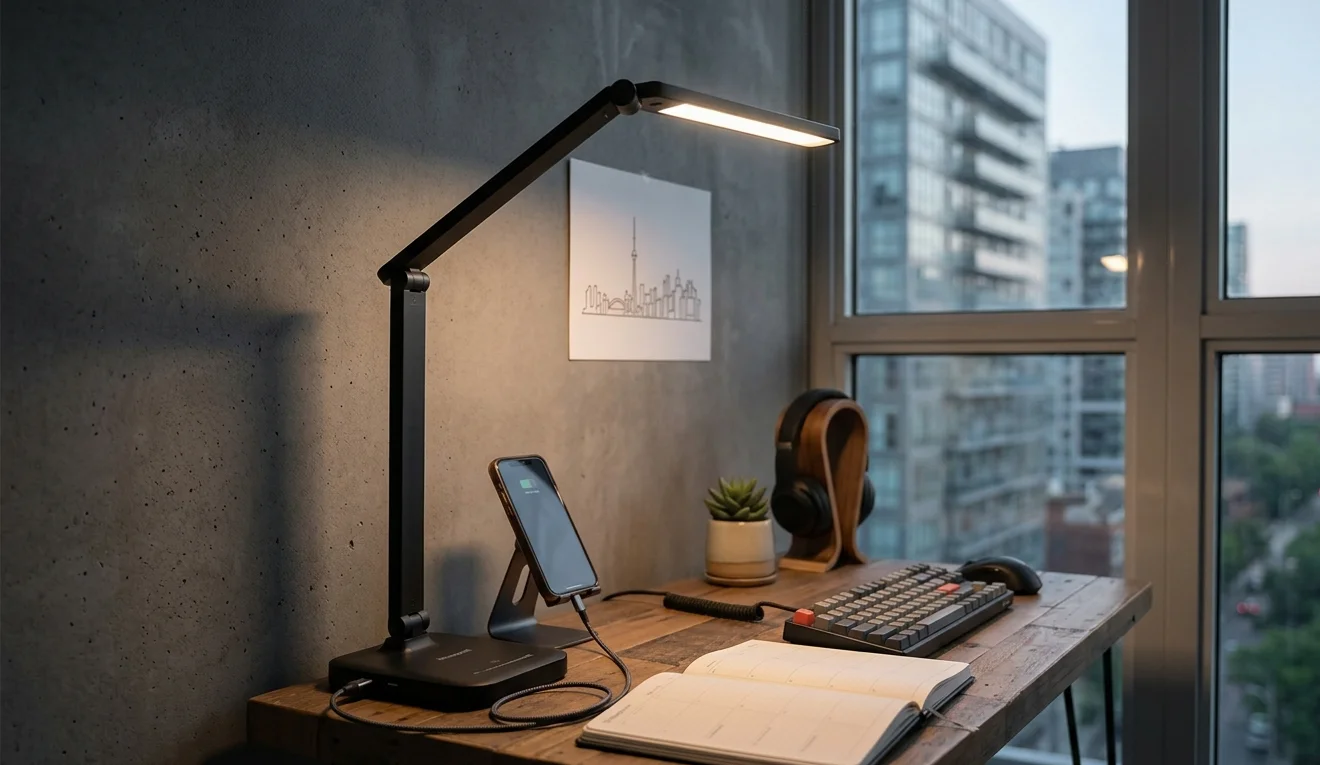
5. Honeywell H01 Pro Sunturalux — $50
| Item | Model |
| Type | Foldable LED desk lamp |
| Charging Ports | USB-A + USB-C |
| Color Modes | 3 |
| Dimming | Stepless |
| Arm | Foldable, multi-angle |
| Weight | Light, portable design |
| Material | Matte plastic body |
“The USB-C port on the base charges my phone while I work. One less cable going to the power strip.” — James, Toronto
James bought the Honeywell after his old gooseneck lamp broke, and the desk lamp with USB port feature was the deciding factor.
He keeps his phone on a small stand next to the lamp base, plugged into the USB-C output, and says it charges at a reasonable speed — not fast-charging, but enough to keep the battery topped up through a workday.
The foldable arm is the other selling point. James travels between two offices and folds the lamp flat into his backpack every Friday.
“It’s not the brightest lamp I’ve looked at, but it packs down to almost nothing.” He recommends it for anyone building out a desk in a small space where portability matters more than maximum output.
6. BenQ e-Reading Desk Lamp — $130
| Item | Model |
| Type | Freestanding LED desk lamp |
| Wattage | 18W |
| Light Head Width | Wide curved LED bar |
| Color Temperature | Adjustable warm to cool |
| Auto-Dimming | Yes (ambient sensor) |
| CRI | > 95 |
| Arm | Ball-joint + dual-hinge |
| Size | 23.2 x 8.7 x 24.6 inches |
| Weight | 10.4 lbs |
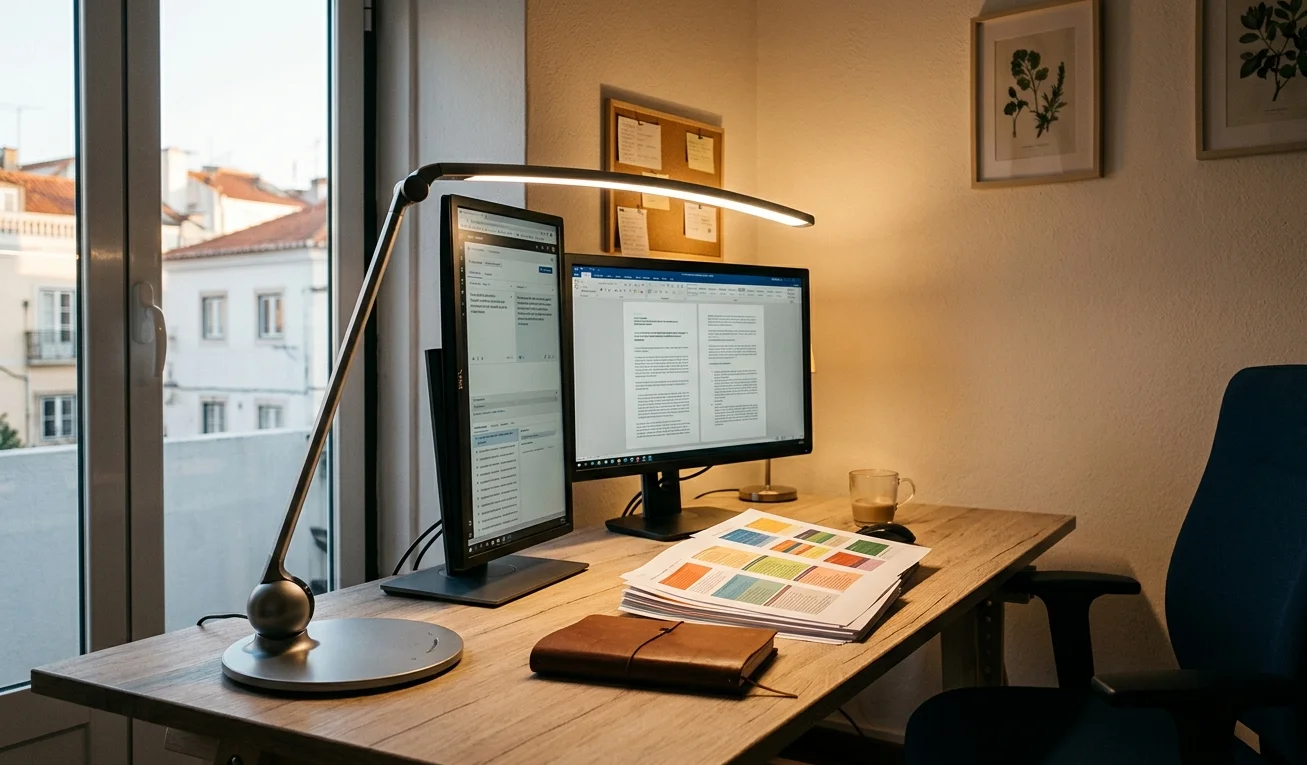
“I tried the auto-dimming mode on the first day and haven’t touched the brightness dial since. It just reads the room and adjusts.” — Sofia, Lisbon
Sofia works as a translator and spends most of her day switching between printed documents and two screens.
She specifically wanted the best desk lamp for eye strain she could afford, and says the wide LED head on the BenQ covers both her monitor and a stack of paper to the left without creating harsh shadows. The CRI above 95 means colors on printed proofs look accurate under the light.
The build quality is where the price premium shows. At 10.4 pounds, the base doesn’t budge even when you swing the arm into a new position.
Sofia says she initially worried the wide head would block her view, but the ball-joint lets her tilt it back far enough to stay out of the way.
For anyone who splits time between screen work and reading physical documents at their desk, this is the lamp that keeps coming up. It’s a fixture on many home office desks for a reason.
7. BenQ ScreenBar Halo — $180
| Item | Model |
| Type | Monitor-mounted light bar |
| Front Light | Asymmetric optics |
| Back Light | Ambient glow (rear-facing) |
| Color Temperature | Stepless, 100+ levels |
| Brightness | Stepless, 100+ levels |
| Controller | Wireless dial |
| Power | USB (5V/1.3A minimum) |
| Compatibility | Flat monitors up to 2.36″ thick, curved 1000R+ |
| Webcam Support | Magnetic mount accessory |
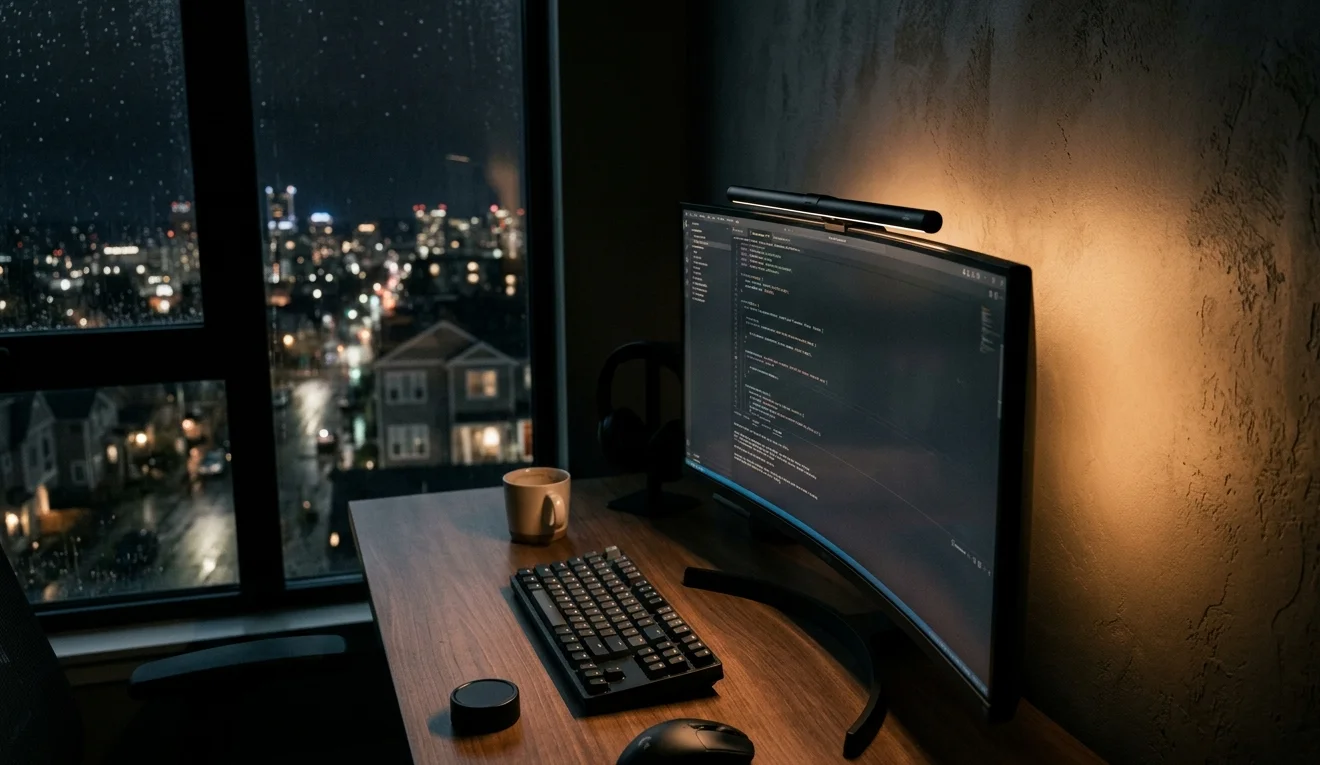
“The backlight behind the monitor is the part nobody talks about enough. It fills in the wall behind the screen so you’re not staring at a bright rectangle floating in a dark room.” — Kevin, Portland
Kevin works late shifts and often finds himself coding at 1 AM with no overhead light on. Before the Halo, he dealt with the contrast between his bright monitor and the dark wall behind it. The rear-facing backlight on the Halo solves that.
He keeps the front light at around 60% brightness with a neutral color temperature and lets the back light fill in the rest.
The wireless controller sits on his desk like a small puck and handles brightness and color temperature adjustments without him reaching for the lamp. Kevin says it’s the one accessory on his desk that reduced his cable clutter — “I used to have a desk lamp and a bias light strip.
The Halo replaced both.” The $180 price tag stings compared to cheaper bars, but for anyone doing extended screen time in a dim room, the backlight is the feature that earns it.
This is the best LED desk lamp alternative for people who’d rather mount their light on the monitor than lose desk space.
8. Dyson Solarcycle Morph — $500
| Item | Model |
| Type | Freestanding smart LED desk light |
| Model Number | CD06 |
| Modes | Task, indirect, feature, ambient |
| Color Temperature | Auto-adjusting via daylight tracking |
| Connectivity | Bluetooth (MyDyson app) |
| LED Lifespan | 60+ years (rated) |
| CRI | High (precise color rendering) |
| Arm | 3-point revolve motion |
| Weight | Heavy, weighted base |
| Colors | Black/Black, Black/Brass, White/Silver |
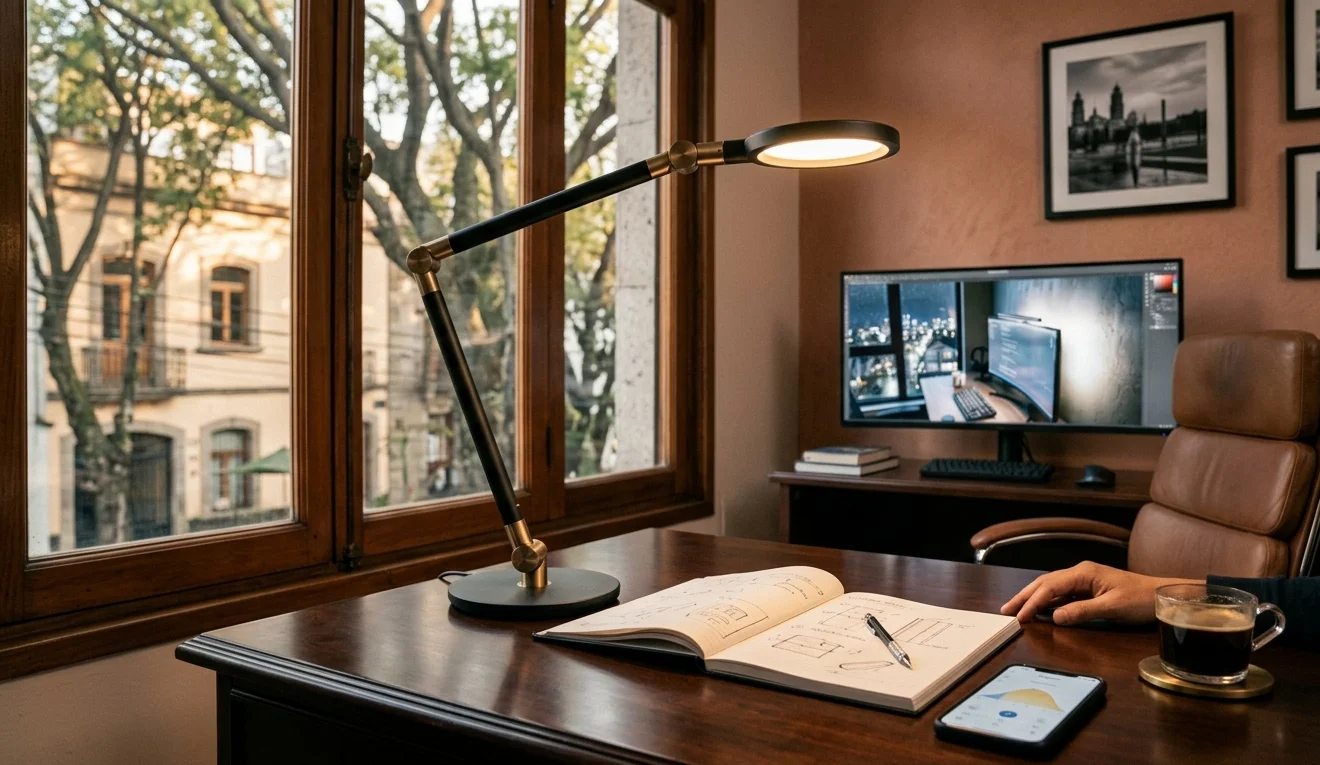
“I know. Five hundred dollars for a lamp. My wife reminded me of that several times. But I sit at this desk ten hours a day, and the light genuinely changes throughout the day without me doing anything.” — Tomás, Mexico City
Tomás says the daylight tracking is the feature that justified the cost. The lamp connects to the MyDyson app via Bluetooth, reads his location, and shifts color temperature throughout the day — cooler and brighter in the morning, warmer and softer by evening.
He used to manually adjust a color temperature desk lamp twice a day and says he stopped thinking about lighting entirely after the first week.
The Solarcycle Morph also doubles as ambient lighting when you dock the head into the stem, creating a soft upward glow with reduced blue light. Tomás uses this mode after work when the desk becomes a shared space for his kids’ homework.
“It’s absurdly expensive for a lamp. But the build, the optics, the auto-adjustment — nothing else I tried did all of that.” Whether the price is worth it depends entirely on how many hours you spend at your desk and how much you care about your light matching the daylight outside.
For anyone building a long-term home office and weighing up where to spend, Tomás’s take is simple: “Buy a good chair first. Then buy this.”
