

A desk mat does more than protect your surface. It defines how your workspace looks and how your peripherals feel under your hands.
With remote and hybrid work still the default for millions of people, desk mat options have expanded well past basic rubber pads.
Here are seven desk mats that are getting the most attention in 2026 across Reddit threads, YouTube setup tours, and gear review sites.
7 Trending Desk Mats for Your Desk Setup in 2026
1. Grovemade Matte Desk Pad
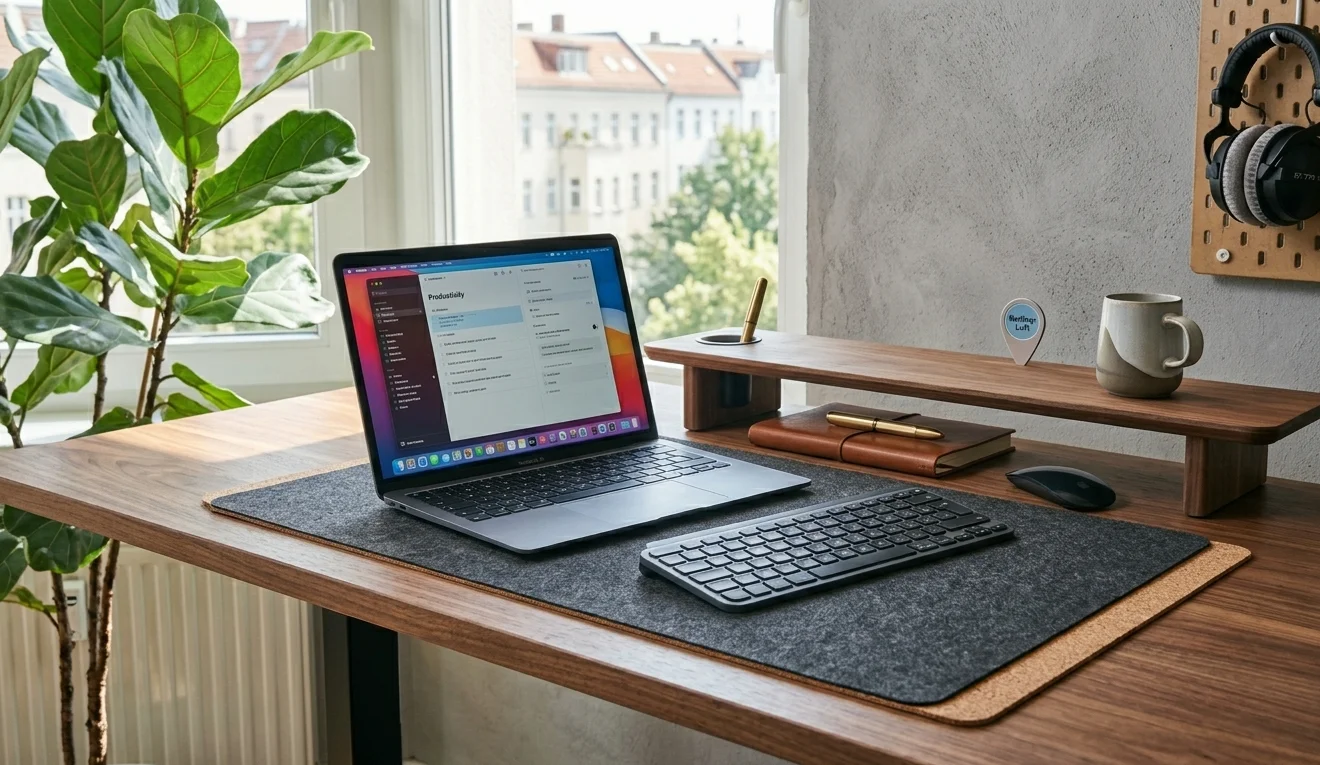
Grovemade’s Matte Desk Pad is made from linseed oil, pine rosin, wood flour, and calcium carbonate, all mounted on a cork base. No plastic, no PU leather. It comes in six sizes, from a compact 11 × 24.75 inches up to an extra-large 26.5 × 49 inches. The matte finish resists fingerprints and cleans with a damp cloth.
This pad looks especially good on minimal desk setups where natural materials take centre stage. Grovemade prices it between $80 and $170 depending on size, which puts it firmly in the premium tier. It ages gracefully though, and the cork base grips wood and laminate desks without slipping.
2. Orbitkey Desk Mat
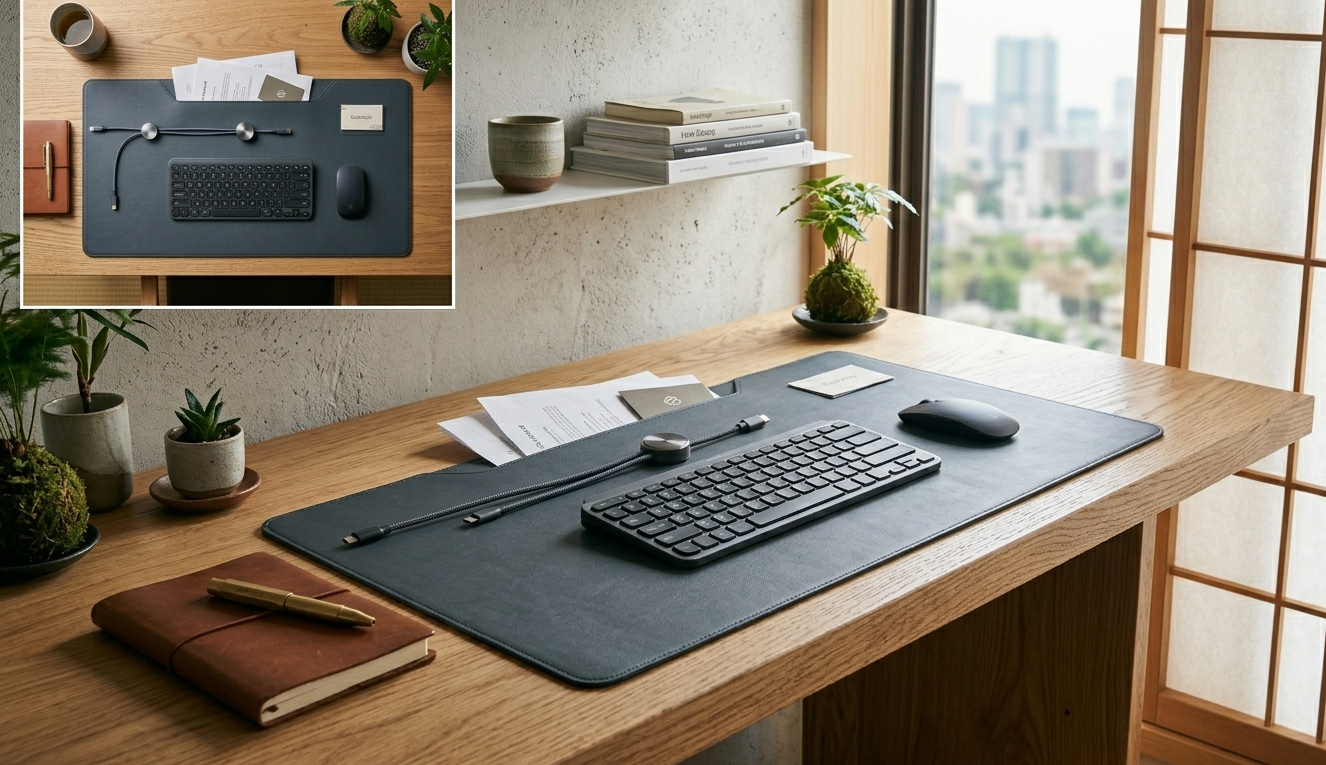
The Orbitkey Desk Mat earned a following because it’s actually more than a flat surface. It has a built-in toolbar for pens and small accessories, a magnetic cable holder you can slide to any position along the top edge, and a hidden document compartment under the top layer. Lift the mat and stash loose notes underneath.
It’s made from vegan PU leather with a recycled PET felt base. Orbitkey offers it in slim, medium, and large sizes. At around $50 to $90, it sits in the mid-range, but you’re getting desk storage solutions built right into the mat. The friction on the surface runs a bit high for fast mouse movements, something to keep in mind if you game.
3. SteelSeries QcK Heavy
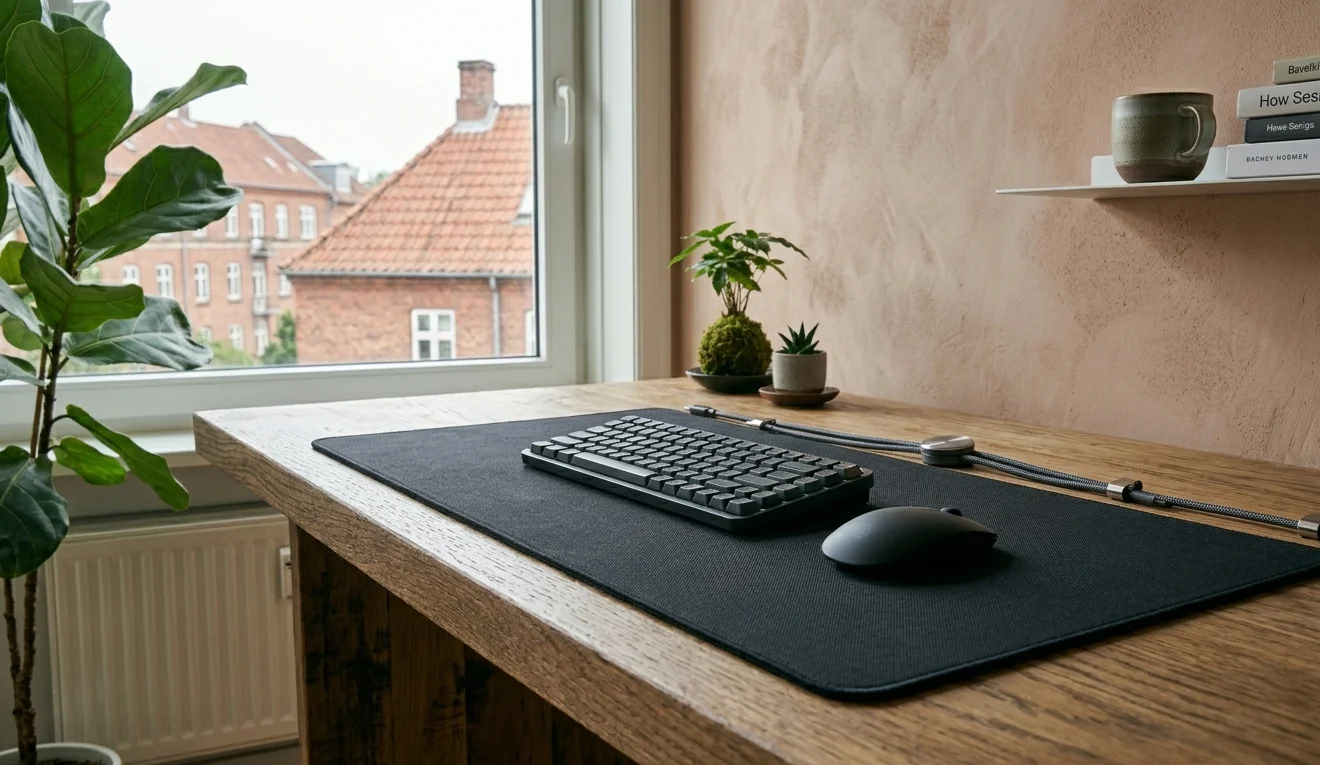
The QcK Heavy has been a staple in esports for over a decade, and it’s still the cloth pad most recommended on r/MouseReview in 2026. At 6mm thick with micro-woven cloth and a non-slip rubber base, it provides real wrist cushioning during long sessions. Tracking is consistent across both high and low DPI settings.
It measures 35 × 16 inches in the extended version. The surface sits flat from day one and doesn’t slide, even on glass. At roughly $30, the QcK Heavy is one of the cheapest pads on this list, and it outperforms several options twice its price. A solid pick for anyone building a productivity-focused desk setup that doubles as a gaming station.
4. BUBM Desk Mat
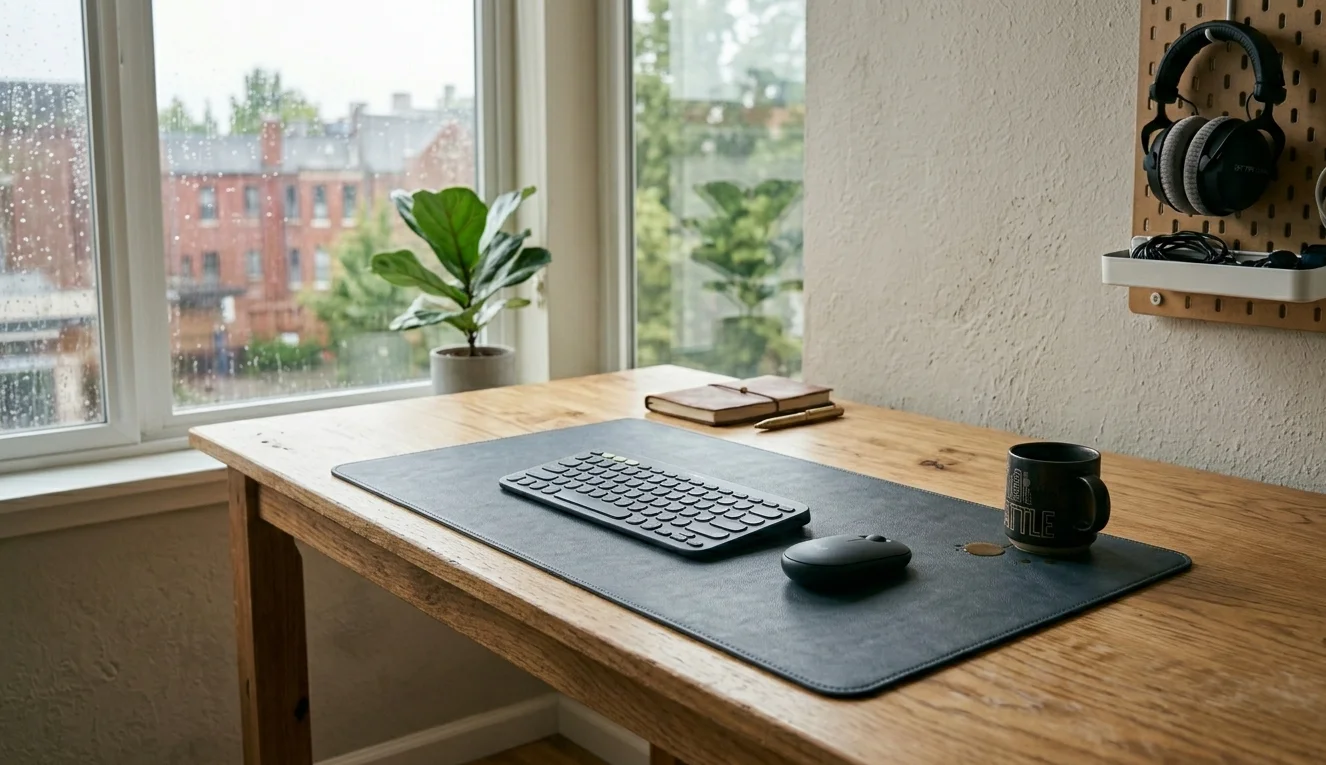
BUBM’s waterproof PU leather desk mat is the budget default that shows up in nearly every “best desk mat” roundup. It measures 31 × 15 inches, has stitched edges, and a non-slip rubber backing. At around $25, it covers most standard desks without needing much thought about fit.
The waterproof coating handles coffee spills without staining. It won’t develop the patina of real leather, but it also won’t demand any maintenance. For people setting up a budget home office, the BUBM mat delivers exactly what you need and nothing you don’t.
5. Oakywood Felt Desk Pad
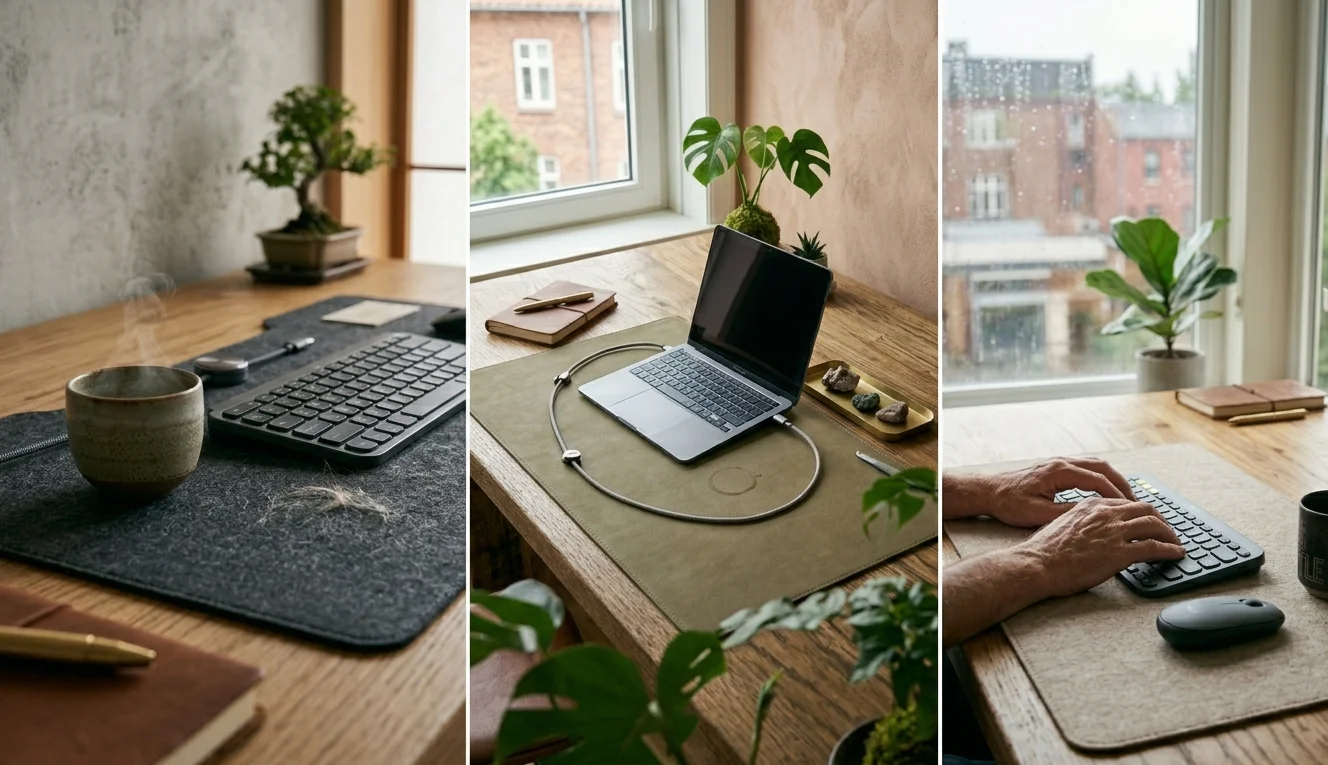
Oakywood’s merino wool felt pad attracts people who want their desk to feel warm and textured rather than sleek and cold. The felt is thick, soft on the wrists, and available in several muted earth tones. It pairs well with wooden desks and natural-material accessories.
There are trade-offs. Felt stains more easily than leather or cloth. Pet hair clings to it. Some mouse designs catch on the texture, especially mice with seams or gaps near the battery lid. If you have pets or eat at your desk regularly, consider a darker colour. Oakywood prices these around $60 to $80, and they’re a strong match for anyone designing a future-proof workspace with sustainability in mind.
6. Satechi Vegan Leather Desk Mat
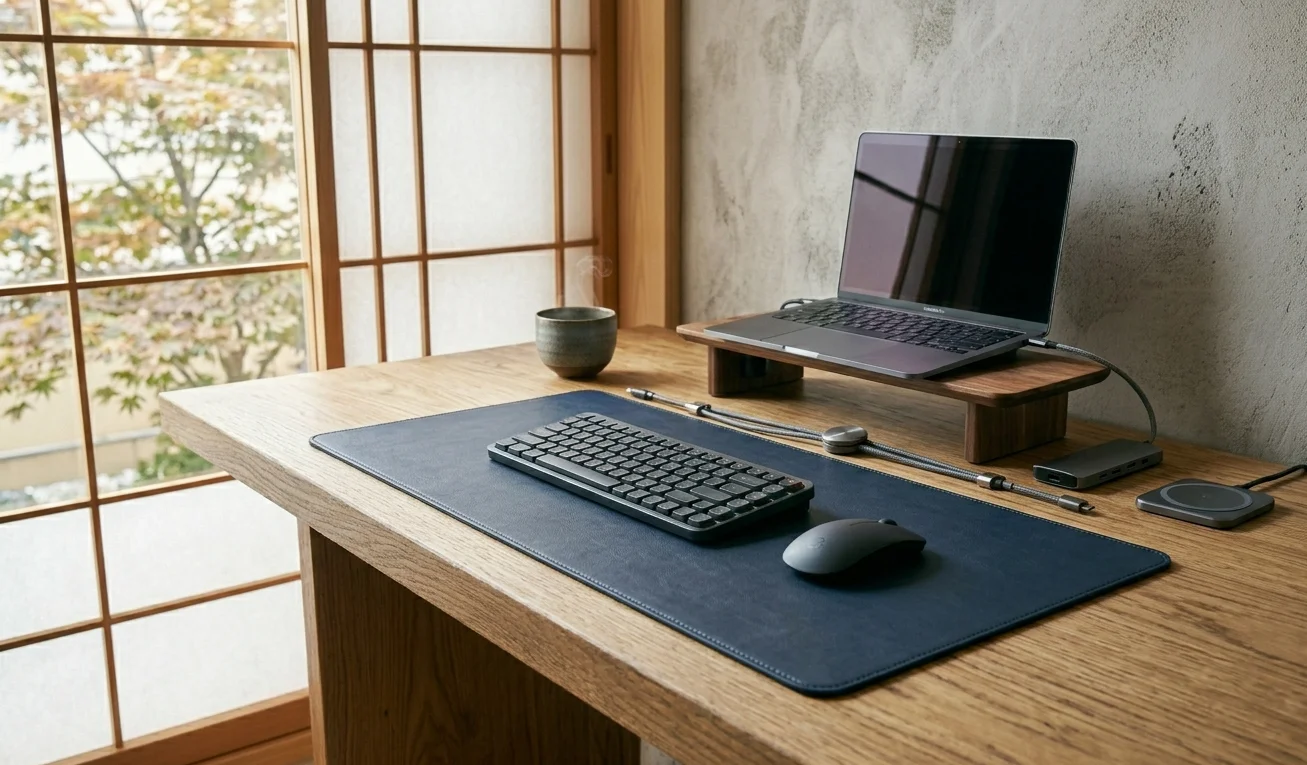
Satechi’s offering measures 26.8 × 12.4 inches and comes in several colours including black, brown, pink, and navy blue. The vegan leather surface is water-resistant and wipes clean easily. Reinforced stitching along the edges prevents fraying over time.
It’s thinner than most at just 0.1 inches, which some people prefer because it keeps the keyboard closer to desk height. The non-slip underside works on wood and varnished surfaces. At $30 to $40, Satechi hits a good price point for people who want something that looks polished without spending Grovemade money. It works nicely alongside other Satechi desk accessories if you’re going for a clean monitor and laptop setup.
7. KeySmart TaskPad
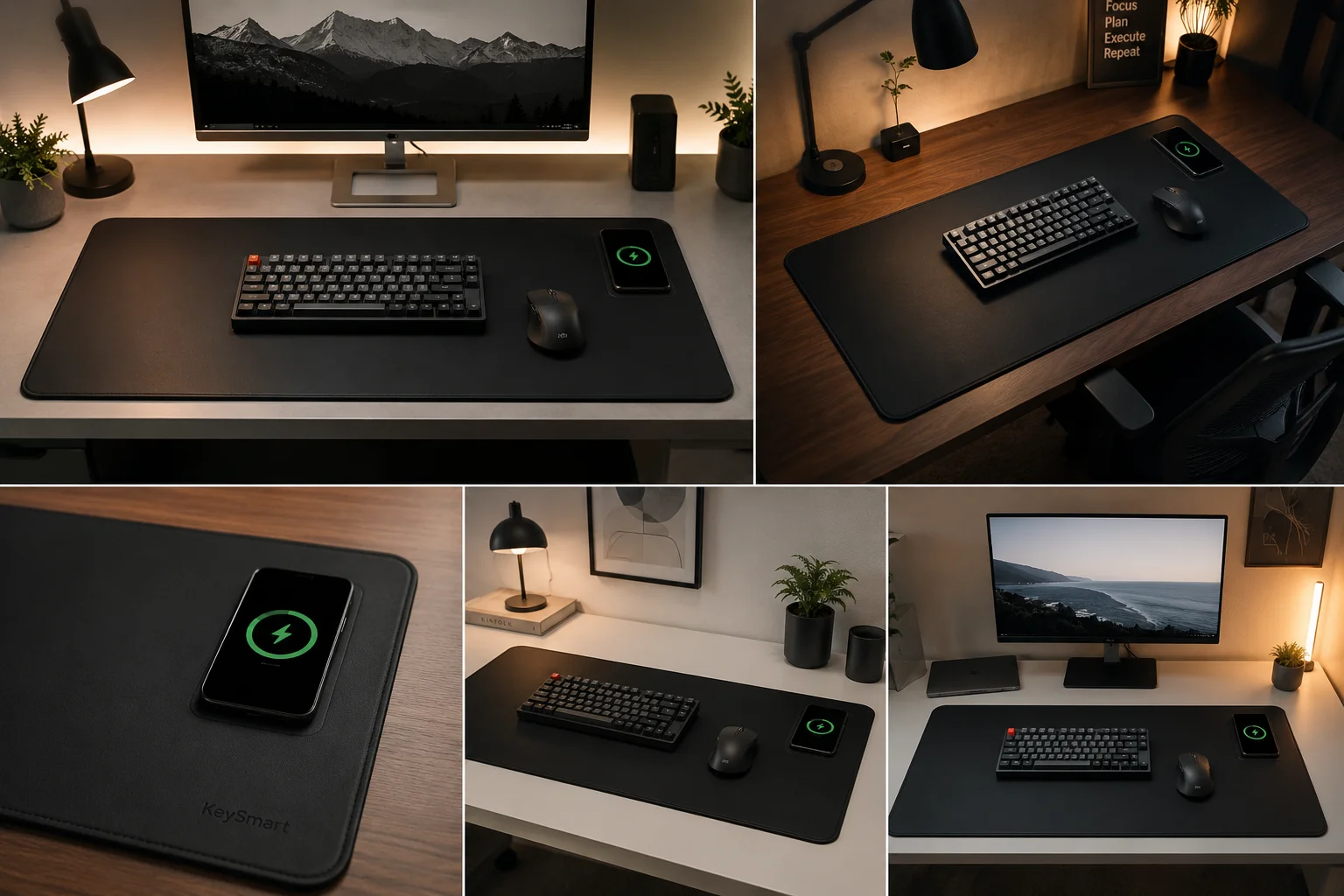
The TaskPad from KeySmart has a built-in Qi wireless charger embedded in the top-right corner. Drop your phone on it and it charges through most cases. The rest of the pad is water-resistant PU leather with a flat, micro-textured mouse surface.
It measures 35.4 × 16.5 inches, which covers a full keyboard-and-mouse layout with room to spare. The cushioned material is comfortable for long typing sessions. At roughly $50 to $70, it costs more than a standard PU mat, but you’re removing a charging cable from your desk entirely. If cable management is a priority, that alone can justify the price.
How to Pick the Right Desk Mat for Your Setup
Material matters most. PU leather cleans easily and handles spills. Cloth tracks better for mouse precision. Felt and wool feel great but need more care. Cork and natural composites age well but come at higher prices.
Size depends on what you’re placing on it. A compact mat works if you only need coverage under your keyboard and mouse. A full-desk mat makes sense if you want a unified surface that ties the whole standing desk setup together.
Thickness affects comfort. Thicker pads like the QcK Heavy cushion your wrists noticeably. Thinner pads like the Satechi keep a low profile. Neither is objectively better, it just depends on what feels right for how you work.
FAQs
What desk mat material is best for mouse accuracy?
Micro-woven cloth like the SteelSeries QcK Heavy provides the most consistent mouse tracking. It works well with both optical and laser sensors at any DPI setting.
Are desk mats worth it for a home office desk setup?
Yes. A desk mat protects your surface from scratches, reduces noise from typing, and gives your mouse a consistent tracking area. It also makes the whole workspace look more intentional.
How big should a desk mat be?
For most desk setups, a mat measuring at least 31 × 15 inches covers a keyboard and mouse comfortably. Go larger if you want full-desk coverage or use a wide monitor stand.
Can I use a desk mat as a mouse pad?
Most desk mats double as mouse pads. PU leather and cloth surfaces both track well with standard mice. Felt mats may interfere with some sensor types.
How do I clean a PU leather desk mat?
Wipe it with a damp microfibre cloth. For stubborn stains, use a small amount of mild soap. Avoid abrasive cleaners or rough sponges that can damage the surface coating.
