

These are 49 real workspaces from Maker Stations interviews, grouped by what you can copy from them: making a small room work, sharing a room, placing a desk for light, standing desks, home-built desks, hiding cables, choosing colours, plants and monitor layouts. Each owner is quoted from their own interview, with a link to the full story.
The setups are not new. The interviews were published between December 2023 and December 2024, and this round-up first appeared on 2 January 2025 as a look back at that year. The gear, prices and rooms are described as they were at the time of each interview. What makes them useful in 2026 is why each owner made each choice, and that has not dated.
| Owner and interview | Room size, as stated in the interview |
|---|---|
| Peter Beardsley, New Hampshire | 3 m² (35 ft²) |
| Gemma B., London | 5,5 m² (59 ft²) |
| Dan Silvestone, Wolverhampton | 2.2×2.6 m or 6 m² (65 ft²) |
| Graham Pinkerton, Ontario | 8×10 ft or 7,4 m² (80 ft²) |
| Nicholas Christowitz, Berlin | 9 m² (97 ft²) |
| Joakim Widell, Trollhättan | 9 m² (97 ft²) |
| Eric, Washington State | 9,1 m² (98 ft²) |
| Ross Robinson, Kailua | 11,2 m² (121 ft²) |
| Petr Hubacek, Czech Republic | 42 m² (452 ft²) |
| Qasim Zafar, Virginia (a garage) | 65 m² (700 ft²) |
Room sizes are taken from the fact box at the top of each interview. Of the 42 interviews that give a room size, 27 describe a room of 14 m² or less, and several more desks sit in a corner of a living room or bedroom.
Small rooms: make every centimetre do one job
Peter Beardsley’s Tiny Home Office in New Hampshire, US is the smallest here, at 3 m². He calls it “essentially a closet with a window” and sees the size as an advantage: “I like it, because it forces me to be choosy about the stuff I keep in here.” He once wall-mounted a pachinko machine beside the desk, but it “stuck out too far and made the space feel cramped”. His other space-saver is hiding hardware: a Mac Mini is mounted under the desk, and a KVM switch behind the monitor lets one keyboard and screen serve both his work and home computers. His next problem is storage: “I would love more storage, but the only way to go is up.”
Dan Silvestone’s room in his Motion Designer Desk Setup in the UK measures 2.2 by 2.6 m. He had a floating desk built to the wall, which, he says, “allows for freedom of movement around the room, providing ample space for legroom and space for my base unit”. With no legs under the desk, the floor stays clear.
Graham Pinkerton took the same approach in his Floating Desk Setup in Ontario, Canada. He wall-mounted the monitor and speakers above a butcher block worktop from Home Depot, in an 8×10 ft room with slanted ceilings. He admits that “It is hard to make it feel semi-open and not too cluttered while also keeping all of the personality I need around me for inspiration.” One practical lesson: “My floors are not even. Like, at all. So I have had to jam things under my ALEX units to level out the desk.”
Gemma B. works in 5,5 m² with little daylight. In her Cosy Gaming Desk Setup in London, UK, “I make use of hidden light strips and a key light to brighten or add warmth on gloomy days.” She also chose faux plants “without worrying about their care or the lack of light in this space.”
Sharing a room with a bed, a sofa or a partner
Many of these desks sit in rooms that do something else as well. The owners say the hard part is less the furniture and more keeping work and home apart.
- Alexandra’s desk shares her bedroom in the Artist’s Bedroom Desk Setup in San Francisco, US. The room is big enough for both, she says, but “it also makes it a challenge to set boundaries between work and leisure.”
- Lily Ongartthaworn, in her Laptop-Only Artist Desk Setup in Tokyo, Japan: “Japanese apartments are tiny. My workspace is directly opposite my bed.” Later in the interview she says that having the bed just behind her chair “makes it very difficult for me to focus.”
- Tony Sam Noel and his wife live in a single-bedroom apartment. For the Minimal Bedroom Desk Setup of a Content Creator in Dubai he put the desk near the bed, and when they were flat-hunting, “the main criterion was natural light.”
- Alexey Chernikov’s 10 m² room in his Solopreneur’s Workspace in Berlin, Germany is two rooms in one: “my office also serves as a wardrobe, which is at the other end of the room.”
- Anthony’s 10 m² rental in the Clean and Vibrant Desk Setup in Ontario, Canada has a daybed next to the desk. Because he rents, he chooses items “that are both functional and easy to incorporate into a future, more permanent space.”
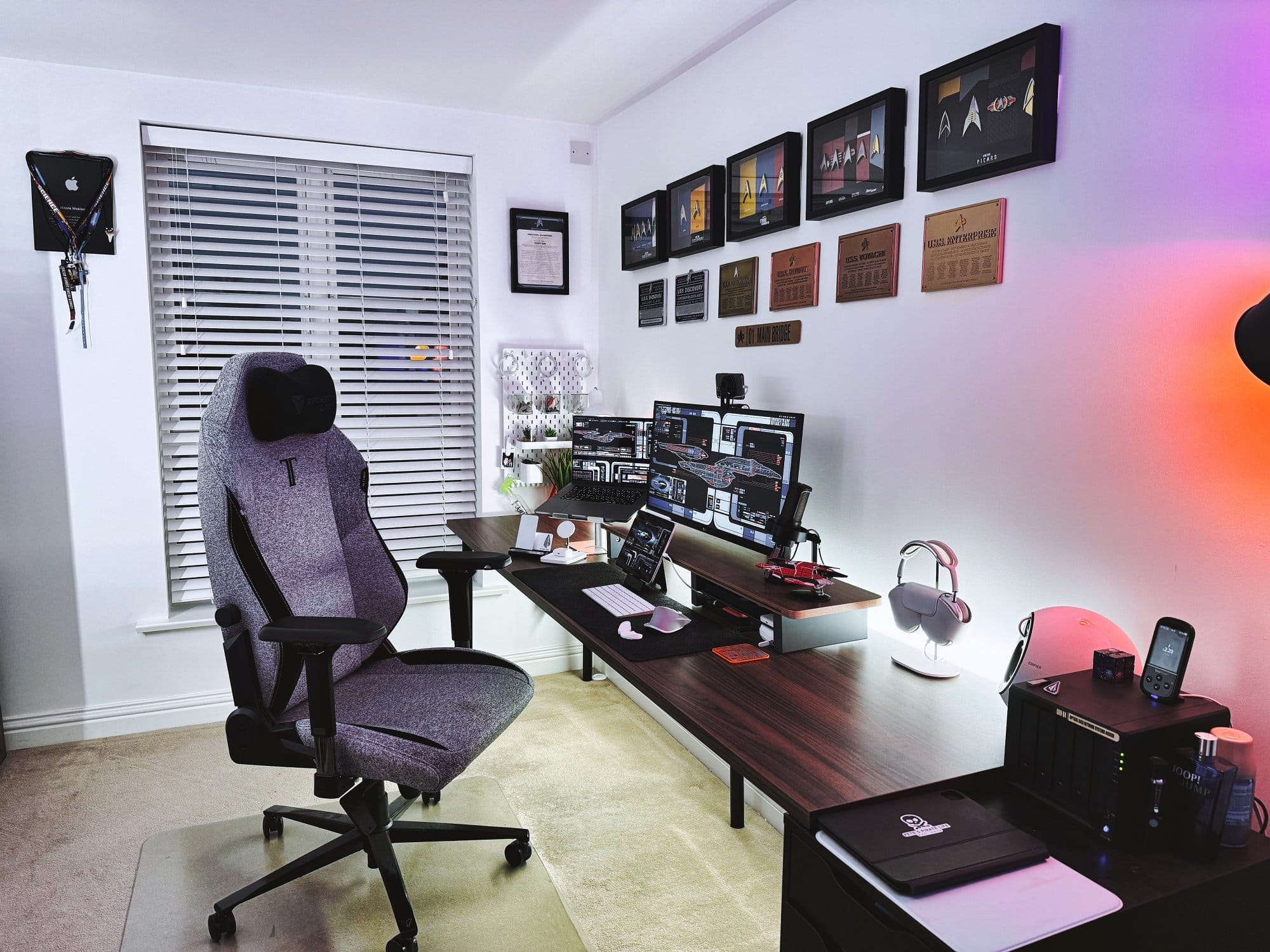
- Mike Overton started with an IKEA LINNMON “shoved into the corner of my tiny studio flat”. While his partner was on furlough, he struggled to work at a tiny desk in the living-room corner, so the couple moved to a two-bed flat. His Geek Home Office in Woking, UK now has LINNMON tops joined into a two-metre desk.
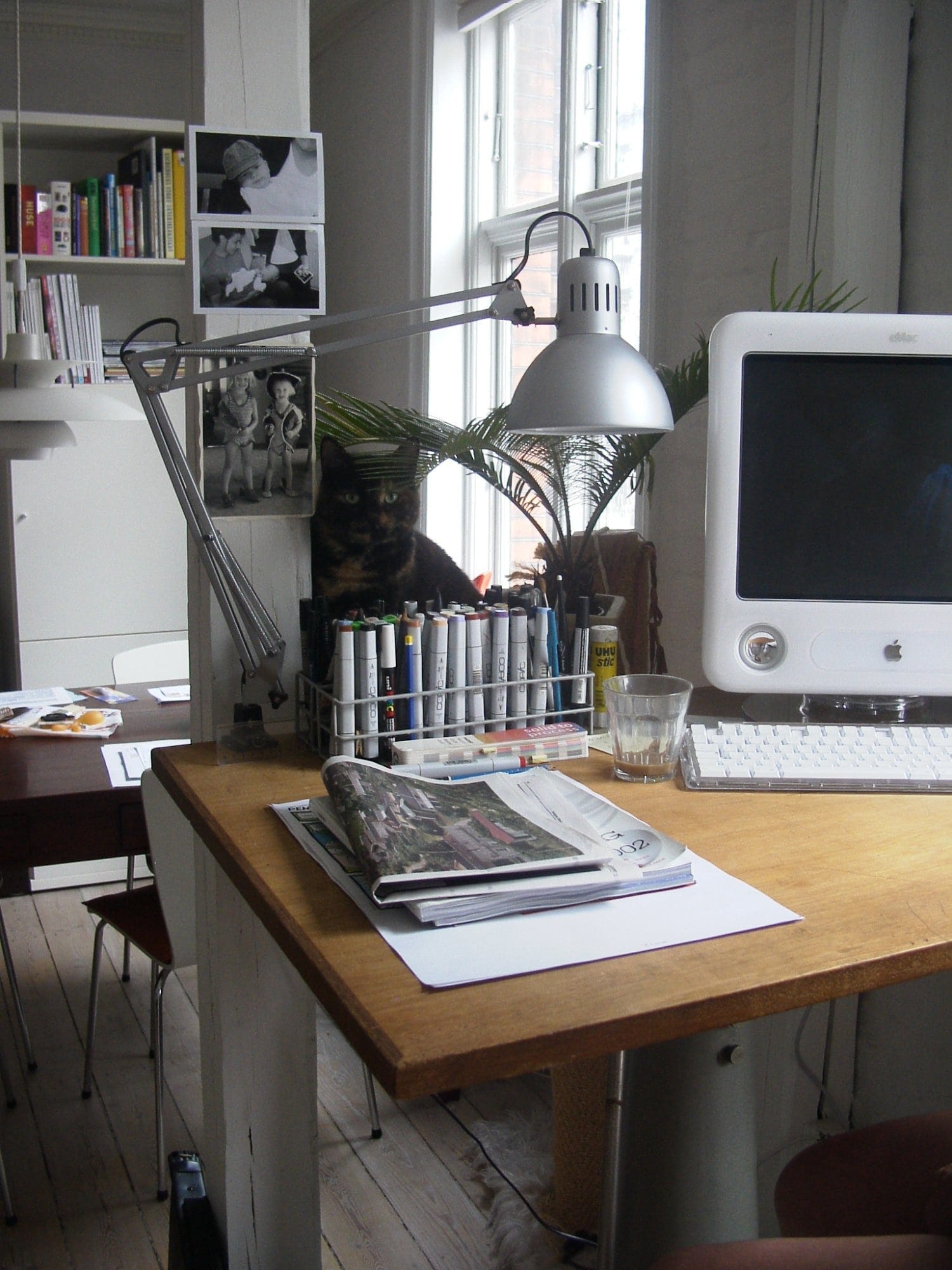
- Chris’s 2002 Cosy Corner Workspace in Copenhagen, Denmark is a special case: it recreates his November 2002 living-room corner. His point still holds: “Sitting on your couch, looking at a desk with a computer screen, scanner, printer, camera, and other devices, plus a thousand twisted cables, isn’t nice.” He recommends bespoke furniture “to hide some of the hardware.”
- Robert Vidaure’s Creative Director’s Desk Setup in California, US takes up one corner of his main living space. He painted it charcoal black to make the space feel “rich and warm”, and says: “I think it’s important to create a space that visually looks separate from the rest of your home.”
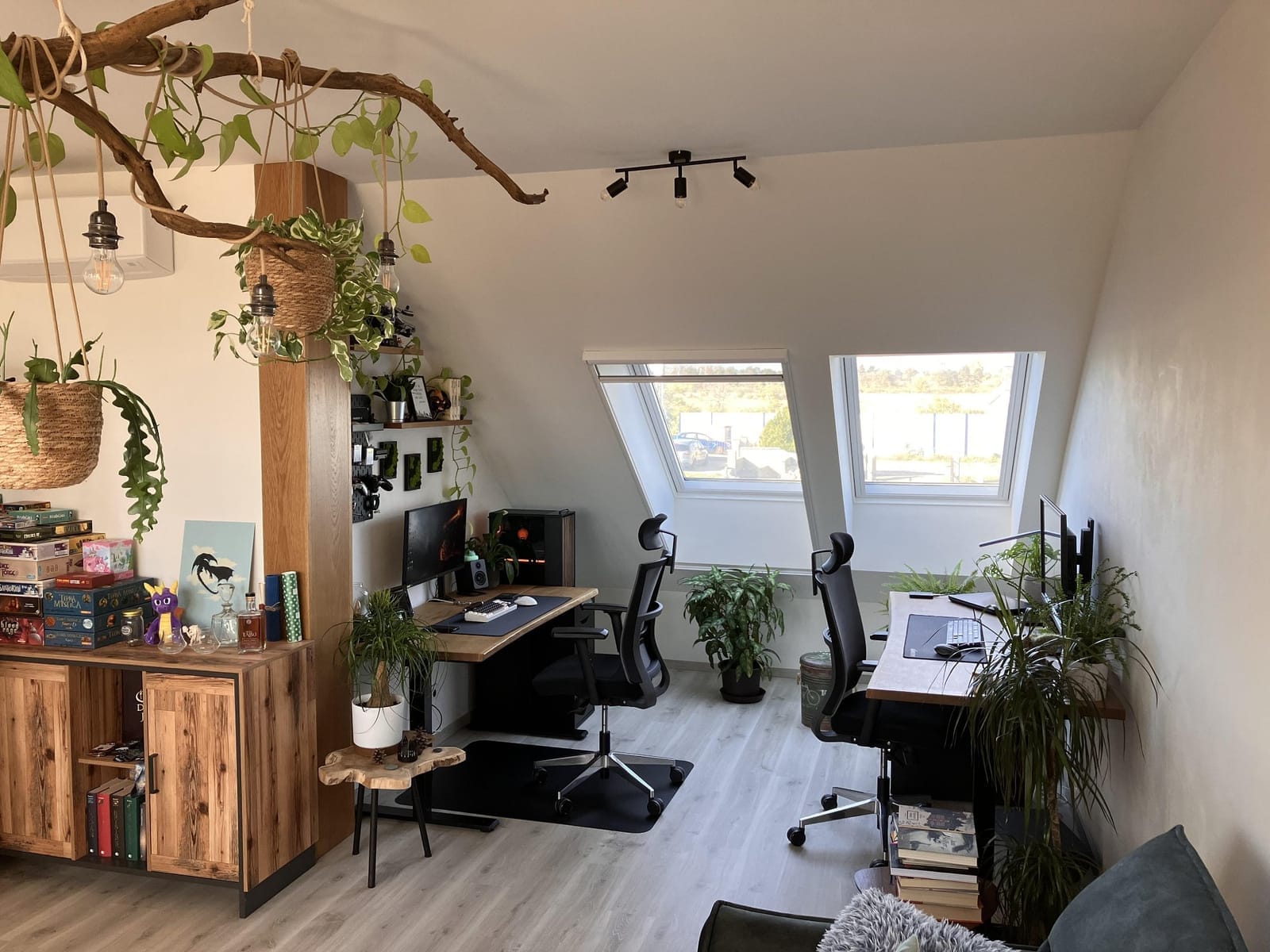
Two couples share a single office. Eloy Rodriguez and his partner designed the Home Office for Two in Barcelona, Spain together and disagreed about the lighting. They settled it this way: “we decided that each of us should have control over the lighting in our own area to adjust it to our preferences.” They negotiated over plants too and agreed on “three to four plants”. Arek Kajda shares his room with his wife. In the Aesthetic Mini PC Desk Setup in Germany, “We each have identical custom-built desks featuring black metal frames and wooden tops, positioned opposite each other.”
Some owners moved work out of the house altogether. Tristan Green rented an office because at home “I was limited to spaces that were safe for my son”. His Keyboard Enthusiast Desk Setup in the US is in that office. Darius Dan’s Desk Setup With Exposed Brick Wall in Romania is in a studio downtown: “I tried it for three years and simply concluded it wasn’t for me.”
Light: start with where the desk goes
Most owners mention daylight, and most of them placed the desk first and then added lamps to fill the gaps.
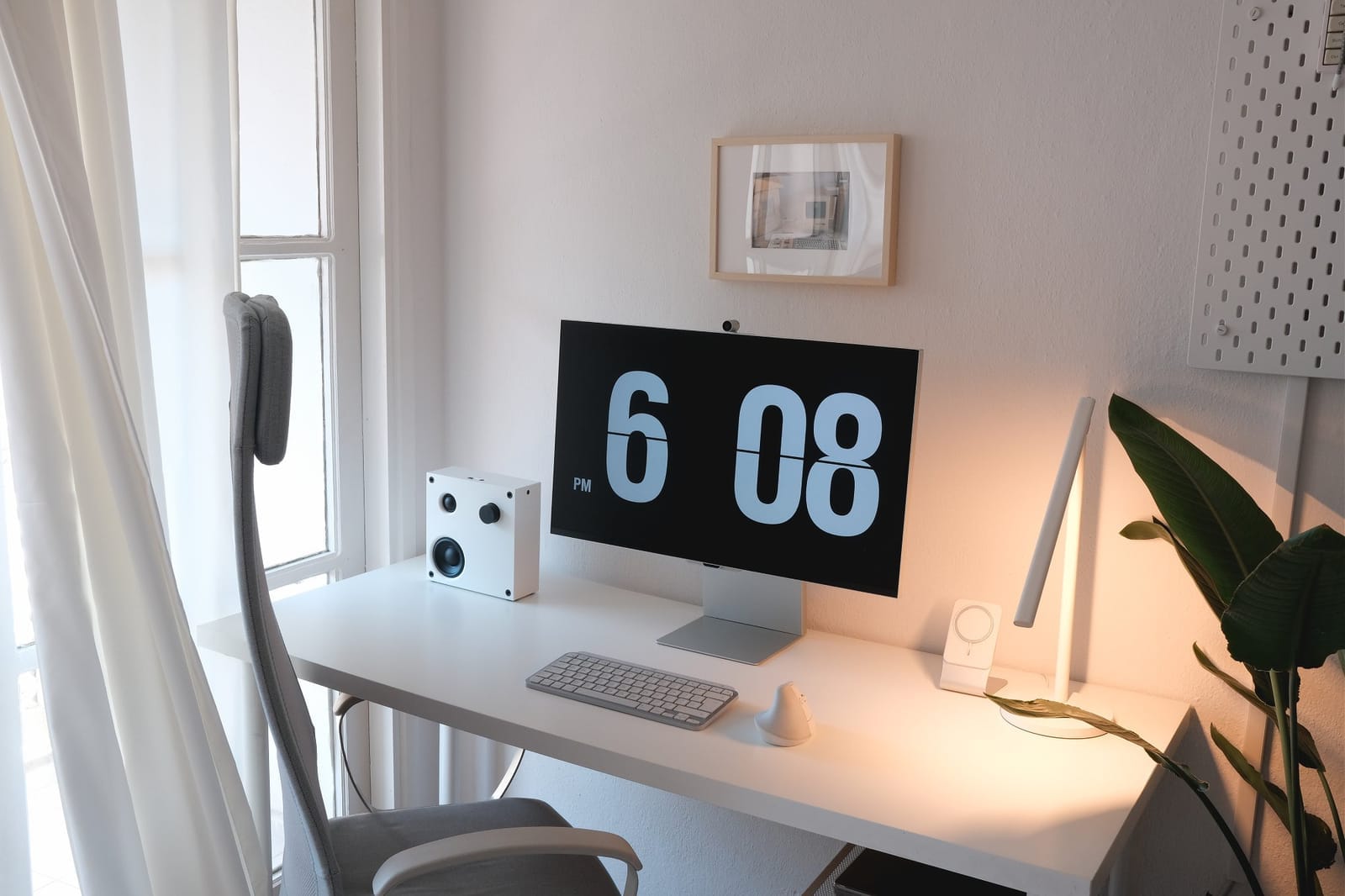
Several put the desk at a window. Soner Sen, in his Nature-Inspired Home Office in Vienna, Austria: “I placed my desk next to the window so that I can get a lot of natural light during the day when I’m editing videos.” Kristina Fostovets chose the room for her Joyful Workspace of an Illustrator in Spain because “it gets great natural light throughout the day”, and so did Helin Kil (“the best natural light”) for her Minimal White Desk Setup in Turkey. Rishad Amarkhel placed the main desk in his Two-Desk Home Office in San Francisco Bay Area “near a large window”.
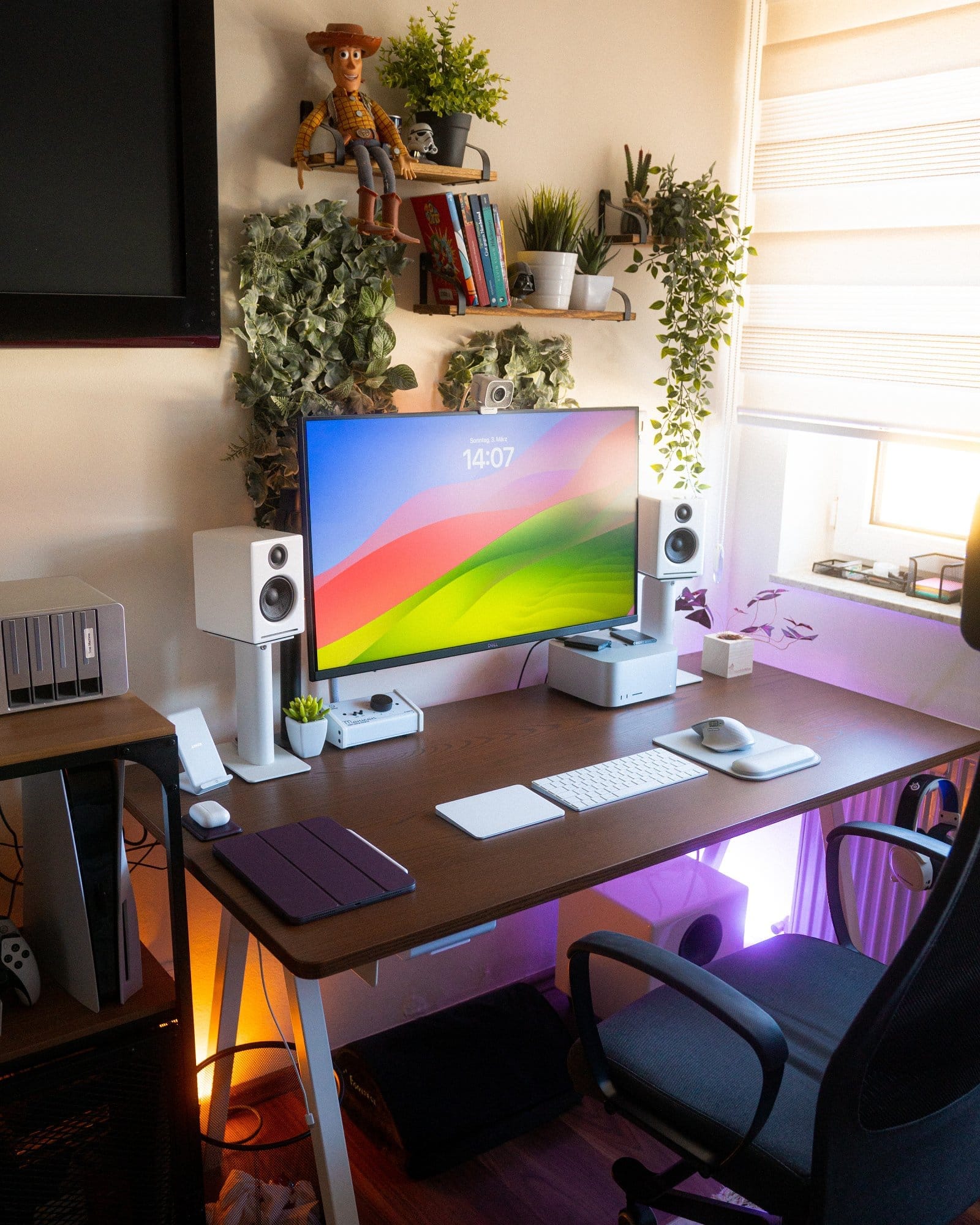
Others warn about glare. Arek Kajda prefers his darker room “because the low light prevents reflections on my screens, which is why I usually keep the window blinds down.” Alexey Chernikov’s rule is short: “Avoid having a window behind your screen or behind your back.” The UK Health and Safety Executive gives the same advice in its guide to working with display screen equipment: arrange the screen to avoid glare, preferably not directly facing windows, and use blinds to control bright light.
Some rooms have little or no daylight:
- Qasim Zafar works in a garage. In his Cosy YouTube Desk Setup in the US, “there isn’t any natural lighting, so I’m using Philips Hue Light Bars behind the monitor to light my desk.”
- R.U.I gets “only a little natural light”. In his Rustic Home Office in Japan, LED strips make up the difference.
- Rosdi Annuar misses the daylight he had at his old desk. For his Modern Minimalist Desk Setup in Malaysia he bought a studio light to replace it: “It took me a while to understand how lighting works, and I’m still learning to this day.”
- Joel Codner liked his green walls best, but repainted for the Filmmaker’s Desk Setup in the Cayman Islands: “I had to change it to white because I wasn’t getting enough natural light, so my photos and videos would come out darker than I’d like.”
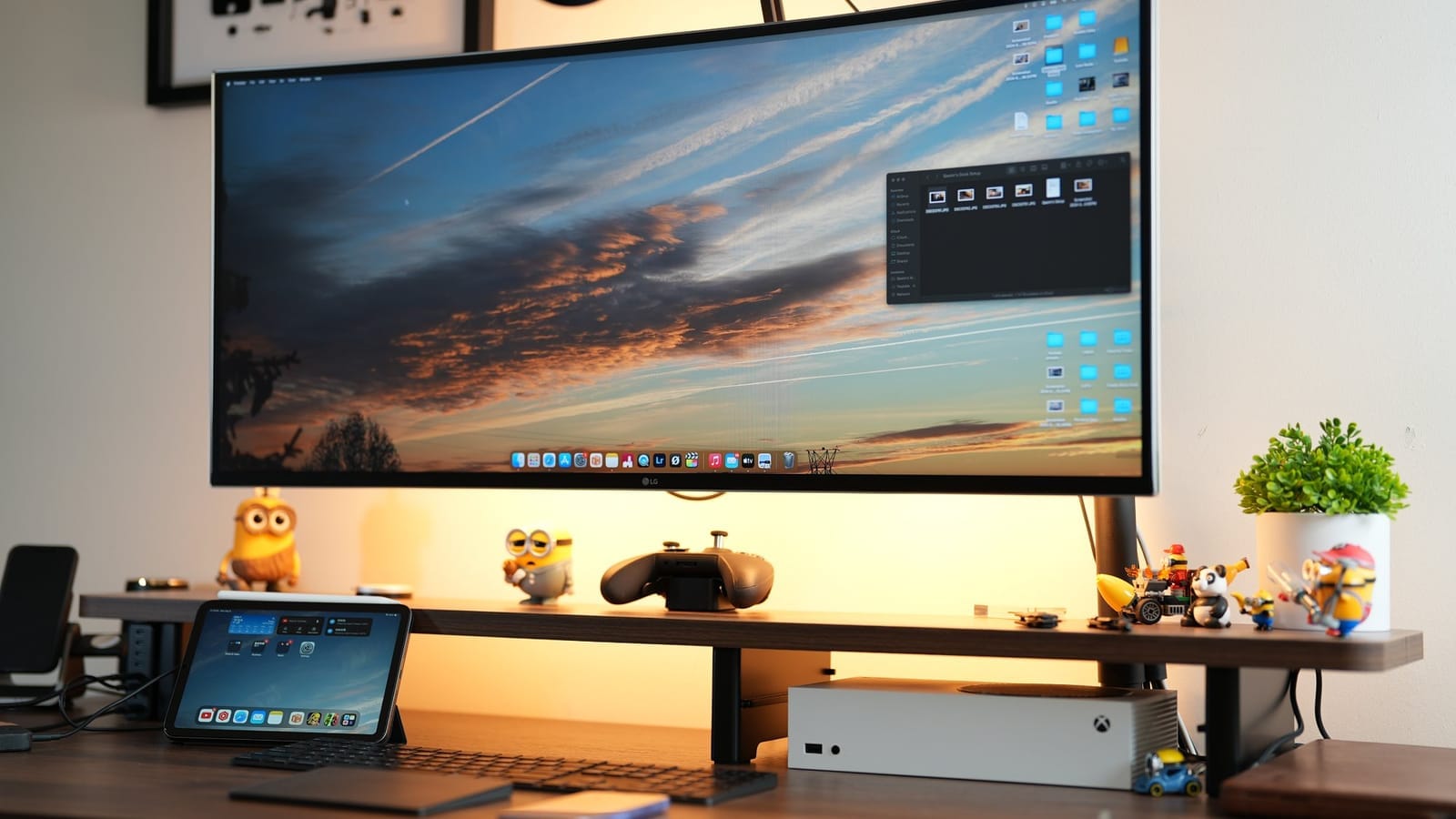
The most common complaint is overhead light. Lily Ongartthaworn has “tried over five different types of bulbs to fix the harsh overhead lighting problem” and decided she “might need more lower-placed light sources instead of increasing the wattage of the main light.” Nicholas Christowitz’s advice from his Cat-Friendly Desk Setup in Berlin, Germany: “Indirect and adjustable, high-quality lighting will make you so much happier.”
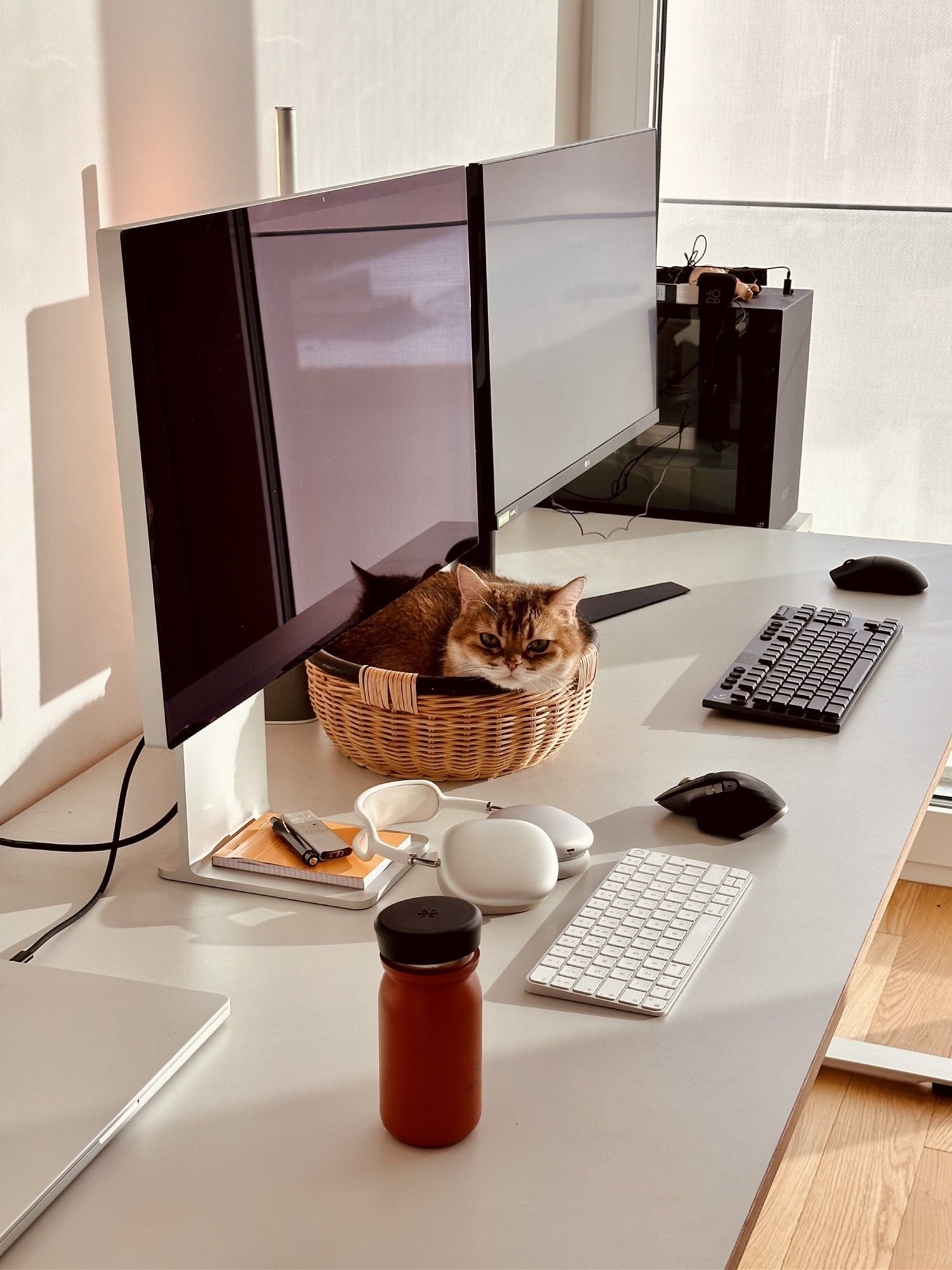
At least eleven of the 49 owners have a light bar clipped to the top of the monitor. These are the models their gear lists name:
| Owner | Monitor light bar named in the interview |
|---|---|
| Joel Codner | BenQ Halo LightBar |
| MUGICHA (Japan) | BenQ ScreenBar Halo |
| Ferdinando Marrone (Italy) | BenQ ScreenBar Halo |
| Marcel (Poland) | Xiaomi Monitor Light Bar |
| Aaron von Kreisler (Austin) | Xiaomi Mi Computer Monitor Light Bar |
| Alexandra (San Francisco) | Vivo Universal LED light bar |
| Eric (Washington State) | MELIFO L-1 Plus Monitor Lightbar |
| Jake (Warsaw) | Yeelight |
| Reggie (Texas) | XINBAOHONG Screenbar |
| Graham Pinkerton (Ontario) | EJITILAI Motion Sensor |
| Nicholas Christowitz (Berlin) | Philips Signe Hue Desk Light |
Marcel, in his Minimal B&W Desk Setup of a Content Creator in Poland, values being able to change the bar’s brightness and colour temperature “depending on the time of the day and availability of natural light.” Jake, in his Plant-Filled Gaming Room in Warsaw, Poland, says of his: “Such a small thing, but my eyes are much more comfortable when looking at the keyboard.”
Standing desks: how owners actually use them
At least 20 of these setups have a height-adjustable desk or legs, going by the gear lists. The owners who explain how they use it rarely stand all day. They switch between positions, often to suit a particular task.
- Jose Munoz, in his Smart Home Office of a Product Designer in Puerto Rico, uses “all three desk positions — standing for admin work, a stool for deep work, and the Aeron chair in the lowest position for meetings.”
- Rishad Amarkhel paired a Floyd table with what he calls an IKEA mini standing desk, so he can stand for meetings: “Using the standing desk for meetings brings more energy and focus, especially in longer sessions”.
- R.U.I stands to fight the afternoon dip: “When I feel sleepy, I switch to a standing desk to stay focused.”
- Joakim Widell is honest about how often he stands, in his Clean and Minimalist WFH Setup in Sweden: “I try to switch between sitting and standing at least once a day, but in reality, it’s closer to once every two days.”
- Nicholas Christowitz calls the Herman Miller Aeron and electric standing desk “The most worthwhile improvement I made”.
The research supports this modest approach. A Cochrane review of workplace interventions found that sit-stand desks seem to reduce sitting at work by 84 to 116 minutes per day. It rated that evidence as low quality and said the effect is likely to reduce with time. The same review found that short breaks of one to two minutes every half hour cut sitting by 15 to 66 minutes per day more than two 15-minute breaks.
The owners’ break routines differ. Helin Kil works for an hour and then takes “a 30-minute break to exercise by walking around the house or doing some drawing.” Reggie, in his Indoor Jungle Workspace in Texas, runs “60/10 Pomodoro timers”. Kamp follows a flexible Pomodoro routine, “working for 25 minutes and then taking a 15-minute break.” For anyone setting their own rhythm, the HSE’s guidance on work routine and breaks says “5 to 10 minutes every hour is better than 20 minutes every 2 hours.”
Desks built from worktops, planks and a door
One of the most repeated ideas in these interviews is to buy a top and a frame separately, or to make the top yourself.
| Owner | Top | Base, as named in the interview |
|---|---|---|
| Emmanuel (Virginia) | IKEA KARLBY, the widest available | Fully Jarvis frame on Uplift casters |
| Kamp (Canada) | IKEA KARLBY (oak/veneer) | VIVO Electric Stand Up |
| Harrison Niap (Malaysia) | IKEA KARLBY | Flexispot E7 |
| Vasil Enev (Bulgaria) | IKEA KARLBY walnut veneer | IKEA IDÅSEN underframe and ALEX drawers |
| Alex Gow (Australia) | IKEA KARLBY | IKEA ALEX |
| Jose Munoz (Puerto Rico) | IKEA LILLTRÄSK worktop | Standing desk motor from Amazon |
| Alexey Chernikov (Berlin) | IKEA GERTON | Flexispot H2 |
| Soner Sen (Vienna) | IKEA IDÅSEN top | IKEA TROTTEN underframe |
| Peter Beardsley (New Hampshire) | Butcher block countertop | Monoprice standing legs |
| Petr Hubacek (Czech Republic) | Two oak planks from a local joiner | Adjustable legs from Liftor |
Parts as listed in each owner’s gear table.
Emmanuel, in his Audiophile’s IKEA Desk Setup in Virginia, US, says of the widest KARLBY: “What the desk lacks in depth, it made up for in width.” Jose Munoz says of his worktop: “The kitchen quality top has withstood numerous coffee and water spills.” Petr Hubacek’s old room was destroyed and had to be rebuilt, and when he moved his workspace he decided that “I didn’t want to use IKEA tables or desks anymore”. In his Cozy Desk Setup with Plants in the Czech Republic he uses oak planks cut by a joiner.
Some went further and built the desk themselves:
- Kristina Fostovets: “My desk is literally just a door sitting on two painted wooden easels, and it works surprisingly well.”
- R.U.I’s desk is “built around a single plank I purchased from a home improvement store”, 160 cm wide.
- Jake, in Warsaw, made his tops from elm “harvested by my wife’s grandfather decades ago”, but adds that “I could have made it a bit taller and shallower, but to cut costs, I designed it myself.”
- Joakim Widell milled his worktop with “a chamfer on the bottom and a radius to the top to create the impression that it’s thinner than it actually is.”
- Yassir Hanzife’s father built the solid wood top for the Designer’s Relaxing Desk Setup in Morocco. It rests on an IKEA ALEX drawer unit at one end and a wooden tripod leg at the other.
- Eric and his father welded a steel frame for his Floating Desk Setup in Washington, US, “with a built-in cable rack to hold up the tabletop, headboard, and both of the shelving units on either side.”
- Dejan Kristo’s Work-in-Progress Desk Setup in Koblenz, Germany is a “200×80 cm long, 3.5 cm thick wooden board, mounted on height adjustable legs.”
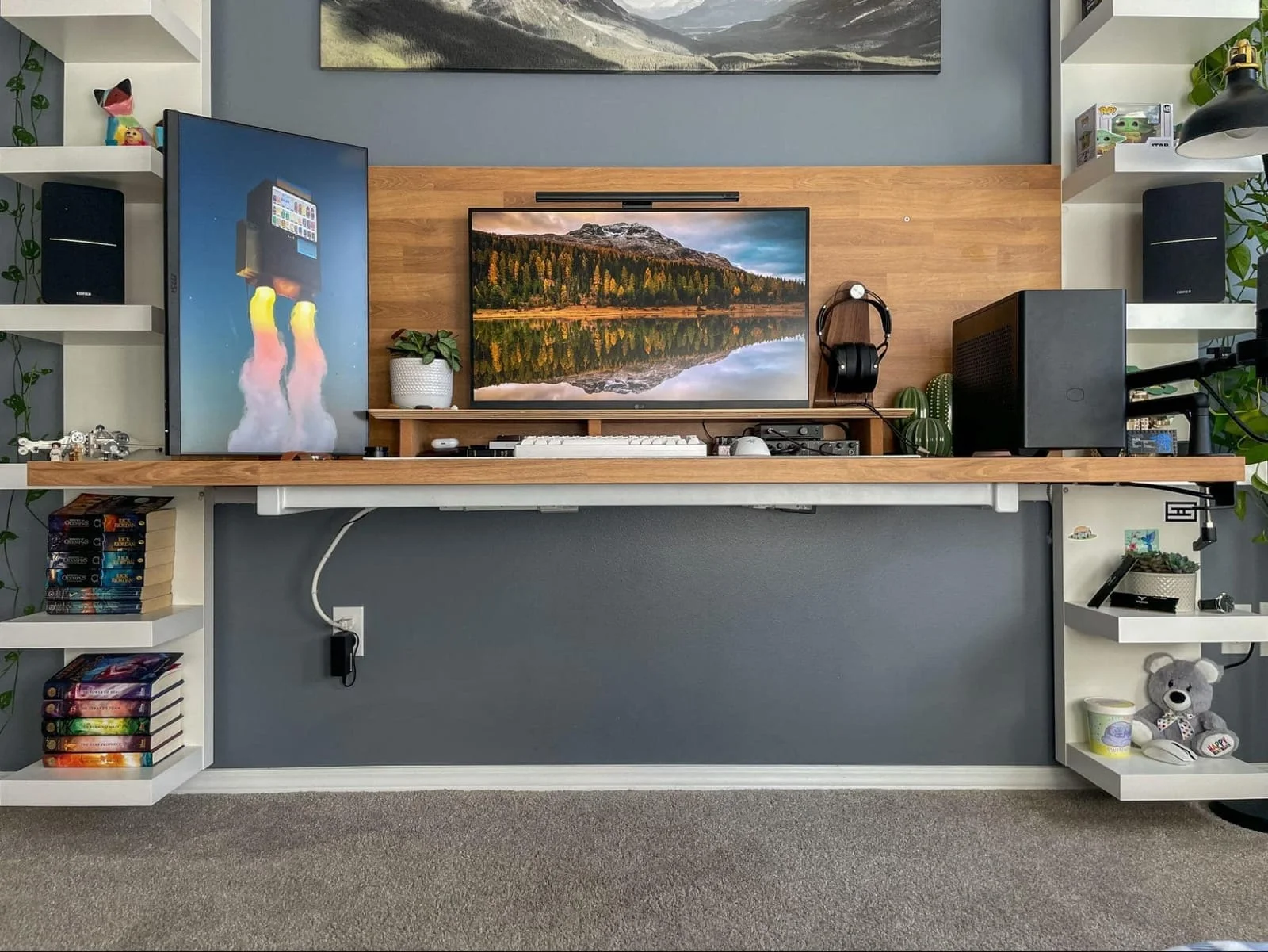
One warning applies to any monitor arm. Kamp: “When choosing a monitor, definitely opt for one with a VESA mount — I learned that the hard way!” He had to buy an expensive adapter.
Cables: under the desk, or the whole desk moves
These owners hide cables in four ways.
- Fix them underneath. Guillaume Lemay paid for his desk maker’s integrated tray with power strips, “which allowed me to run all the cables underneath the desk and achieve a super clean look.” See his Minimalist Productivity Setup in Canada. Darius Dan uses cable management accessories mounted beneath the desk. Eloy and his partner “placed them at the bottom of the tables”.
- Build the route into the desk. Dan Silvestone’s floating desk has “plenty of holes for cables to disappear”, and Eric’s welded frame has its own cable rack.
- Cut the number of cables. Emmanuel’s desk runs on one cable: “By plugging everything into the Hexcal Studio, I only have one power cable that runs to my power strip from my desk.” His desk is on casters, which “allow me to easily pull my desk forward and access the back.” Gemma keeps power banks on the shelf under her desk to “minimise the need to trail cables to the walls.”
- Match the cables to the room. Tony Sam Noel used black adhesive-backed cable ties “so they blend with the black cables”. He uses only one side of a dual monitor arm because a second screen would “mess up the whole minimal setup.”
Nicholas Christowitz admits what many people would recognise: “It always looks fine in photos, but I know the cables are a mess under the desk”.
Colour and materials: pick a short palette and repeat it
The palettes vary a lot. The common method is to pick two or three colours or materials and use them everywhere.
- Ross Robinson gives a reason for each of his three colours in his Minimalist Writing Space in Kailua, Hawaii: black to match his devices, white to blend with the walls (“The white walls help maximise the available natural light from my windows”), and light brown to bring in wood, bamboo and cork.
- Joel Codner: “The key feature isn’t necessarily a piece; it’s the colour orange.” Robert Vidaure also uses orange and set it against a charcoal-black corner.
- Ferdinando Marrone painted half his studio “a deep dark grey (my favourite colour), to add depth and always have a naturally contrasting background ready”. That is a practical choice for someone who films at a Two-Desk B&W Space of a Content Creator in Italy.
- Soner Sen uses black and white for “the striking contrast they offer against the wooden elements and greenery.”
- Harrison Niap’s Dark and Cosy Desk Setup in Malaysia goes the other way: “It has a dark theme but is very cosy with plenty of wood and green tones.”
- Kamp, in his Content Creator’s Warm & Minimalist Desk Setup in Canada: “I’m drawn to organic, neutral tones because they create a cosy, calming and grounding atmosphere.”
- Vasil Enev chose turquoise drawers for his Designer’s Smart Desk Setup in Bulgaria because “the turquoise colour complemented the black and walnut materials.”
- Rosdi Annuar keeps the furniture in the rest of the room white and grey “because I want my desk to be the focal point of the space.”
- Aaron von Kreisler, in his Clean and Minimal Workspace in Austin, Texas: “I always come back to a neutral-toned desk paired with white oak accessories and black accents.”
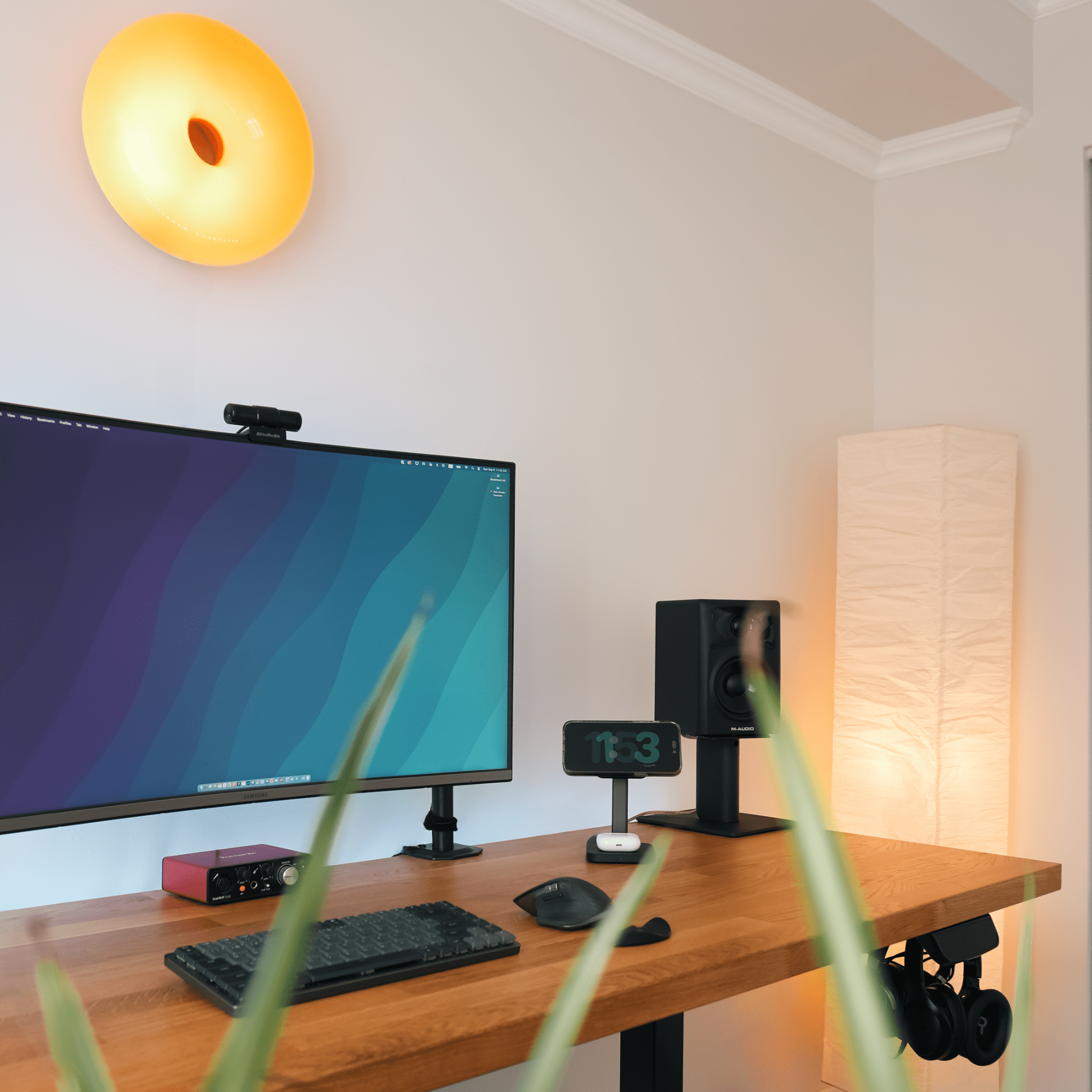
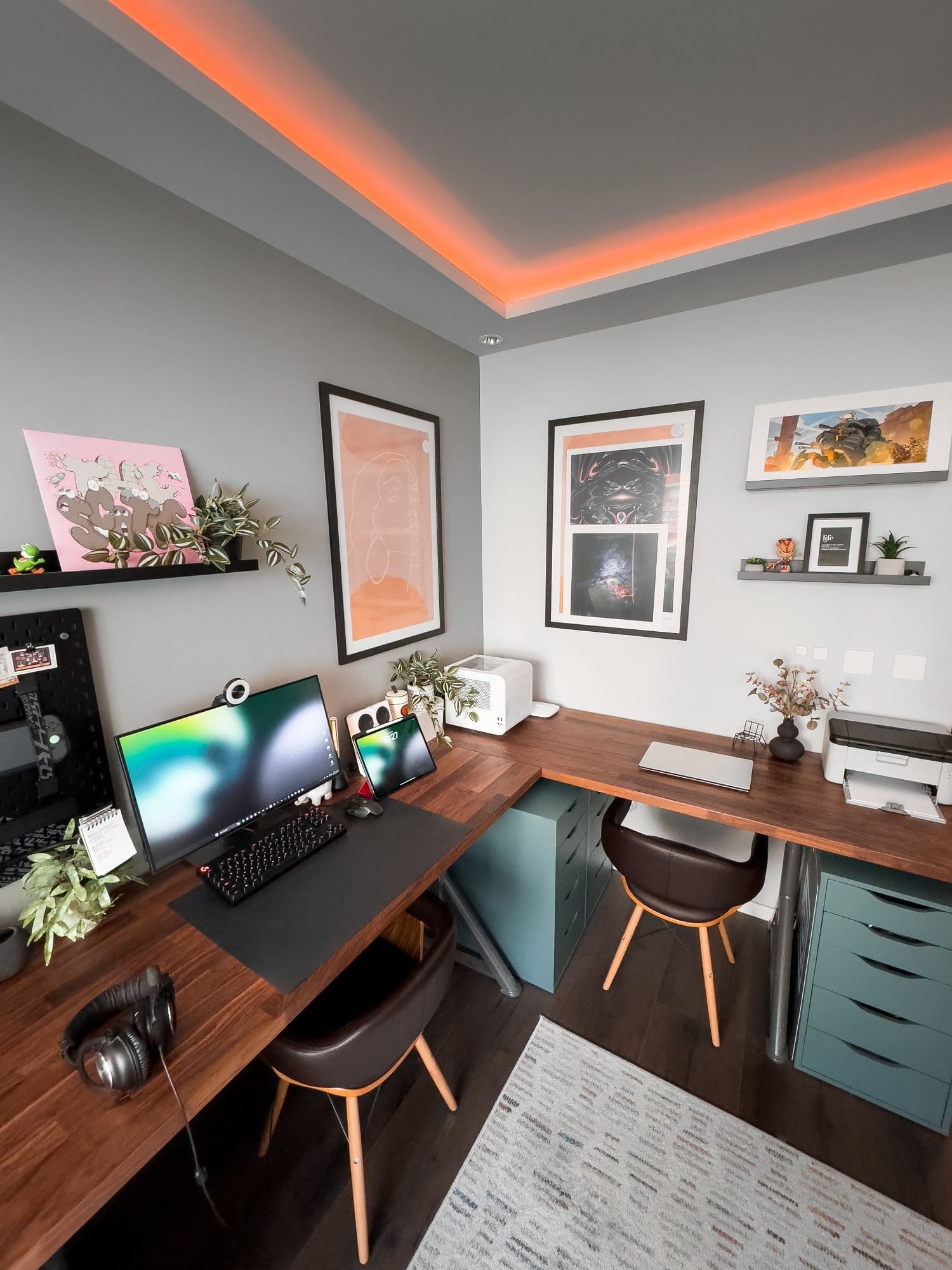
Robert McCombe changed direction completely when he moved from a dark alcove. In his Warm and Cosy Setup of a Content Creator in the UK he aimed for “a warmer, lighter, and more relaxing space.”
Plants: for the room, not the air
Plants appear in most of these rooms. Alexandra’s south-facing window “has made the plants very happy”. Reggie’s Texas room is an indoor jungle, and MUGICHA’s Bonsai Desk Setup in Japan has a single bonsai, because “too simple isn’t my style”. Jake says his northwest-facing office limits the light, but his houseplants do not seem to mind. Gemma uses faux plants where there is little light. Peter Beardsley would like some greenery but admits “my track record with keeping plants alive is less than stellar.”
Choose plants for how they make the room look and feel. Do not expect them to clean the air. A review of 12 chamber studies in the Journal of Exposure Science & Environmental Epidemiology estimated that it would take 10–1000 plants per square metre of floor space to match the air exchange a typical building already provides.
Monitors: one, two, wide or tall
There is no agreement on screens, but each owner gives a reason for their choice.
- One good screen. Petr Hubacek weighed dual monitors against an ultrawide and chose “a quality 27-inch monitor with a higher refresh rate”. Soner Sen dropped his second monitor and uses an iPad for calendar and messages instead.
- Ultrawide. Alex Gow, in his Ultrawide Battlestation in Australia: “for anyone that deals with Excel spreadsheets a lot, I can’t recommend this enough”. Robert, in his Widescreen Desk Setup in Germany: “I’m team widescreen.”
- Main screen plus a vertical one. Joakim Widell uses a second screen in portrait orientation next to his main monitor, which keeps documents and chats visible “without causing neck pain (which I got from the vertically stacked combo).”
- No external monitor. Lily Ongartthaworn needs table space for paper, dough and wood, which is “the main reason I opt out of the secondary monitor and dock setup.”
- A travel version. The owner of the Travel Desk Setup in Tokyo, Japan mounts a portable monitor on a desk tripod with a ball head. He says it “takes up much less space both on the desk and vertically” than a laptop stand.
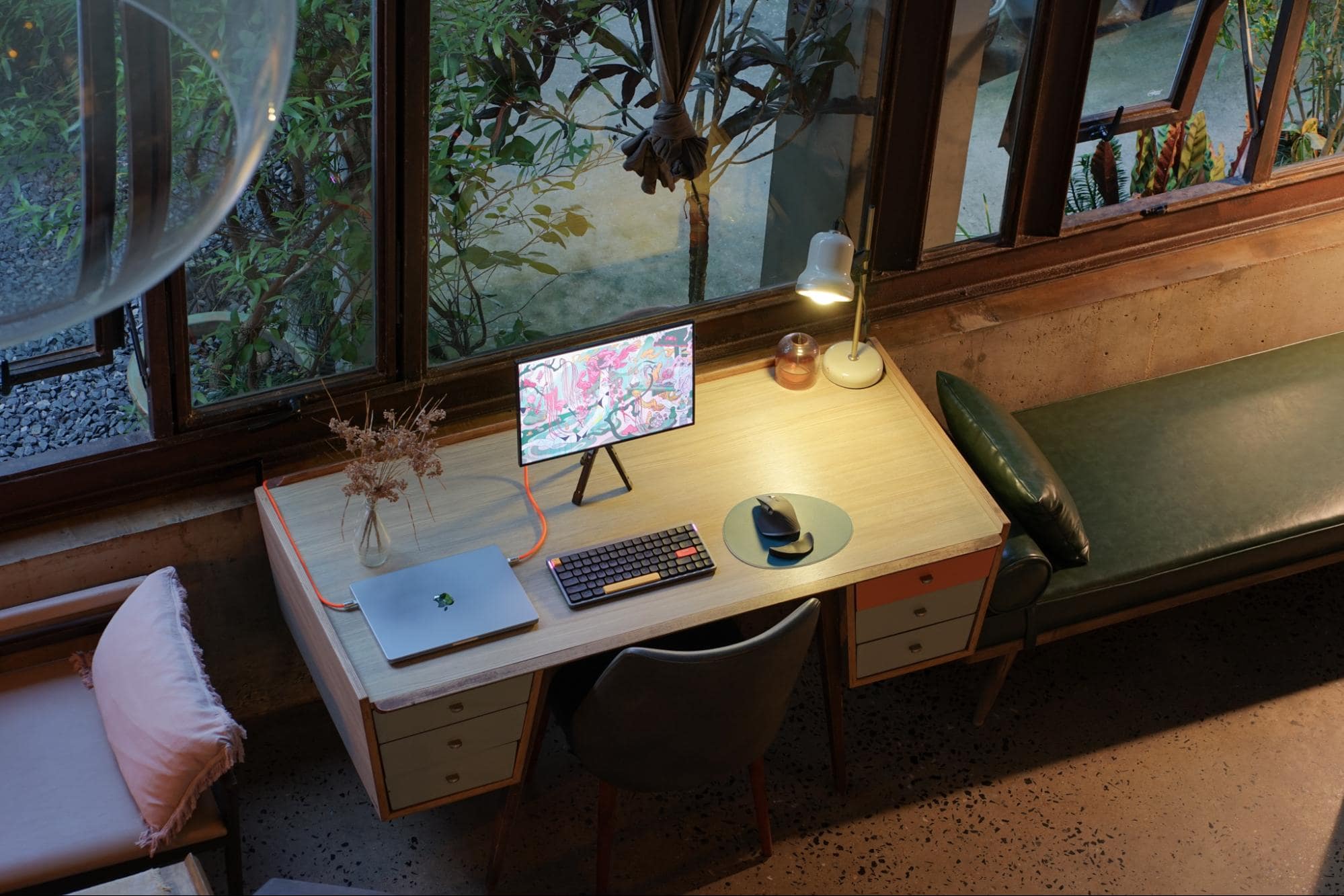
Whatever the screen, the HSE’s good posture guidance puts the top of the screen level with your eyes, about an arm’s length away. For laptops it suggests a separate keyboard and mouse so the screen can be raised. Jose Munoz paid extra for his monitor’s adjustable stand “because my average position was too low.”
The lesson most of them repeat: buy slowly
Many of the interviews end with the same advice: build the setup slowly.
- Robert McCombe rushed his new room, “but that led to some rash purchases that I later sold or donated.”
- Petr Hubacek: “If you buy a cheap copy, it will annoy you, and you’ll end up getting the dream one anyway.” MUGICHA agrees: “a lot of people who compromise end up not using the items for long and buying similar things again.”
- Mike Overton has “gone through three chairs since 2021”.
- Harrison Niap suggests working with what you already own: “if you have a white table and grey walls, try to build around that”.
- Soner Sen: “I often changed my setup because I compared myself too much to other people instead of paying attention to my own needs.”
Read the interviews in full for gear lists, costs and more photos. The other setups from the 2024 round-up are Mateus Almeida’s Clean Mac Studio Setup in Austria, Anton Sten’s Calm Apple Desk Setup in Sweden, and two entries whose interviews are not currently available: IKEA Desk Setup with an Embody Chair in San Francisco, US and Bright and Practical Desk Setup in Italy.
We’re a reader-supported publication. This article might contain affiliate links. It means we may receive a commission if you click a link and buy a product that our maker has recommended. All interviews were done independently.
