

Name: Arek Kajda
Location: Kassel, Germany
Occupation: Independent 3D Illustrator/Designer
Room size: 16 m² (172 ft²)
Cost of setup: ~$5,5K
Hello! Tell us a bit about yourself
My name is Arek, and I’m a Germany-based illustrator and visual designer.
I create happy 3D visuals for brands and digital products.
As an independent designer, I manage everything from art direction to execution, focusing on developing 3D assets, including illustrations and animations, primarily for brands and SaaS companies.
I’ve always worked from home, and I truly enjoy the flexibility and freedom.

Take us through your setup
| Item | Model |
|---|---|
| Monitor | Samsung Space |
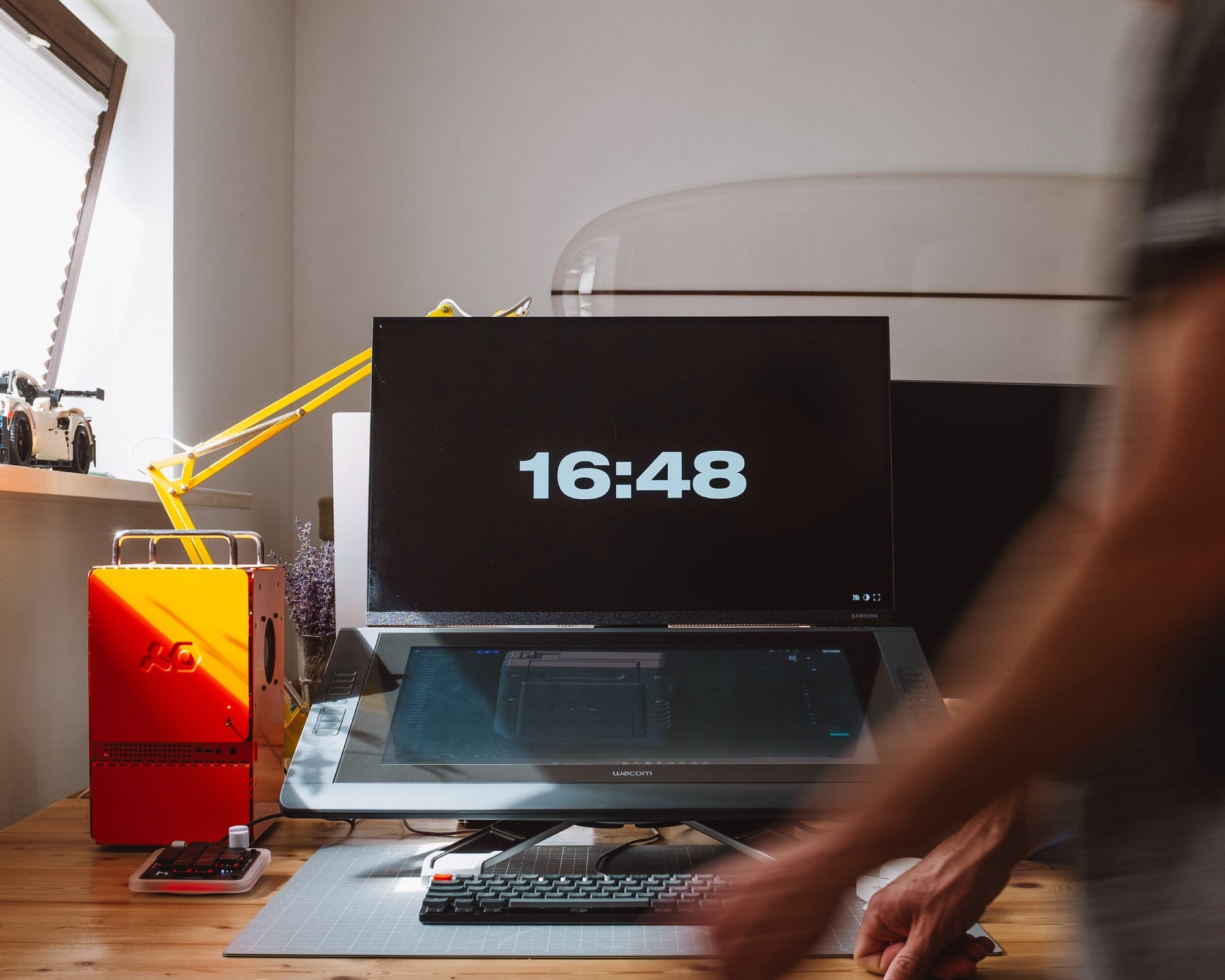
| Tablet | Wacom Cintiq 22HD |
| PC case | Computer–1 (TE) |
| Operating system | Windows 11 (64-bit) |
| GPU | MSI Geforce RTX 3060 Aero |
| Memory | 2× Samsung 32GB DDR5 4800Mhz |
| CPU | Intel Core i9-12900F Alder Lake |
| Laptop | MacBook Pro M1 (secondary machine) |
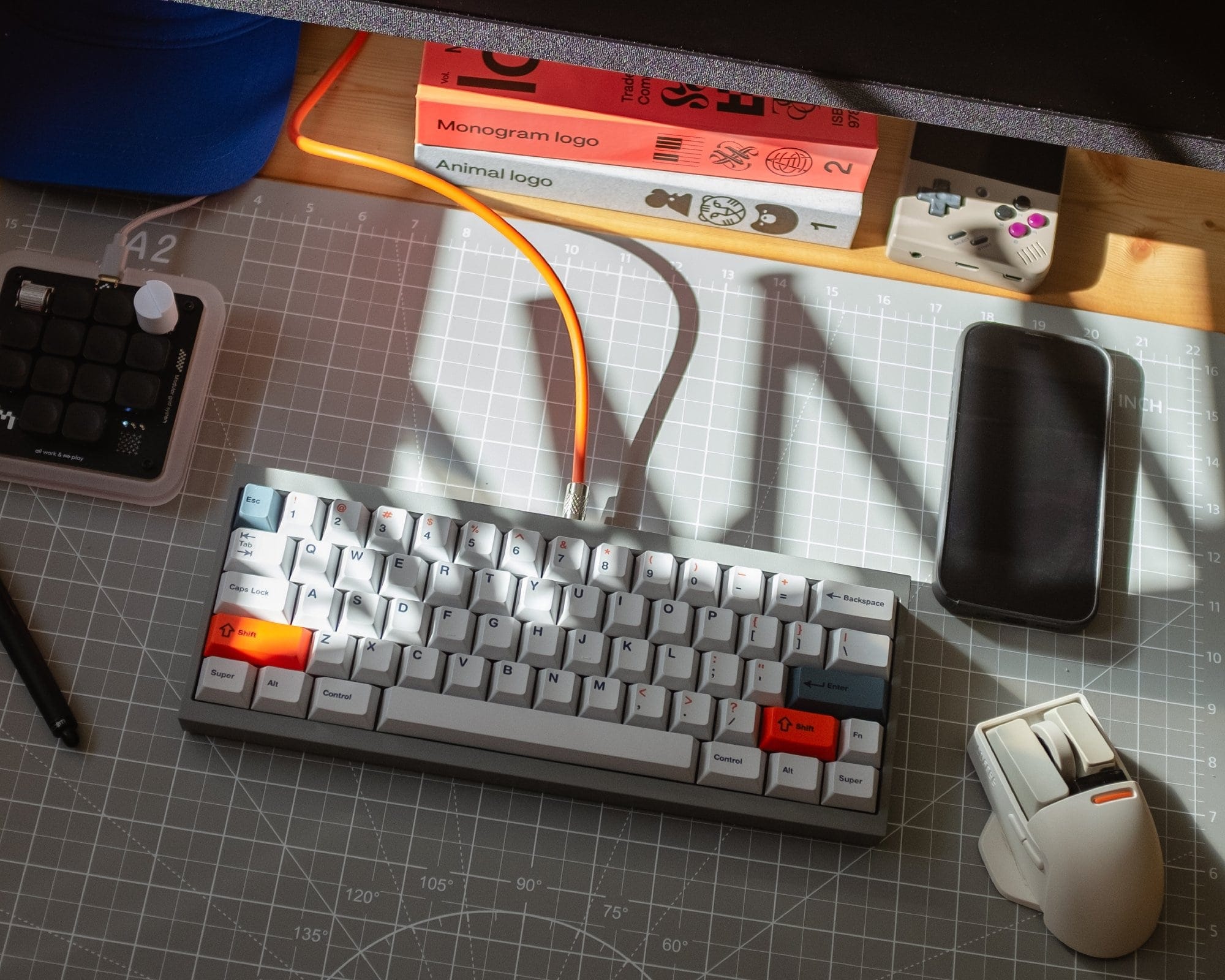
| Mouse | Lofree Touch |
| Headphones | AirPods Max |
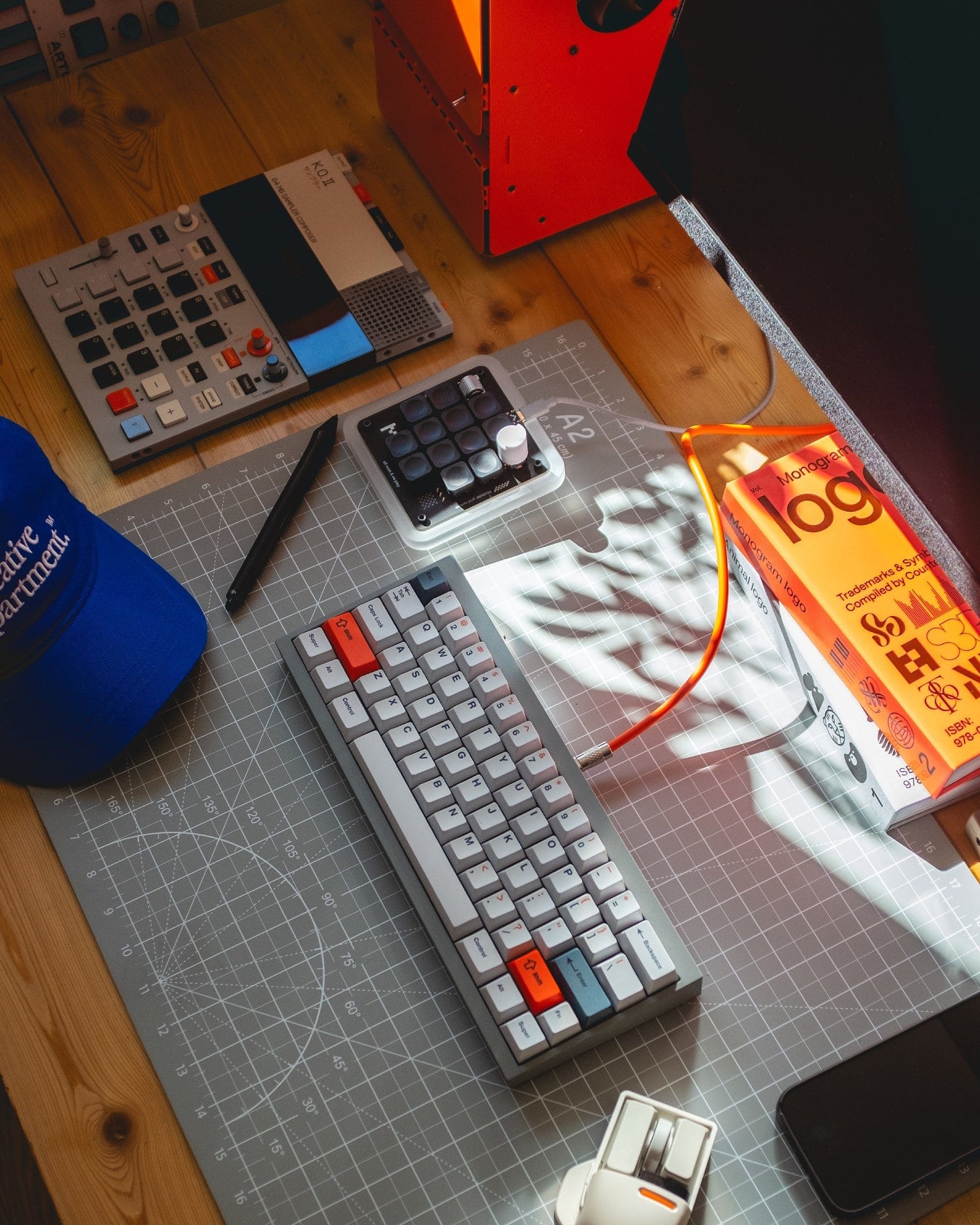
| Macropad | Work Louder |
| Keyboard | Custom built |
| Chair | Vitra EA 117 |
My home office is approximately 16 m² and is the darkest room in the house, which also makes it the coolest in the summer.
I prefer this space because the low light prevents reflections on my screens, which is why I usually keep the window blinds down.
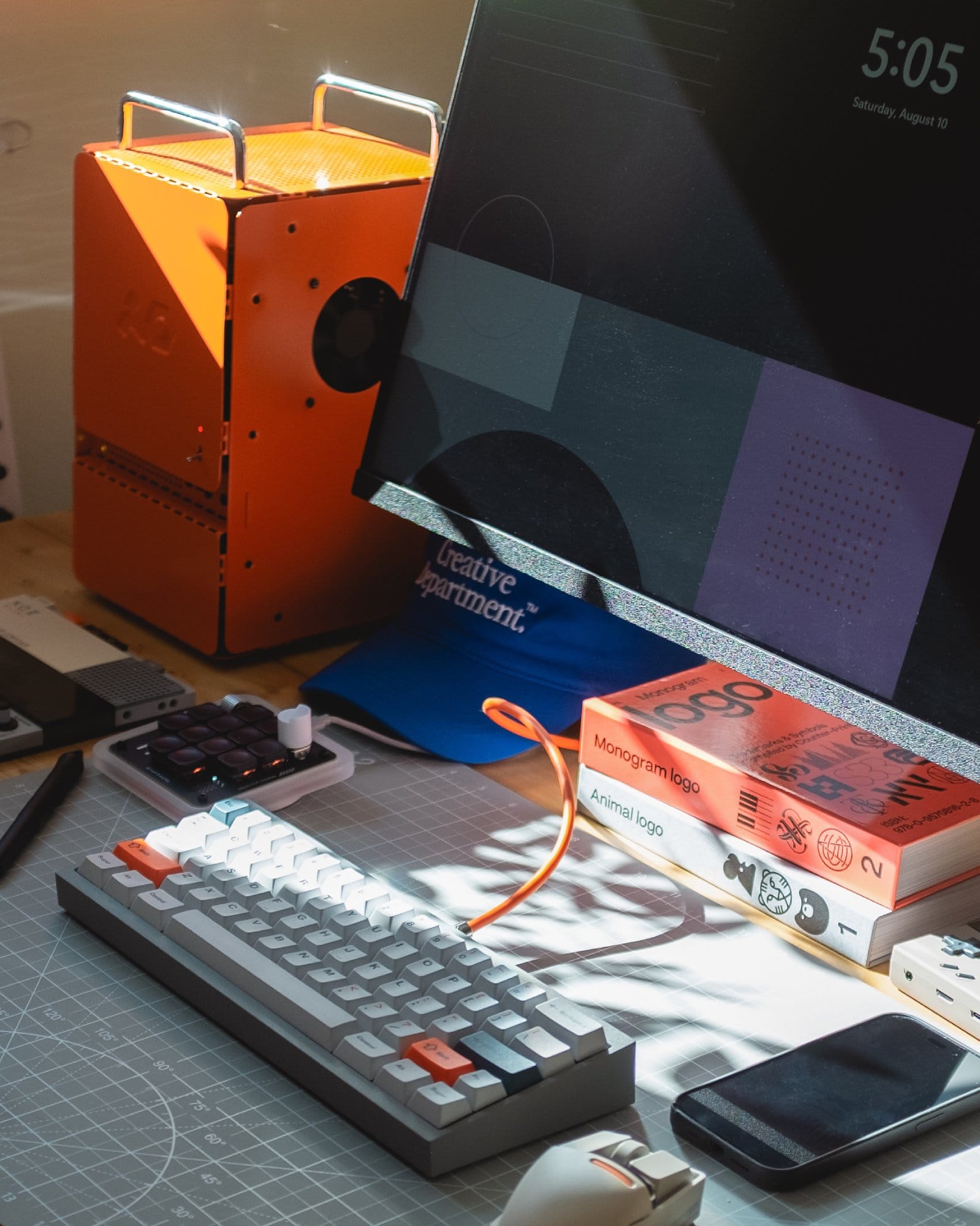
On my desk, I have my custom-built PC connected to a Samsung Space 27″ display and a Wacom Cintiq 22HD.
I share the office space with my wife (and our cat, Tony).
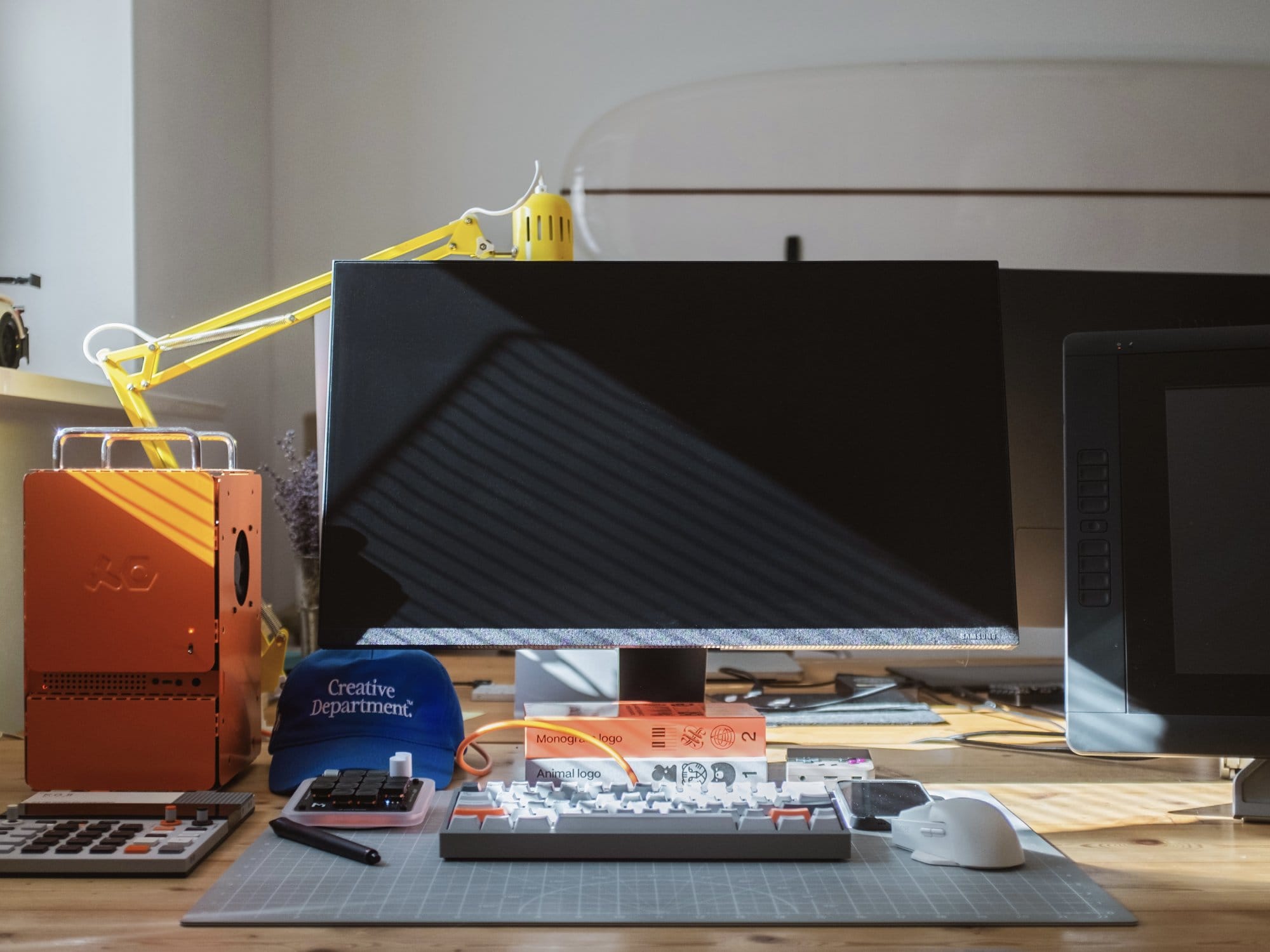
We each have identical custom-built desks featuring black metal frames and wooden tops, positioned opposite each other.
To add a cosy touch, we’ve mounted a wooden IKEA cabinet on the wall.

What’s your favorite item on your desk?
Definitely my mini PC.
It’s one of the reasons I finally made the switch to Windows.
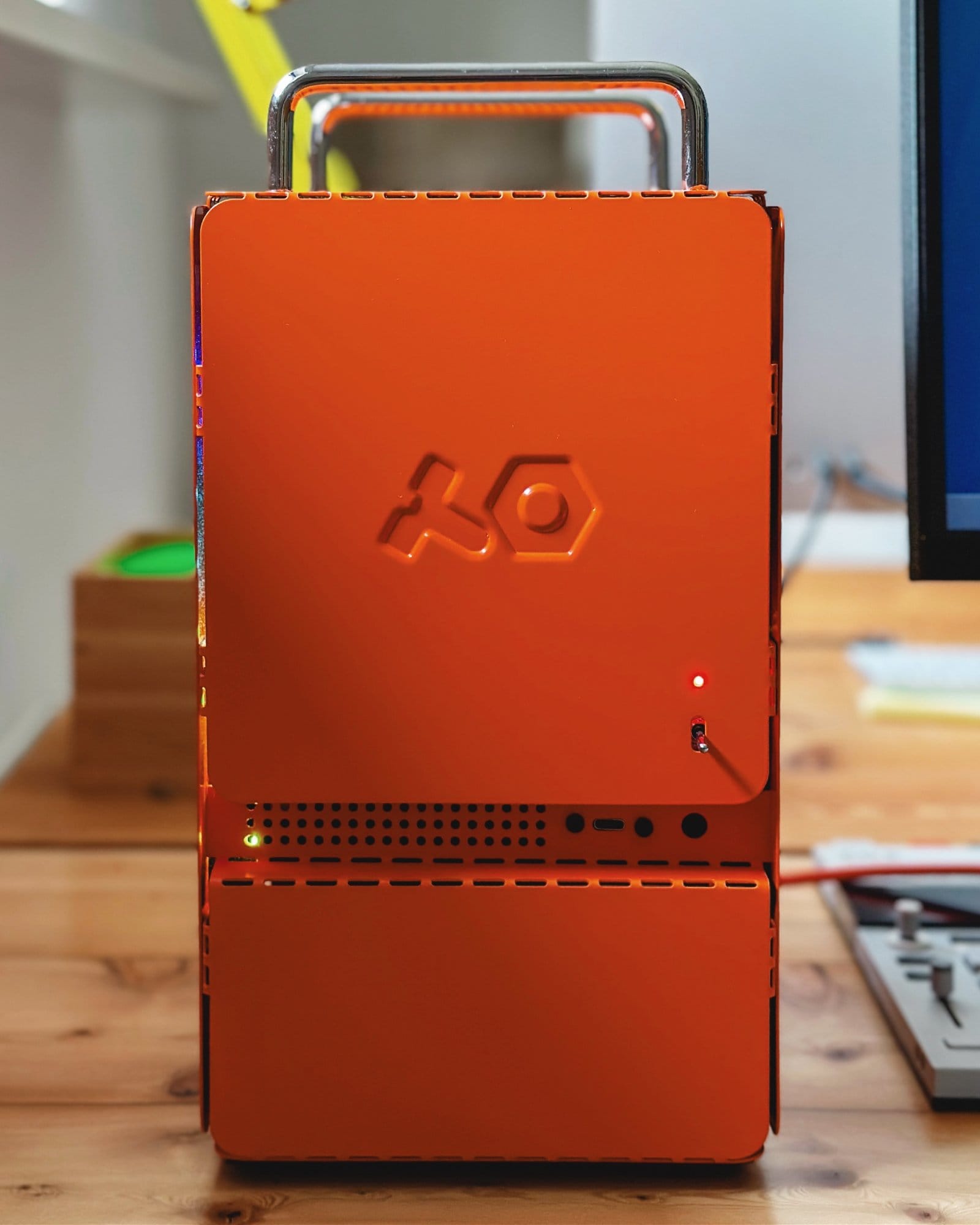
I used to work exclusively on Mac, but as my renderings became more intense, I needed a more powerful setup.
I was aiming for something unusual and compact, so when TE announced their new mini PC case, I was sold.
The assembly process was like building with Lego, which made it even more enjoyable.

It was my first-ever build, and it’s still running like a charm.
Turning on my PC in the morning by flipping this little analog switch feels like starting a jet, but at the same time, it’s really silent.
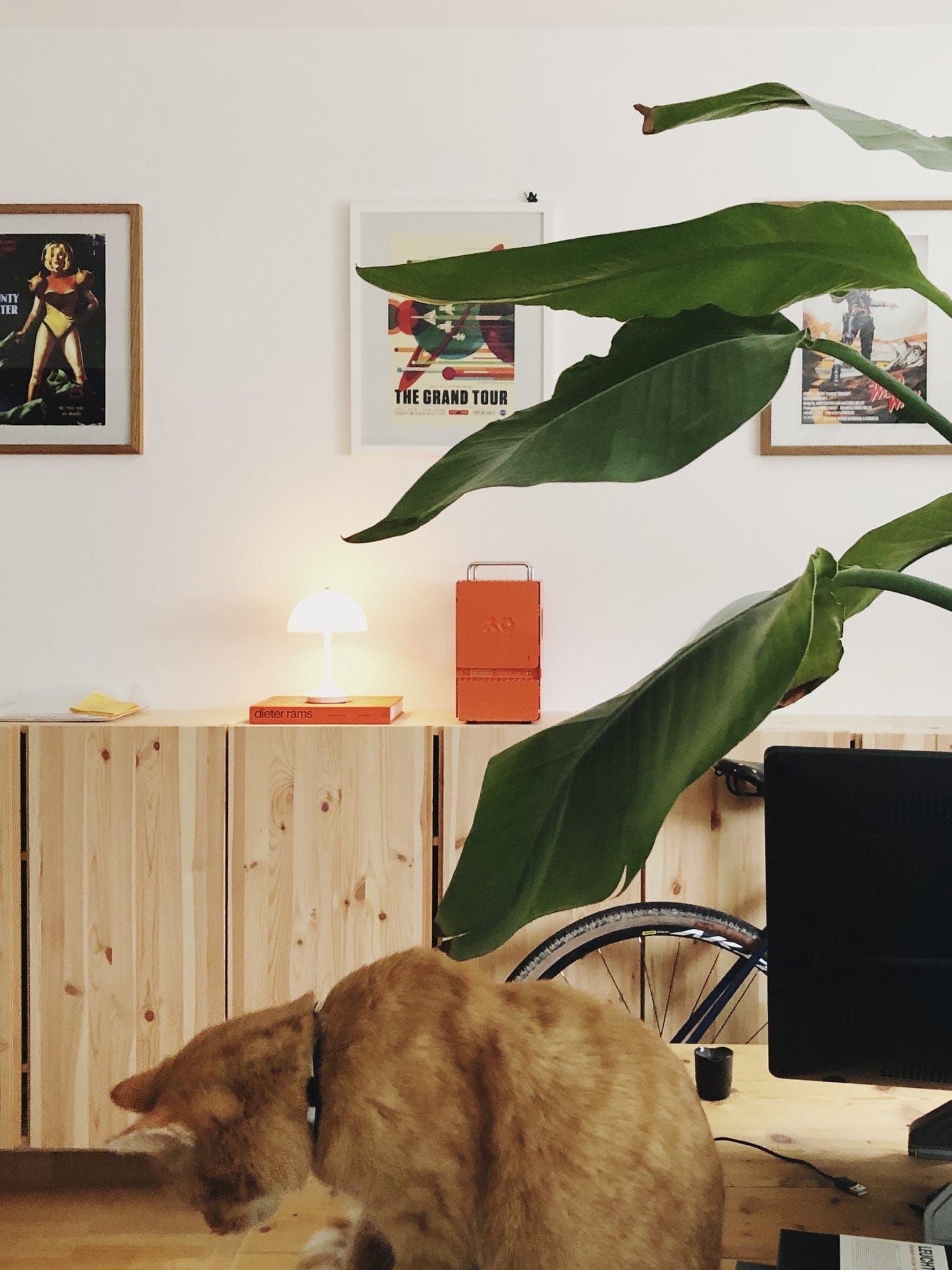
The end result is more than just looking awesome — it’s a powerful machine that meets all my needs.
What apps or tools do you use to get things done?
For different needs, I use various apps tailored to specific tasks.
I primarily use Cinema 4D for most of my work.
When it comes to character design or anything more organic, I prefer ZBrush.
For hard surface or geometrical objects, I’ve recently learned Plasticity, which is a fantastic tool.
Occasionally, I also use Marvelous Designer for clothing and fabric simulations.
For animations and post-processing, I rely on After Effects, and, of course, I use Figma for design and prototyping.
Recently, I’ve started to create my own sounds and sound effects using Ableton Live Lite, which has been an exciting new addition to my workflow.
What books, blogs, or podcasts recently caught your attention?
Neuromancer by William Gibson.

I find the sci-fi genre most inspiring, and Neuromancer is a groundbreaking novel that shaped cyberpunk by blending a gritty world with ideas about artificial intelligence, virtual reality, and the fusion of humans and technology, all told in a unique and vivid style that still influences science fiction today.
Any tips for other makers who want to improve their workspaces?
Honestly, I don’t have any specific tips.
Setting up a home office is a very individual decision, and everyone has different needs and preferences.
What works for one person might not work for another.
The best advice I can give is to experiment and find what makes you feel most comfortable and productive in your own space.
What does your typical day look like?
After my wife and I moved to a more rural area, I like to start my day early, usually around 7 am, by enjoying one to two cups of coffee in bed while checking emails and catching up on the news.
If possible, afterwards, I like to go for a run or bike ride.

I find that getting some exercise in the morning helps me stay focused and energised throughout the day.
Once I finish my workout, I begin my workday.
I typically work until around 5-6 pm, taking breaks for lunch and coffee as needed.
During this time, I focus on various design projects for my clients, mostly creating 3D visuals for websites or apps.
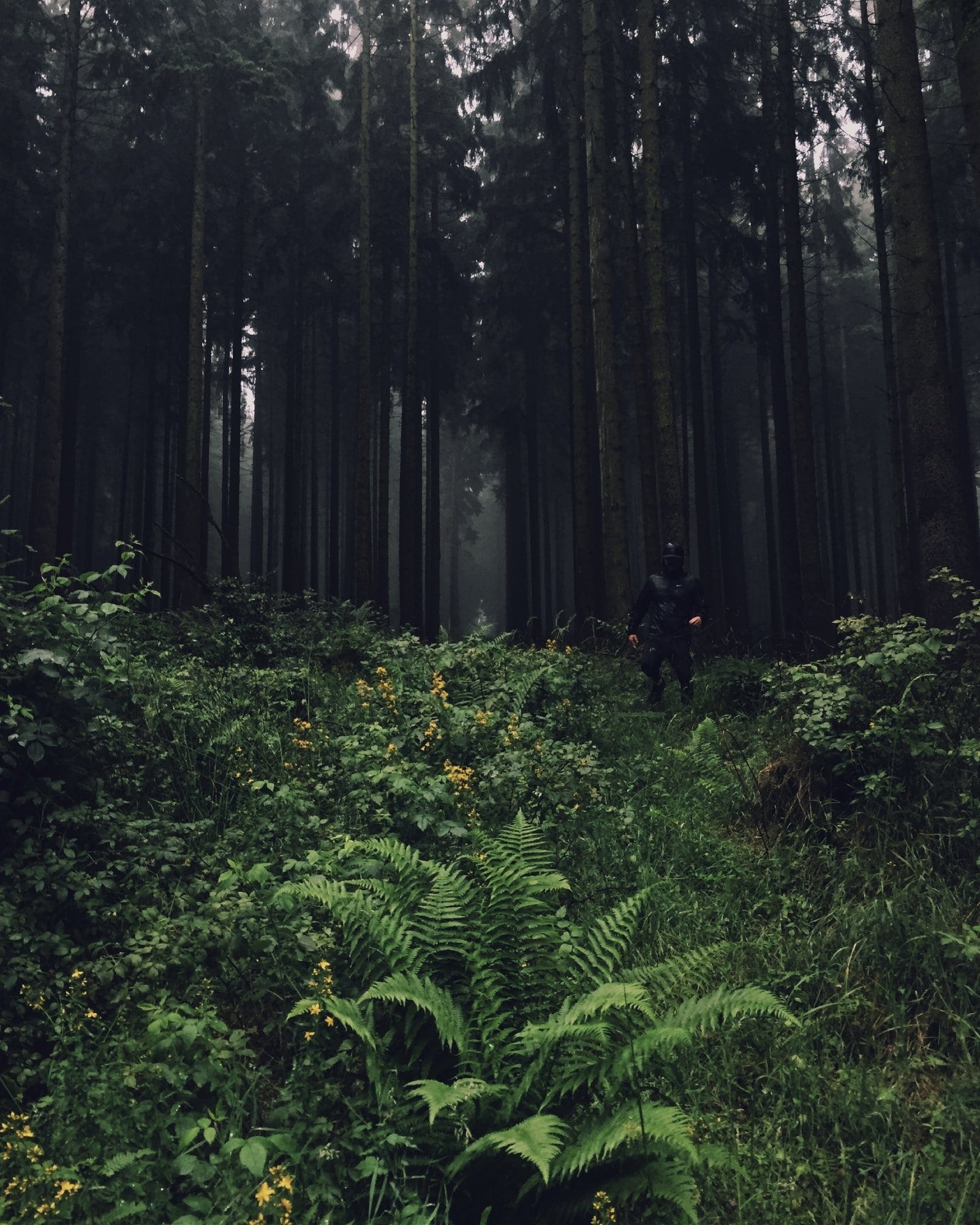
After I finish work, I like to unwind by spending time outdoors, perhaps going for a walk or, in the summer, enjoying the garden, or in the winter, watching movies in the evening to relax and recharge for the next day.
Overall, my typical day is a balance between work, exercise, and leisure time, which helps me stay productive, healthy, and happy.

Your tips for working from home?
Enjoy it
You’re at home, so make the most of it. Embrace the freedom and focus that working from home offers.
Take breaks
Short breaks throughout the day help you unwind and gain a fresh perspective on your tasks.

Stay connected
Working from home can feel isolating, so make sure to spend quality time with family and friends.
Exercise and connect with nature
Regular exercise and spending time outdoors can boost your mood and productivity.
We’re a reader-supported publication. This article might contain affiliate links. It means we may receive a commission if you click a link and buy a product that our maker has recommended. The interview was done independently.
