

Customising a mechanical keyboard can significantly enhance your typing experience. Here’s a step-by-step guide to help you tailor your keyboard to your preferences.
Switch types: finding your perfect fit
Mechanical switches come in three main types: linear, tactile, and clicky.
Linear switches
Linear switches provide smooth keystrokes with no tactile bump or audible click. Ideal for gamers who prefer quick, uninterrupted keystrokes.
Popular examples: Cherry MX Red, Gateron Red.
Tactile switches
Tactile switches offer a noticeable bump halfway through the keystroke, providing feedback that the key has been actuated. Great for typing and reducing typing errors.
Popular examples: Cherry MX Brown, Gateron Brown.
Clicky switches
Clicky switches are similar to tactile switches but with an audible click sound. Suitable for those who enjoy auditory feedback.
Popular examples: Cherry MX Blue, Gateron Blue.
Understanding the sound and feel
Plate materials
- FR4/polycarbonate: Creates a deeper, softer typing sound with more flex.
- Aluminium/steel: Provides a higher-pitched, more rigid typing feel.
Mounting methods
- Gasket mounting: Uses foam gaskets to isolate the plate from the case, resulting in a softer, quieter typing experience.
- Top mounting: Attaches the plate to the top of the case, offering a more rigid feel.
- Tray mounting: Screws the PCB directly to the case, common in budget keyboards but can be less consistent.
- O-ring mounting: Uses an O-ring to suspend the plate and PCB, offering a bouncier feel.
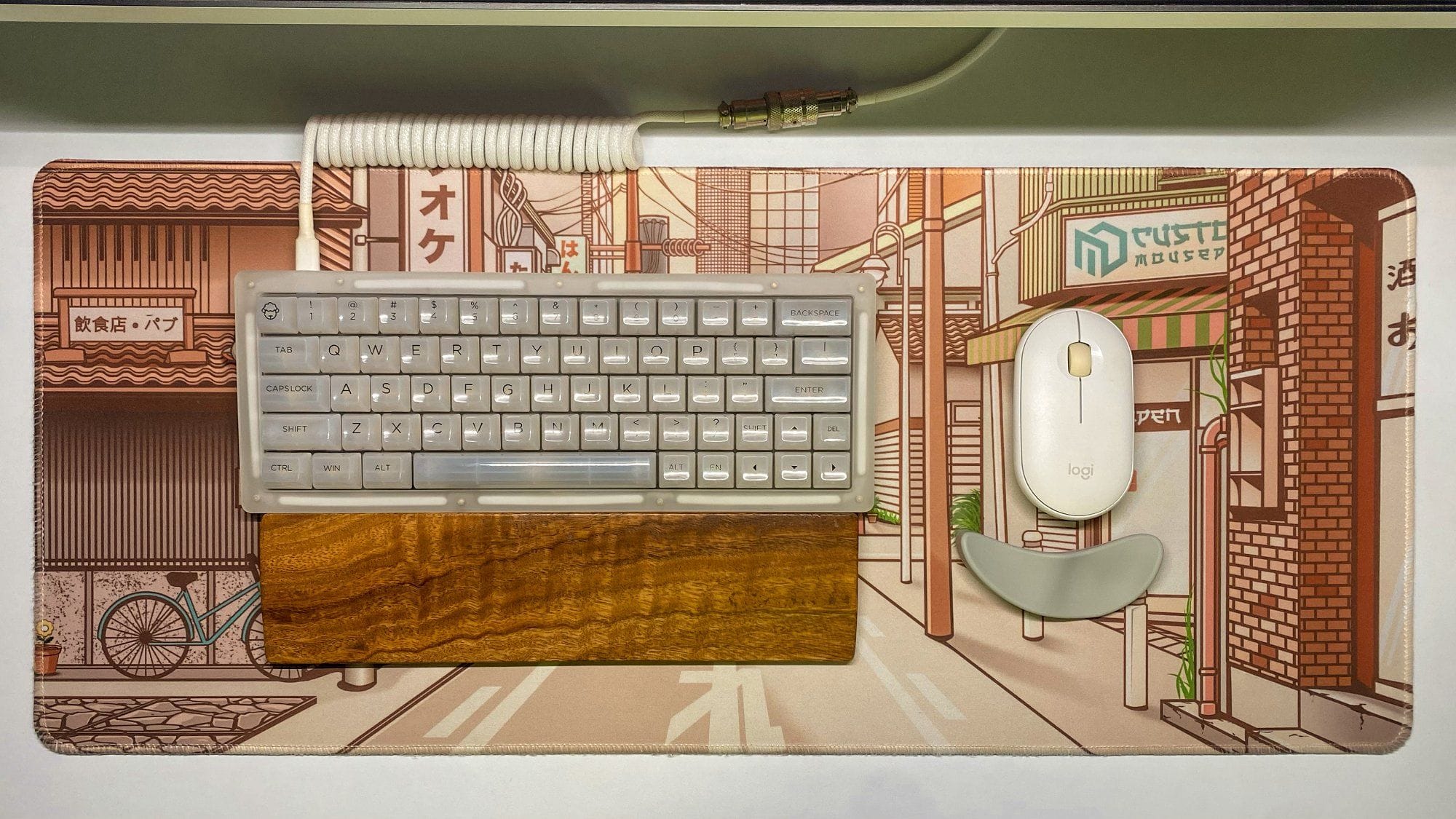
Popular mods to enhance your keyboard
Lubing switches
Applying lubricant to switches can make them smoother and quieter. This involves opening the switches and applying lube to the moving parts.
Switch films
Adding films between the top and bottom switch housings reduces wobble and improves sound. This small modification can make a noticeable difference in stability.
Spring swaps
Changing the springs in your switches can adjust the force needed to press a key. Lighter or heavier springs can customise the feel to your preference.
Foam mods
Adding foam between the PCB and case or under the keycaps can dampen sound and create a more satisfying typing experience.
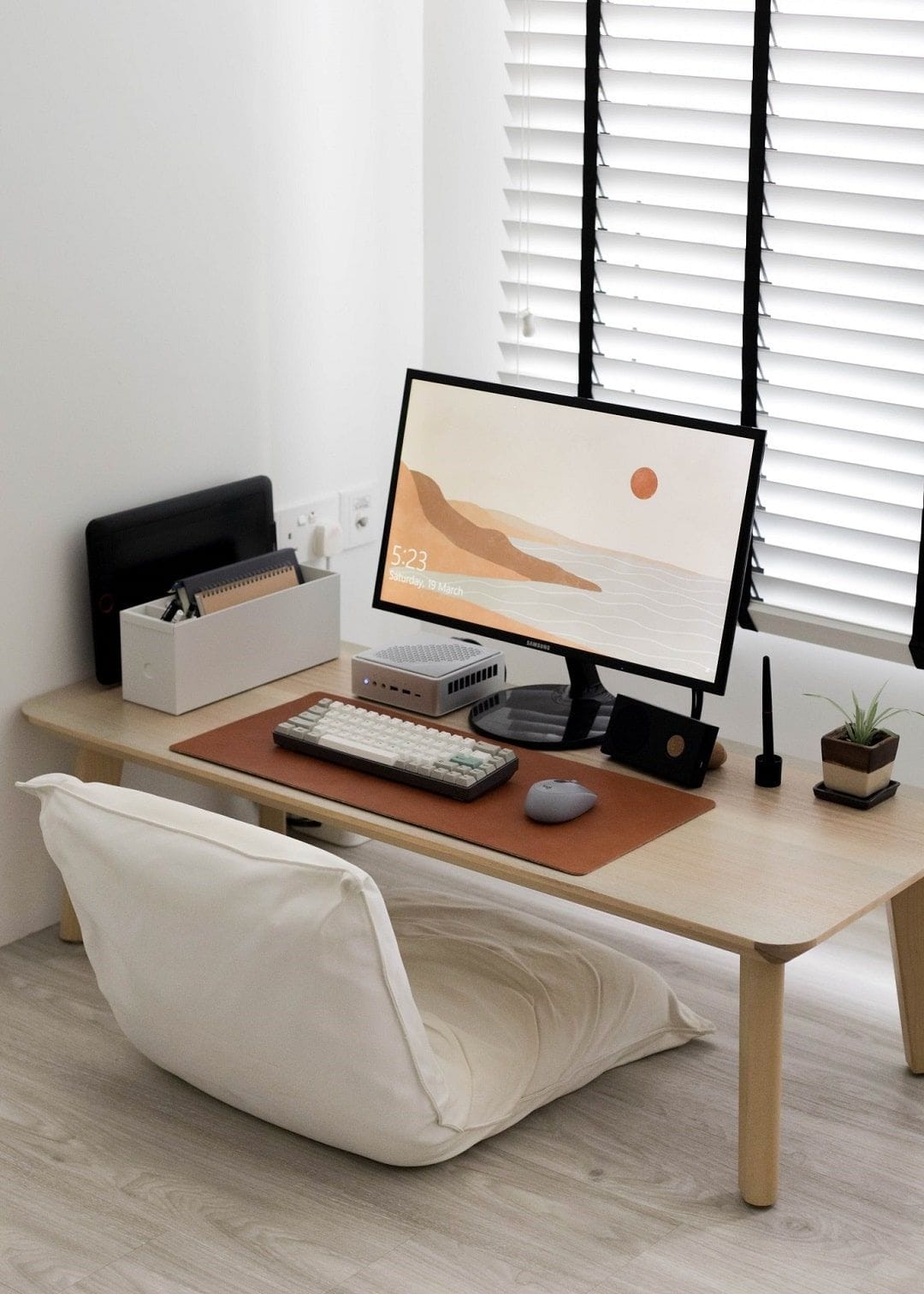
“The keyboard is an area with room for expression, with different choices of switches and keycaps,” says HL, a content creator from Singapore. His part of the dual setup features a NuPhy TES68 keyboard with AKKO CS Ocean Blue switches and 9009 PBT keycaps. Full desk tour
Essential tools and tips for beginners
- Keycap Puller: Essential for removing keycaps without damaging the switches.
- Switch Puller: Useful for hot-swappable keyboards to easily replace switches.
- Lubing Station: If you plan to lube your switches, a lubing station can make the process more efficient.
- Switch Opener: Helps in opening switches safely and quickly for lubing or modding.
Keycap profiles: choosing the right one
Keycap profiles affect how the keyboard feels and looks:
- Flat profiles: Consistent height across all keys.
- Sculptured profiles: Varying heights, creating a curved surface for more comfortable typing.
Experiment with different profiles to find what feels best for you.
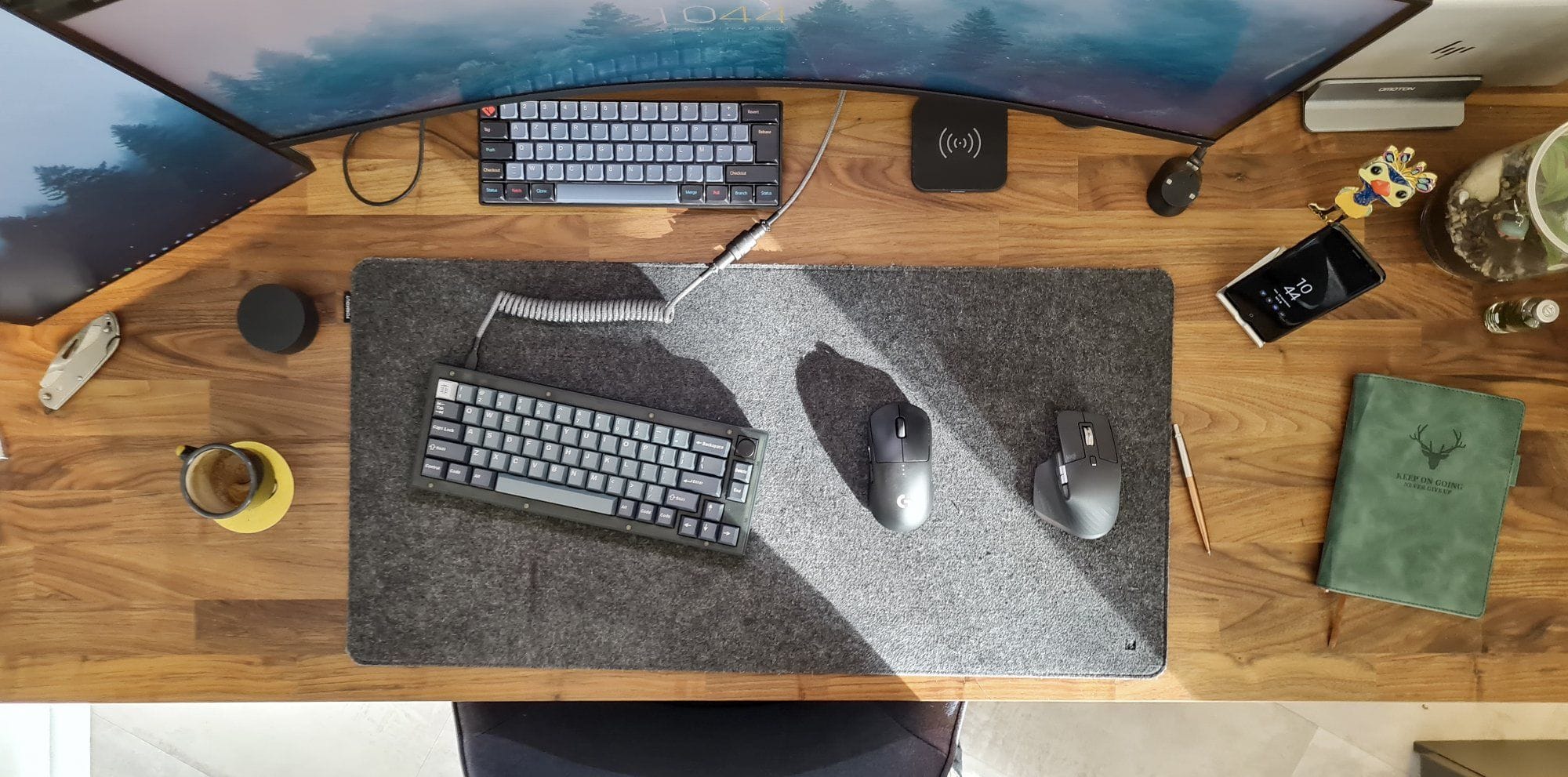
Compatibility and customisation software
Mac vs. Windows
Ensure your keyboard’s firmware supports the operating system you use. Some keyboards offer easy switching between Mac and Windows layouts.
Customisation software
Use software like QMK or VIA to remap keys and create custom macros. This can enhance productivity and personalise your keyboard to fit your workflow.
Warranty considerations
Always check the warranty terms, especially if you plan on modding your keyboard. Some warranties are voided by opening the case or making modifications.
Additional tips for customising your keyboard
- Wrist rest: This can prevent wrist strain and make typing more comfortable.
- Programmable keys: Use software to customise key functions for increased productivity.
- Cable management: Keep your desk tidy with cable organisers or a wireless setup.
Top 11 mechanical keyboards for customisation
1. GMMK Pro. This keyboard is highly regarded for its modular design, hot-swappable switches, and high-quality build. It offers a premium typing experience with extensive customisation options, including RGB lighting and programmable keys via QMK/VIA software.
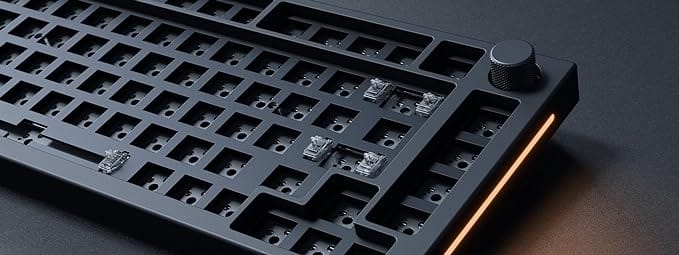
2. Keychron Q1. Known for its affordability and customisation potential, the Keychron Q1 features a hot-swappable PCB, allowing users to easily switch switches. It also comes with QMK/VIA support for key remapping and macro programming.
3. Drop ALT. This one offers hot-swappable switch sockets, solid build quality, and a compact form factor. It supports QMK firmware, making it highly programmable and customisable to fit various user preferences.
4. Ducky One 2 Mini. While not hot-swappable, the Ducky One 2 Mini is popular for its high-quality keycaps, customizable RGB lighting, and solid construction. It’s favored by enthusiasts for its reliability and vibrant aesthetic options.
5. NovelKeys NK65. This keyboard is known for its hot-swappable PCB and excellent build quality. It provides a great platform for customisation with a variety of switch and keycap options available.
7. Rama Works M65-B. Known for its premium build and unique design, the M65-B offers a luxurious typing experience. It supports hot-swappable switches and customisable layouts, making it a top choice for enthusiasts who value aesthetics and performance.
6. KBDFans Tofu. The Tofu series is praised for its customizable cases and high-quality aluminum build. It offers hot-swappable options and is compatible with various PCBs, making it a favorite among custom keyboard builders.
8. Akko 3068B Plus. The Akko 3068B Plus features hot-swappable sockets, high-quality keycaps, and a robust build. It’s known for its vibrant designs and extensive switch compatibility, making it a favorite for customisation enthusiasts.
9. Leopold FC660M. Renowned for its build quality and typing experience, the Leopold FC660M is not hot-swappable but offers a solid foundation for customisation. Enthusiasts often choose it for switch modifications and custom keycap sets.
10. EPOMAKER SK61. It’s a 60% keyboard with hot-swappable switches and customizable RGB lighting. It supports a wide range of switches and is compatible with various keycap sets, making it ideal for customisation.
11. Anne Pro 2. The Anne Pro 2 is popular for its compact size, Bluetooth connectivity, and RGB lighting. It supports software customization for key remapping and macros, making it a versatile choice for those looking to personalize their keyboard experience.
Customizing your mechanical keyboard can be a fun and rewarding hobby. Start with understanding the basics of switches, layouts, and keycaps. And once you’re comfortable, dive into mods to make your typing experience even better.
We’re a reader-supported publication. This article might contain affiliate links. It means we may receive a commission if you click a link and buy a product that our maker has recommended. The article was written independently.
