

For creatives, freelancers, or remote workers, a great workflow often depends on an ever-growing toolbox of digital apps and services.
They become a part of the day-to-day routine: design platforms and project management software, cloud storage and communication tools, note-taking apps, CRM (Customer Relationship Management), etc.
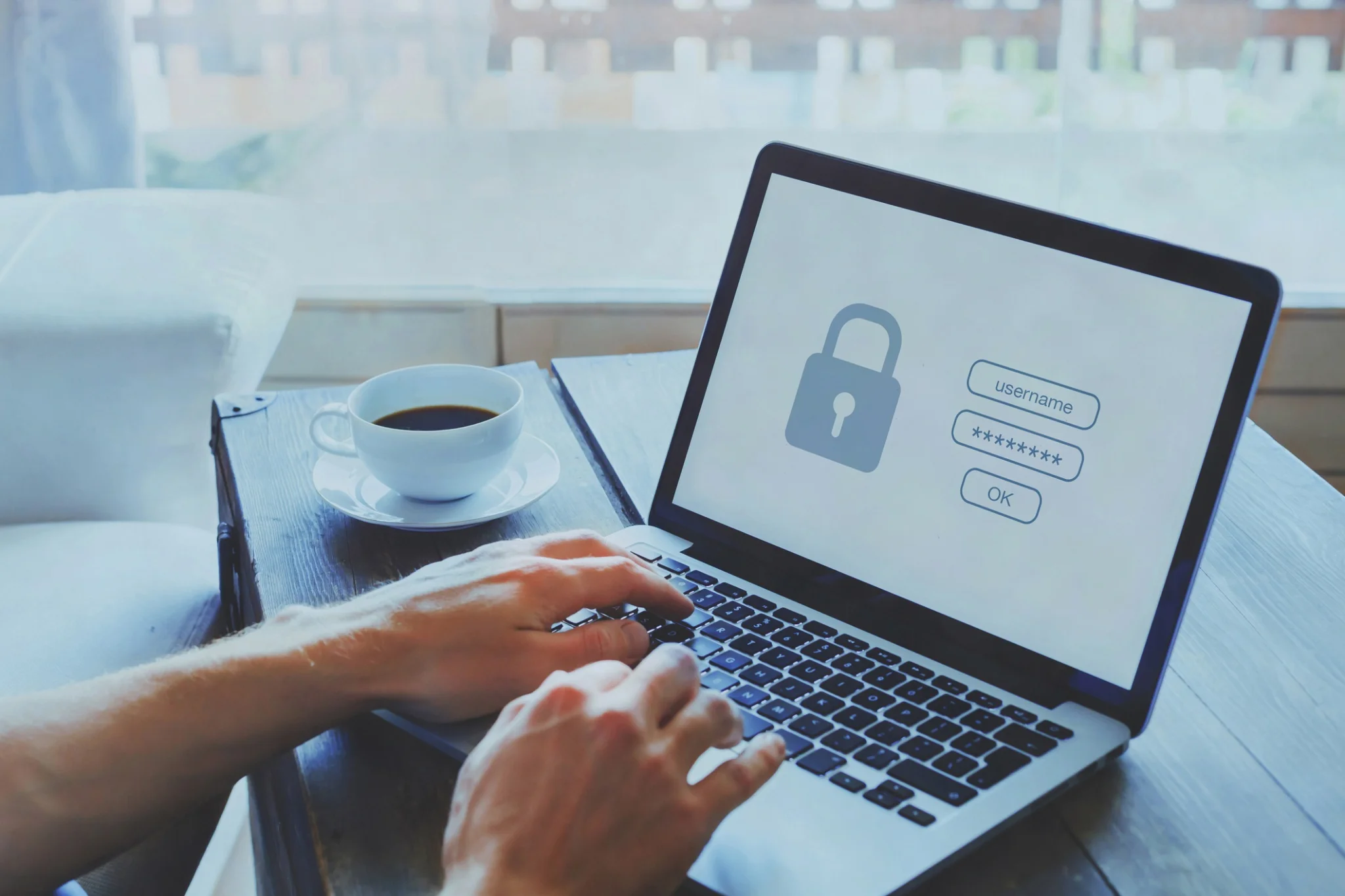
While these tools may help work processes and eliminate repetitive chores, they often generate an unseen problem: dozens of different account logins, usernames & passwords.
To minimize hassle, a common solution is to use the same password everywhere, or at least one very close to the original.
This time-saver is a practical decision when work is under pressure, but it can also create a great inconvenience that breaks the chain of productivity and damages the client.
Why Password Reuse Is More Dangerous Than It Looks?
It is often thought that the only time your password is at risk is when the service that you use is compromised. The truth is that hackers will use passwords stolen from one site to access other online services. The name of this attack is credential stuffing.
Cloudflare says that one of the problems is that hackers use credential stuffing, which means taking usernames and passwords that became public for some reason and trying to sign in to different services on the web with them, as the same password was probably used.
If your login information gets leaked during a data breach, then hackers will utilize automated software to try the same username and password combination against well-known services, such as cloud storage, collaboration apps, and email providers. Since many people use the same passwords across several services, this attack is surprisingly successful.
The impact for makers can be significant. A cloud storage account being hacked could expose client files being exposed, while a piece of project management software could give away confidential project timelines, invoices, or internal chatter. Email applications can even be used to distribute phishing scams.
The Cybersecurity and Infrastructure Security Agency (CISA) advises using unique passwords at all sites, as this quite a bit magnifies the effect of a single attack if passwords are duplicated.
More Tools, More Ways for Hackers to Break In
Today’s working environment hardly ever involves a single tool. For example, designers might use Figma, Adobe Creative Cloud, Dropbox, Slack, Notion, GitHub, and billing programs – all linked through integrations and sharing accounts.
Each added tool opens the door to another potential attack. Even if the best security is provided by the design platform you use most, there is a good chance the other small services in your setup may not come to the same standard.
A break-in in one such vulnerable service may result in all your passwords getting reused and thereby causing a risk for all your productivity tools.
This interdependence of modern work makes keeping the right password and username habits as necessary as keeping project files organised or making regular backups.
Simple Tips to Secure Your Workflow
This way, you can enhance online account safety simply by making small modifications to your behavior and not necessarily changing your habits. A handful of good security practices can make a big difference in lowering your risks.
First, generate unique passwords for all accounts that you create. By doing this, you will prevent the scenario where one compromised account will lead you down the path of all accounts being compromised, like a set of dominoes.
After that, you can turn on the two-factor authentication (2FA) wherever possible. Suppose an attacker manages to steal your password with it or without it; thanks to the second level of security, you will be pretty safe.
GitHub strongly advises that two-factor authentication be turned on to keep the development workflows safe from hacking attempts. Another suggestion from GitHub is to always use a password manager for generating, storing, and protecting your passwords.
It’s also recommended that you check the third-party apps that have been allowed to access your accounts by you. When you delete the unused apps of the integration, not only is the risk minimized, but also the workflow is simplified.
Once you realize that credential stuffing is based on using previously leaked passwords of users on different sites, you become one of the biggest benefits of a password manager: just to keep changing passwords without effort, the manager is responsible for the creation of passwords and their safekeeping.
Stay Alert for Data Breaches
If one is very lucky, they have not only a chance to change his/her password but also to avoid being hacked, because there is no way of knowing how long the password will be available for use by the thief who will get it first.
One of the big data breaches of last year was discovered only when many users who had the same password began experiencing strange activity on their devices.
The NIST (a research agency of the United States Department of Commerce) states that people should set passwords that are long in length, unique, and not shared to ensure modern secure digital identity.
Keeping passwords for important accounts updated on a recurring basis, as well as watching out for the alerts from reputable breach-notification companies, will assist you in catching the problem early in case of an account breach.
Security Should Be Part of an Efficient Workflow
Creative professionals spend a lot of time refining their workflows, looking for faster ways of doing things, better ways of automating, and more efficient ways to collaborate. Securing one’s account is nothing less.
To be thrown out of design files, project documentation, or client communications is going to throw your work off more than going the extra minute or two to set up a better password management solution.
Good security measures are a source of relief, safeguarding one’s most valuable assets at the same time and limiting the impact when something goes wrong. Safeguarding your devices and systems should be just another task to tick off when you’re being productive.
You can draw a parallel by thinking of this as another form of being productive: keeping your documents in order, making sure that all changes are under your control, or having the latest backup of a project.
Securing your credentials is a key step to making sure nothing is going to come crashing over the horizon when you are in a deep flow of work.
If the number of your tools increases and you have more accounts than before, it follows that you must give much more attention to the security of each account.
To build a secure and efficient workflow, you can use different passwords, enable two-factor authentication, look at the list of apps you’re connected to, and use a password manager you trust. Real protection of your digital space is what will make the biggest change for you.
Not only will you be able to concentrate more on your work tasks, but also to be more imaginative without being troubled with possible recovery issues like security breaches or other things similar to that.
