

A gaming label can add a surprising amount to a desk budget. High-refresh monitors, powerful GPUs and elaborate peripherals all have their place, but they don’t make sense for every person who plays games on a computer.
If the same machine handles work during the day and entertainment at night, start with what actually runs on it. A PC used for AAA games at 4K has very different needs from one used for browser games, streaming and the occasional lighter title.
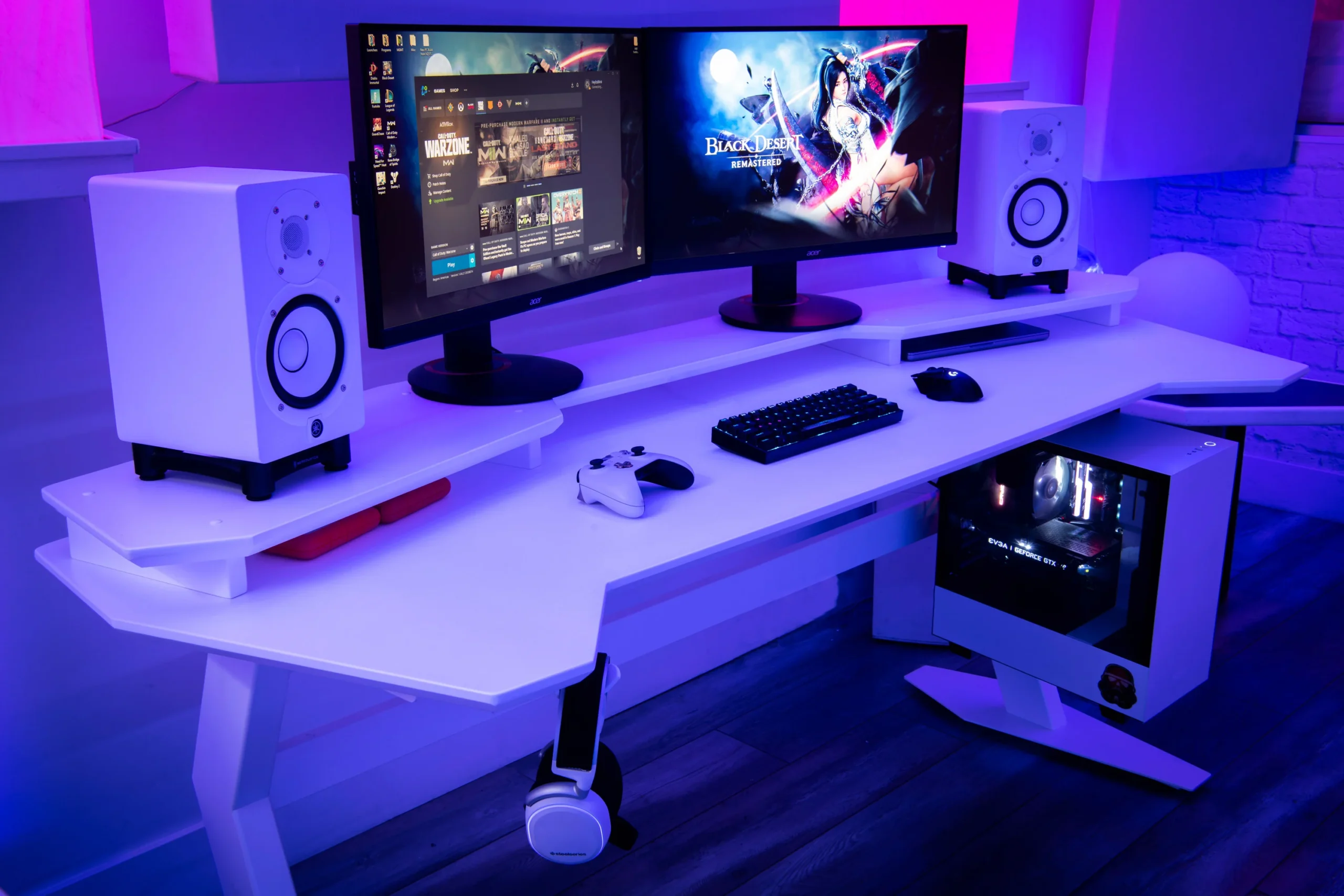
Start With the Games You Play
There are desks where high-end gaming hardware earns its keep. Our gaming-and-work PC setup in Zurich is a good example. Its owner plays AAA and horror games and uses a Ryzen 7 9800X3D with an RTX 4080 SUPER, along with a 32-inch OLED gaming monitor.
That hardware suits the way the machine is used. It would be much harder to justify for someone whose evening gaming mostly happens in a browser.
Before buying anything, make a short list of the games and services you use most. Check their recommended requirements, then work from those instead of shopping around the word “gaming.”
Browser Gaming Changes the Shopping List
Plenty of online entertainment doesn’t need a dedicated gaming PC. Social casino games, card games, puzzle sites and a lot of casual browser titles will run comfortably on hardware that already handles everyday office work.
For one current example, a RealPrize review you can find at MLive lists 510 games across slots, table games and live dealer titles, along with an iOS app.
Experiences like these are designed around web and mobile access rather than gaming-class PC hardware, so they are unlikely to justify a graphics-card upgrade on their own.
The rest of the desk may deserve the money more. A comfortable display, decent speakers or headphones, a mouse you enjoy using and a stable connection all carry over from the workday into whatever you do afterward.
Browser Doesn’t Always Mean Lightweight
Some browser games can still ask quite a lot from a PC.
Modern browsers have far more direct access to graphics hardware than they once did. Tom’s Hardware reported on a browser port of Half-Life 2 that uses WebGL 2 and WebAssembly and runs the full campaign locally rather than through cloud streaming.
Seeing “browser-based” doesn’t tell you much by itself. A card game and a full 3D port can both live in a browser while putting completely different loads on the PC.
Quick workload check
- Mostly office work and light browser games: Put the budget toward RAM, a responsive SSD, a good display and comfort.
- AAA or competitive PC games: GPU performance, CPU performance and monitor refresh rate deserve more attention.
- Cloud gaming: Connection quality and display latency matter more than owning a high-end GPU.
- A mixture of everything: Balanced midrange hardware will usually make more sense than overspending on one part.
Spend Where You’ll Notice It
Some of the best upgrades for a mixed-use desk aren’t particularly exciting.
A larger or sharper monitor can improve spreadsheets, design work and games. A monitor arm gives you back desk space.
Better headphones work for meetings and evening play. More RAM can make a noticeable difference if you keep dozens of browser tabs open alongside creative software.
None of those purchases needs a gaming badge to improve the setup.
The same applies to refresh rate. A 120 Hz or 144 Hz monitor can make desktop use and games feel smoother, but a 240 Hz display is difficult to justify if fast competitive games barely feature in your week.
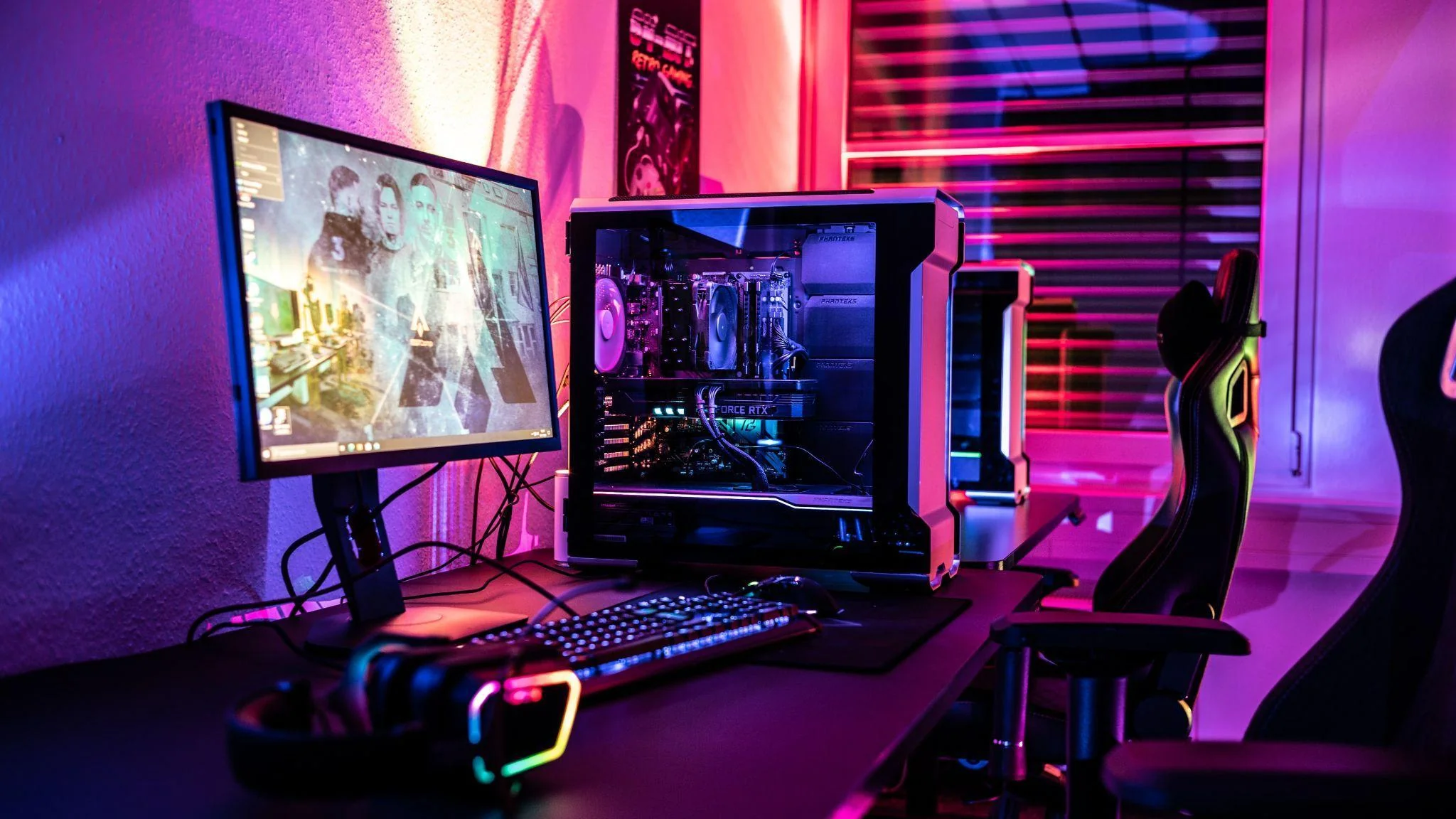
Buy for the Desk You Actually Have
Before replacing a GPU or shopping for a gaming monitor, look at what your current setup struggles with.
If games run fine but the screen feels cramped, the monitor is probably the better buy. If creative apps are constantly chewing through memory, more RAM may help both work and play. If AAA games are the thing dropping frames, a graphics upgrade starts to make sense.
Buying around those weak spots is less exciting than chasing the fastest part you can afford, but it usually leaves you with a desk that feels better for most of the day.
