

Name: Mariano
Location: Italy
Occupation: UI/UX Designer
Room size: 14 m² (151 ft²)
Cost of setup: ~€5K ($5,2K)
Social media: Instagram, TikTok, YouTube
Hello! Tell us a bit about yourself
Hi everyone!
I’m Mariano, a 24-year-old Italian with a passion for design and technology.
My typical day is divided into two parts: 9–5 as a UI/UX designer for a company, and 5–9 as a content creator.
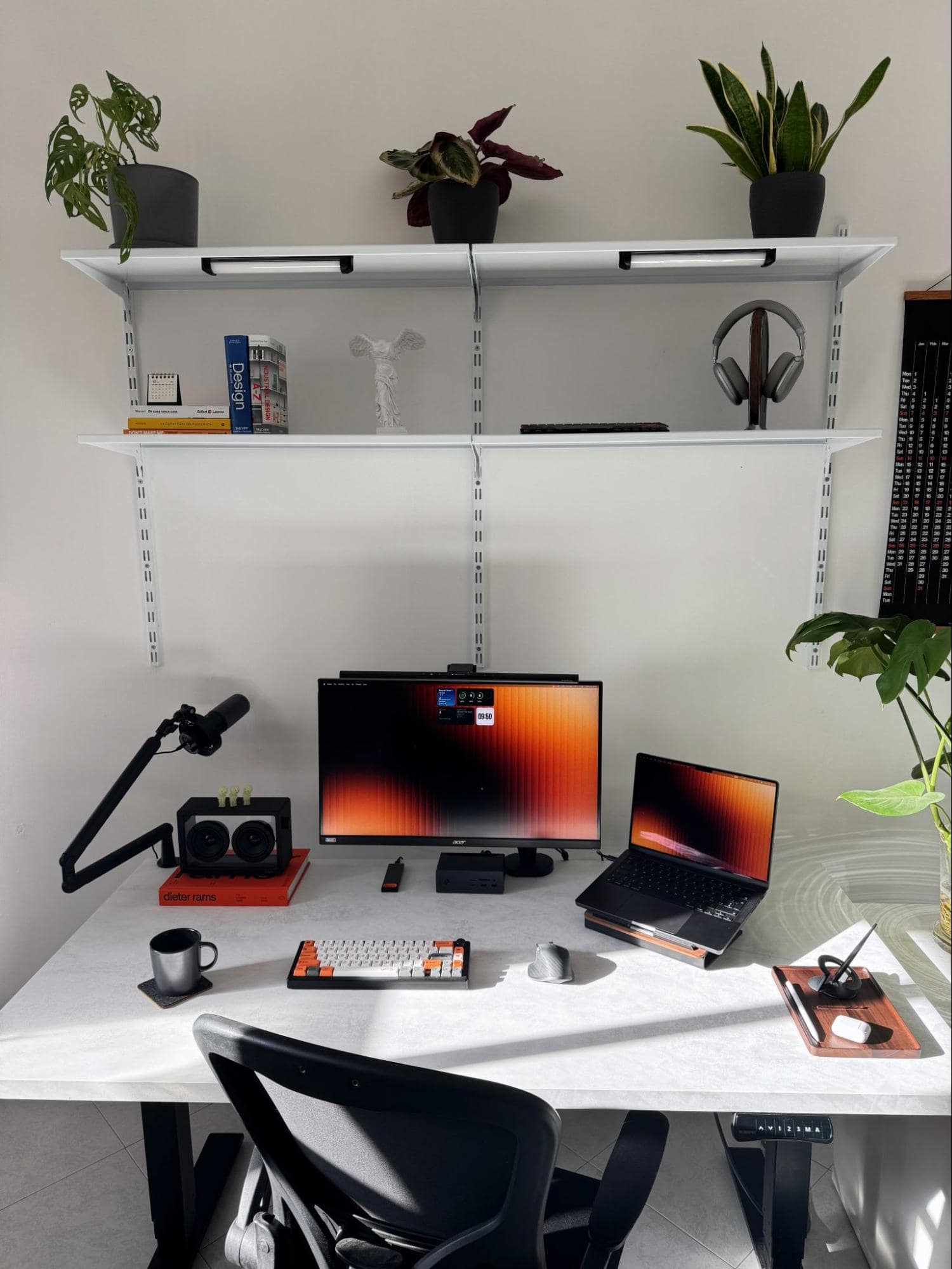
I’ve always wanted to combine these two great passions. The first is now my job, while the second is a work-in-progress project — ahahah.
My setup is constantly evolving.
I like to change, twist, and rearrange my space according to my needs.
Take us through your setup
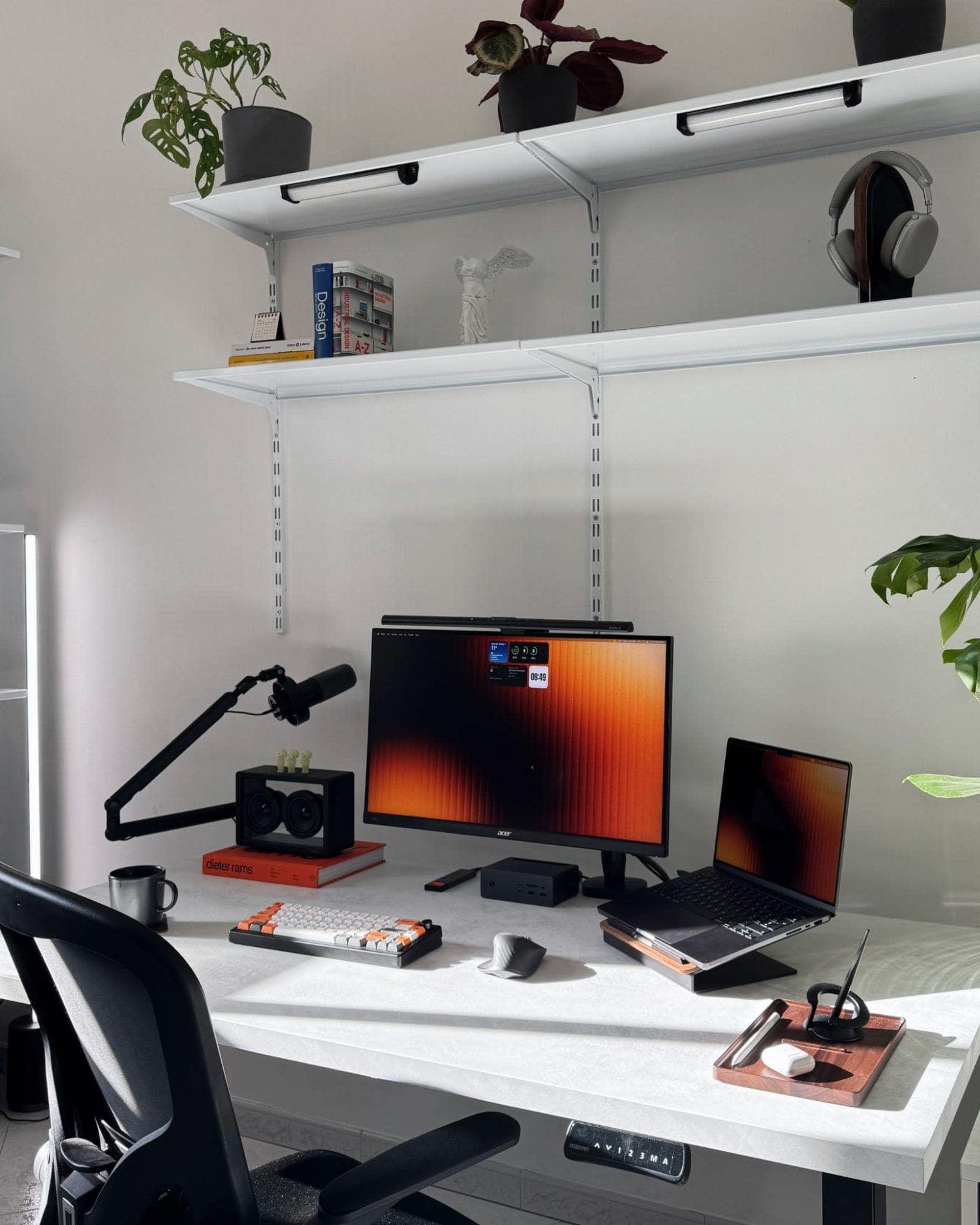
| Item | Model |
|---|---|
| Monitor | Acer Nitro XV272UP |
| Monitor mount | Hexcal Single Monitor Arm |
| Monitor light bar | BenQ ScreenBar Pro |
| Laptop | MacBook Pro 14″ M3 Pro |
| Speakers | Jayine Cassette Mini |
| Headphones | Picun F8 Pro AirPods |
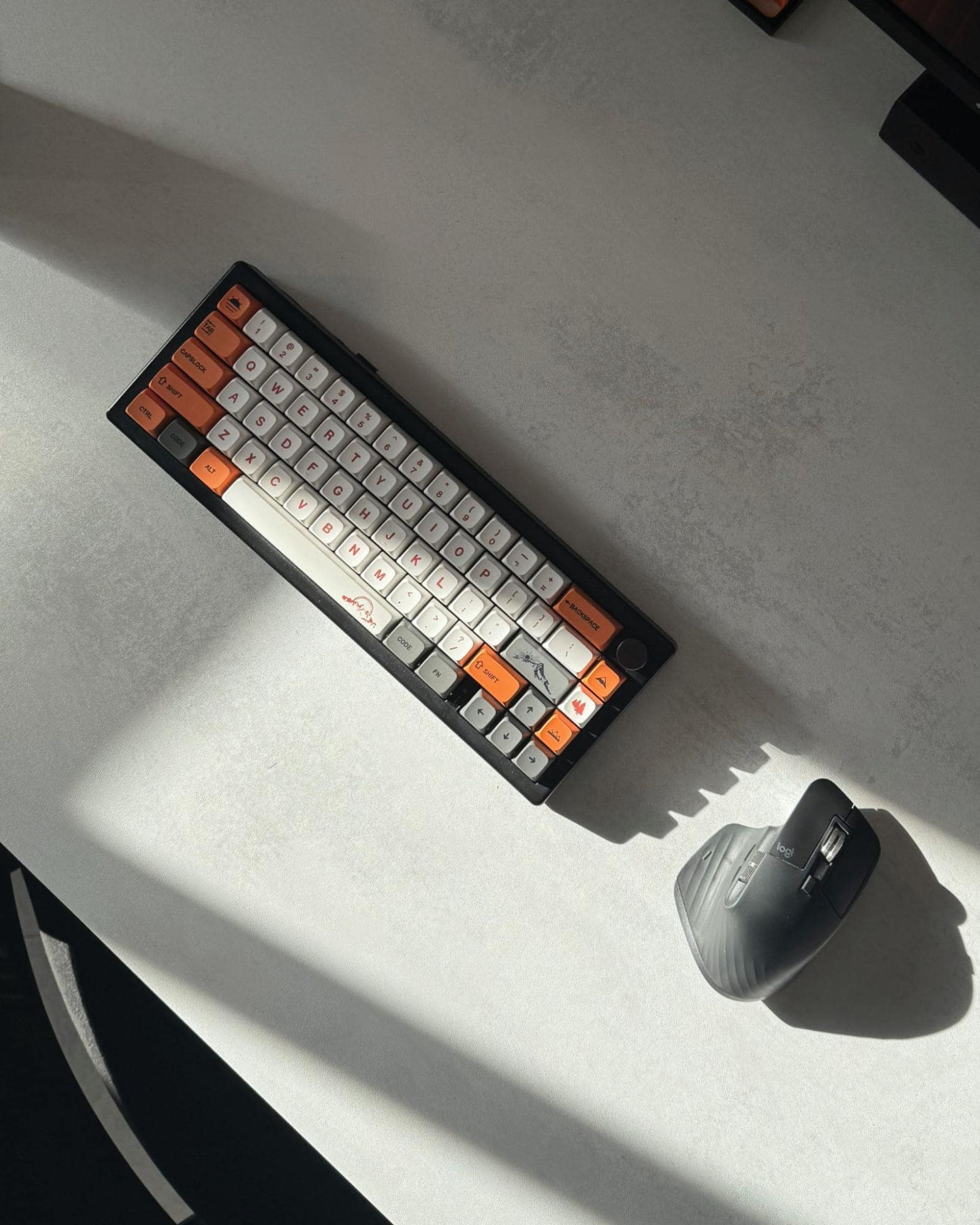
| Keyboard | Keychron K3 Max |
| Mouse | Logitech MX Master 3S |
| Chair | Generic Ergonomic Chair |
| Laptop stand | WOODCESSORIES |
| Docking station | UGREEN Revodok Max |
| Webcam | MacBook integrated |
| Microphone | FIFINE K688 |
| Microphone arm | FIFINE BM88 |
| Organiser | WOODCESSORIES Wooden Tray |
| Lamp | AUGE LIGHT Lamp |
I have changed a lot of setups, and every time it seems to be the final one, but it never is — there are always things to improve. And I’m not just talking about technology, but also layout and workflow.
What I’m trying to create is a ready-to-use setup.
In just a few minutes, I switch from designing apps to finding the right frame, managing lights, and editing videos.
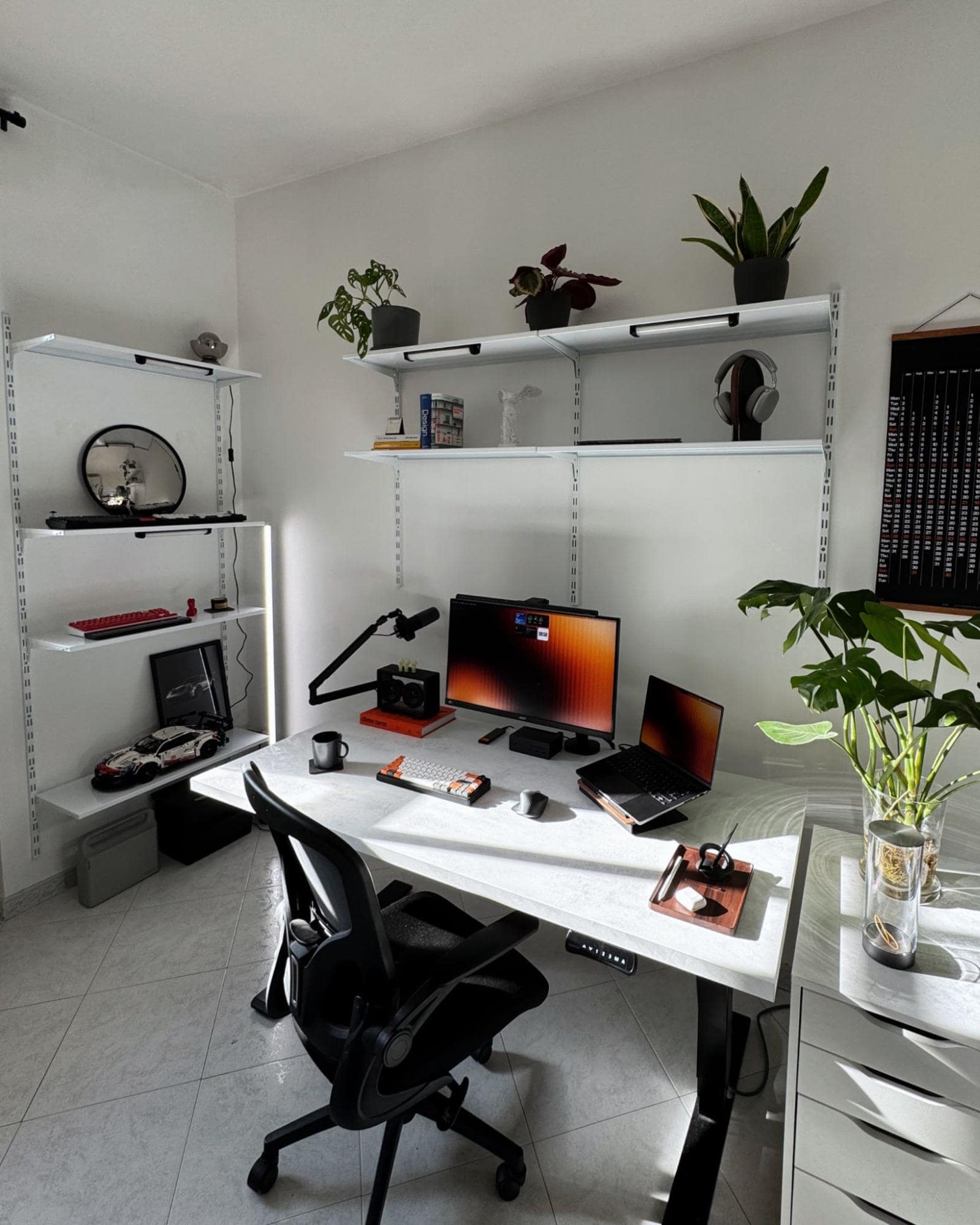
The style I’ve always sticked with is a minimal one.
I’ve tested different colour palettes, and after many changes, I went back to classic white.
This choice mainly comes down to sunlight — my room is not very bright, so having white furniture helps a lot compared to a darker palette.
The modular shelves you see above the desk and on the left were my last big project.
I was inspired by the Vitsoe Shelving System and recreated a similar system from scratch. I documented the whole process on YouTube.
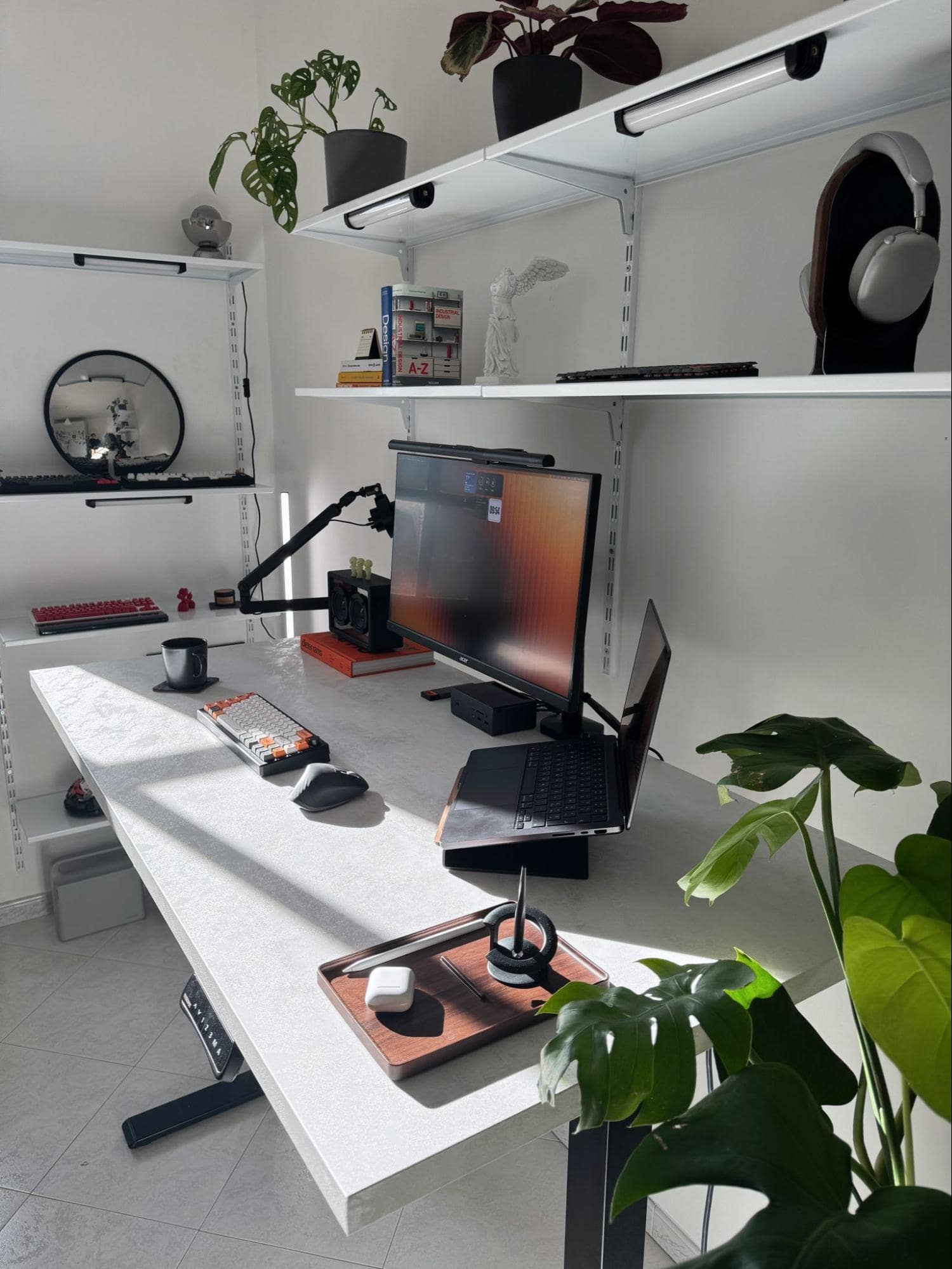
I have recently launched a YouTube channel, where I’ll be covering not just technology but also design-related topics!
Plants are a key element in my setup.
They’ve been with me since the early years, and I keep adding more.
The next one on the list is a Bird of Paradise, but I’m delaying the purchase because there’s not much space, and I don’t want to make everything too cluttered.
My work as a designer has made me realise the importance of empty spaces — ahah.
What’s your favourite item on your desk?
My favourite piece of the setup is definitely the MacBook, mainly for sentimental reasons.
It came after a lot of effort and marked a turning point in my work.
What apps or tools do you use to get things done?
As a designer I mainly use Figma — one of the most amazing tools you can learn, and I’m not exaggerating.
It has a really low learning curve, yet you can do so much with it.
I’m also very interested in Framer. I’ve used it a lot in the past, and it’s a fantastic tool!
For video editing, I used to use CapCut, but now I’m learning DaVinci because I want to experiment with colour grading. Since I got a Sony ZV E10 to improve the quality of my videos, I think it’s a necessary step to make better content.
Then there’s the inevitable Adobe Suite, mainly Photoshop and Lightroom.
Last, but certainly not least — in fact, it should come first — Notion.
I have been using it for months, and I can’t live without it.
I had used it in the past but abandoned it because it felt “too complicated.” But in reality, it’s a complex tool that lets you do anything.
I use it to organise work tasks, manage collaborations with companies, and plan videos — it’s really my second brain.
What books, blogs, or podcasts recently caught your attention?
I don’t follow many podcasts, but I have to mention one — because it’s the only one I never miss a single episode of — and that’s Caffè Design.
It’s a podcast by Italian designers who release a weekly episode covering the most important design news.
I really like coffee table books.
I recently bought the orange brick by Dieter Rams, inspired by the Vitsoe project, and there are many more on my Santa Claus list — ahahah.
Any tips for other makers who want to improve their workspaces?
Before buying and wasting money, watch plenty of videos and research each piece that will make up your workspace.
If you’re building your first desk setup, start with the basics.
IKEA is a good starting point, and from there, you’ll improve. At first, you won’t know exactly what you need — you’ll figure it out over time by using your setup.
In this sector, it’s really easy to buy something and then regret it — and I say this as someone who has been constantly tweaking their setup since 2015.
What does your typical day look like?
My typical day starts at about 8 am with breakfast and a dog walk. I’m also trying to build a new habit — only checking my phone once I sit at my desk and start working.
The first thing I do is check my emails, then my social media, and finally my tasks to organise the day.
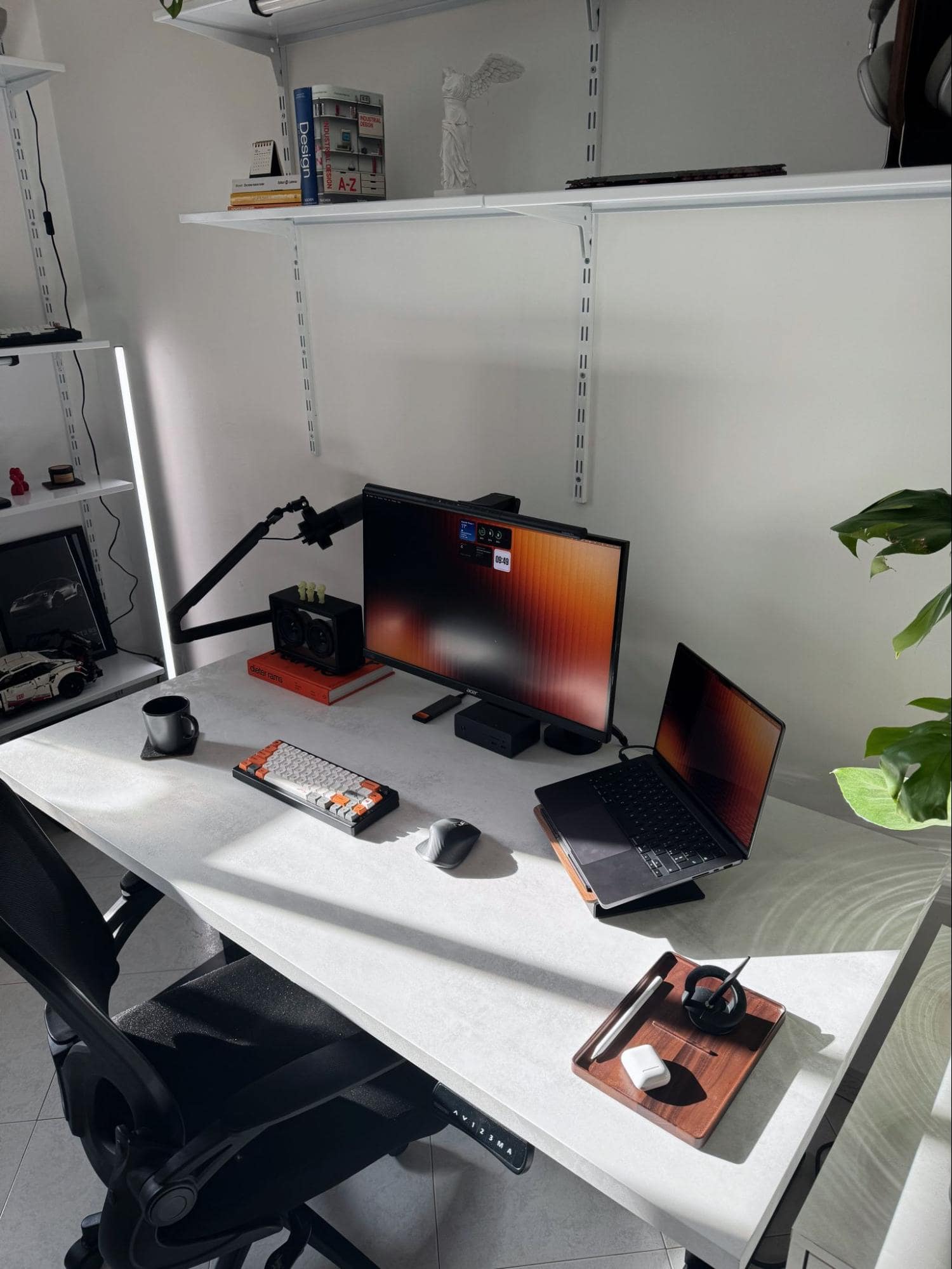
After my hours as a designer, I switch to being a content creator. It depends on the tasks — some days I film, other days I edit. This workflow works very well for me.
Post-dinner is always free — I do whatever I want. It’s important to disconnect and have some free time.
Your tips for working from home?
Working from home is really “comfortable,” but you risk falling into a thousand distractions. That’s why it’s vital to have a space that minimises them as much as possible.
I tried the Pomodoro technique, especially at the beginning, and it worked very well. Now, I only use it occasionally, since I’ve learned to recognise when I need a short break.
My main advice is to turn on silent mode or keep your smartphone out of reach—it’s the biggest source of distractions.
You reply to a message and suddenly find yourself scrolling for 20 minutes on some app.
We’re a reader-supported publication. This article might contain affiliate links. It means we may receive a commission if you click a link and buy a product that our maker has recommended. The interview was done independently.
