

The Premier League kicks off this Friday, and if the World Cup taught us anything this summer, it’s that a decent streaming setup makes a massive difference to how you experience live sport.
Most of us watched at least a few of those knockout rounds hunched over a laptop or squinting at a phone propped against a mug.
That’s fine in a pinch, but it’s no way to follow a full season. The good news is that your desk can double as a proper matchday station with a few smart choices. Here’s what to get right before the first whistle.
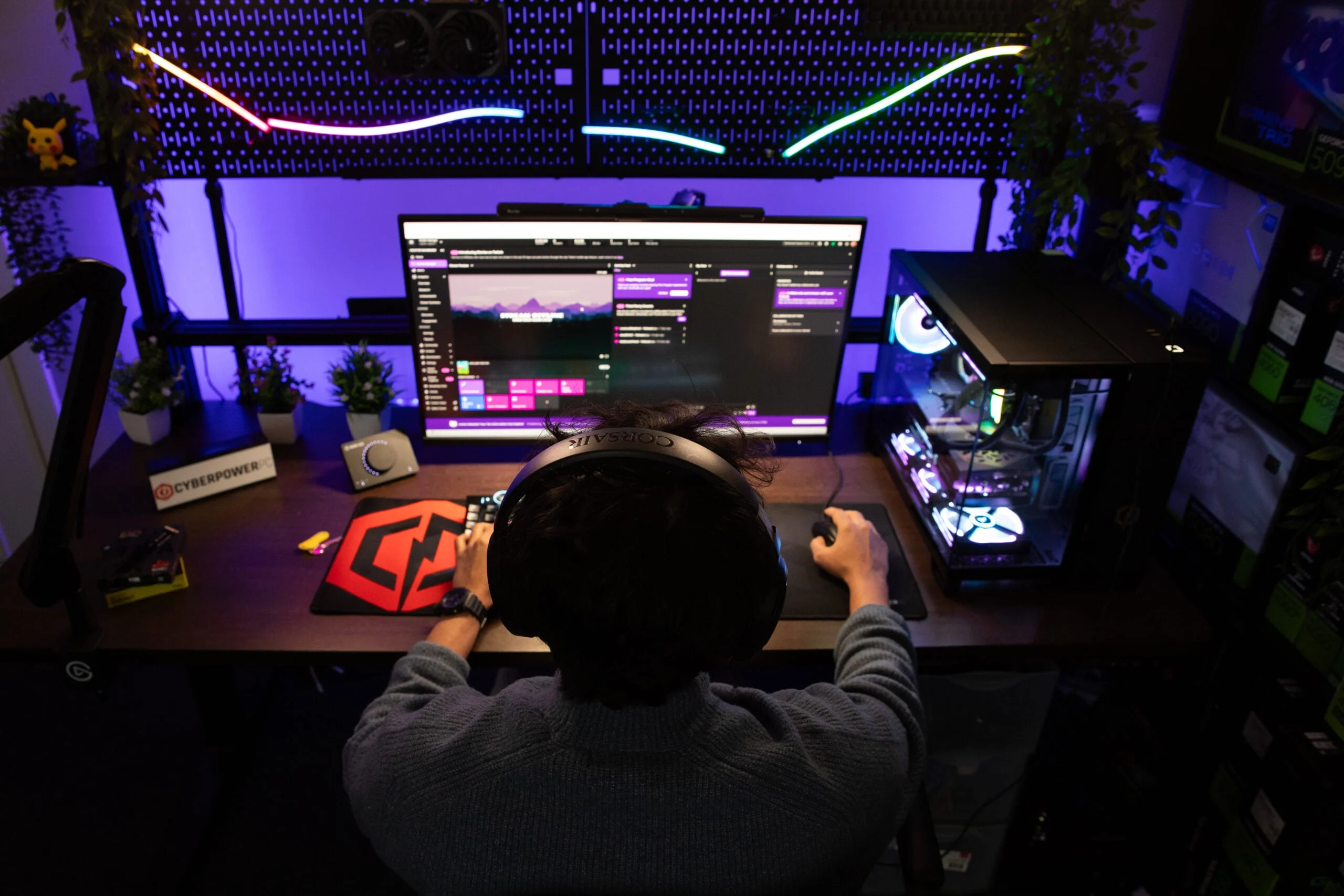
Pick the Right Screen (or Screens)
If you’re going to upgrade one thing, make it your monitor. A 34-inch curved ultrawide will give you that cinema-style view of the pitch without messing about with two separate panels. And when there’s no football on, it’s still a brilliant screen for getting work done.
Already running a dual-monitor setup? Even better. Stick the main broadcast on one display and use the second for everything else.
The spec you’ll want to pay attention to is response time. Anything under 5ms will handle fast camera pans and quick counter-attacks without that annoying ghosting effect. Go for an IPS panel over VA if you can, because the colour accuracy is noticeably better.
That actually matters when you’re trying to tell kit colours apart under floodlights on a dark Tuesday night. Most modern ultrawides support PBP (picture-by-picture) too, so you can run two feeds side by side if there are two matches kicking off at the same time.
Audio That Won’t Wake the House
Late European fixtures and midweek Champions League nights mean you’ll often be watching after everyone else has gone to bed. Open-back headphones are great for long sessions because they don’t trap heat around your ears, but they leak sound like nobody’s business.
For late-night viewing, closed-back cans like the Audio-Technica ATH-M50x or the Beyerdynamic DT 770 Pro will keep the commentary to yourself.
If you’d prefer speakers during the day, a compact soundbar mounted under or behind your monitor will be a huge improvement over those tinny built-in monitor speakers.
Just check it’s got a headphone jack or Bluetooth so you can switch over quickly once the rest of the household has gone to sleep.
Organise Your Second Screen for Game Day
This is where a dual-monitor setup really earns its keep. With live sport split across Sky Sports, TNT Sports and a bunch of other apps, your second screen becomes your control room. Pin the streaming app to one half and keep a browser open on the other for live text commentary, team news or formation trackers.
You’ll probably have a group chat going during the match as well, whether that’s WhatsApp, Discord or some fantasy league thread blowing up every time someone scores.
If you’re the type who likes to keep track of the numbers, you’ll likely want stats, group chats and, if you place bets often, the live odds and latest betting offers all a tab away from the main stream.
Windows Snap or macOS Split View will let you tile everything neatly without anything overlapping the action.
Here’s a handy trick: set up a dedicated browser profile just for matchday. Load your usual tabs, pin them, and you can launch the whole layout with one click every Saturday at 12:30.
Get Your Apps and Subscriptions Sorted Early
With Amazon Prime no longer carrying Premier League matches, UK viewers now need Sky Sports and TNT Sports to cover all the televised games.
That’s two subscriptions instead of three, but make sure both apps are installed, logged in and updated before the opening weekend. There’s nothing worse than scrambling through a password reset while the teams are walking out.
If you follow multiple sports or leagues, set up a simple calendar reminder for which service carries each fixture.
A free app like FotMob or LiveScore will push notifications for kick-off times and lineups, so you won’t get caught off guard by a rescheduled Friday night game.
