

If there’s something digital nomads can count on, it’s not knowing where they’ll be working from next. Today, you might be using a coworking space and move to a café tomorrow.
The ambiance might change, but making sure that your actual working environment stays as consistent as possible is essential to staying focused and productive from anywhere.
Nomads don’t have traditional desktops, they create mobile workstations that are easy to assemble and keep consistent. This includes physical devices as well as the digital essentials that keep their workflows running.
A Capable, Lightweight Laptop
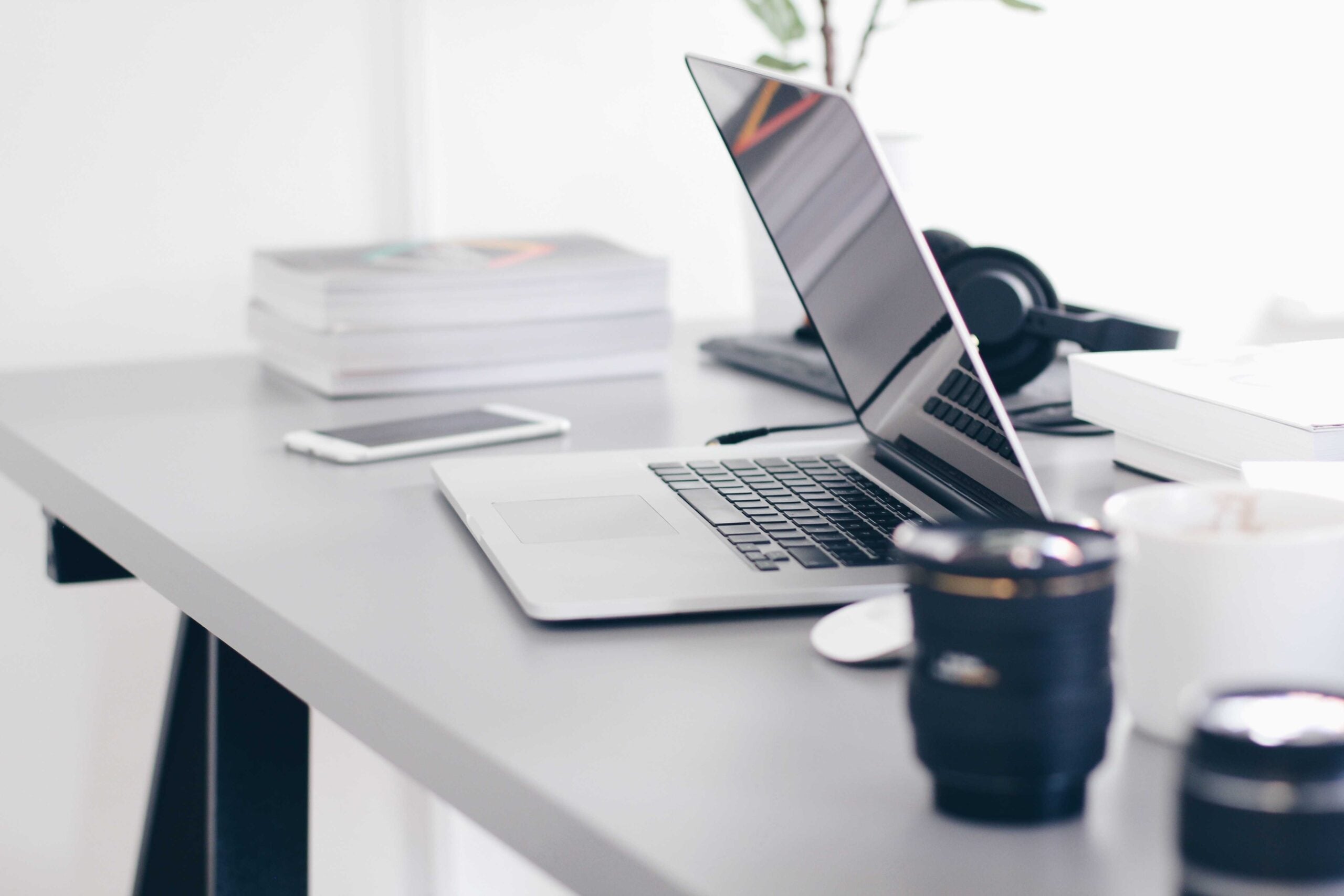
Other than half-empty coffee mugs, there’s nothing more synonymous with the digital nomad lifestyle than a sleek laptop. The laptop itself is non-negotiable, but its specs and size depend on the type of work you’re doing.
Less capable models are just fine for web-based office work, but beefier ones rival desktops in their video editing or 3D modeling capabilities. Whatever your use case, the lighter the laptop is, the easier it is to lug around.
Communication and Project Management Software
While most nomads travel alone, many also work closely with teams of people. Since travel can literally lead you half the world away, having effective means of maintaining communication is crucial.
Dedicated communication software provides the tools you need to securely send messages, provide updates, or engage in video chats.
Meanwhile, project management software helps everyone coordinate responsibilities and work toward specific goals despite not being able to hash things out in person.
Dependable Mobile Internet
The prepared nomad never takes Wi-Fi availability for granted. Outages and slow connections can cause unforeseen downtime, which is easy to avoid if you use your smartphone as a mobile hotspot.
Roaming can get expensive quickly, and local SIM cards are fiddly. Say you’re going to Japan and to Thailand from there, having an eSIM for Asia is the most convenient and reliable backup since they’re easy to set up and provide excellent coverage through partnered local cellphone networks.
They’re also great for nomads who move a lot since you can activate a regional plan and use the eSIM in multiple countries hassle-free.
Peripherals
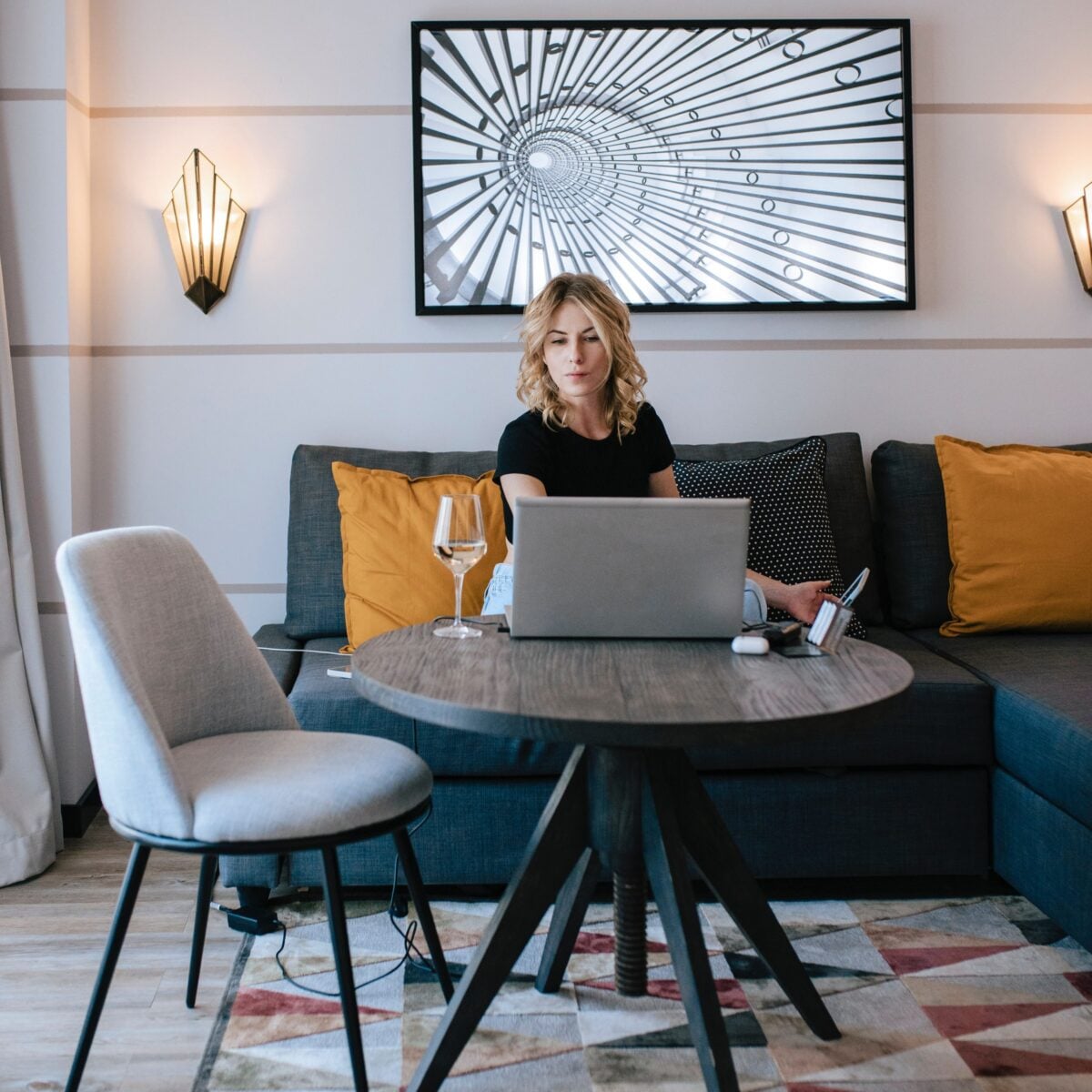
Laptop portability comes at the cost of comfort. Their keys can be small and mushy, trackpads are bad whichever way you slice it, and working in coffee shops gets to be murder on your posture if the table is too low. That’s where the life-saving trifecta of external keyboards, mice, and laptop stands comes in.
External keyboards provide much better typing comfort, especially if you’re using a low-end laptop. Smaller, travel-friendly versions of full keyboards exist, or you can invest in a 60% model and save space without sacrificing typing comfort.
Travel mice are small and lightweight. Some even work on glass surfaces! Stands elevate the screen to eye level so you can work without hunching.
Noise-Canceling Headphones
Even the coziest environments digital nomads typically work from can be lively. Noise-canceling headphones can actively filter out constant sounds like humming fridges and ACs, while also muffling conversations, traffic, and other distractions. Plus, the headphones’ large cups double as a clear do-not-disturb sign.
A VPN and Security Software
Working from airports and cafés can be risky, since the public Wi-Fi they offer isn’t as secure as Ethernet or mobile connections.
Public Wi-Fi hotspots can also be faked, and connecting to an imposter network can lead to session hijacking, credential theft, and accidental malware downloads.
Responsible nomads use several security tools to stay safe. VPNs encrypt the network connection, helping protect it from snooping and interception.
There’s a bonus, too. Since a VPN lets you connect through a server back home, it can get you past the geo-restrictions that block your usual shows abroad.
Set up a YouTube TV VPN or something similar, and you’re protecting your connection and catching your favorite channels at the same time. That’s two birds with one stone.
That said, antivirus software scans devices for existing threats and quarantines them. Multi-factor authentication apps prevent unauthorized access even if an account’s credentials get stolen.
Cloud Storage
If there’s one thing a digital nomad professional should avoid, it’s having only single local copies of important files and documents on their laptop. Cloud storage services provide a secure place for backing up and sharing files.
You can sync with them across devices for easier access and provide targeted links to make sure only clients or team members can access sensitive data.
A Universal Travel Adapter
Laptops perform better when they’re plugged in, and the last thing you want is to juggle between plug types whenever you switch countries.
Universal adapters eliminate this hassle. The best ones double as charging stations, letting you top up your phone, camera, and other gadgets while you work.
A Privacy Screen
Most modern laptops come with excellent viewing angles. This is great if you invite some new friends over to binge a Netflix show, but it also invites shoulder surfing. Privacy screens cover your laptop’s display and drastically reduce viewing angles.
Looking at the screen directly remains unchanged, but anyone hovering close by in hopes of catching a glimpse of your password or banking information will be out of luck.
