

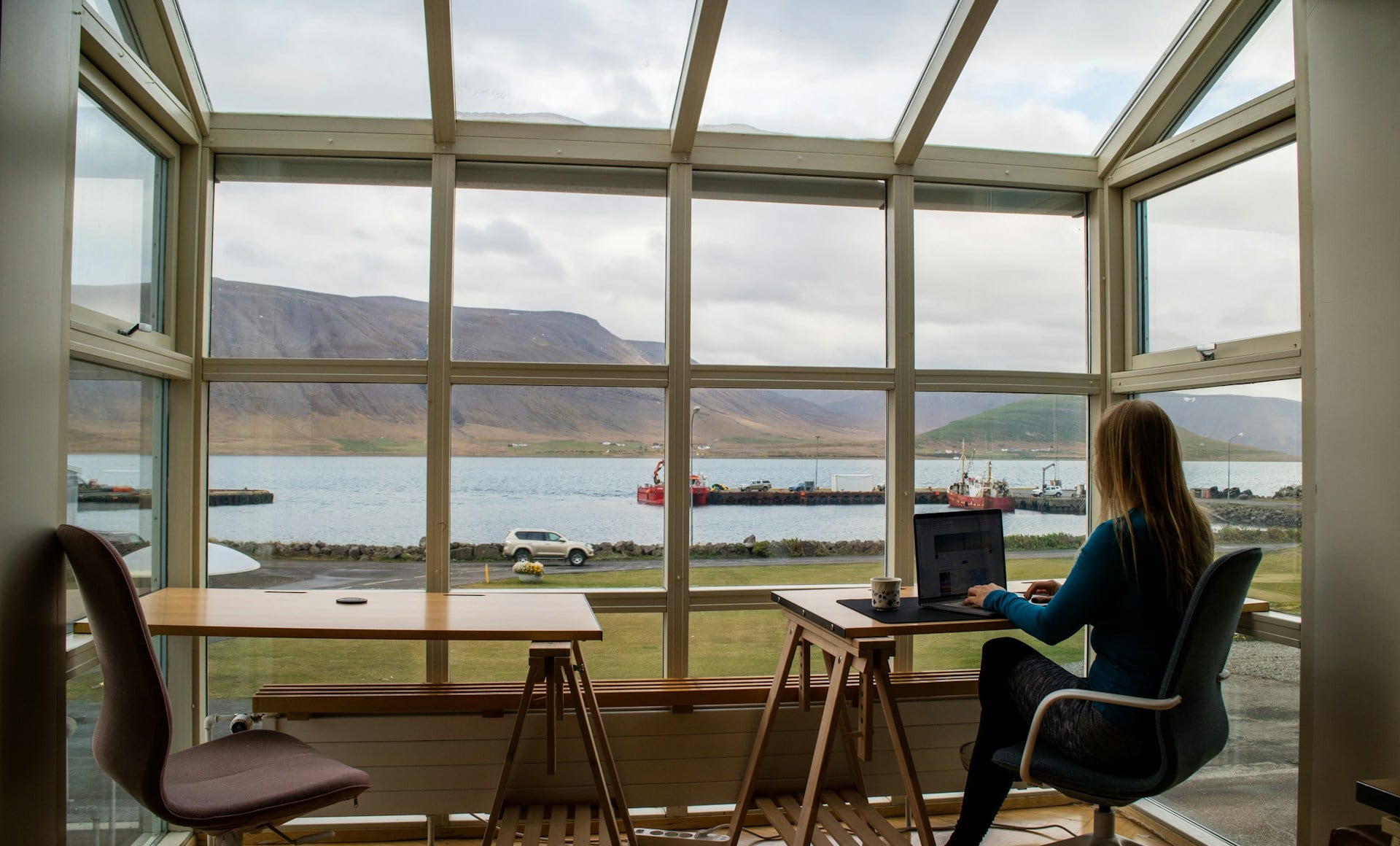
The first morning at a new coworking space tends to go the same way. You find a seat, open the laptop, and spend 40 minutes on things that aren’t work: hunting for the Wi-Fi password, angling the screen away from the window, wondering whether the person on the phone two desks over will ever hang up. By the time you settle in, the best hour of the day is gone.
Plenty of remote workers now split the week between a home office, a café, a library, and the occasional coworking day pass, and some take their laptops to another city for a month.
Yet most productivity advice still assumes one fixed workspace: the right chair, the right light, the right corner of the apartment. Move, and the system falls apart.
The answer isn’t to rebuild your home office everywhere you go. What needs to travel is the routine, a small set of cues, habits, and boundaries that tell you it’s time to work, whatever the room looks like.
Let the Cues Do the Work, Not the Desk
A dedicated desk works partly through association. Sit there often enough, and sitting there starts to mean “work.” The same effect can be attached to things you carry.
Headphones are the obvious example. A particular pair, worn only for focused work, becomes a signal in its own right. One playlist does the same; after a few weeks, the first thirty seconds are enough to shift gears.
Some people write three lines in a notebook each morning: what must be finished, what can wait, what’s blocking progress.
Others keep a separate browser profile for work, so opening it brings up the right tabs and none of the distractions.
The specific cue matters less than the consistency. Pick two or three, use them every working day regardless of location, and resist adding more. A ritual with eight steps is one you’ll start skipping by Thursday.
Match the Task to the Place
Drafting a complex proposal in a busy café, then taking a sensitive call from the same table, usually means both get done badly. It’s more practical to sort work by the attention it demands. Writing, coding, design and analysis tend to go best at home or in a library, where noise is predictable.
Email, admin, and editing hold up well against the hum of a café. Coworking spaces, with phone booths and meeting rooms, are the natural home for calls.
This also protects focus when conditions turn. A loud group arrives, the connection drops, the only free seat faces the door. Rather than fighting it, switch to something from the lighter pile and save the demanding work for a quieter stretch.
A 10-Minute Arrival Routine
Unfamiliar workspaces eat time in small bites, so it helps to deal with them in one deliberate block:
- Connect properly. Join the network, run a speed test if calls are on the agenda, and find the nearest outlet.
- Secure the connection. On networks you don’t control, such as cafés, hotels and airports, switch on a VPN before opening work accounts and check that multi-factor authentication works where you are.
- Sync before you start, so you’re not editing yesterday’s version of a file.
- Silence what isn’t today’s work.
- Sort out the ergonomics: laptop on a stand, glare checked, chair adjusted if possible.
The VPN step is the one most often skipped, because it feels like the IT department’s problem. For anyone who regularly works on networks someone else set up, it’s closer to locking the door behind you.
Services differ in how they handle video calls and how well their apps work across devices, so it pays to test a VPN for free before you subscribe and see how it behaves on patchy hotel Wi-Fi before you depend on it.
The goal isn’t a perfect setup. It’s that once the list is done, nothing is left to fiddle with, and starting work becomes the obvious next step.
Start and Finish on Purpose
A commute, whatever its faults, gave the workday edges. Without one, the start drifts later, and the end barely happens; the laptop simply stays open until dinner. Changing locations makes this worse because there’s no single room to walk out of.
Portable rituals fill the gap. A short walk before opening the laptop works as a stand-in commute, even if it ends at your own kitchen table.
At the end of the day, a five-minute shutdown (writing down tomorrow’s first task, closing every tab, signing out of the work profile) sends a clearer signal than drifting off. Away from home, packing the bag becomes the ritual: once the charger goes in, the day is over.
If the boundaries keep slipping in ways a routine alone can’t fix, it’s worth reading more widely. We have a roundup of the best books for maintaining a healthy work-life balance while working from home, and most of the ideas carry over to a laptop that travels.
Pack for a Day, Not a Relocation
It’s tempting to bring the whole office along: a portable monitor, a full-size keyboard, a desk lamp, three chargers.
That makes every outing feel like a house move. A lighter kit covers most of what matters: laptop and charger, a power bank, a folding stand, the headphones that double as your focus cue, and the notebook.
Anything you haven’t used in three outings can probably stay home.
When a Change of Scene Is Really Procrastination?
Switching locations can genuinely help. A different room breaks up a stale afternoon, and working among others keeps some people on task.
But moving can also become an elaborate way of avoiding work. Researching the ideal café, crossing town to reach it, and setting up again can take up half a morning while still feeling productive the whole time.
A simple test helps. If you’re moving because a task needs a different environment, that’s planning. If you’re moving because the work in front of you is uncomfortable, the new spot will feel just as uncomfortable an hour later. A limit of one move per day keeps the habit honest.
The same logic applies on a larger scale. A month in another city or country can be energizing, but it adds time zones, visas, taxes, and housing to the list, and none of those fit into a ten-minute setup.
For anyone considering a longer stint abroad, the BBC’s look at the world’s best countries for expats in 2026 is a reasonable starting point, though no substitute for checking the rules that apply to your own job and passport.
A Week That Holds Together
For most people, the sustainable version is a primary base with one or two alternatives rather than full-time roaming. A workable week might look like this:
- Monday and Tuesday at home: planning, then the hardest focused work while energy is high.
- Wednesday at a coworking space: calls and collaboration grouped into one day.
- Thursday at home or the library: a second deep-work block.
- Friday at a café: email, admin, and a short weekly review, wrapped up early.
Deadlines will scramble the plan more weeks than anyone would like, and that’s fine. The value lies in having a default, so each morning begins with a decision already made.
Carry the same cues, run the same setup, close the day the same way, and the room you’re sitting in starts to matter a lot less.
