

With many Canadians now working from home on a full-time basis or working in a hybrid setup, working partly at home and spending a few days in the office, having the optimal desk setup is highly important for productive and comfortable working.
However, not many people are happy to spend their own money upgrading their desk, chair and PC setup for work alone.
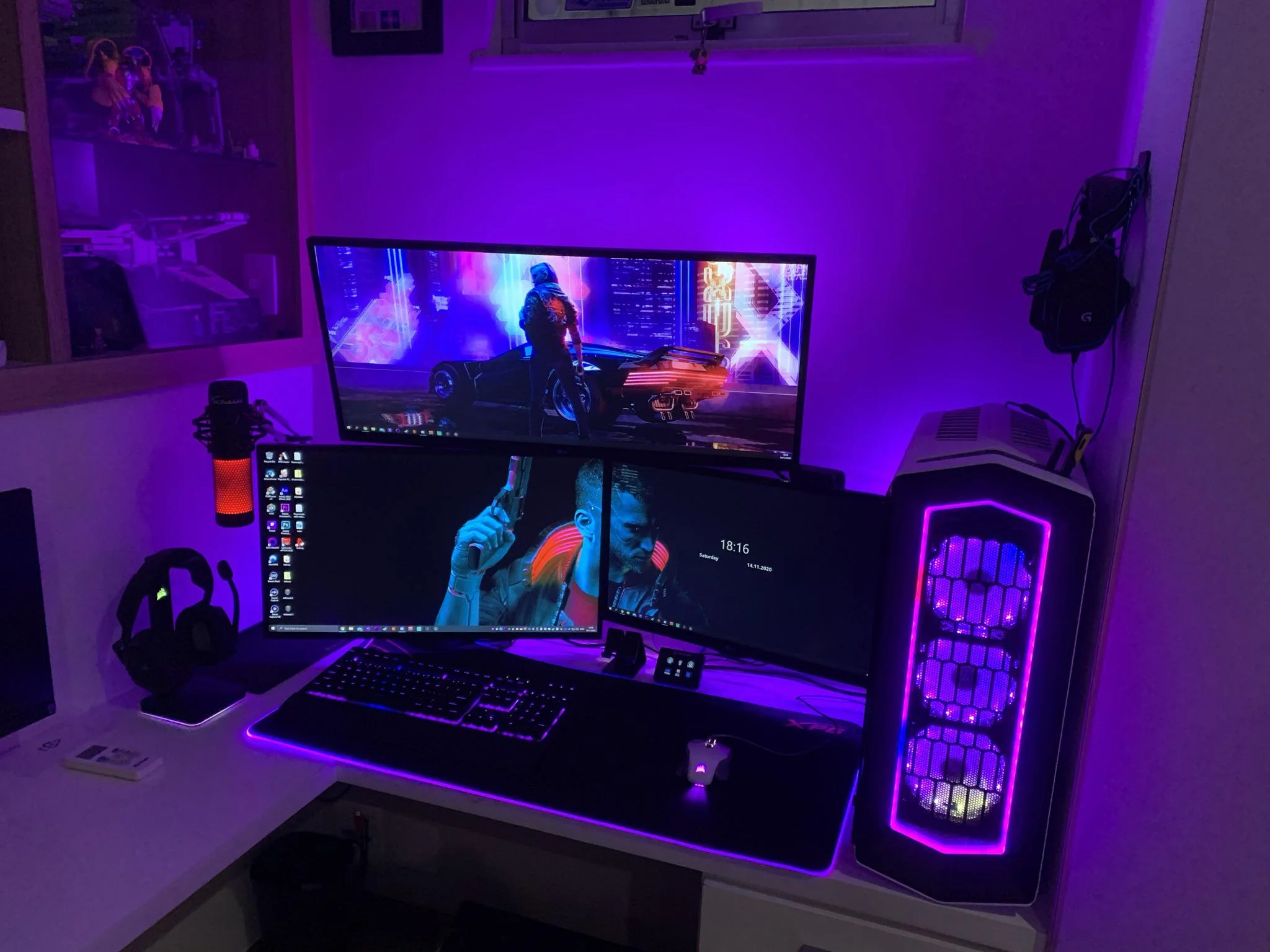
When people do decide to invest in their home working environment, they will often combine it with accommodating their personal entertainment preferences, too.
Many Canadians are choosing a desk setup that they can use for work, streaming their favorite TV shows or movies and gaming.
This is particularly popular with young professionals who are still living with their family or for older generations who have different entertainment interests to their partners.
Setting up an office space that can serve you well for working from home, streaming content and playing games provides you with a dedicated solution for both the essentials and for the hobbies that you enjoy in your spare time.
The perfect all-round setup includes:
Desk with Ample Space and Correct Height to Protect Posture
Your choice of desk can be more important than any other aspect of your setup. If you are spending a full working day sitting at your desk and then also using it at night for streaming and/or gaming, you need to make sure the dimensions are going to provide ergonomic support in tandem with your chair.
If you are planning on using dual screens, a wider desk will be required, and height-adjustable desks can provide you with different options between standing for periods and sitting.
This helps to alleviate lower back pressure and also improves circulation rather than sitting in the same position for many hours at a time.
A Chair That Provides Adjustable Support
You need to have a chair that provides flexible positions, as your posture for working will be different to when you are streaming.
The key factor here is to avoid opting for a cheap chair that will be uncomfortable and potentially cause you strains or other injuries when using it over the long-term.
Chairs with adjustable lumbar support are a must if you are planning on using the chair throughout the day and sometimes in the evening.
Multi-Screen Setup
Using multiple screens will help to boost productivity during working hours, while it is also a preference for many gamers.
Multi-screens allow workers to work across two or more screens at the same time, for example, one screen might be dedicated to admin tasks such as taking video calls and responding to messages or emails. The other screen can then focus solely on core work tasks without disruption.
Fast and Secure Internet
Another key piece of the setup is the internet speed and internet security technology. Secure Wi-Fi is essential for protecting your employer’s systems from digital dangers, while you will also need a fast and reliable connection for taking video calls or performing tasks that require high upload speeds, for example.
In the evening, if you want to enjoy digital entertainment such as online casinos and slots gaming, your internet speed will be a high priority too.
If you like playing live dealer games, low latency will be particularly important to ensure your gaming experience is not compromised.
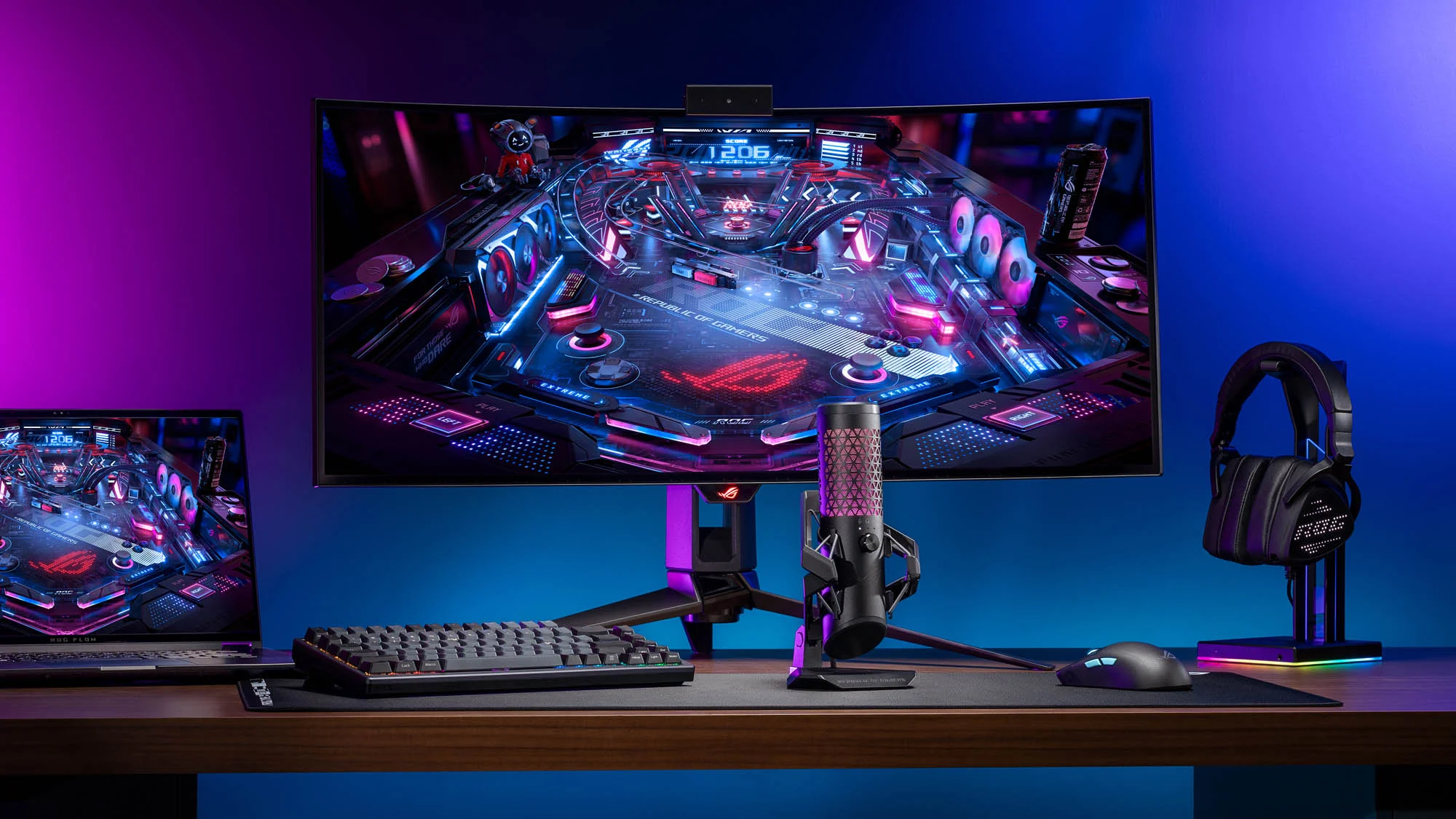
A PC That Covers All Bases
The final piece of the puzzle is finding a PC that handles all the demands that you will be putting on it. If you are using the same PC for work, streaming and gaming, you will likely need more storage and RAM.
You will also need a PC with a good processor, typically 8-12 cores will be better if you are doing tasks such as video editing and streaming.
Don’t Forget the Accessories
In addition to the core setup components listed above, for the ultimate solution covering work, streaming and gaming, you will also benefit from investing in accessories such as a headset with microphone that is comfortable to wear, plus a keyboard that has a low profile to support faster typing and a more natural wrist position to prevent injury.
A high-quality webcam will also provide a better experience compared to using in-built PC cameras, which will be important if you take a lot of video calls, or are creating your own streaming content.
With many Canadians now using one desk and one device for work and evening hobbies, getting your perfect setup should involve careful consideration to make sure that you optimize comfort, productivity and user experience when playing games or streaming.
