

A streamer’s desk holds the camera, lights, mic, and screens that shape every broadcast. The right layout keeps gear within reach and cables out of the shot. These five streamer desk setup ideas cover different rooms, budgets, and styles, so you can borrow what fits your space and ignore the rest.
1. Minimalist Streamer Desk Setup
A clean desk reads well on camera. Stick to a neutral tabletop, one monitor on an arm, and a mic on a boom that swings out of frame when you stop talking.
White and wood tones photograph softly and hide less than black gear does. A Japandi-style gaming desk shows how light surfaces and a couple of plants can fill the background without clutter.
Run power and HDMI cables behind the desk and clip them to the frame. Good cable management tricks do more for a minimalist look than any single accessory.
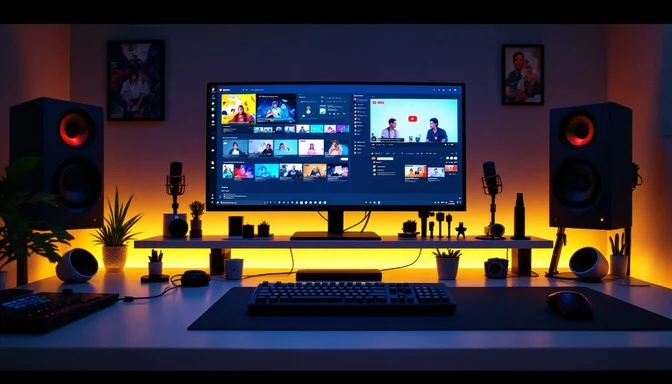
2. Dual-Monitor Streaming Battlestation
Two screens let you game on one and watch chat, alerts, and your streaming software on the other. A horizontal main display plus a vertical second monitor is a common split.
One streamer runs a three-screen Twitch battlestation, with a TV as the third display for media. You can study more multi-monitor layouts before you commit to mounts.
Put both monitors on a dual arm to free up desk space and align them at eye level. A 27-inch 1440p panel at 144 Hz handles most games without straining your GPU.
3. Budget Streamer Desk Setup Ideas
You do not need pricey furniture to go live. A solid table from a thrift store or marketplace works once you sand it and add a desk mat.
Skip the expensive ring light at first. Two desk lamps with daylight bulbs, angled to avoid screen glare, light your face well enough for most webcams.
Bread ties, binder clips, and a cheap under-desk tray keep cords tidy for almost nothing. A starter mic and a clean-output webcam round out a low-cost streamer desk setup that still looks sharp.
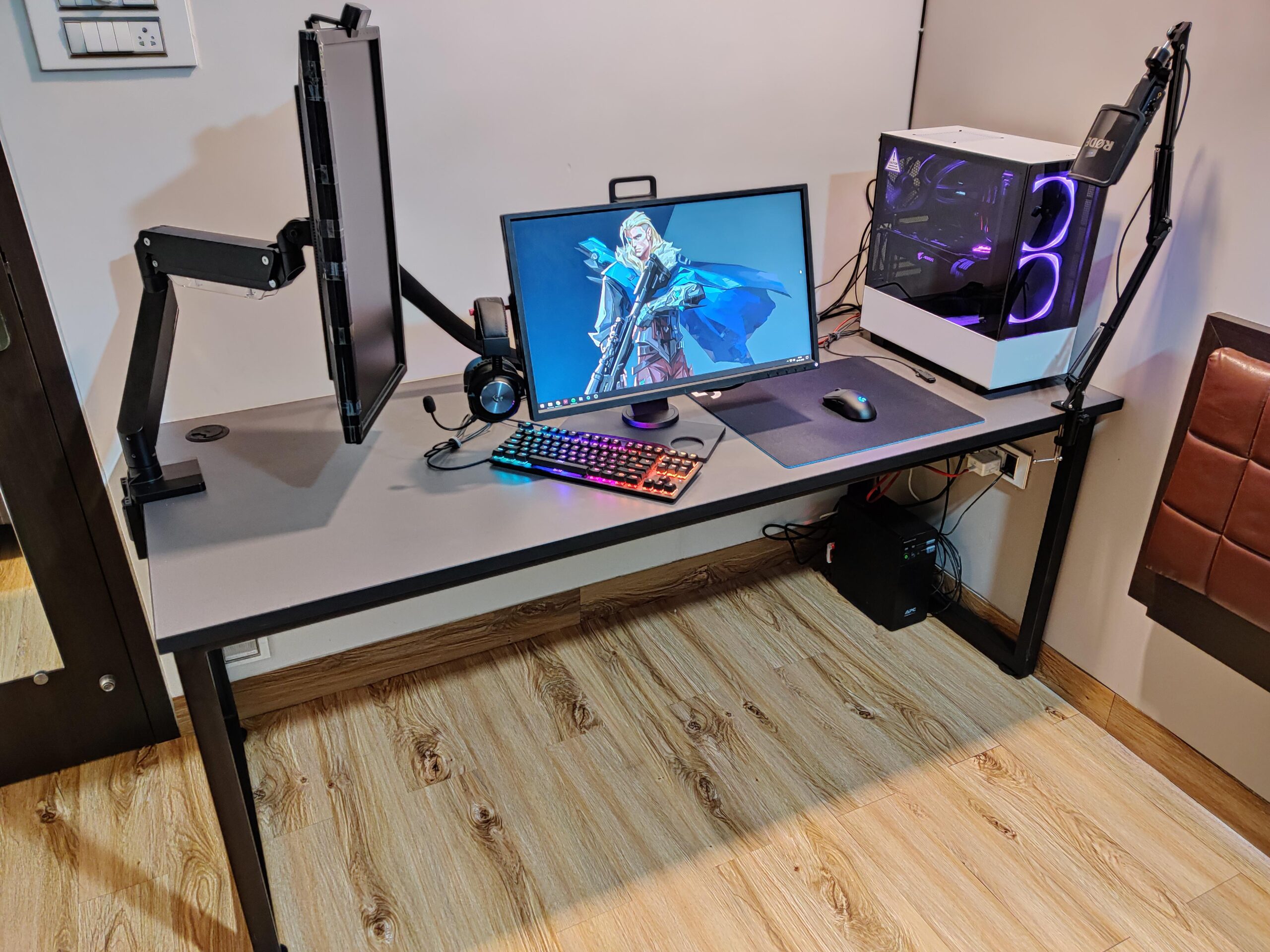
4. Compact Streamer Desk Setup for Small Rooms
Tight square footage does not rule out a proper station. A wall-mounted floating desk takes zero floor space and leaves room underneath for a chair or storage.
Corner desks use awkward angles and curve two monitors around you. Vertical shelving above the desk holds capture cards, lights, and spare gear so the surface stays clear.
This minimal bedroom workspace shows how one arm, hidden cable ties, and a single monitor keep a small setup calm. Browse more real streaming desk setups for compact ideas that match your room.
5. Standing Desk Setup for Long Streams
Marathon sessions punish a fixed chair height. A sit-stand desk lets you switch positions mid-broadcast and gives your back a break.
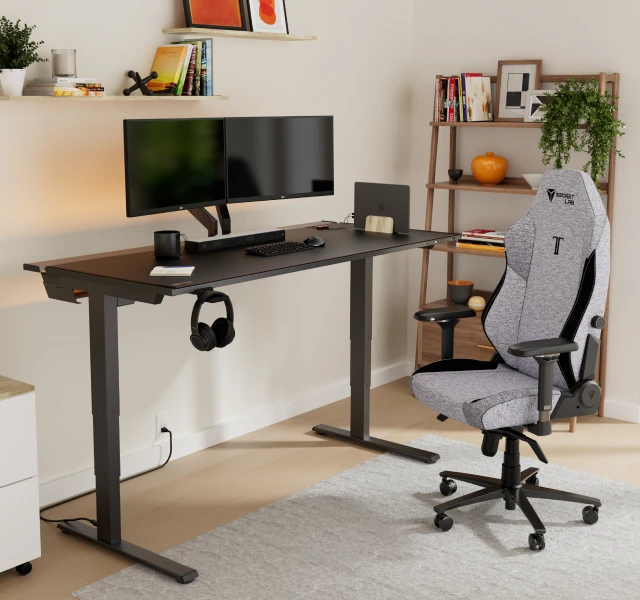
An adjustable frame paired with a wide tabletop holds dual monitors, an audio interface, and a key light with room to spare. Look for a quiet dual-motor frame so the camera does not pick up noise when you raise it.
This sit-stand workspace built on an IKEA KARLBY top pairs a docking station with a footrest for full-day comfort.
What to Set Up First on a Streamer Desk
Start with the desk, chair, and lighting, then add the camera and mic. An ergonomic chair with lumbar support pays off more than any RGB accessory during long streams.
Place your key light just above the camera and slightly off to one side. Add ambient LED strips behind the desk only after the front light looks right, so the background adds depth without washing you out.
FAQs
What desk is best for streaming?
An adjustable-height desk at least 55 inches wide suits most streamers. It fits dual monitors, a mic arm, and a camera while letting you sit or stand during long broadcasts.
How many monitors do streamers need?
Two monitors cover most needs. Run your game on the main screen and keep chat, alerts, and streaming software on a second display, often mounted vertically.
What lighting works for a streamer desk setup?
A key light or ring light above the camera lights your face evenly. Add a softbox or LED panel to one side and strip lights behind you for depth.
Can I build a streaming desk on a budget?
Yes. A second-hand desk, daylight desk lamps, a starter mic, and DIY cable clips create a working setup for a small spend without looking cheap on camera.
How do I hide cables on a streaming desk?
Clip cables to the desk frame, run them through an under-desk tray, and use sleeves or ties. Keeping cords off the floor instantly makes any setup look cleaner.
