

Name: Rahul
Location: Bengaluru, India
Social media: Instagram
Website: Hulry, Newsletter
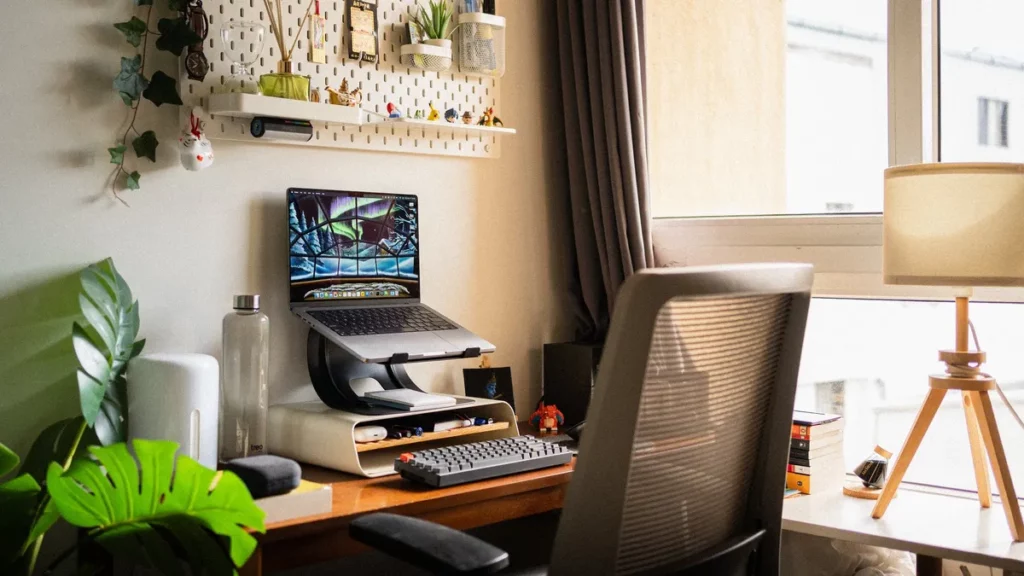
How much time did it take to create your setup?
I didn’t approach the setup as a one-shot project, and it took me years of adjustments to get it to what I have now.
It started with a L-shaped desk and my MacBook Pro.
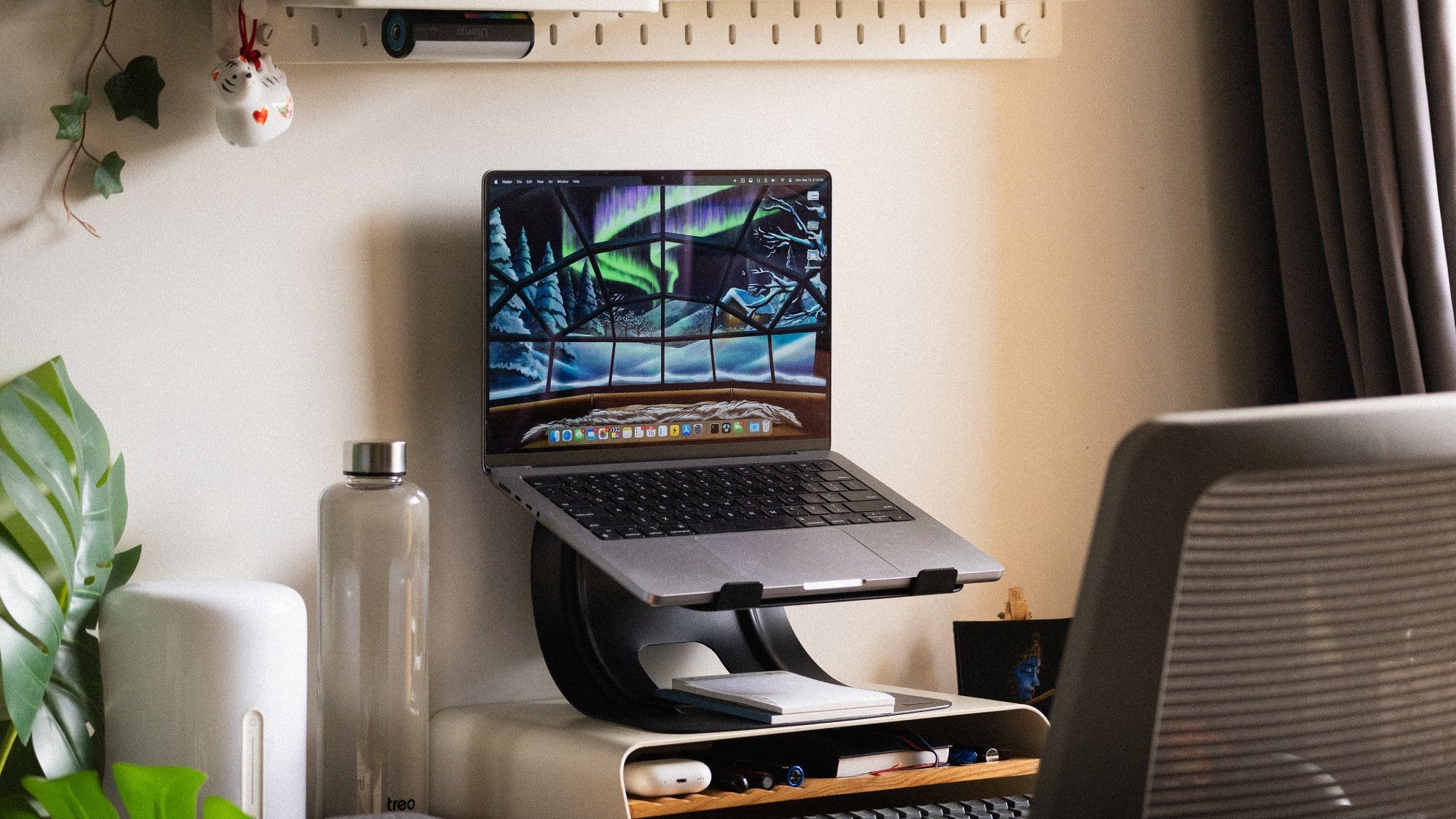
Then, I did the bulk of the decorations or enhancements in 2022 while I was setting up a studio space for YouTube videos.
I wanted to create a cosy background for my videos, so I added elements like an IKEA SKÅDIS pegboard on the wall, a monitor and a laptop stand to mount my MacBook.
Over time, I kept adding souvenirs from my travels to the pegboard and the general desk space.
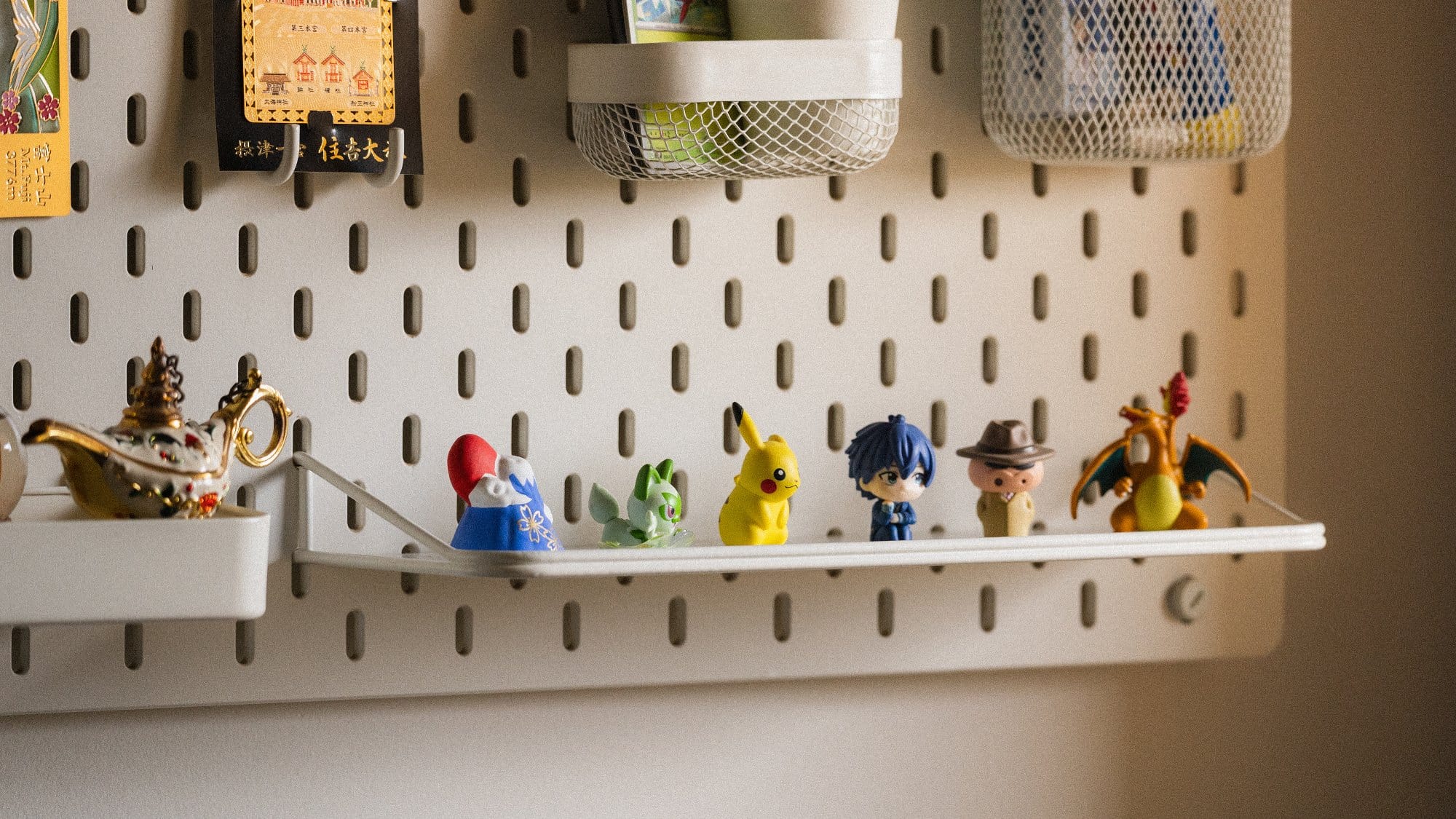
I’m still making changes every now and then.
What was your goal with the look and feel?
I like open spaces with plenty of natural light.
My goal with the workspace was to create a space that looked expansive during the day and cosy in the evening.
The L-shaped desk gives me ample space to keep whatever I need to work with, and fits right in the corner of the room where I have a large window to let light and air in.
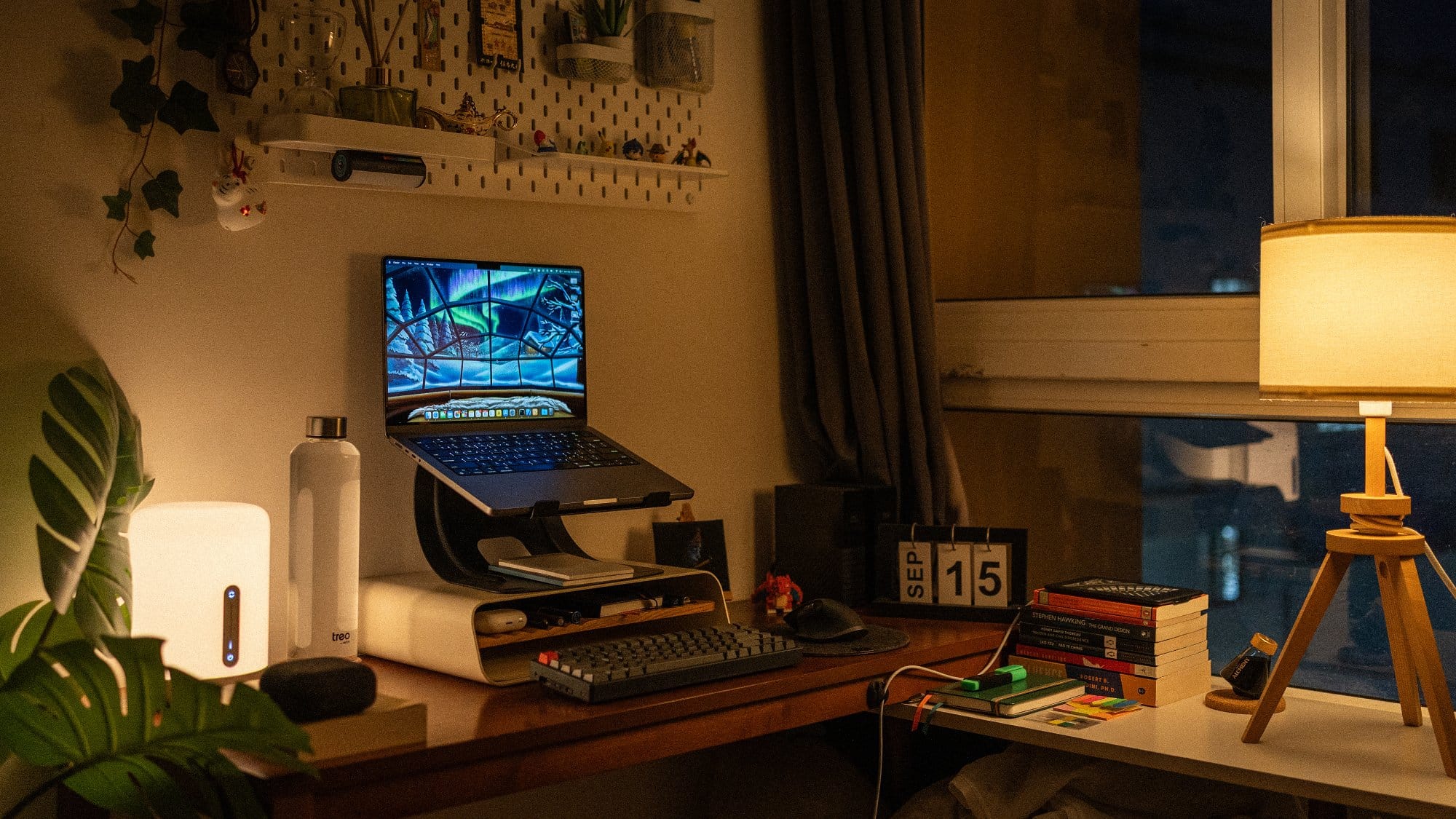
In the evening, the warm lights not only help reduce blue-light emissions but also create an inviting and cosy space to work from.
I call it my writer’s den.
Is there anything you would like to improve?
I’d like to have a good 24 or 27-inch monitor where my laptop is currently mounted.
I don’t need it right away, but it would be a nifty addition.
What notable equipment did you choose?
| Item | Model |
|---|---|
| Laptop | MacBook Pro 14-inch (2021 Model with M1 Pro) |
| Laptop stand | AmazonBasics |
| Monitor stand | DailyObjects Mesa Monitor Stand |
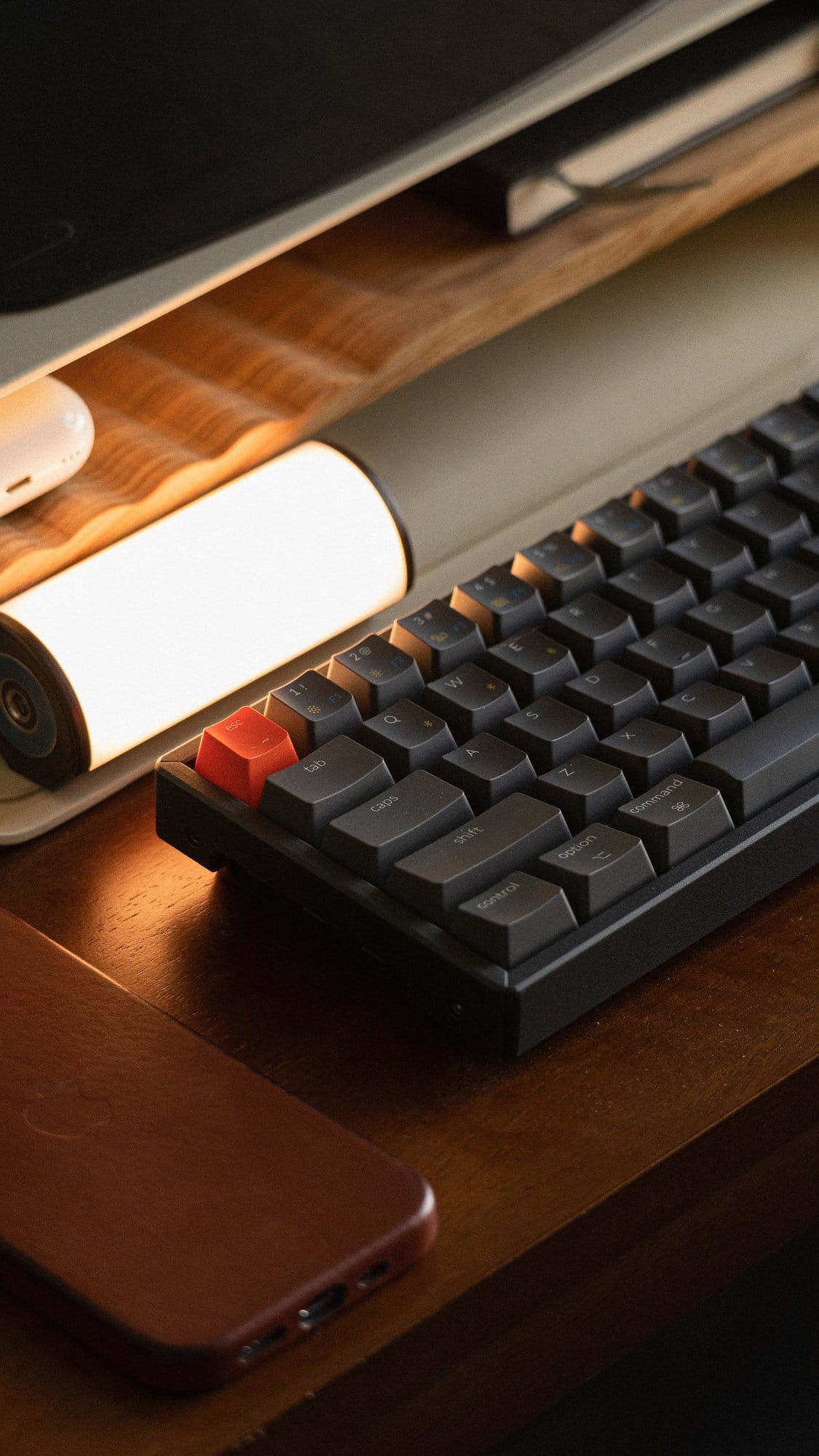
| Keyboard | Keychron K6 (65% layout) Blue Hot-Swappable Gateron Keys |
| Mouse | Logitech MX Master 3 |
| Desk lamps | Mi Bedside Lamp IKEA LAUTERS |
| Pegboard | IKEA SKÅDIS |
| External storage | 2× WD MyBook External HDD in a RAID 1 configuration |
| Printer | Canon Pixma E477 |
| Desk | Urban Ladder Tolstoy Study Table |
| eReader | Kindle Paperwhite |
| Mouse pad | DailyObjects Orb Felt Duo |
| Earphones | AirPods Pro 2 |
| Microphone | RØDE NT-USB Mini |
| Camera | Sony A7 III Sony 35mm f/1.8 Sigma 100-400mm f/5-6.3 DG |
| Studio light | Amaran 60D COB Light |
| Stationery | LAMY AL-Star Fountain Pen Endless Alchemy Ink (Mystic Forest) |
Do you use any notable apps, software, or tools?
I prefer Apple’s stock apps and apps with one-time purchase options over subscription-based options. Here are some of my most-used apps:
- Apple Notes (for general note-taking and ideas)
- Apple Reminders (for tasks)
- Apple Mail + Gmail
- CleanShot X (for screenshots)
- Paste (for rolling clipboard history and storing code snippets)
- Shakkei (for an immersive workspace and focus sessions)
- Final Cut Pro (for when I occasionally make YouTube videos)
- Safari
- Gestimer (for quick timers)
- Reeder (RSS + read-it-later)
- iA Writer (where I write my blog posts and books)
- Screen Studio (to record my screen for tutorials)
- Dropzone (for moving and compressing files)

We’re a reader-supported publication. This article might contain affiliate links. It means we may receive a commission if you click a link and buy a product that our maker has recommended. The interview was done independently.
