

Name: Yu Sin, Hsu
Location: Taipei, Taiwan
Occupation: UI Designer
Room size: 8 m² (86 ft²)
Cost of setup: ~$3,5K
Social media: Instagram
Hello! Tell us a bit about yourself
Hi! I’m Yu Sin, a UI designer with nearly six years of experience.
I’ve worked in SaaS companies, design studios, and as a freelancer.
Currently, I design interfaces at a cloud server company.
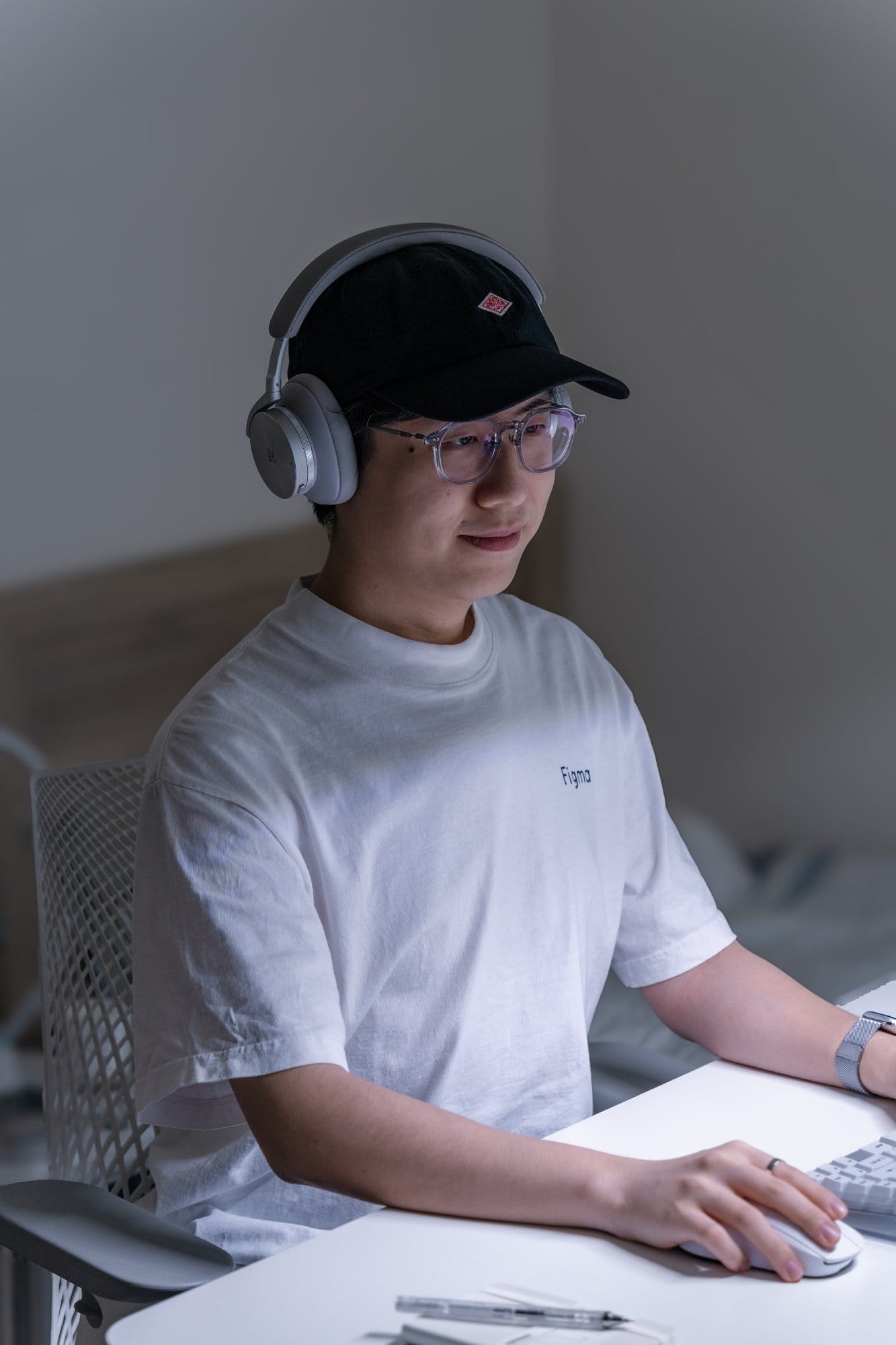
With a background in industrial design, I’m drawn to well-crafted, aesthetic products, where form is just as important as function.
I often collect and share my favourite finds on Instagram.
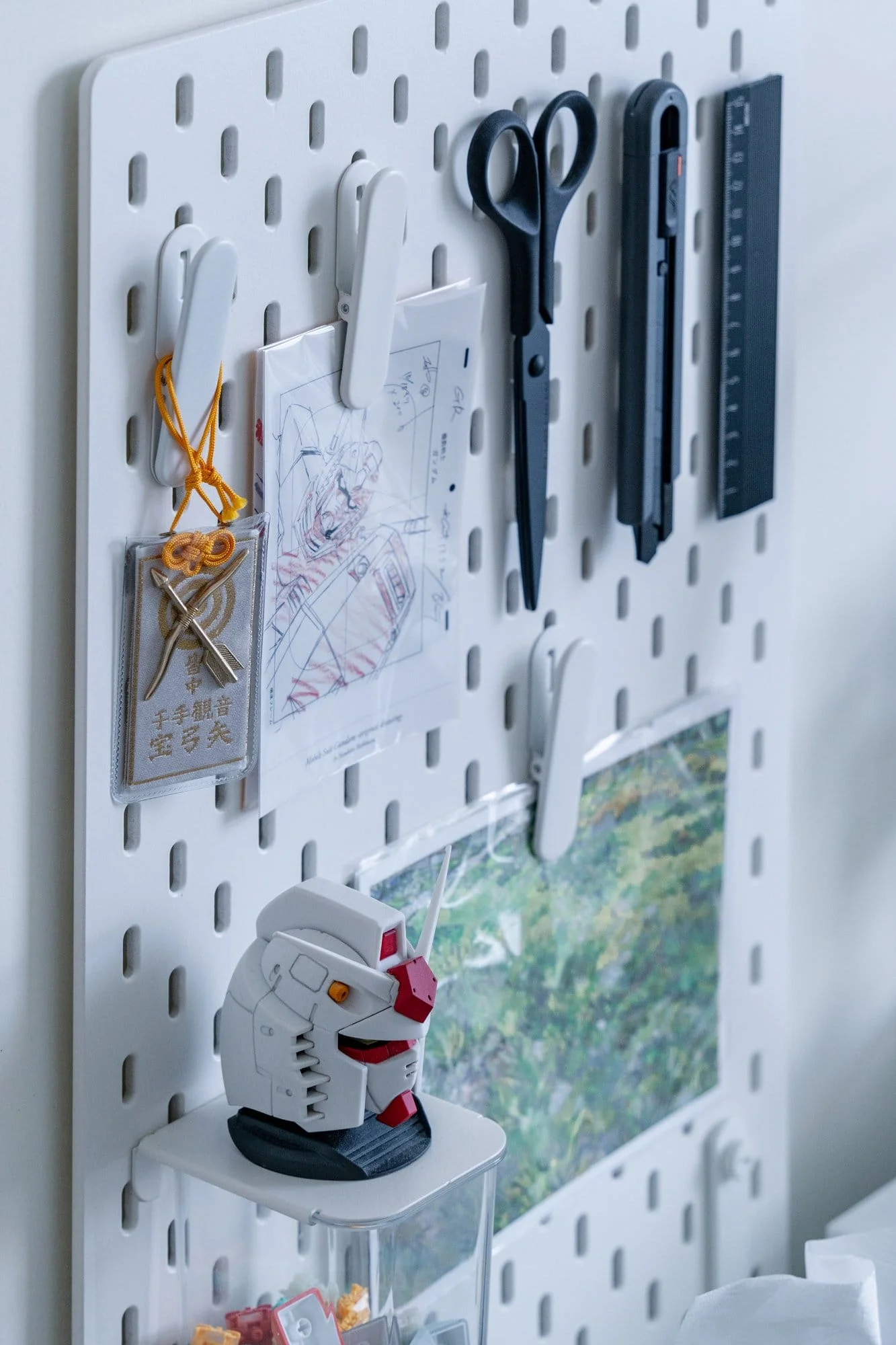
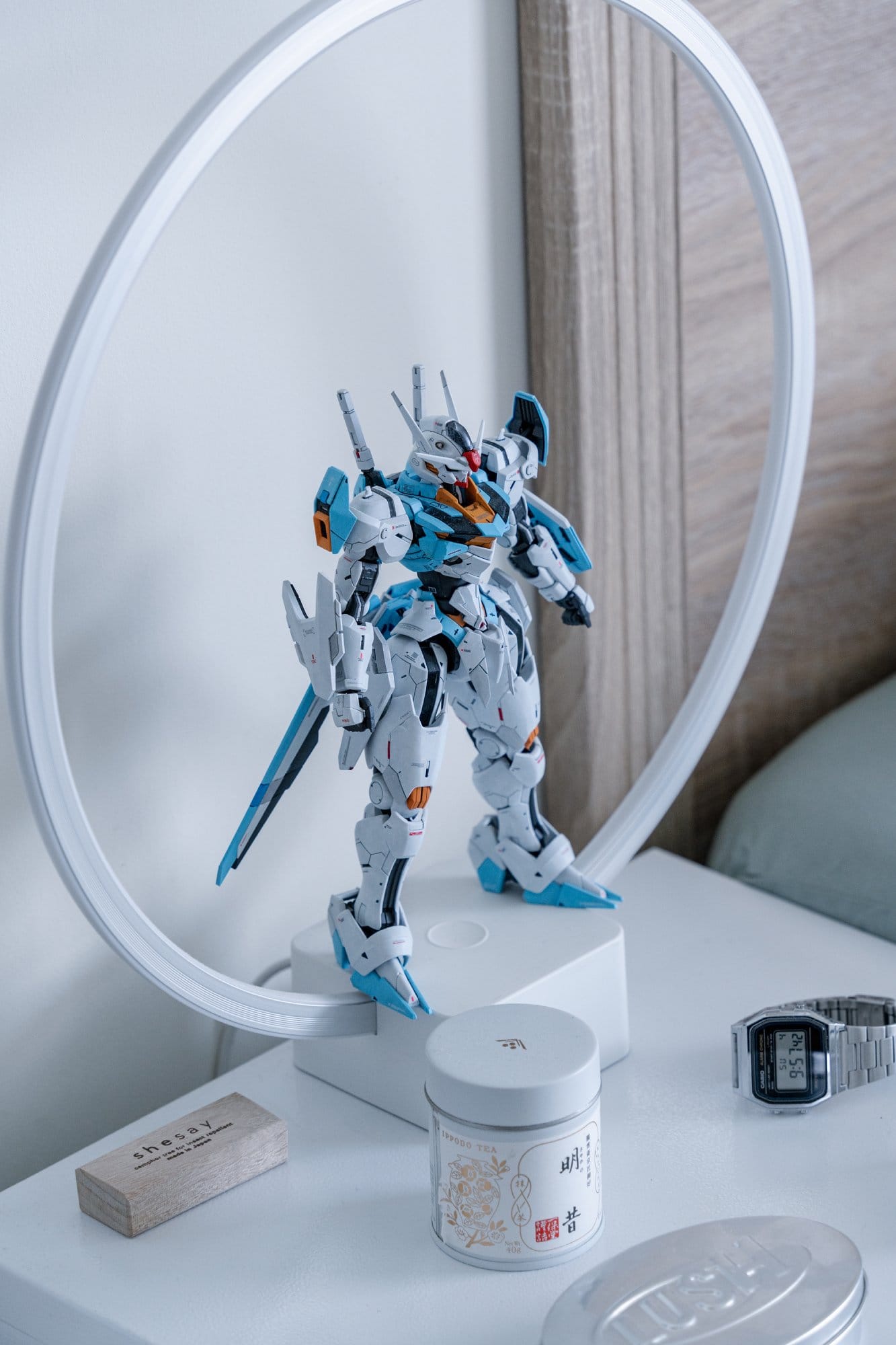
Gundam [a Japanese military science fiction media franchise — editor’s note] has been part of my life since childhood.
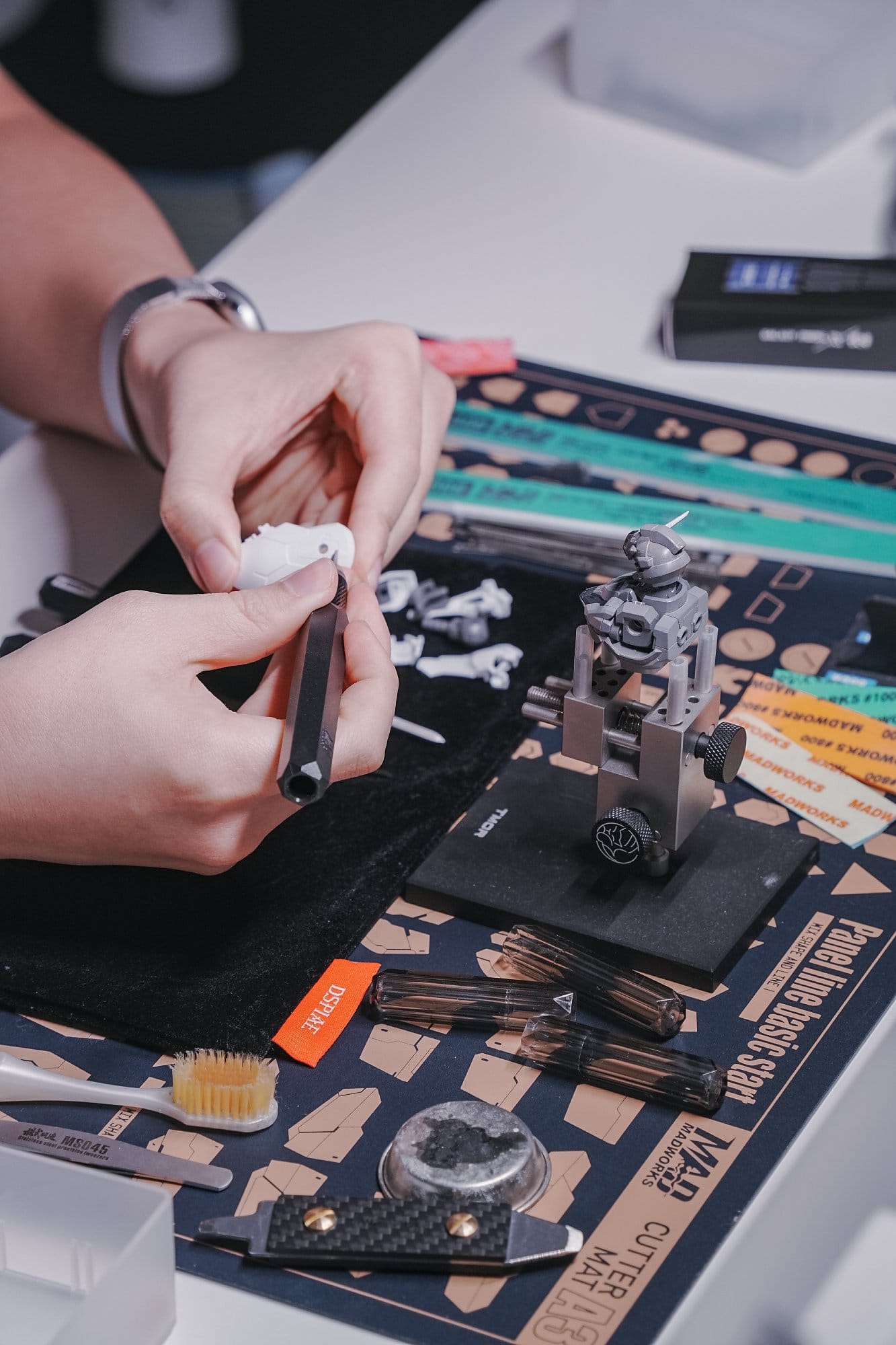
Building and customising Gunpla (Gundam plastic models) is my creative outlet, hands-on and surprisingly similar to product design.
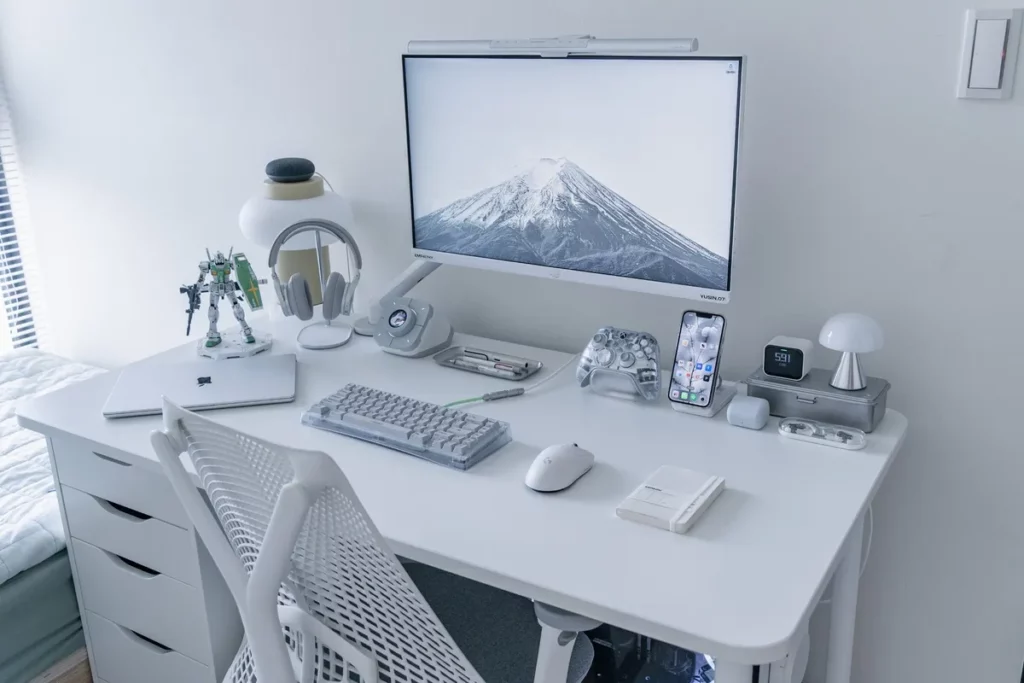
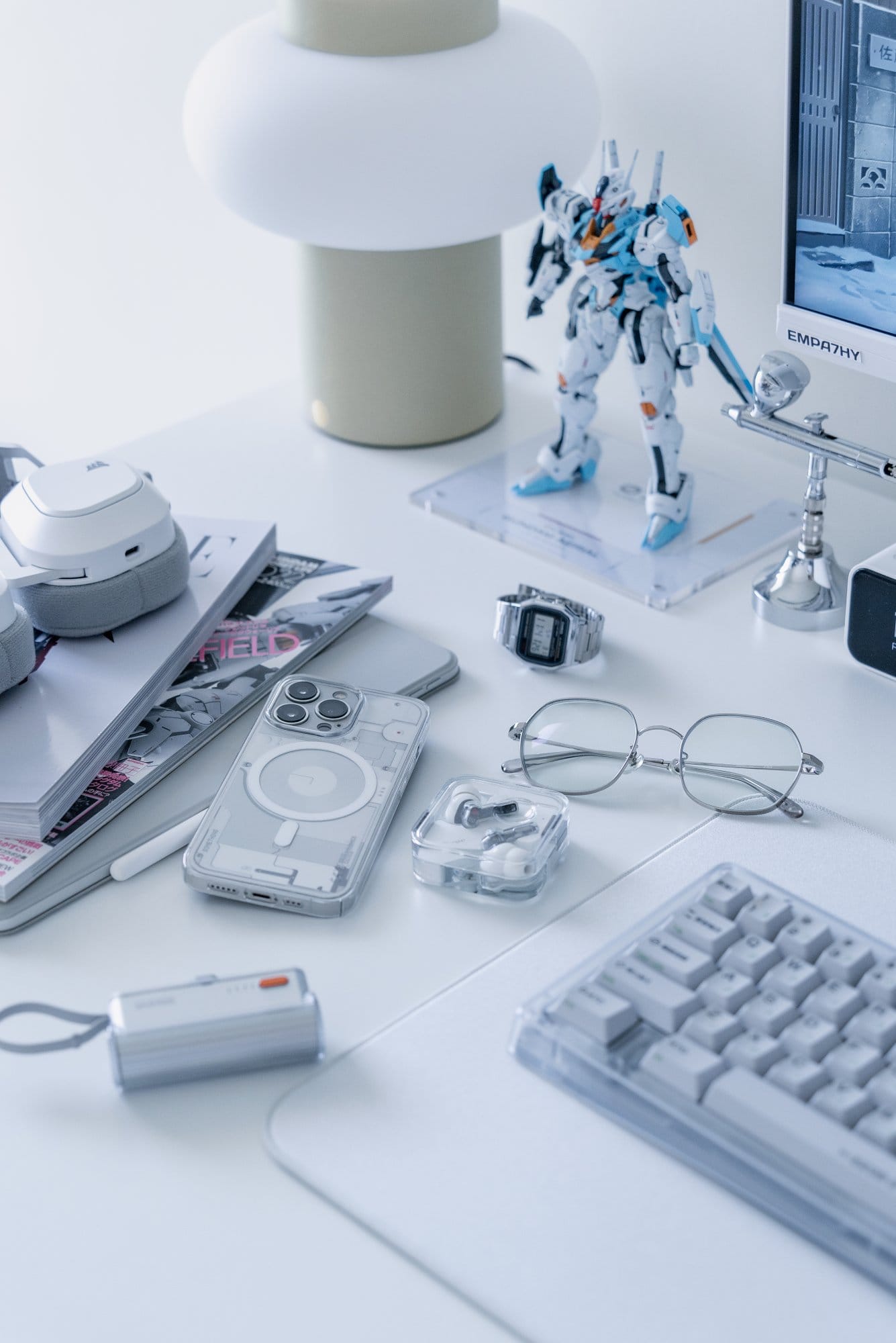
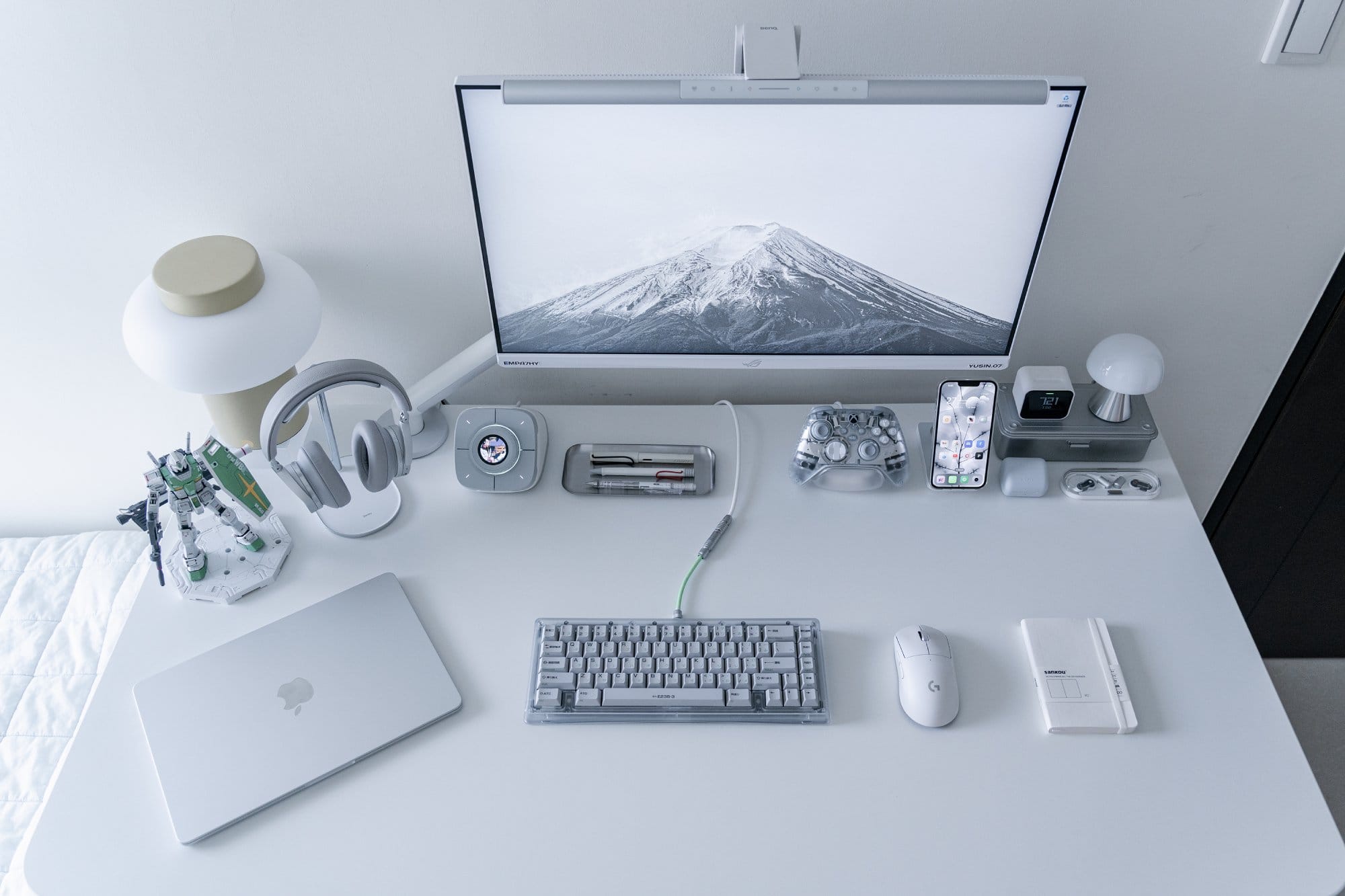
You’ll spot Gundam touches in my desk setup too.
Take us through your setup
| Item | Model |
|---|---|
| Monitor | ASUS ROG XG279Q-GD |
| Monitor mount | Herman Miller Flo |
| Monitor light bar | BenQ ScreenBar Pro |
| Laptop | MacBook Air M2 |
| External GPU | ASUS ROG RTX2060 |
| Headphones | B&O H95 Nothing Ear (Open) Sony INZONE Buds |
| Keyboard | Bauer Lite |
| Mouse | Logitech G Pro X Superlight |
| Chair | Herman Miller Sayl |
| Stream deck | COLOLIGHT COLO PLAY |
| Controller | Xbox Ghost Cipher |
| Wireless charger | UGREEN 3-in-1 Wireless Charger |
| Lamp | Hübsch Camp Table Lamp Lexon Mushroom Lamp Mid |
| Air quality sensor | Qingping Air Monitor Lite |
| Desk | IKEA ALEX Drawer + IKEA TOMMARYD Surface |
As a designer and gaming enthusiast, creating a personal space has always been essential for me.
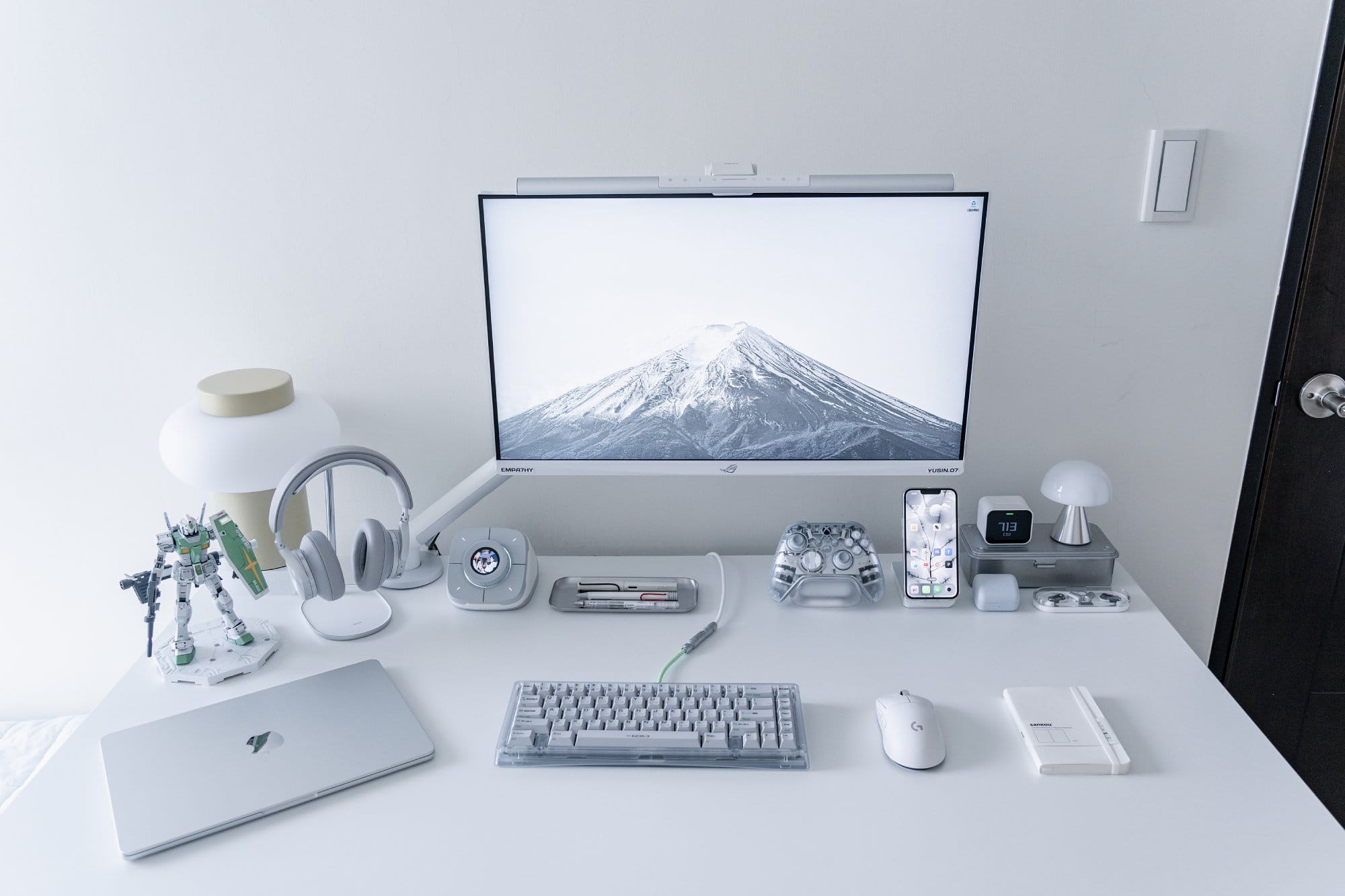
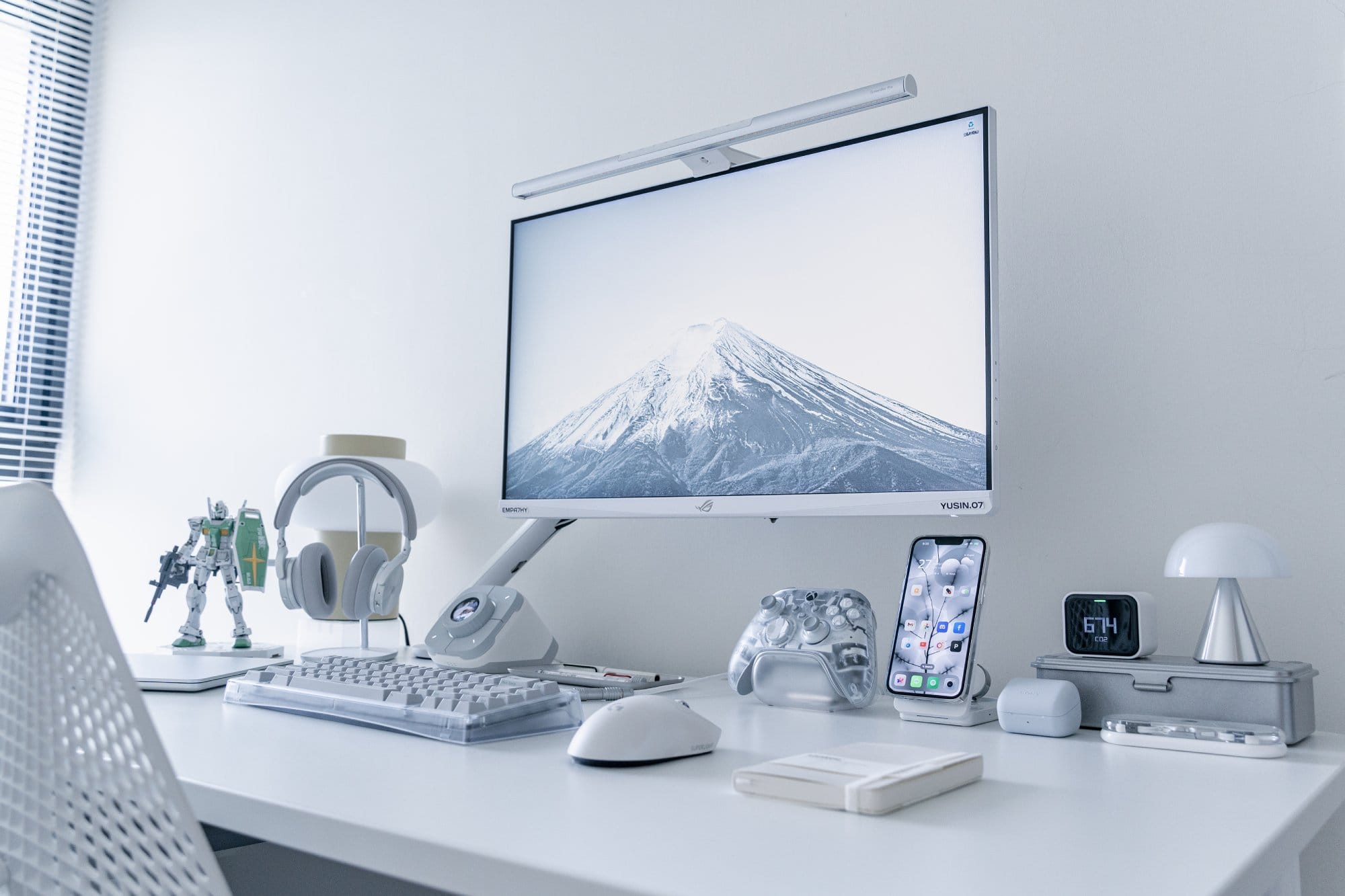
It all started with a simple desk that came with my rental apartment, but over time and six iterations later, it’s evolved into a setup that reflects both my needs and style.
Since going back to the office after the pandemic, this setup is now dedicated to my hobbies and entertainment — watching shows, gaming, and building Gunpla.
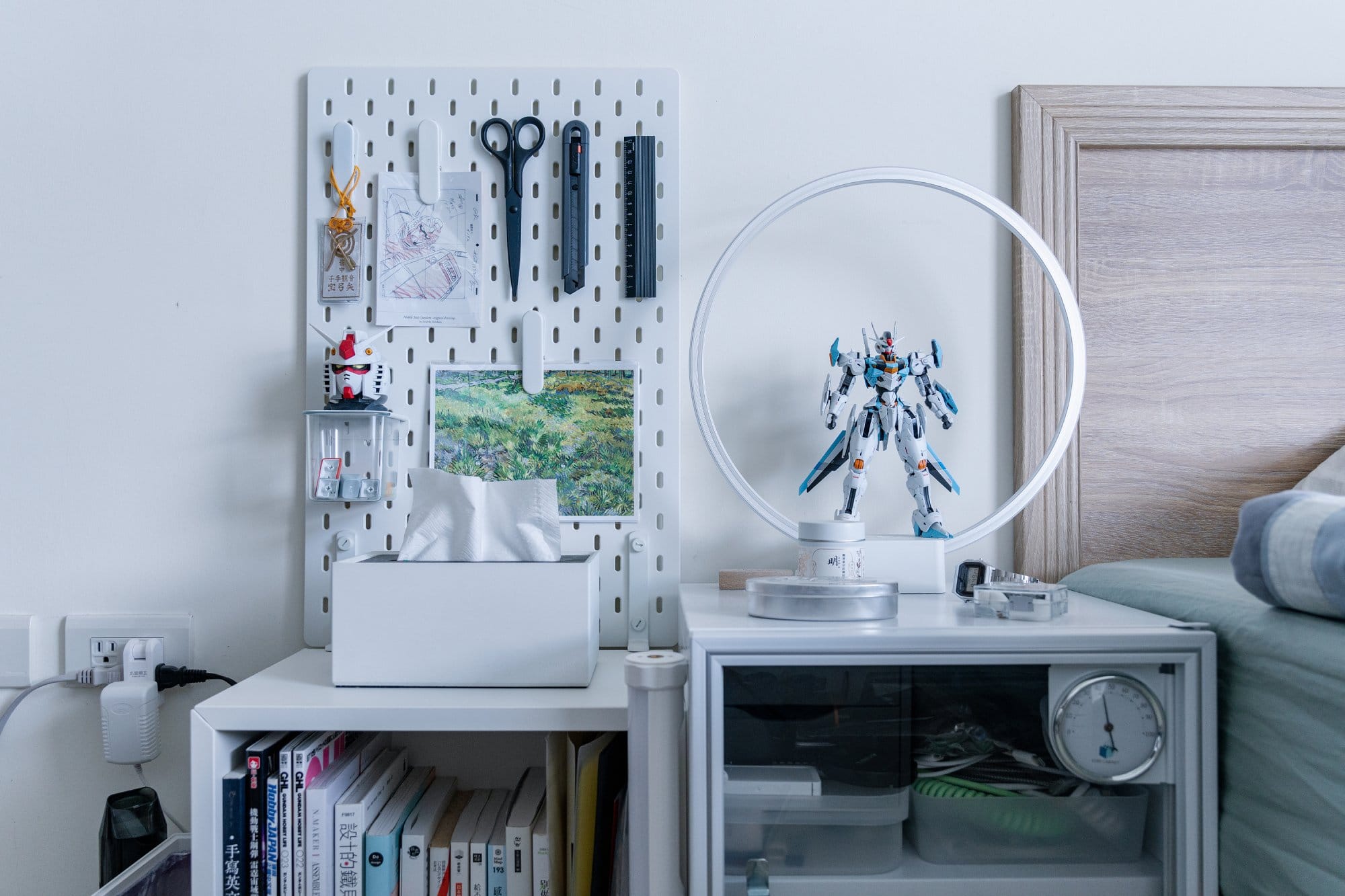
If I ever need to do some work, I just use my PC or set my MacBook Air on the side.
A side window brings in natural light, though it fades by noon.
So I rely on a monitor light during the day and switch to a desk lamp at night, ditching the ceiling light for a cosier vibe that helps me settle in.
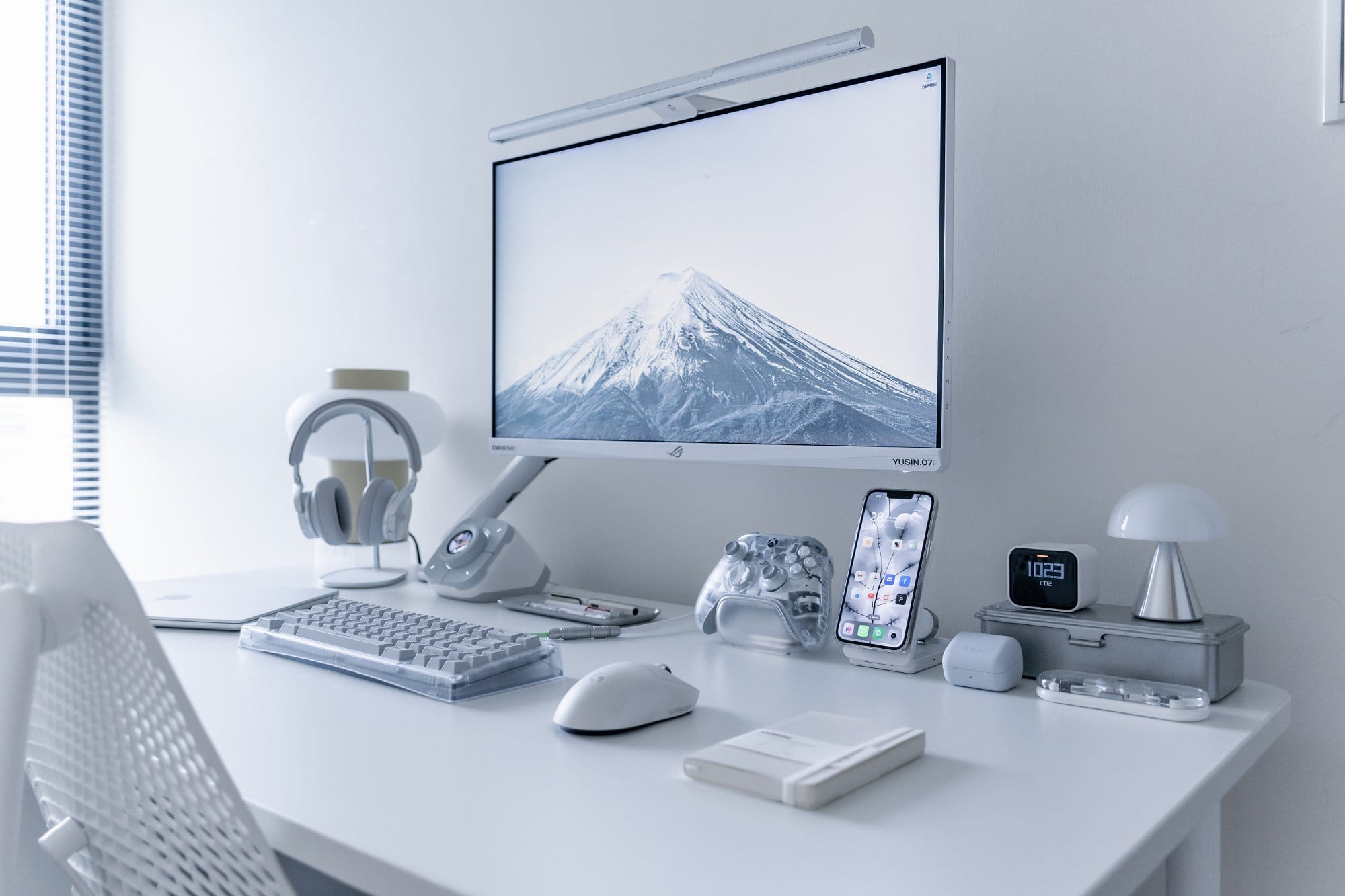
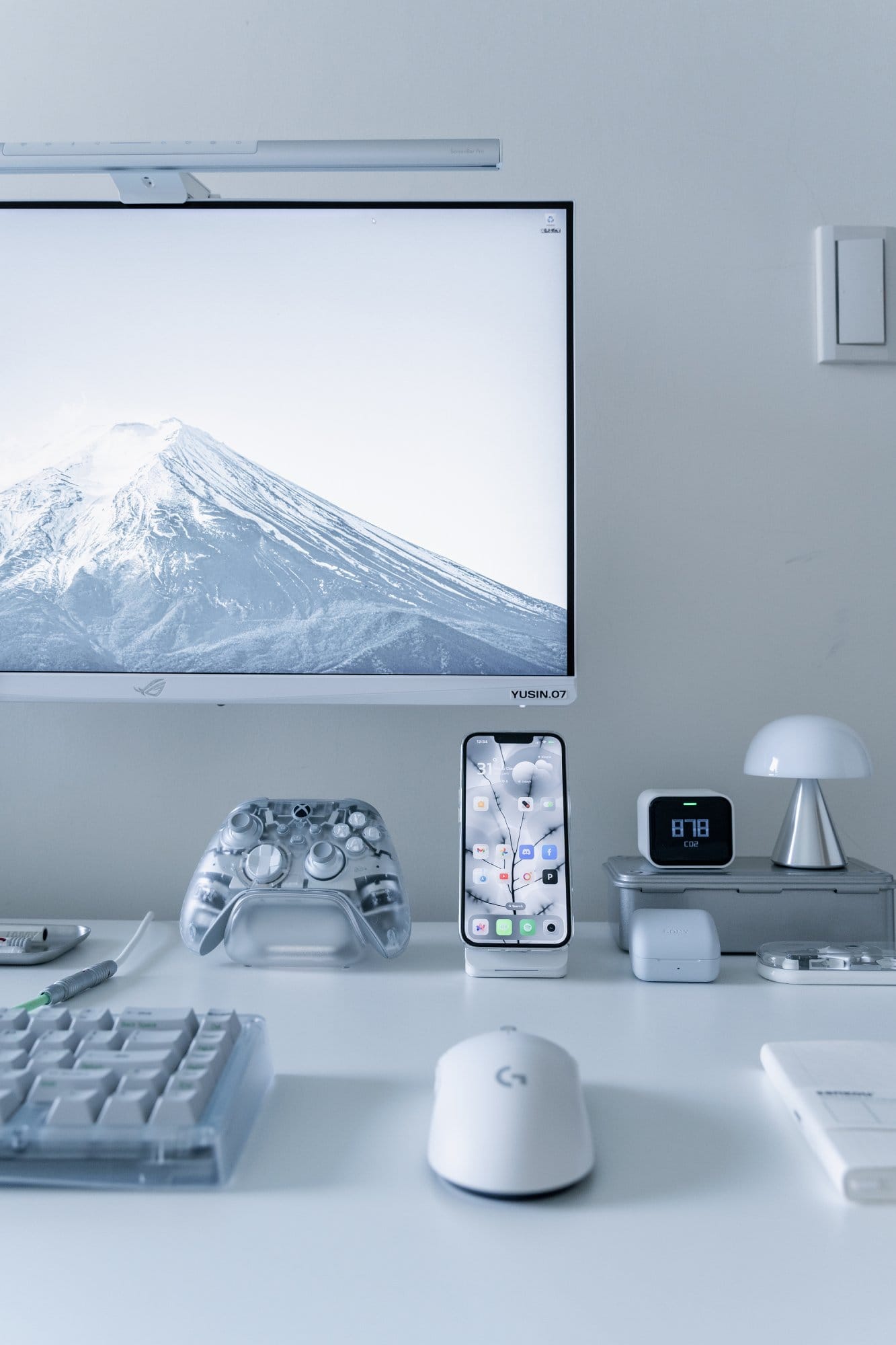
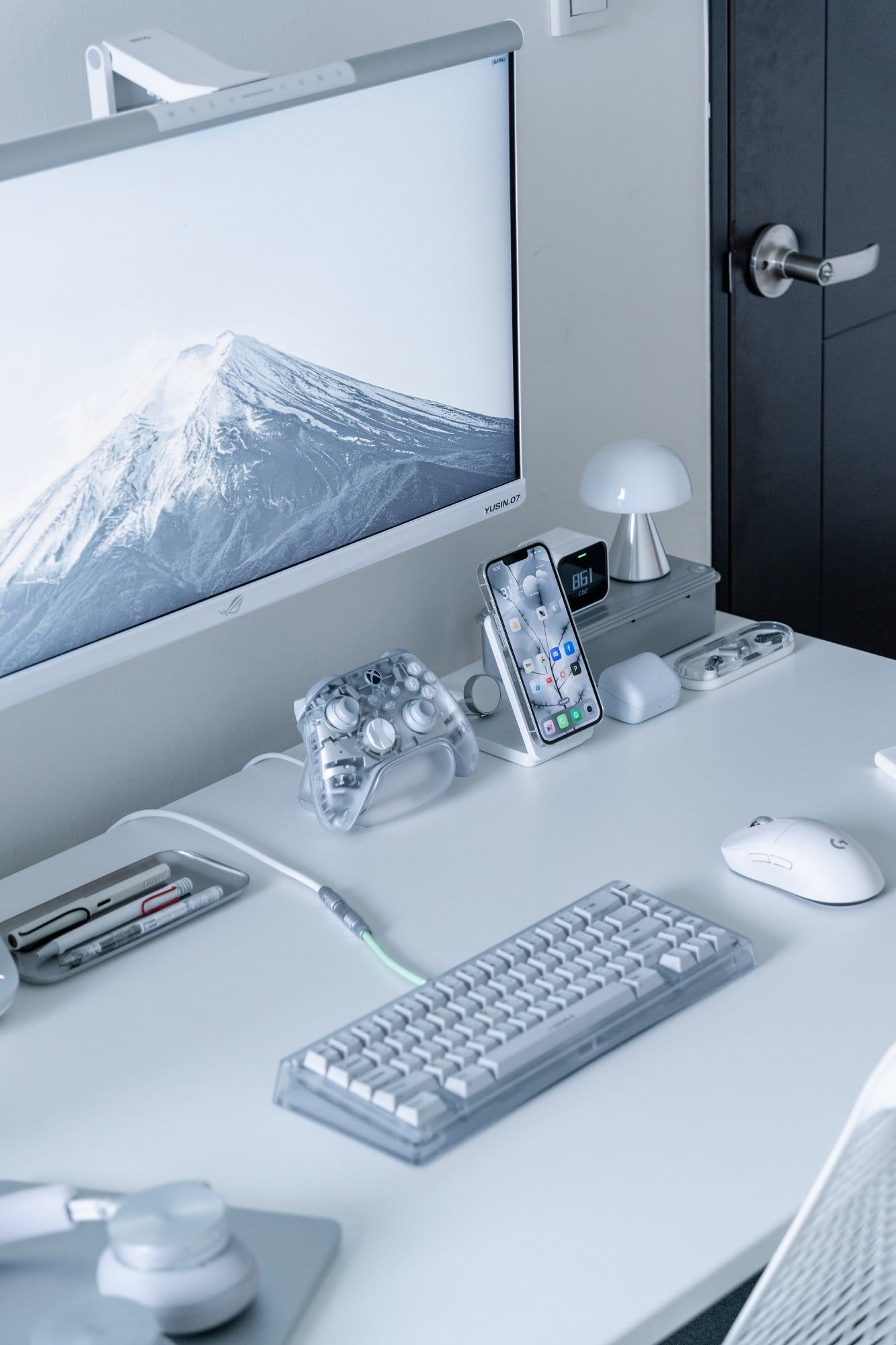
I lean towards a minimalist and futuristic aesthetic, so most of what you’ll see is white, with touches of silver and transparent materials.
The only real downside?
The room is small.
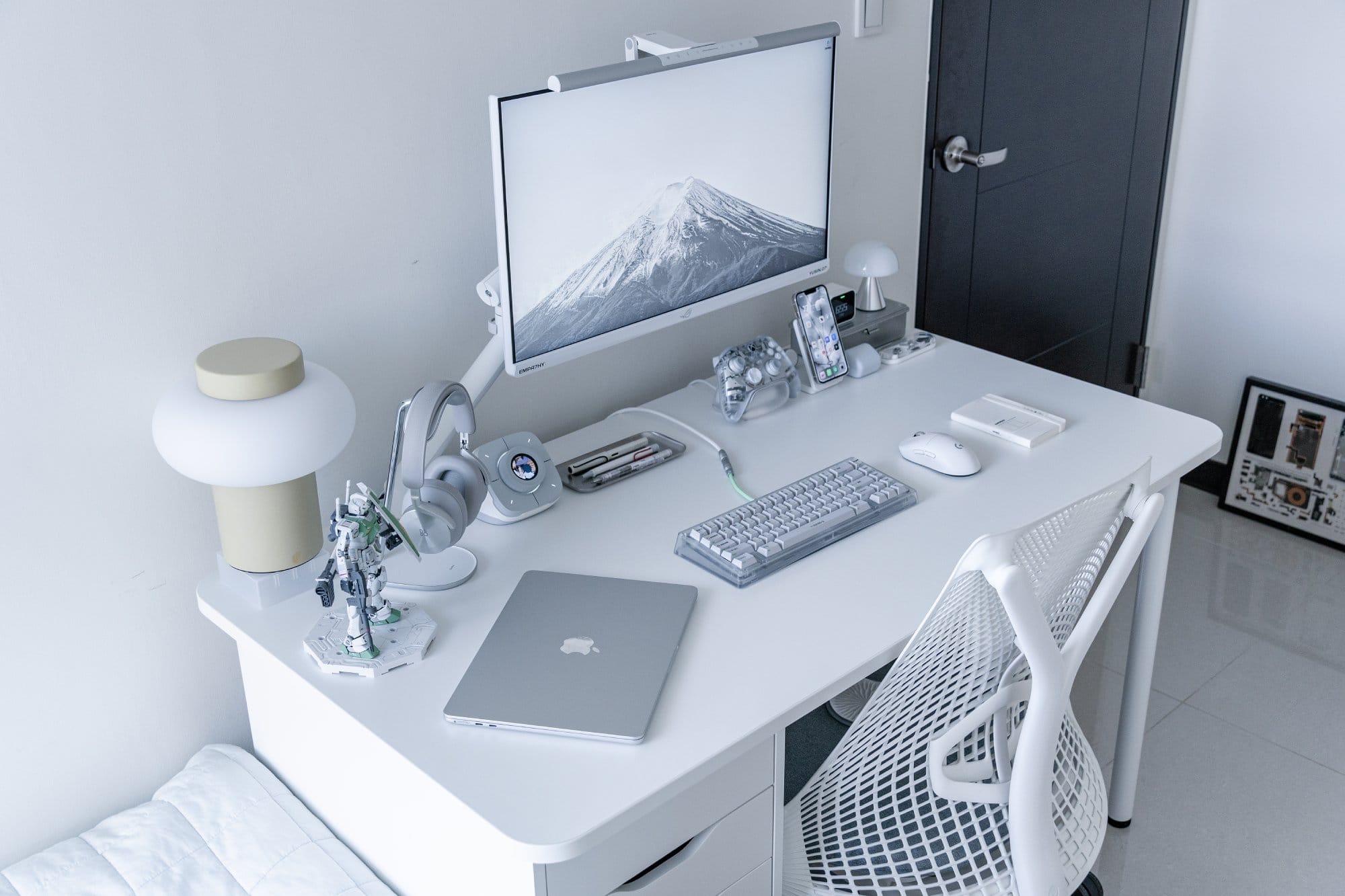
Even though I have a blueprint for my dream room, the built-in wardrobe and single bed pretty much take up all the space.
Hopefully, one day I’ll find a place that truly fits my vision.
What’s your favorite item on your desk?
This is a tough one.
I use both my mechanical keyboard and headphones every day, and I love them both.
The headphones help me stay focused while working and unwind afterward.
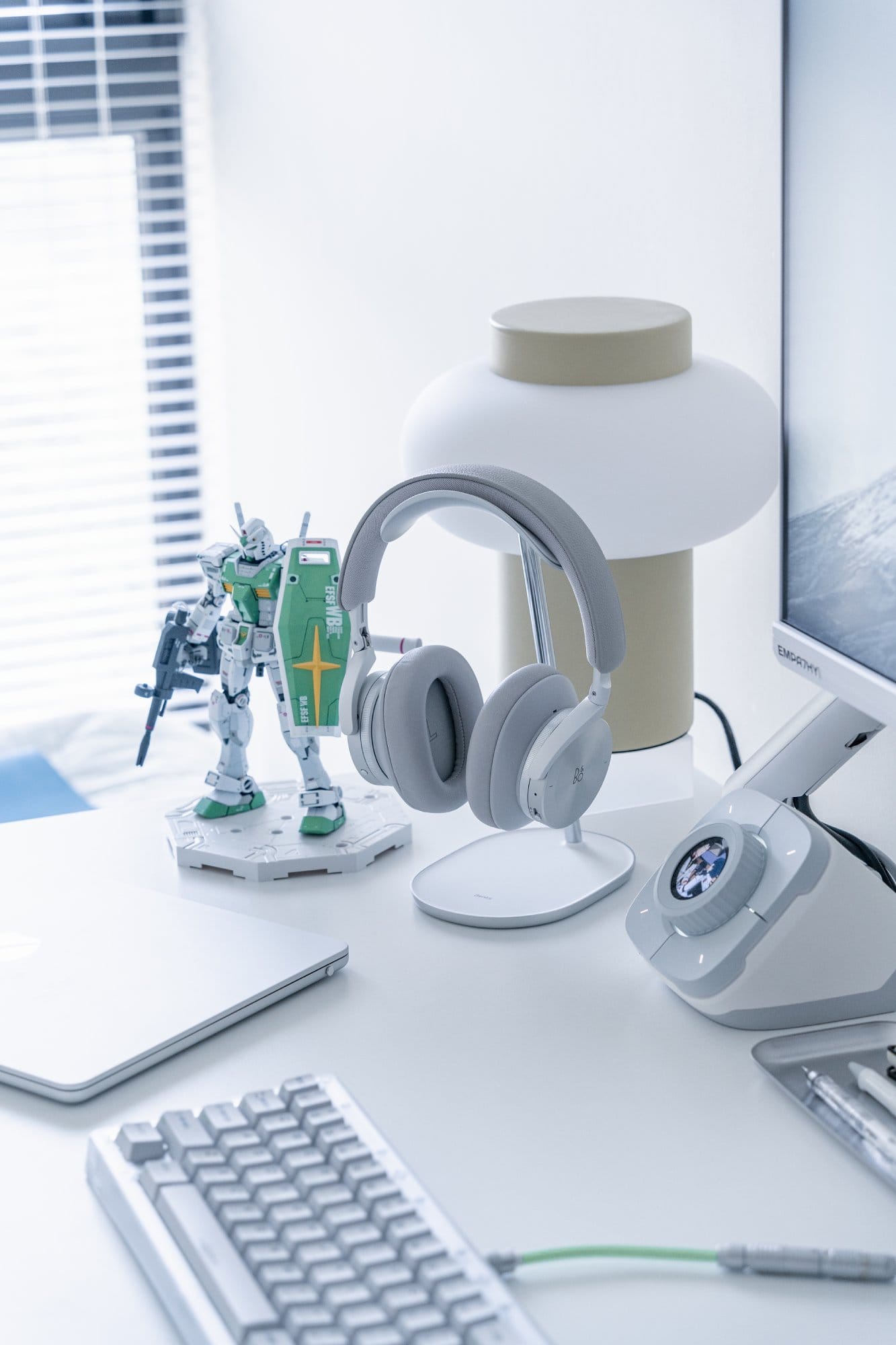
Their build quality, sound performance, and design are all amazing — just having them on the desk feels satisfying.
But if I had to choose, I’d go with my mechanical keyboard, because I built it myself.
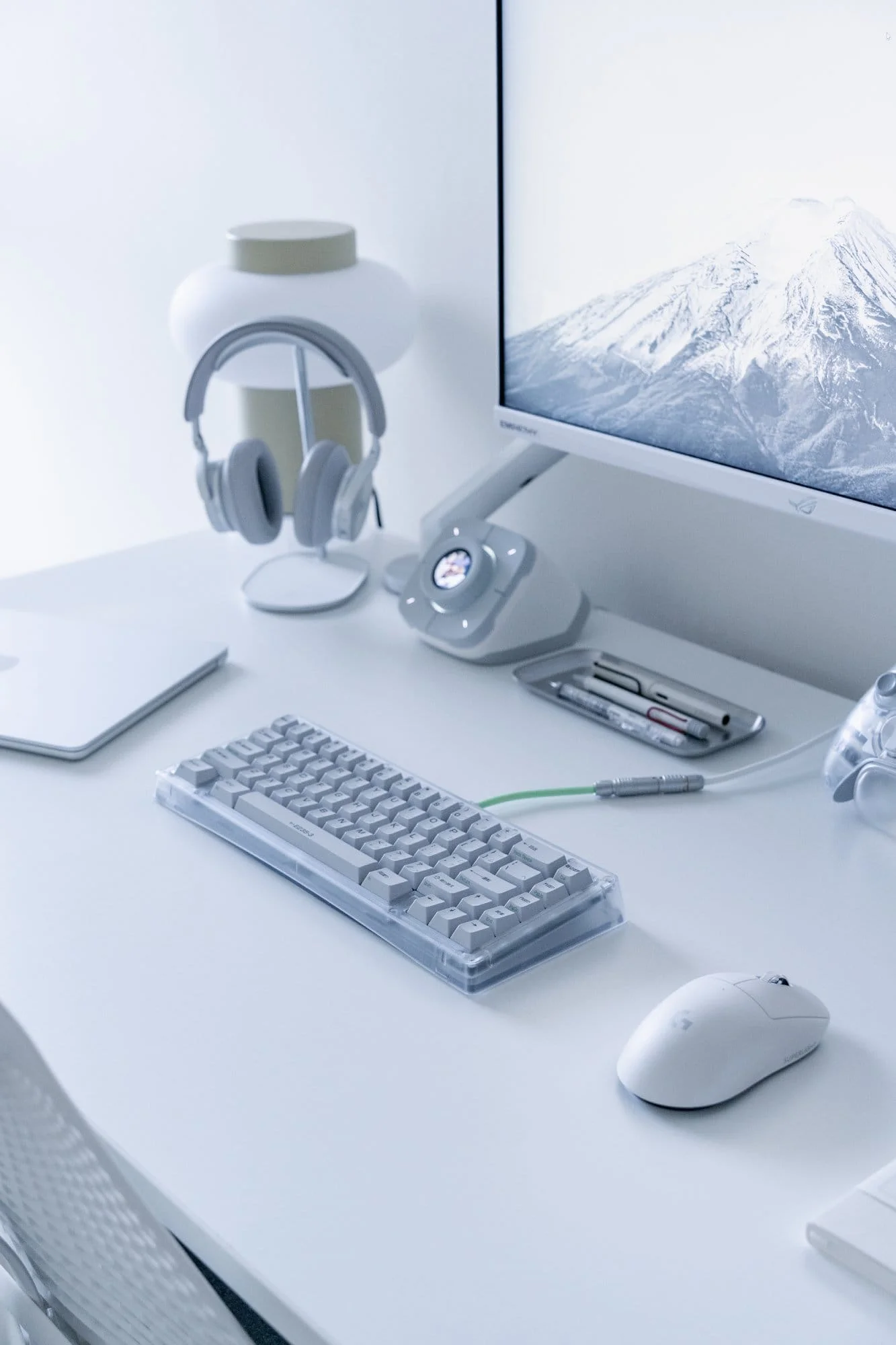
From the keyboard kit to the switches and keycaps, every component was handpicked to match my taste.
There’s something special about using a tool you assembled yourself.
What apps or tools do you use to get things done?
Most of my design work is done in Figma — it’s a great tool.
With the recent AI and drawing updates from Config, I no longer need to switch between multiple apps to get things done.
I use Lightroom for photo editing and CapCut for short videos.
Lately, I’ve been learning DaVinci Resolve to get into colour grading.
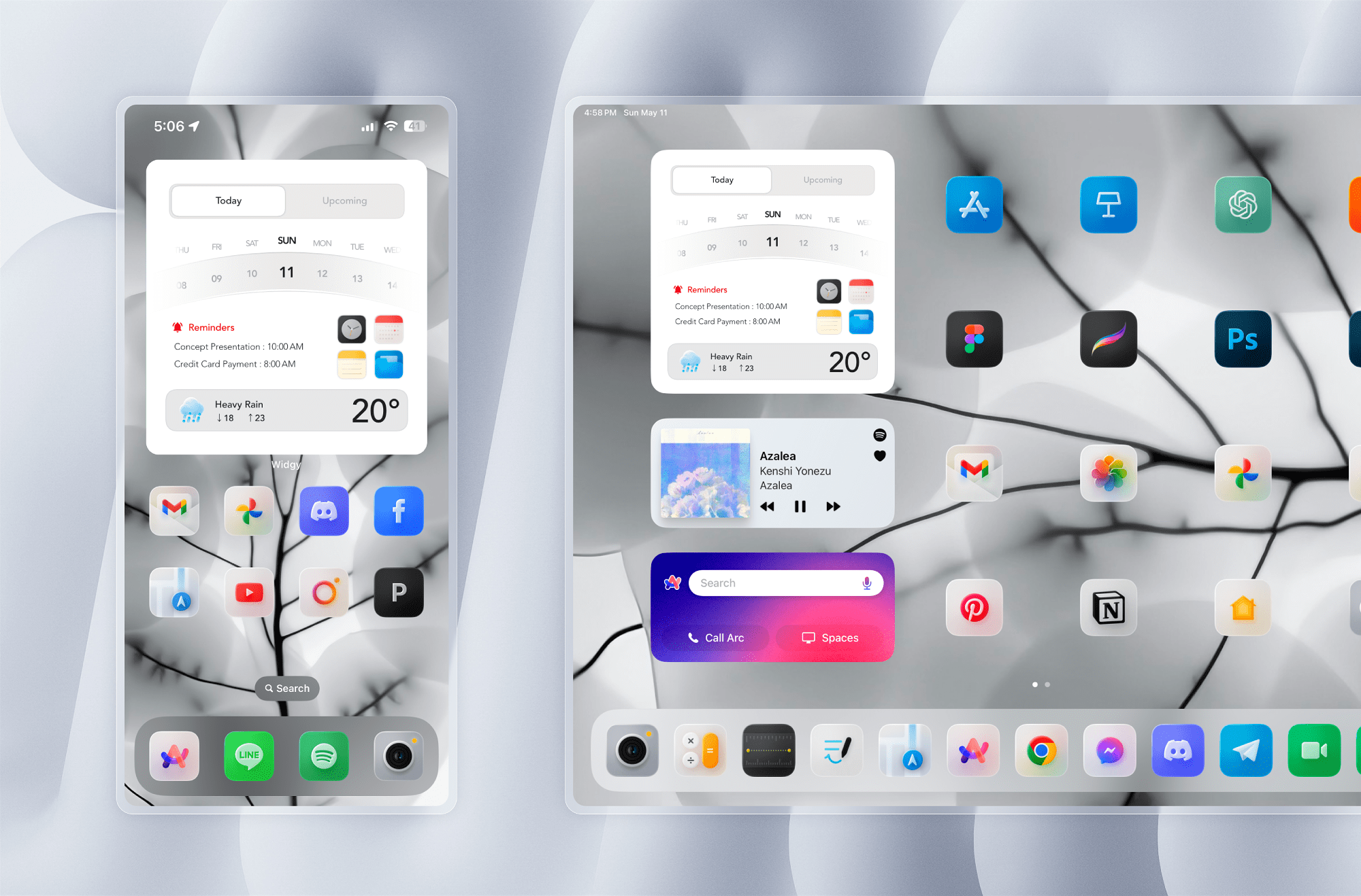
I don’t log every tiny task — just the important stuff, like deadlines or bigger events, in Apple Calendar.
A widget keeps key reminders right on my iPad and iPhone home screens, so nothing slips through.
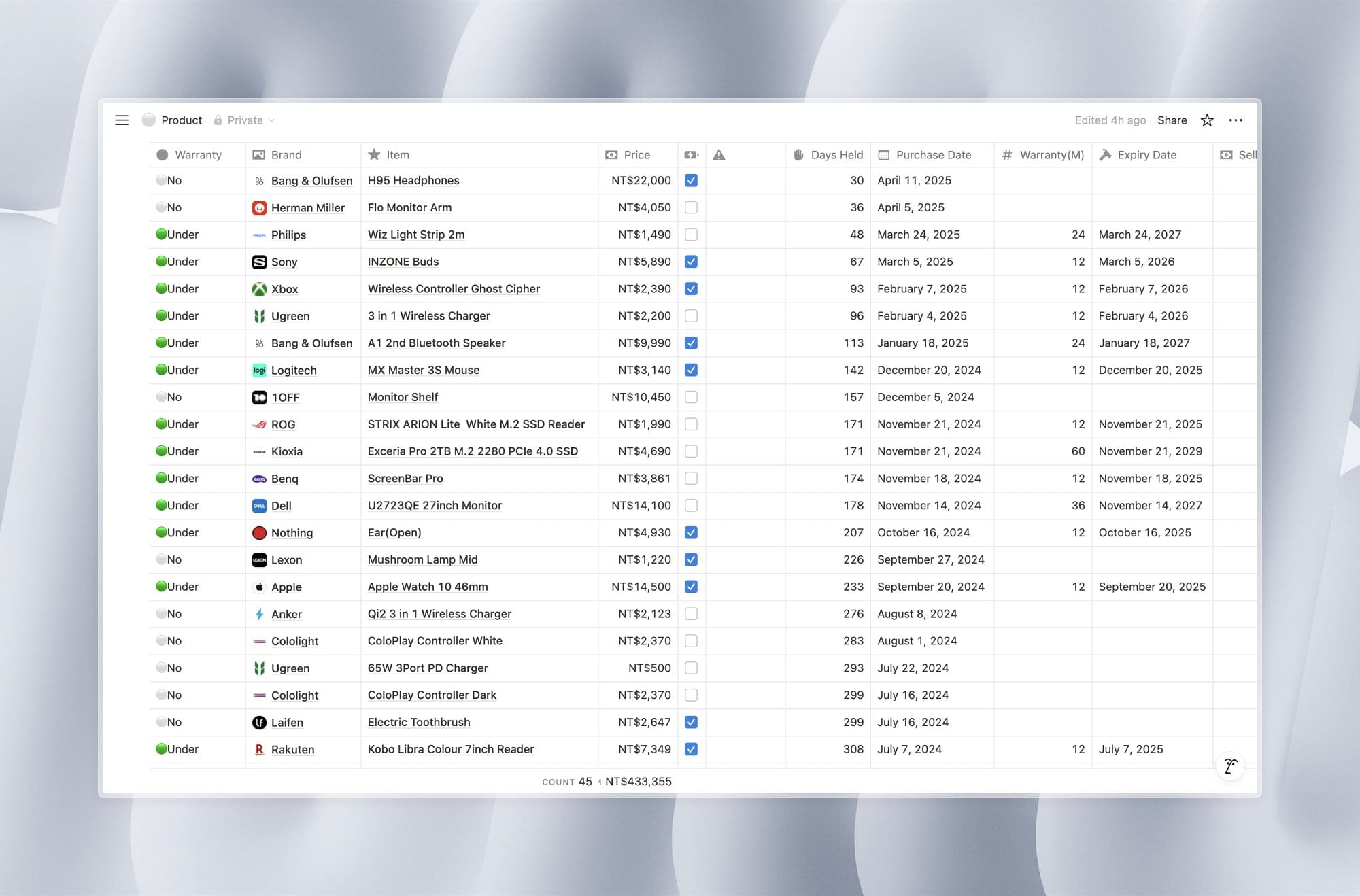
Notion is my go-to for databases.
I store notes, design references, and manage personal expenses there.
I even keep a table to track items I’ve purchased — it helps me use them more mindfully and avoid overspending.
What books, blogs, or podcasts recently caught your attention?
Honestly, I’m not much of a book reader, but I really enjoy podcasts.
One I’ve been listening to a lot is Valley 101, which covers tech and startup topics in Mandarin.
Since English isn’t my first language, hearing complex topics in my native language helps me understand them more easily.
I also follow Lenny’s Newsletter.
While it’s mostly targeted at product managers, I find the insights incredibly useful as a designer too.
Lately, they’ve even bundled access to several AI tools with the subscription.
Getting to use all these tools for free as part of the newsletter is honestly quite amazing.
Any tips for other makers who want to improve their workspaces?
Before building your desk setup, start by understanding your needs and personal style, but don’t feel the need to include everything you like.
“Less is more” is key to visual clarity.
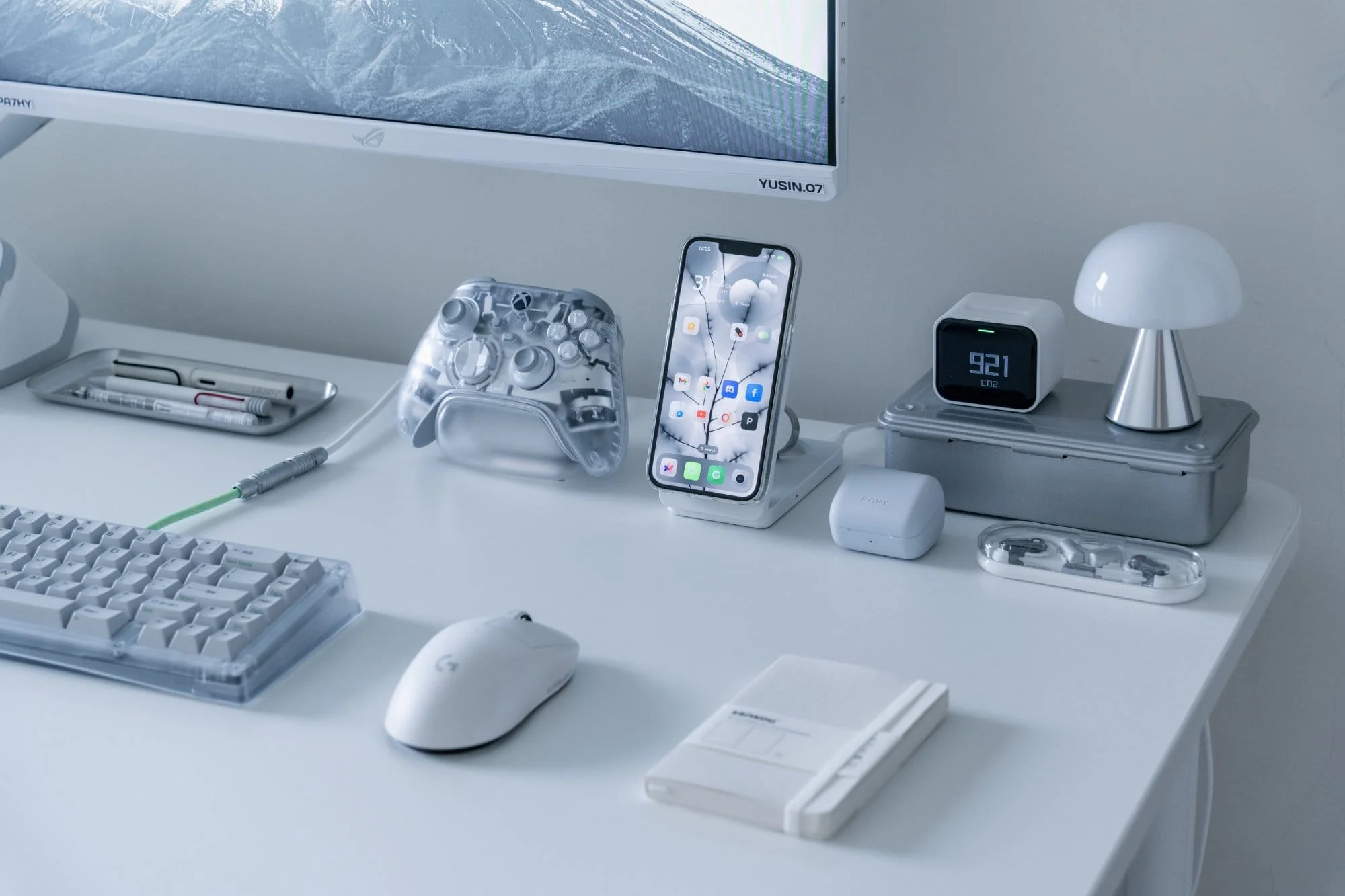
Your setup will evolve over time, so flexibility matters.
Invest in quality items, even second-hand ones, since they tend to hold their value and can be resold or passed on when you no longer need them.
What does your typical day look like?
I usually wake up at 6 am and go to bed around 11 pm.
My mornings start with a glass of water, then I pack the breakfast or lunch I prepared the night before and catch the company shuttle — my office is in another city.
On the way, I’ll usually open Instagram to catch up on what’s happening.
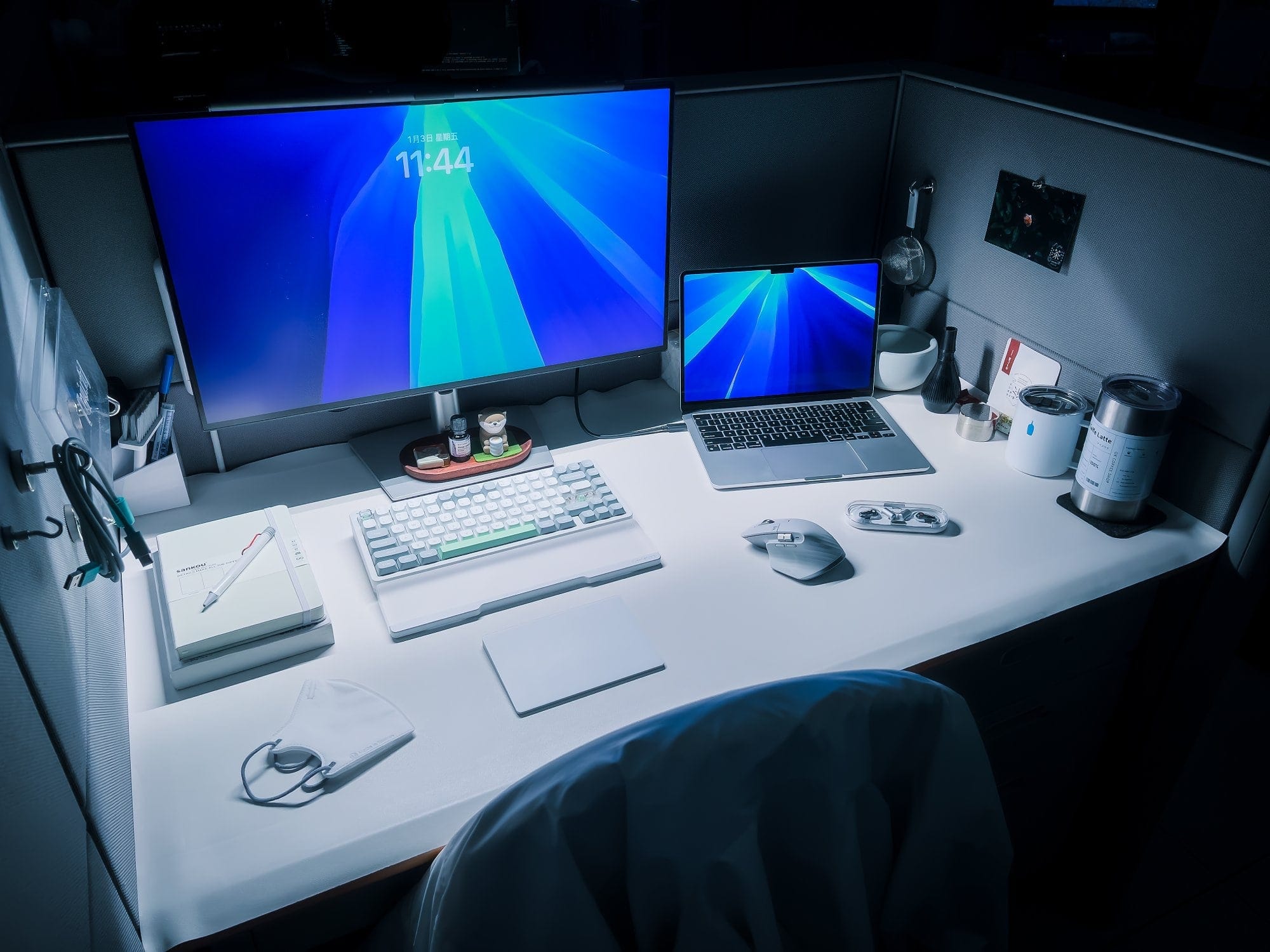
Since I’m no longer working remotely, most of my day is spent at the office, but I do have my office set up.
I usually start my work mode at the office by making myself a matcha latte and pairing it with breakfast.
After our daily scrum, I handle tasks like updating progress and writing documentation, so I can focus the rest of the day on design work without interruptions.
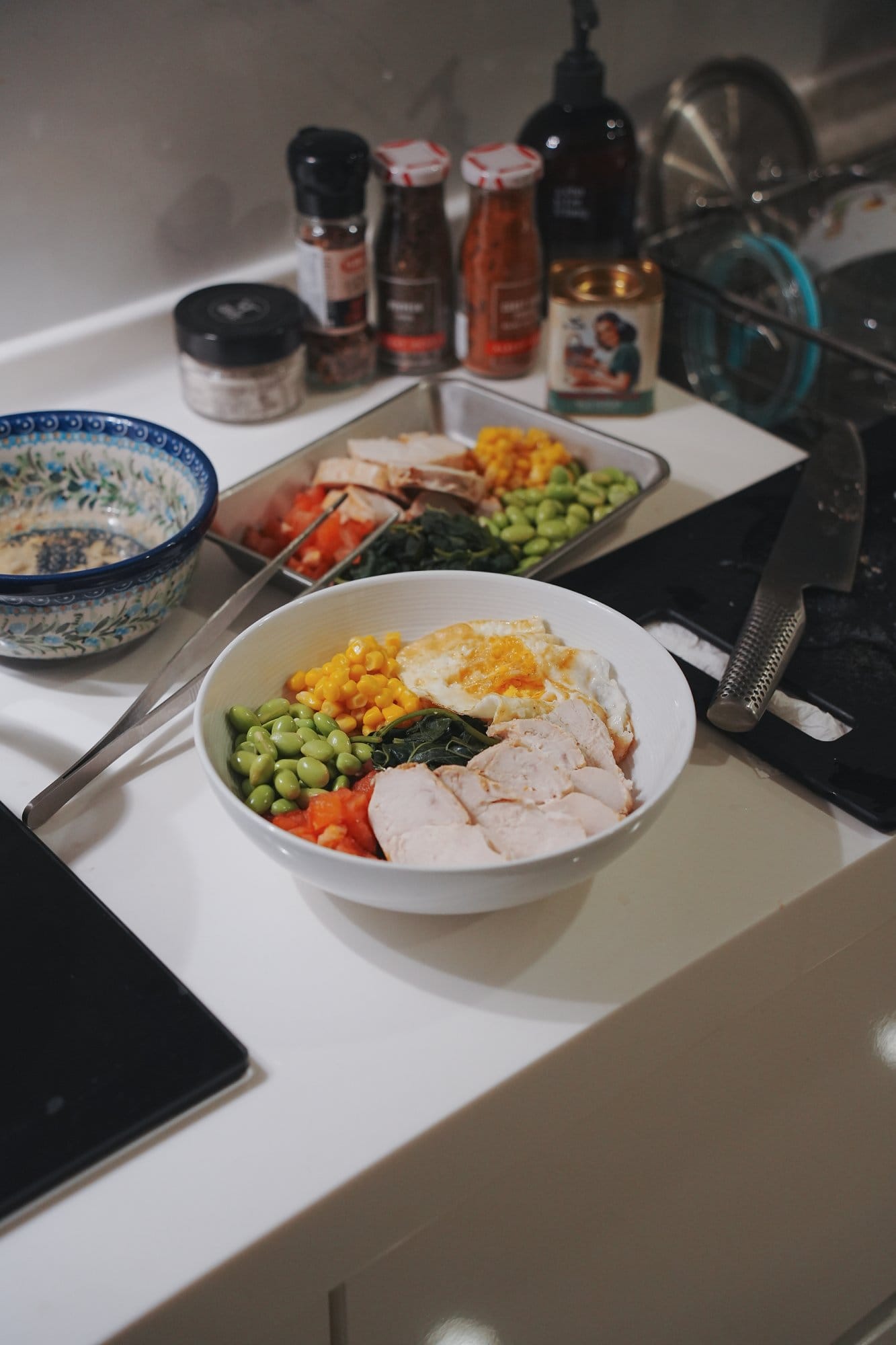
After getting home, I prep meals for the next day and tidy up a bit.
Then most of my free time is spent at my desk, relaxing.
I build Gunpla kits or shoot content to share on Instagram.
Sometimes I also play games or watch shows with a few friends.
We’re usually into FPS like PUBG, Apex, or Rainbow Six.
It’s less about winning and more about catching up and enjoying the time together.
Your tips for working from home?
During the time I worked from home, I found it really important to plan my schedule and to-do list in detail.
Having a clear outline of what needed to be done helped me stay on track.
Since home is naturally a more relaxed environment, it’s easy to lose focus if you’re not careful, and once that happens, productivity drops and the line between work and personal time starts to blur.
We’re a reader-supported publication. This article might contain affiliate links. It means we may receive a commission if you click a link and buy a product that our maker has recommended. The interview was done independently.
