

Dark mode has become one of the most requested features in modern software, appearing everywhere from social media platforms to banking tools. Users often switch to it, hoping for reduced eye fatigue, better sleep, and a sleeker aesthetic.
Yet the science behind these claims is more nuanced than marketing suggests. Understanding how dark mode interacts with your vision can help you decide whether it truly deserves its popularity. The answer depends heavily on lighting conditions, screen technology, and personal habits.
What Dark Mode Actually Does to a Display?
Dark mode reverses the standard color scheme by displaying light-colored text on a dark background instead of the reverse. This shift changes how much light your screen emits and how your eyes process on-screen content.
On certain display types, it also affects power consumption and contrast levels. The perceived comfort largely comes from reduced overall brightness rather than any magical protective quality. Knowing these mechanics helps separate genuine benefits from placebo effects.
The impact varies significantly across device types, especially between LCD and OLED screens. Here are the core differences worth understanding:
- OLED screens: Pixels displaying black turn off entirely, saving battery and producing true dark tones.
- LCD screens: The backlight remains on regardless of color, so power savings are minimal.
- Brightness output: Dark backgrounds emit less light overall, which many find gentler in dim rooms.
- Contrast dynamics: Light text on black can create halos for people with astigmatism.
Does It Genuinely Reduce Eye Strain?
Eye strain, often called digital eye fatigue, comes from prolonged focus, glare, and insufficient blinking rather than the color scheme alone.
Dark mode can help in low-light environments because your pupils don’t need to constrict against a bright white screen. However, in well-lit rooms, dark mode may actually reduce readability and force your eyes to work harder.
Research on this topic remains mixed, with results depending on the individual and their surroundings. The key factor is matching your screen brightness to ambient lighting rather than blindly choosing one mode.
When Dark Mode Helps Most?
Dark mode tends to shine in specific situations where bright light would otherwise be uncomfortable. It performs best during nighttime browsing, in dim rooms, or when using a phone before bed. Under these conditions, the reduced luminance feels noticeably more relaxing and less jarring.
People sensitive to bright screens frequently report fewer headaches when using darker interfaces after sunset. This makes it a practical choice for late-night reading or scrolling.
When It Might Hurt Readability?
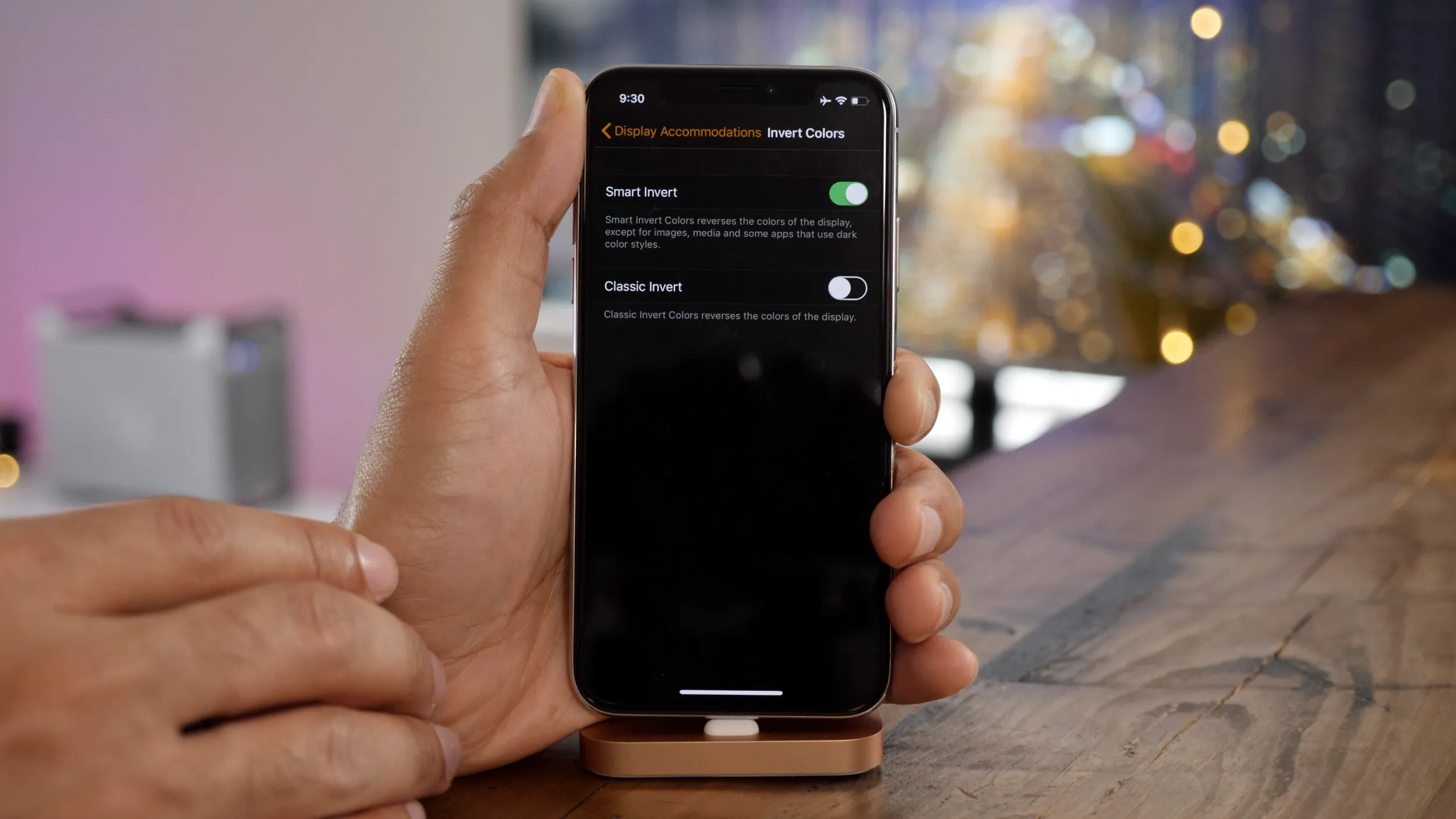
In bright environments, dark mode can backfire and create additional strain. A phenomenon called the “positive polarity advantage” suggests that dark text on light backgrounds is generally easier to read in daylight.
Light text on dark backgrounds may appear blurry or produce a smearing effect for some users. This is especially true for those with certain vision conditions. For daytime tasks involving heavy reading, a light interface often proves more comfortable.
Battery, Sleep, and Other Practical Perks
Beyond eye comfort, dark mode offers side benefits that influence why people enable it. On OLED devices, it can extend battery life meaningfully since black pixels consume no power.
Some users also believe it supports better sleep by reducing exposure to stimulating brightness. While blue light filters play a bigger role in sleep than color scheme, lower overall luminance can still help wind down.
Many gaming and entertainment applications, including the hitnspin casino app, offer darker interfaces that feel comfortable during extended evening sessions.
To weigh the practical trade-offs at a glance, consider the comparison below:
| Factor | Dark Mode Advantage | Light Mode Advantage |
| Low-light use | Reduced glare and comfort | Can feel too bright |
| Daytime reading | May reduce clarity | Sharper text readability |
| Battery (OLED) | Significant savings | Higher consumption |
| Eye strain risk | Lower in dim rooms | Lower in bright rooms |
Choosing the Right Mode for Your Habits
The healthiest approach isn’t picking a single mode permanently but adapting to your environment. Many operating systems now offer automatic scheduling that switches themes based on the time of day. Adjusting brightness to match your surroundings matters far more than the color scheme itself.
Taking regular breaks using the 20-20-20 rule — looking 20 feet away for 20 seconds every 20 minutes — remains the most proven method for reducing fatigue. Combining smart settings with good habits protects your eyes better than any single feature.
The Bottom Line on Dark Mode
Dark mode is neither a miracle cure nor a gimmick — it’s a useful tool that works best in the right context. It genuinely reduces glare at night and saves battery on OLED screens, but it can hinder readability in bright daylight.
Your comfort ultimately depends on lighting, screen type, and personal preference. Experiment with both modes across different settings and times of day to discover what suits your eyes best, since no single option works perfectly for everyone in every situation.
