

Your Build Video Did Well on One Platform — Now You Want It Everywhere
Your build video just took off on one platform. Nice. So why not share it everywhere?
It might be the 45-second PCB demo, or the cool new 3D print, or testing the keyboard firmware, or that fun Raspberry Pi project folks like so much.
What’s the natural next move? That will most certainly be to publish the thing on YouTube Shorts, Instagram Reels, LinkedIn, or X.
Then comes the annoying part — the watermark.
That tiny logo might make your video look less like new footage and more like someone just reposting. With maker vids, it really can get distracting.
So, the goal isn’t just reposting everywhere. The real trick is building a simple workflow to clean up your videos. Let’s see how to do it!
Before You Fix Anything — Make Sure You’re Working From the Right File
Need to reupload a past video of a video that’s going well? What should be the simplest strategy then?
Download it from your streaming platform and re-upload.
Hold on a minute, is there a better file for this?
So much of the footage we download from social media platforms has been compressed, re-sized, and tagged with the platform logo.
Fine to put out to your phone subscribers; bad to re-upload.
A quick rule to remember:
| Original Export / Source File | Downloaded Social Copy |
| Highest available quality | Extra compression from platform re-encoding |
| No platform branding baked in | Watermark or logo already embedded |
| Easiest to edit and reuse later | Harder to clean up without quality loss |
Even for maker videos, this is more important. Quality differences may be enough to noticeably blur tiny PCB traces, print textures, and little design touches. That’s why you should always check first if your original file is still somewhere around.
That makes it easier and gives you a much nicer quality.
However, if you only have a watermarked version, you don’t need to despair! You can still clean up these before sharing them on a platform.
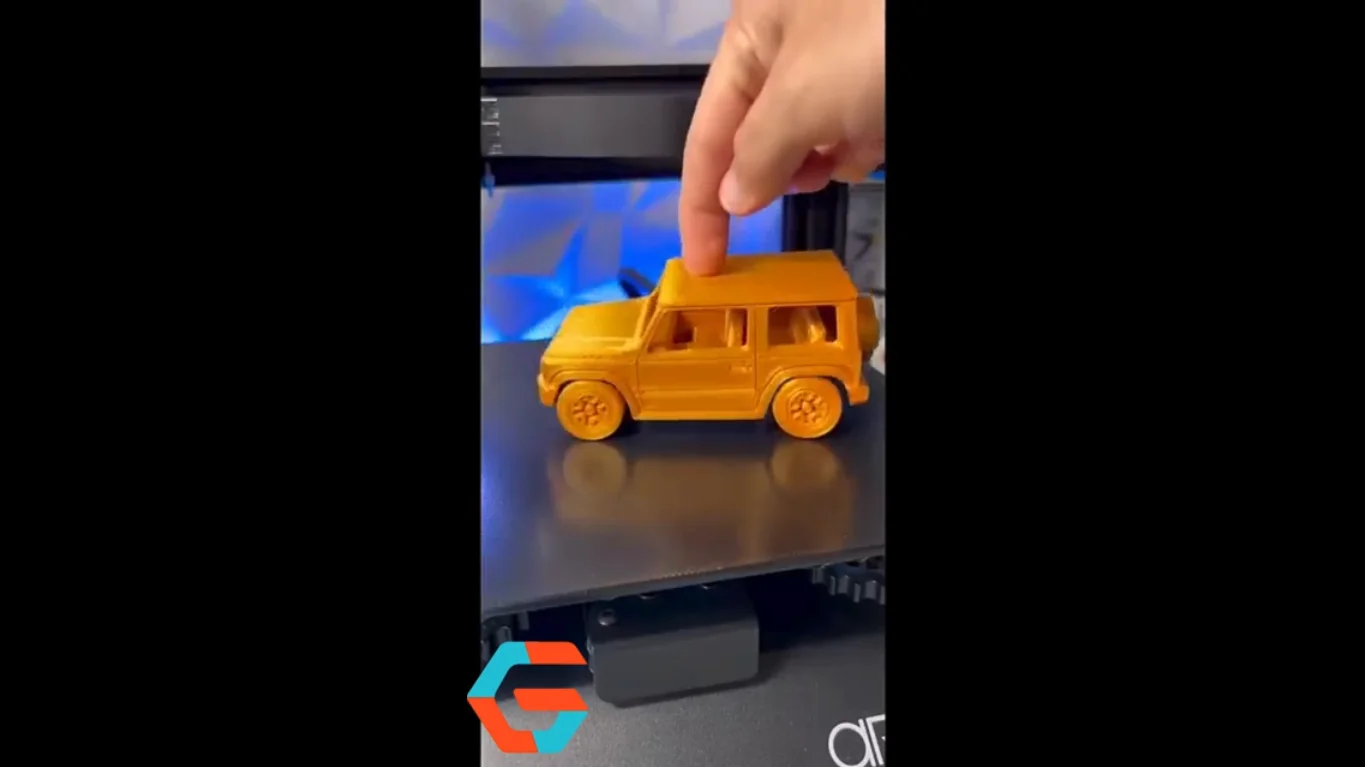
A Practical Workflow for Repurposing Maker Shorts
Step 1 — Trim and Resize for the Destination First
Before removing the watermark, ask yourself: Where is this video going next?
A YouTube Short, an Instagram Reel, and a LinkedIn post won’t necessarily use the same video framing. The crop that worked great a second ago can now chop the really good bit out of your build.
Resize, adjust the crop, and make sure the important details are still easy to see. Then move on to the cleanup.
Step 2 — Remove the Watermark from Your Own Content
Got the right file but it still has a watermark? Time to clean it up.
Make sure it is your content and you’re allowed to modify it; it’s that straightforward – you want a clean copy that you can use again in social media or elsewhere, you don’t want to strip somebody else’s logo or branding off!
That is where Vmake Labs’ AI Video Watermark Remover counts!
It can recognize logos, usernames, and any watermark in motion, all while automatically filling out the background space so there is no ugly residue where your video was scraped. It’s all just as it should be, with no uncanny areas to stick out.
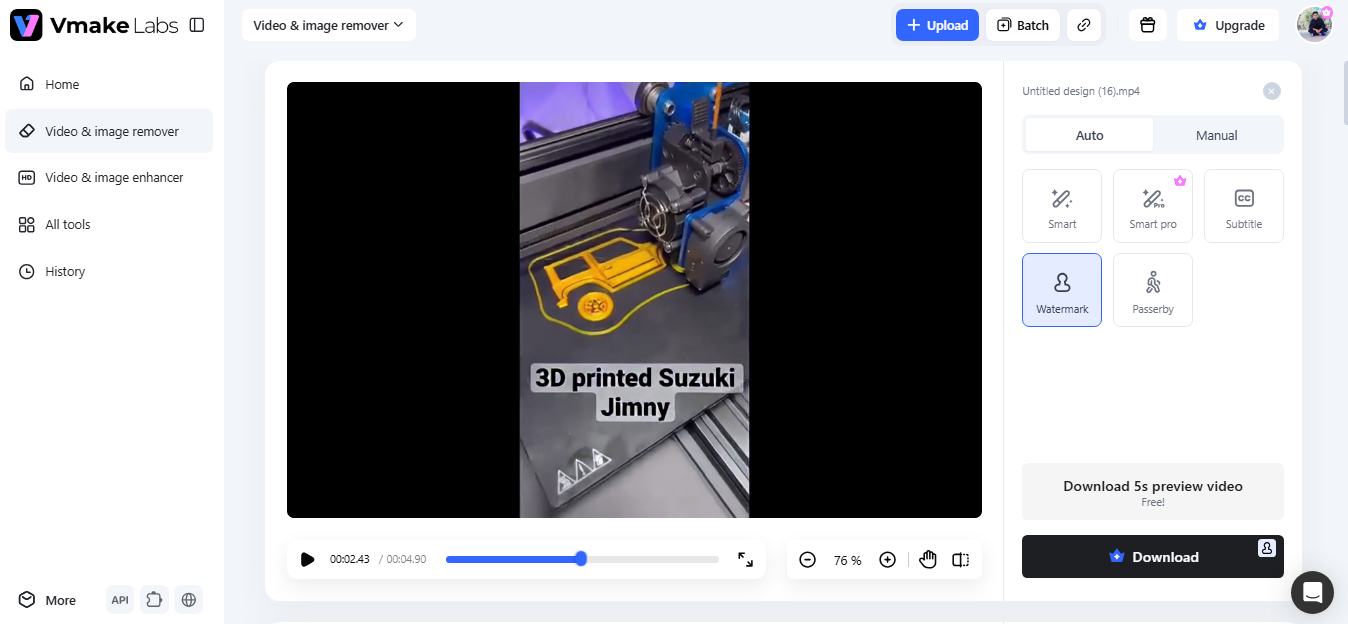
Got a tricky clip? No problem.
You can specify areas to erase and areas that you want to protect using the erase and protect tool.
Dealing with a week’s collection of maker shorts? Import up to 30 at once and clean a bunch in minutes. Popular formats are supported, including AVI, MOV, and MP4. Preview the result first before exporting a high-definition movie.
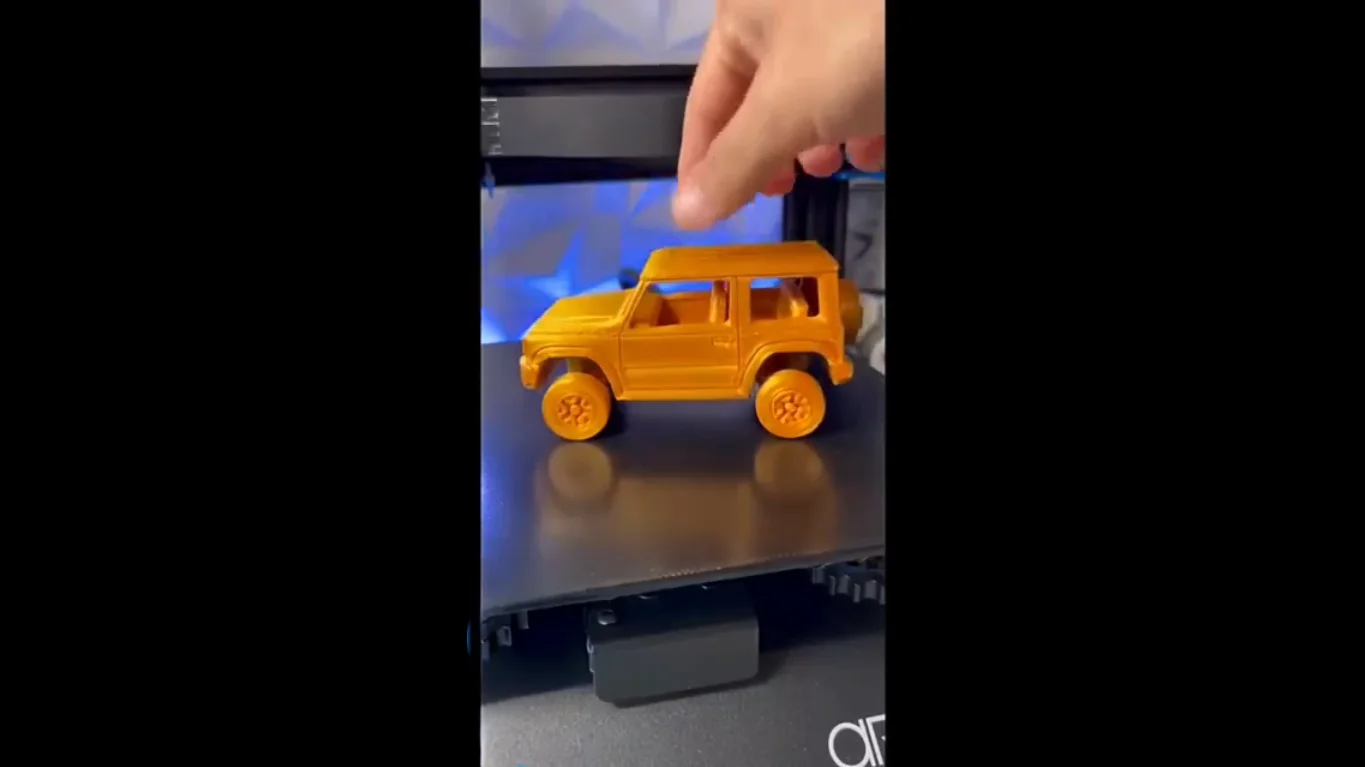
Step 3 — Create a Platform-Neutral Master
Is the watermark gone? Great. Now don’t repeat that job.
Save yourself a few hours and a headache – do this instead:
Export one clean master and build every other version from it. When it comes time for the YouTube Short, IG Reel, LinkedIn update, or your website embed – you always know you’re starting fresh with a clean export.
Step 4 — Build Out the Rest of the Publishing Workflow
Yes – there’s more to it than watermark removal.
You might also need to scale down your footage, correct subtitles, or even offer it a little polish.
Rather than use three or four different apps for one project – try doing everything from start to finish in just one place… Vmake Labs!
The tool also offers AI video upscaling, a background remover, video translator, and noise reducer all within the same interface. Fewer applications mean less hassle and more time dedicated to your next project.
Seems like a great deal.
What Changes Once the Workflow Is Actually in Place
Want to make every future repurposing experience super easy for you? Add these few small habits to your life.
Here’s one simple question that you should probably ask yourself: Do you really want to have to delete the exact same watermark each time you repost a video on the exact same site?
Well, of course not, which is exactly why you should have that original un-watermarked master clean and safe before you upload a copy somewhere. Then, when you need it again, you are ready.
Easy win?
Never make new versions; always make new builds from the master file and definitely not out of the latest uploaded social video you got. You save twice in cleanup quality.
What about captions?
Best if they’re individual files, too. You can put them on at the platform level or add them one time when you first go through export settings.
And one more thing – never underestimate a neatly organized folder.
When the time comes for a master version of your video, the thumbnails, closed captions, and social media exports, keeping everything tidy and in order may seem lame.
But when some of your old Shorts take flight unexpectedly, you’ll easily locate all the assets. No digging, no wasted time just boom and post.
Common Repurposing Mistakes to Avoid
| Mistakes | Better Approach |
| Re-editing a downloaded, already-posted copy | Keep and edit from a clean master file |
| Publishing with an unrelated platform’s watermark visible | Build a neutral master, then export per platform |
| Deleting original project files after posting once | Archive the editable source separately |
| Re-compressing the same file across multiple edit passes | Export fresh from the master each time |
| Removing branding from someone else’s footage | Only edit your own content, or content you have permission to modify |
Conclusion
So, what’s the goal? Spend your time building cool projects—or keep removing the same watermark over and over?
With the straightforward repurposing workflow, you’re going to thank yourself… Save one pristine master, generate clones for different platforms, and you’re ready whenever an old maker short deserves a second life.
No time to scrub away those watermark marks?
Luckily, Vmake Labs AI Video Watermark Remover is here to help remove unwanted marks from your original video clips. Easily clean out a batch of clips for reuse, and you’re ready.
