

Ask a remote worker about their workspace and you get specifics. Monitor arm, keyboard switches, the lamp that fixed the afternoon glare. We improve the parts of a setup we can see.
The other half gets almost no attention: the domains, accounts, DNS records, billing cards, and permissions that quietly keep an online business running. Most setup guides stop at gear and core software, which is what a solid list ofhome office essentials covers. This is the layer underneath that.
A digital infrastructure audit is a scheduled review of the accounts and services your business depends on, confirming each one is still owned, secured, paid for, and recoverable. Ninety minutes, once a year. Here is how to run it.

Step 1: Find Out Where Your Domain Names Actually Live
Your domain sits underneath your website, your email, your invoices, and every link you have ever shared. Nearly every other tool can be swapped out in an afternoon. That address cannot.
So list every domain you own and where each is registered. If they sit across two or three providers, learning how to transfer a domain into one account is worth the afternoon it costs. You get a single dashboard, a single set of renewal dates, and one obvious place to look when something breaks.
Scattered names are also how renewals get missed, because the reminder lands in an inbox nobody has opened since 2021.
How to Secure a Domain Name in Fifteen Minutes
Once your names are in one place, work through four settings:
- Turn on registrar lock so no transfer can be initiated without your explicit approval.
- Enable two-factor authentication on the registrar account, not just your website admin.
- Switch on auto-renew and confirm the card on file has not expired.
- Set the registrant email to an address you will still control in five years.
That last item causes more lockouts than any other. Transfer approvals and recovery messages go to the registrant contact, so an abandoned address can shut you out of your own name.
ICANN publishes guidance onsecurely managing your domain name that is worth reading once and acting on immediately.
Step 2: Review Who Still Has Access to Your Accounts
Small businesses accumulate access the way a garage accumulates boxes. A developer from two redesigns ago still holds admin rights.
A shared password sits in an old Slack thread. An agency you stopped working with last spring still has your analytics permissions.
Open every critical service and read the user list. Remove anyone who no longer needs to be there. Where you find shared credentials, replace them with individual accounts or move them into a password manager with proper sharing controls.
Check your recovery options while you are in there. A backup phone number tied to a discontinued line, or a recovery email on a domain you no longer own, turns a minor lockout into a genuine emergency.
Step 3: Audit the Subscriptions Your Business Runs On
Every online business quietly leaks subscriptions. More importantly, it quietly depends on a few of them.
Pull three months of card statements and sort recurring charges into two columns: things that would break your business if they stopped, and things you pay for out of habit. Cancel the second column.
For the first, make sure the billing card has a distant expiry date and that failed-payment notices reach an inbox a human actually reads.
Hosting, DNS, domain renewals, and email are the ones to watch. A declined card on any of them can take a site offline before you notice.
Step 4: Write a One-Page Recovery Document
This is the step people skip, and it is the one that saves them.
On a single page, record where your domain is registered, where DNS is managed, where the site is hosted, which email provider you use, and who to contact for each.
Store it somewhere reachable without access to your own systems, because failures tend to lock you out of exactly the place you would normally look.
If anyone else works with you, they should be able to find it too.
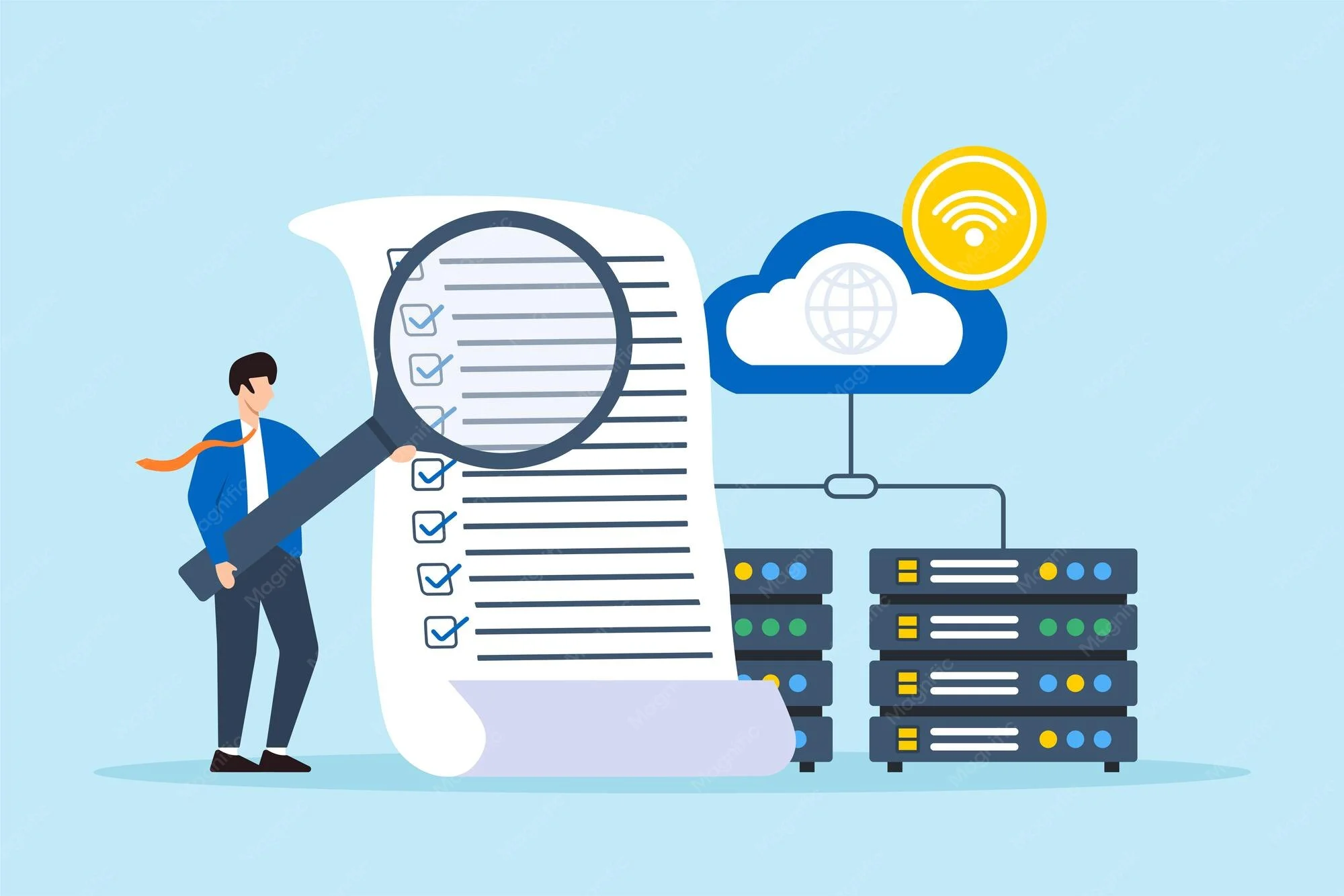
How Often Should You Run a Digital Infrastructure Audit?
Once a year is enough for most solo operators and small teams. Run it more often if you change contractors frequently, manage client sites, or add new tools every quarter.
The easiest approach is to attach it to something already on your calendar. Most people reassess their physical workspace on some kind of schedule, and this fits neatly beside it. Same afternoon, far less visible payoff.
The Setup You Cannot See Is the One That Takes You Offline
Your workspace is not only the room you sit in. It is also the set of systems that let that room function as a business.
One of those halves is easy to admire. The other decides whether your work stays online. Give it ninety minutes a year and it will never be the thing that surprises you.
FAQs
What belongs on a digital infrastructure checklist?
Domain registrations and renewal dates, DNS management, hosting, email, user access across critical tools, recurring billing, and a written recovery plan.
Why does domain ownership matter more than hosting?
Hosting can be migrated in a day. A domain carries your email, your links, and your search history, and losing control of it breaks all three at once.
Do I need to consolidate domains with one provider?
It is not mandatory, but a single account means one renewal calendar and one place to check during an outage, which removes the most common cause of accidental expiry.
