

A fired-up graphic designer’s head is usually packed with color choices, hierarchies, and layout instincts. But ideas don’t just become usable designs; you need the right environment for them to take shape in the real world. To that effect, here are the essentials that should shape your physical and digital workspaces.
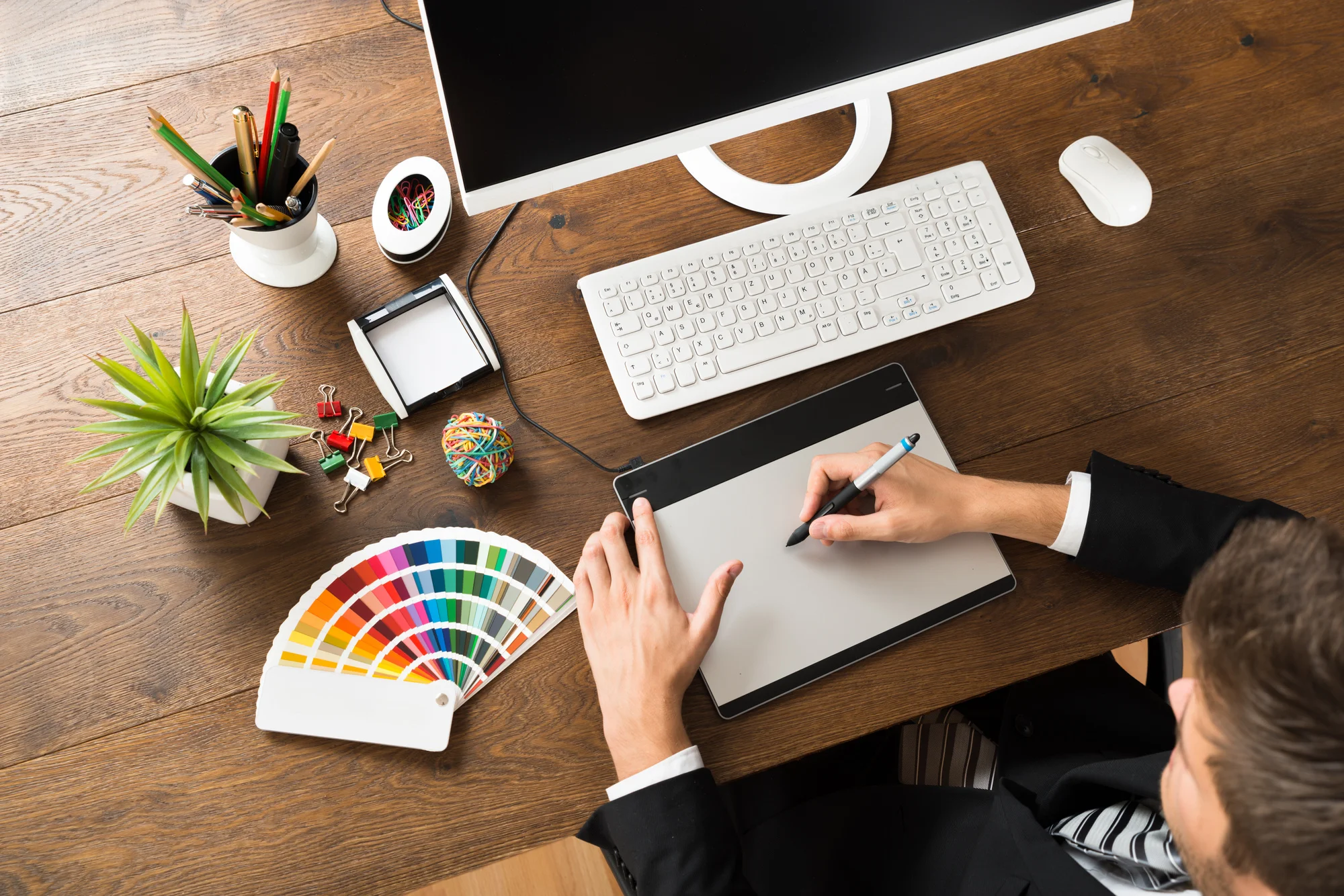
Physical Desk Setup
Your physical environment plays a massive role in shaping your digital output, so let’s make sure you’re cozy, organized, and energized first.
Ergonomic furniture
Graphic design work doesn’t exactly lend itself to long stints away from your workspace. Yet, you need some way of avoiding all the problems prolonged sitting brings. That’s where the right chair and desk combo comes in!
An ergonomic chair is a must for someone who spends as much time in front of a screen as you do. It should be comfortable and breathable, providing back support for those late-night kerning adjustment sessions.
Sitting ergonomically is still sitting, which is why you’ll also want to invest in a standing desk. Most let you lock in several ideal heights and switch between them via button press.
You’ll need more space than most for printouts, mockups, etc., so consider either more desk real estate or a setup with plenty of drawers and other storage options.
The right screen(s)
The monitor is any graphic designer’s most important piece of hardware, bar none. Ideally, you’ll want an OLED or similarly high-contrast screen with a wide color gamut for strong Adobe RGB and DCI-P3 coverage.
Make sure that it either has excellent factory color calibration (a Pantone certificate helps) or splurge on a calibration tool to dial everything in yourself.
One screen is definitely not enough in this day and age. At a minimum, you’ll need an equally capable second monitor to display references or talk to colleagues through your process via Zoom.
A third monitor isn’t unreasonable either, especially if you want a dedicated space to keep track of Slack conversations.
A drawing or display tablet
A tablet is a no-brainer if you also do illustration work, but they’re time-savers for pure graphic design, too.
The pen will be intuitive if you have experience with physical media. Being able to vary pen pressure gives better precision when making complex selections or subtly dialing in those adjustment layers.
Each tablet type has something going for it. Drawing tablets are cheaper, and you keep looking at the monitor while working with one. Display tablets are easier to master, feel more natural, and are better for complex tasks that require precision.
External storage
Even with modern internet speeds, transferring gigantic PSB files can be a hassle. Meanwhile, you can use a large, speedy SSD drive for quick physical handoffs. More importantly, an external drive will cover your backup needs, making disastrous data loss far less likely.
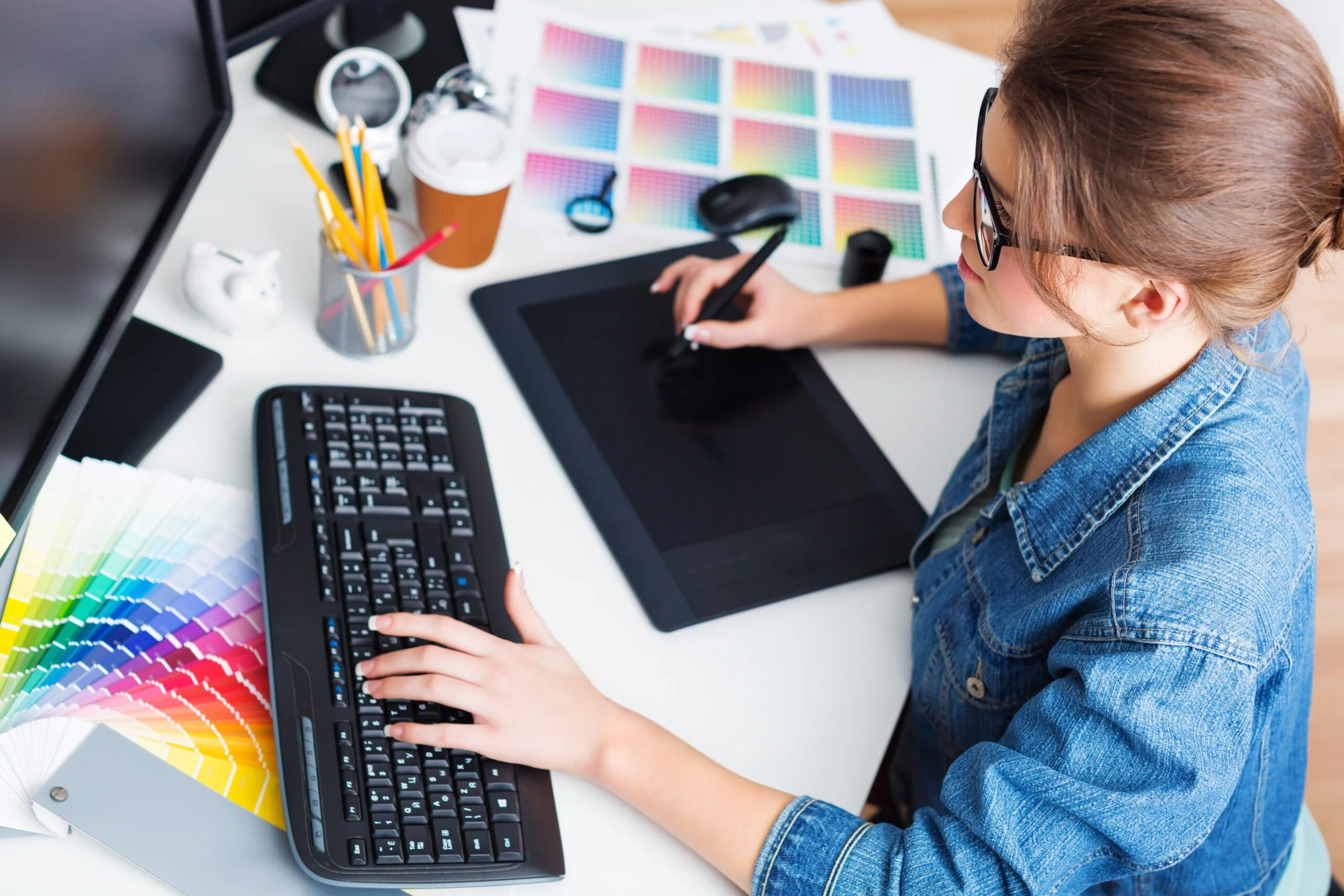
Digital Tools
Your digital desktop is as important to productivity as your physical one! You’re presumably already familiar with your core design stack, so here are some workflow enhancement tools you might not have considered.
File and asset management systems
Amassing brushes and references is second nature to graphic designers. However, digital hoarding can quickly become a problem if all your assets are scattered haphazardly across dozens of folders.
One piece of technology advice is to set an asset management system to bring order to the chaos through advanced tagging and version history maintenance.
They let you organize and quickly find assets by client or project and quickly reuse them to maintain that all-important brand consistency.
Task management tools
Focusing on design work sometimes means losing track of the bigger picture. A more structured approach with clearly laid out timelines, requirements, and priorities will help you stay on track. Task management tools can break projects into stages and track workloads, ensuring that things move smoothly from ideation to delivery.
AI agents
Put down the pitchforks for a moment and read the explanation first. We’re not talking about generic generative AI or features like background extenders that design tools already employ.
An agent can take assets you’ve already created and adapt them for different social platforms based on your guidelines.
Or, it can take messy client communication and help you make sense of what they actually mean. In the context of graphic design, there are types of AI agents that act as assistants that streamline workflows without encroaching on your creative control.
Review and approval tools
Getting on the same page with clients and other stakeholders is a much bigger bottleneck than any creative block.
Using a tool that simplifies version comparisons and lets others comment on designs directly speeds up greenlighting and helps bridge communication gaps.
