







Name: Brian
Location: San Francisco, California, USA
Occupation: Research Associate
Room size: 45 m² (483 ft²) (Studio Apartment)
Cost of setup: ~$8,5K
Social media: Instagram
Hello! Tell us a bit about yourself
Hello, I’m a 32-year-old research associate working at one of the many biotech companies in the San Francisco Bay Area.
My work involves being in the lab the majority of the time, and so my desk corner is where I come home to wind down.

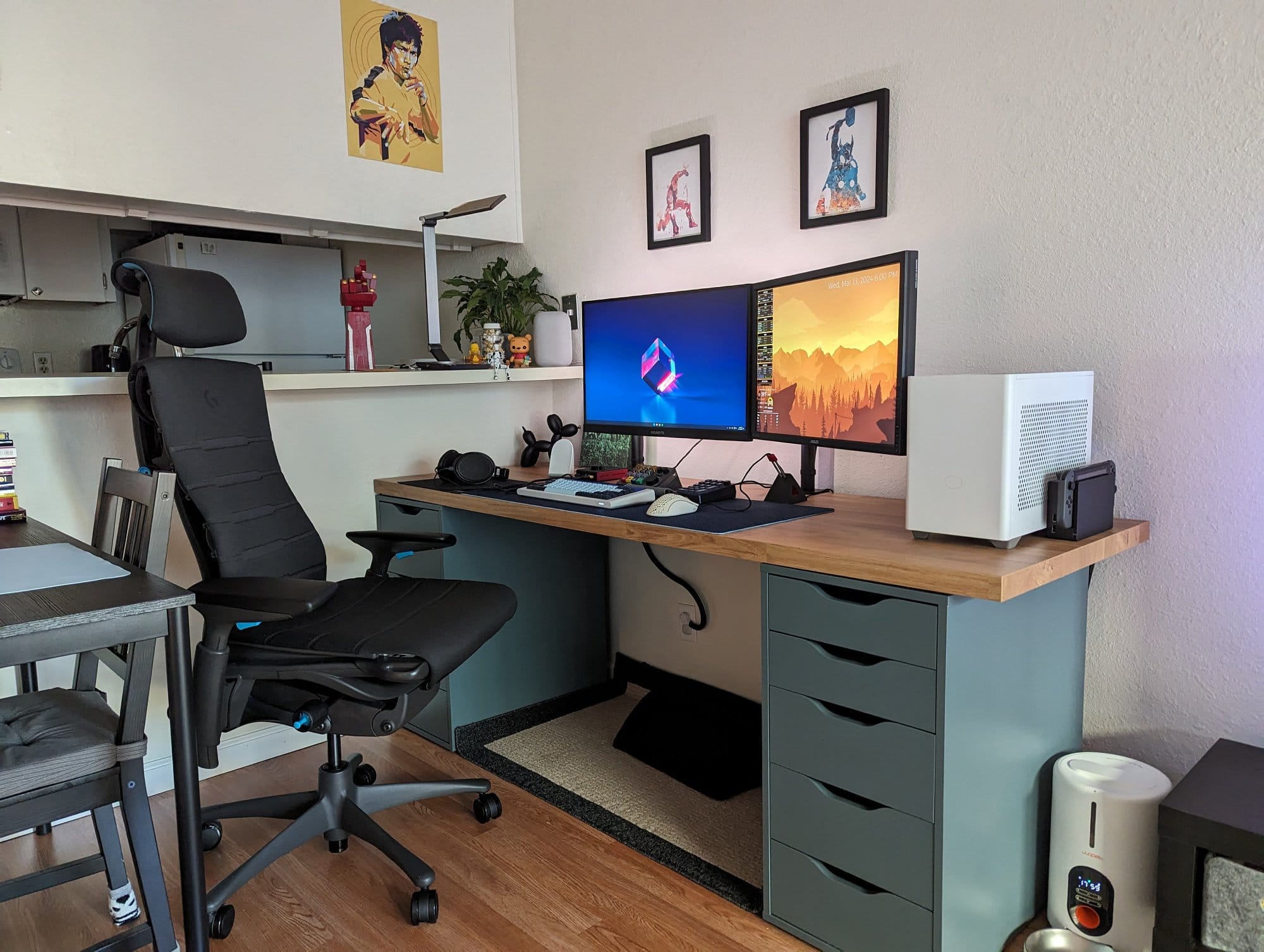
In my free time, I like to dabble in a variety of hobbies such as travelling, building mechanical keyboards, collecting watches, cooking, and getting into Reddit/Wikipedia rabbit holes.
I love computers, gaming, and technology, and as a kid, I’ve always dreamed of having the coolest gaming room.
The problem was that I had always lived with housemates/roommates and never had a big enough space to call my own.
I’ve since moved into a studio apartment (still living with roommates, though these ones are small and furry) and have been happily curating my living space.


Take us through your setup
| Item | Model |
|---|---|
| Monitor | Gigabyte M27U 27″, ASUS PA248Q 24.1″ | Monitor mount | 2 × VIVO Single Monitor Arm Desk Mount |
| Desktop computer | Cooler Master MasterBox NR200P, NVIDIA Founders Edition GeForce RTX 4090, AMD Ryzen 7 7800X3D |
| Speakers | Google Nest Audio Smart Speaker |
| Headphones | Massdrop X Sennheiser HD 58X Jubilee |
| DAC/Amp | Schiit Hel |
| Keyboard | grid 650 + KAT Mizu keycaps and Gazzew Boba U4T switches |
| Numpad | Mammoth20 + GMK Dots keycaps and Tecsee Purple Panda switches |
| Macro pad | KeebMonkey Megalodon Triple Knob |
| Keyboard cable | CableMod Custom Coiled |
| Mouse | Glorious MODEL D |
| Mouse bungee | BenQ Zowie CAMADE II |
| Mouse mat | Mechs & Co Wave Seigaiha Blue |
| Phone stand | Google Pixel Stand (2nd gen) |
| Desk lamp | TaoTronics TT-DL16 |
| Cable organiser | PAMO Cable Management |
| Bias lighting | SmartLife LED Strip Wi-Fi |
| Office chair | Herman Miller X Logitech G Embody + Atlas Headrest |
| Desk | IKEA SÄLJAN + 2 × IKEA ALEX |
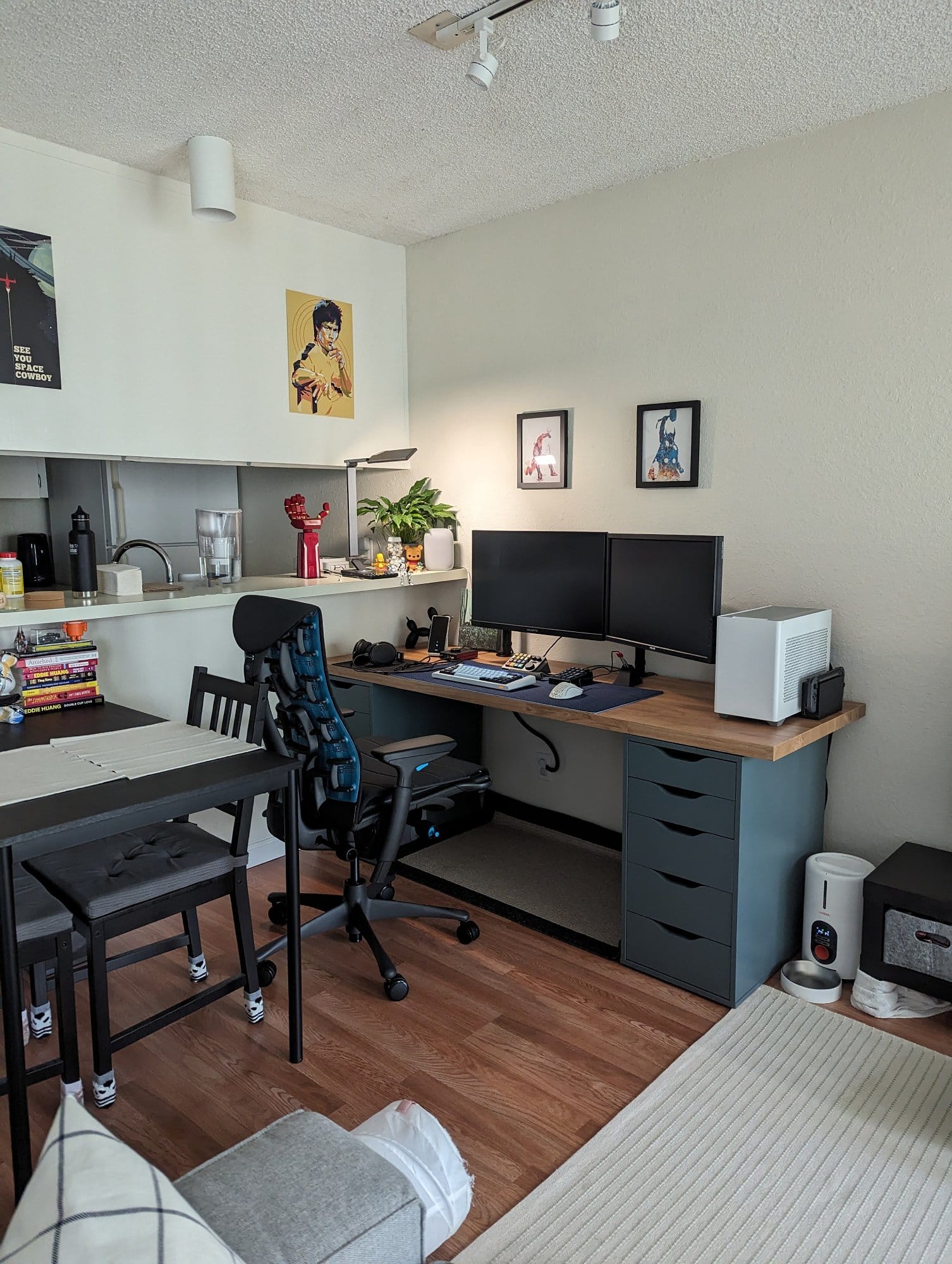
I’ve separated my studio into three dedicated areas: desk + dining/tinkering table, living room, and the sleeping alcove.
My space is inspired by the Japandi style of interior decorating with a dash of pop culture pieces.
The majority of my furniture is from IKEA.

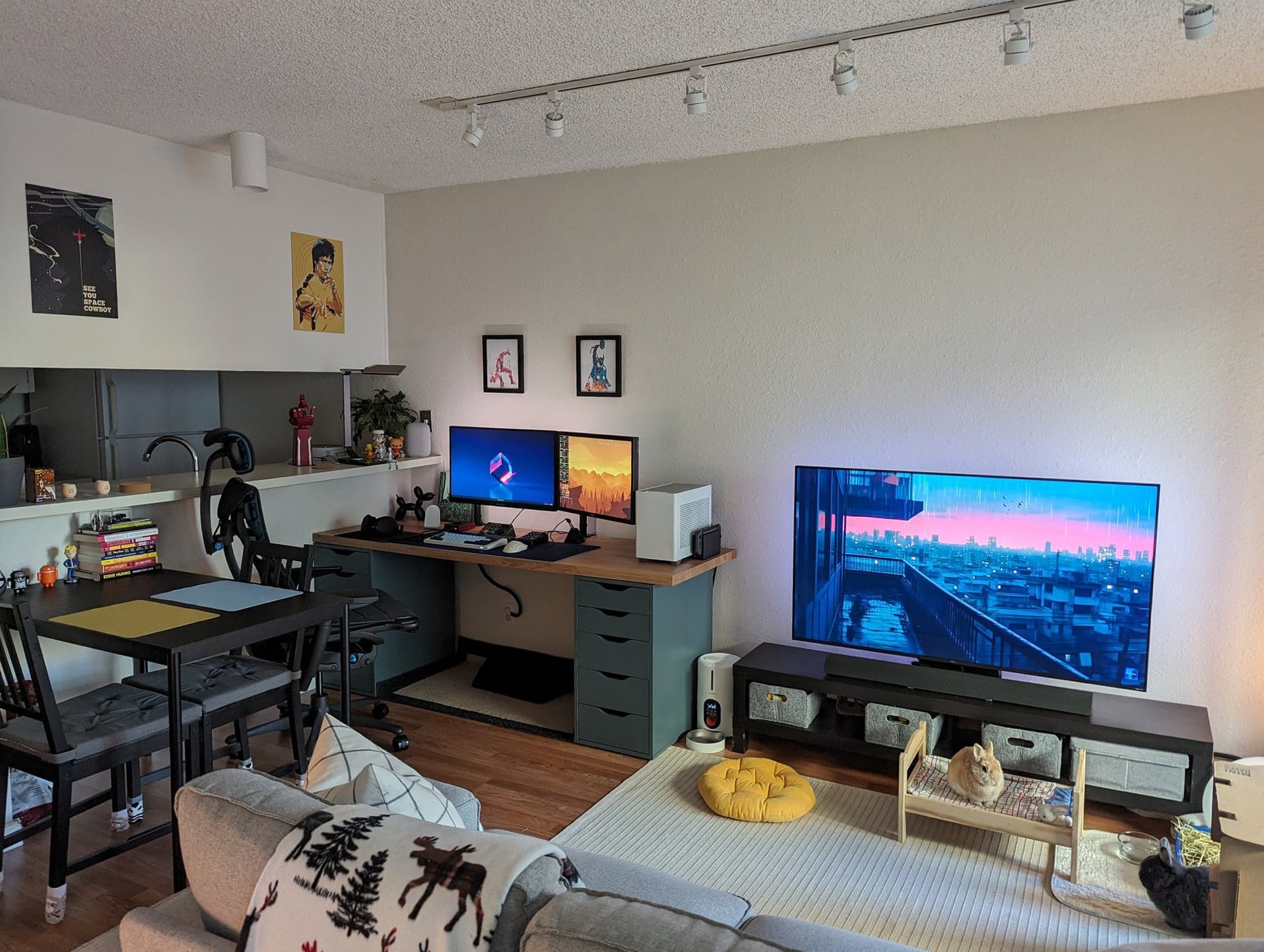
I’ve been slowly incorporating more natural tones and textures while keeping the area tidy and practical.
This current iteration took over months of planning and figuring out what would complement the space.
In addition to decorating, I’ve also bunny-proofed the area, which involved things such as hiding or protecting any electrical wires and finding ways to prevent my furniture from being nibbled on.


I am a big fan of being practical and efficient, as everything has a purpose.
I’m always finding ways to improve the setup, whether it be through automation, shortening tasks, ergonomics, or improving acoustics.
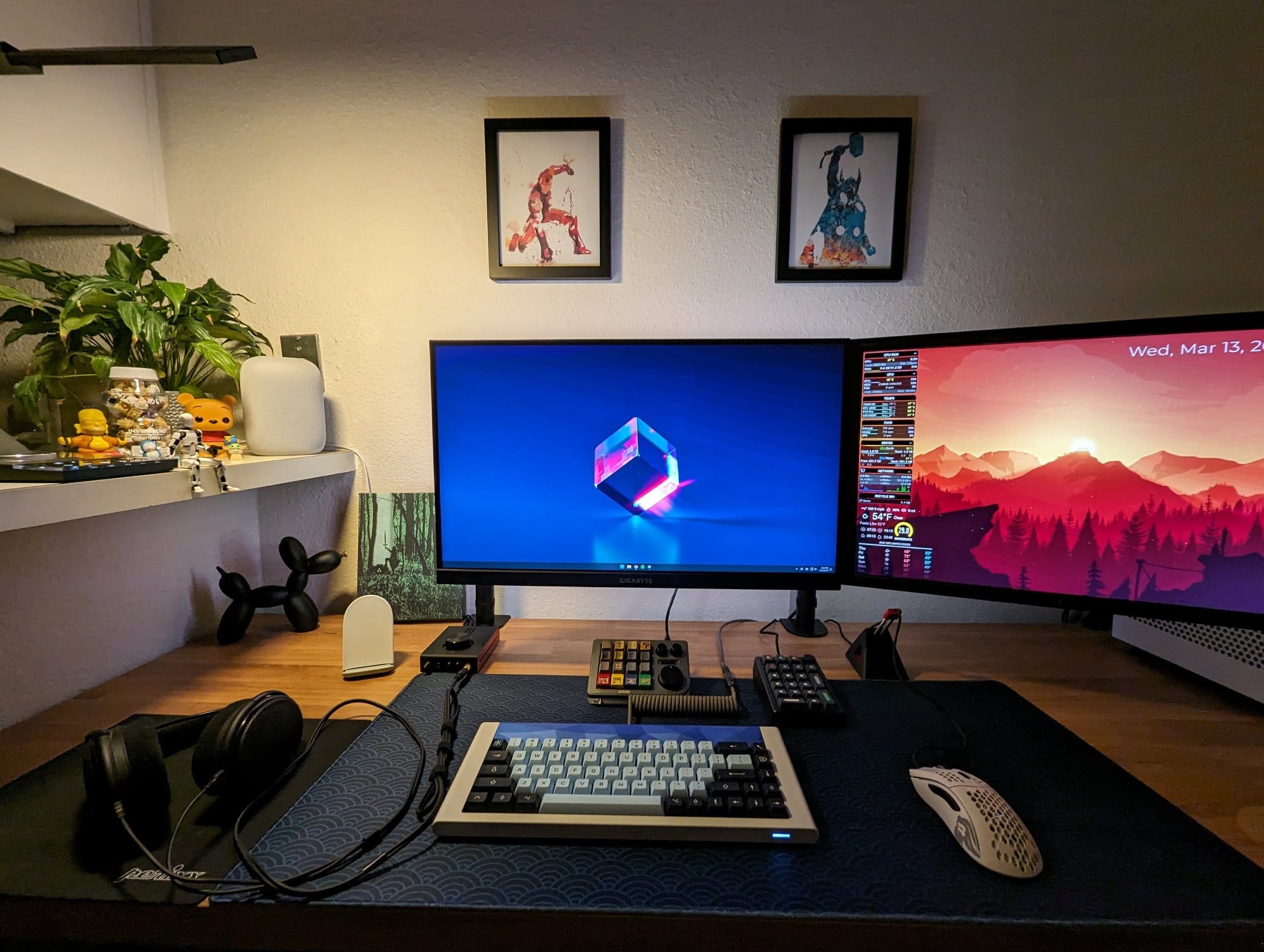
The desk area is basically my hub, as I have my computer, charging station, and my Google Nest Audio which acts as my computer speaker and controls my home automations.
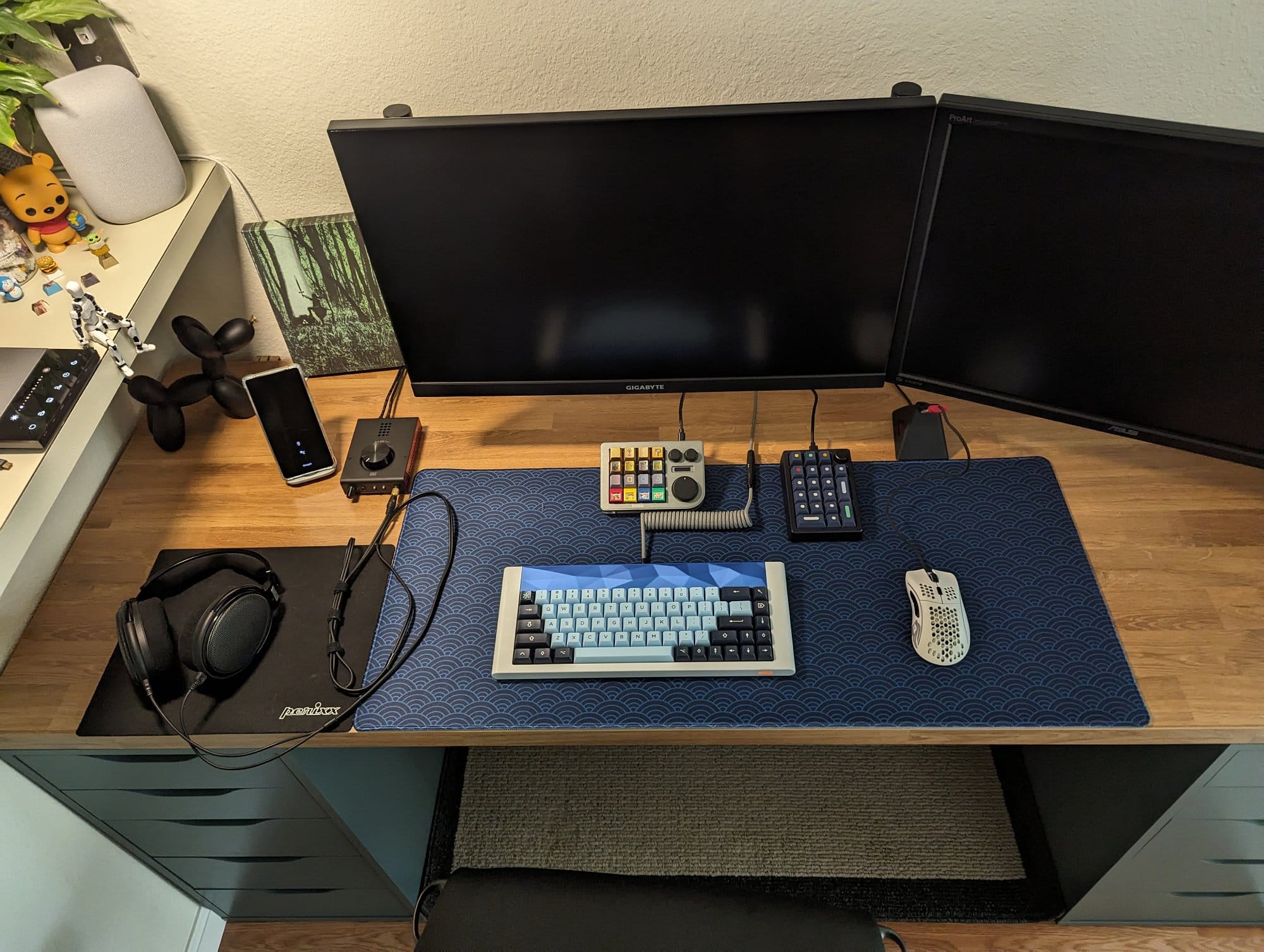
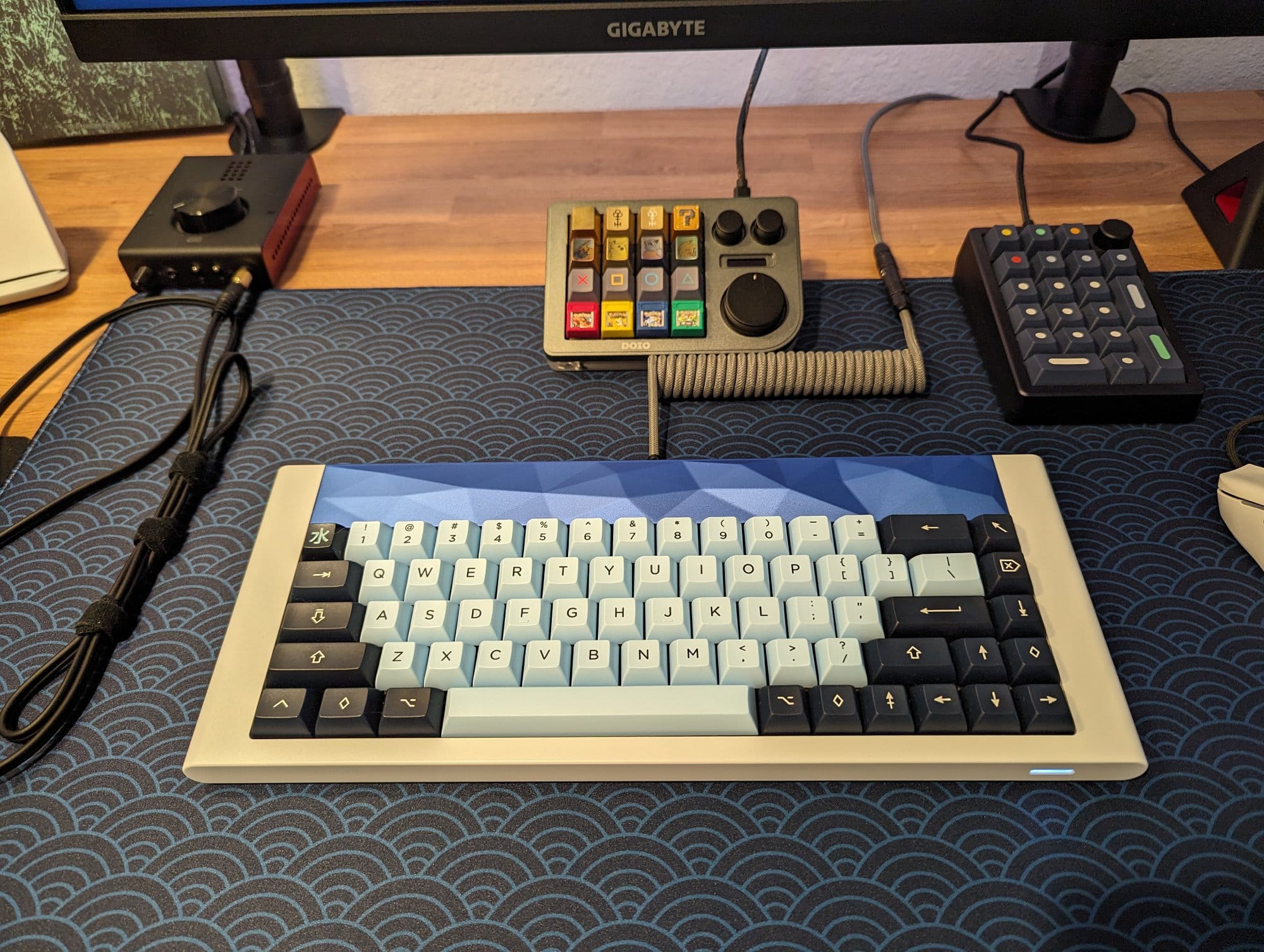
On my desk, I have the Sennheiser HD 58X headphones plugged into the Schiit Hel for gaming/high-fidelity audio, a macropad with a custom hotkeys, a numpad, and an ongoing rotation of keyboards (pictured on my desk is the grid 650).
I love to tinker, as all my keyboards and computers were self-built and tinkered with.
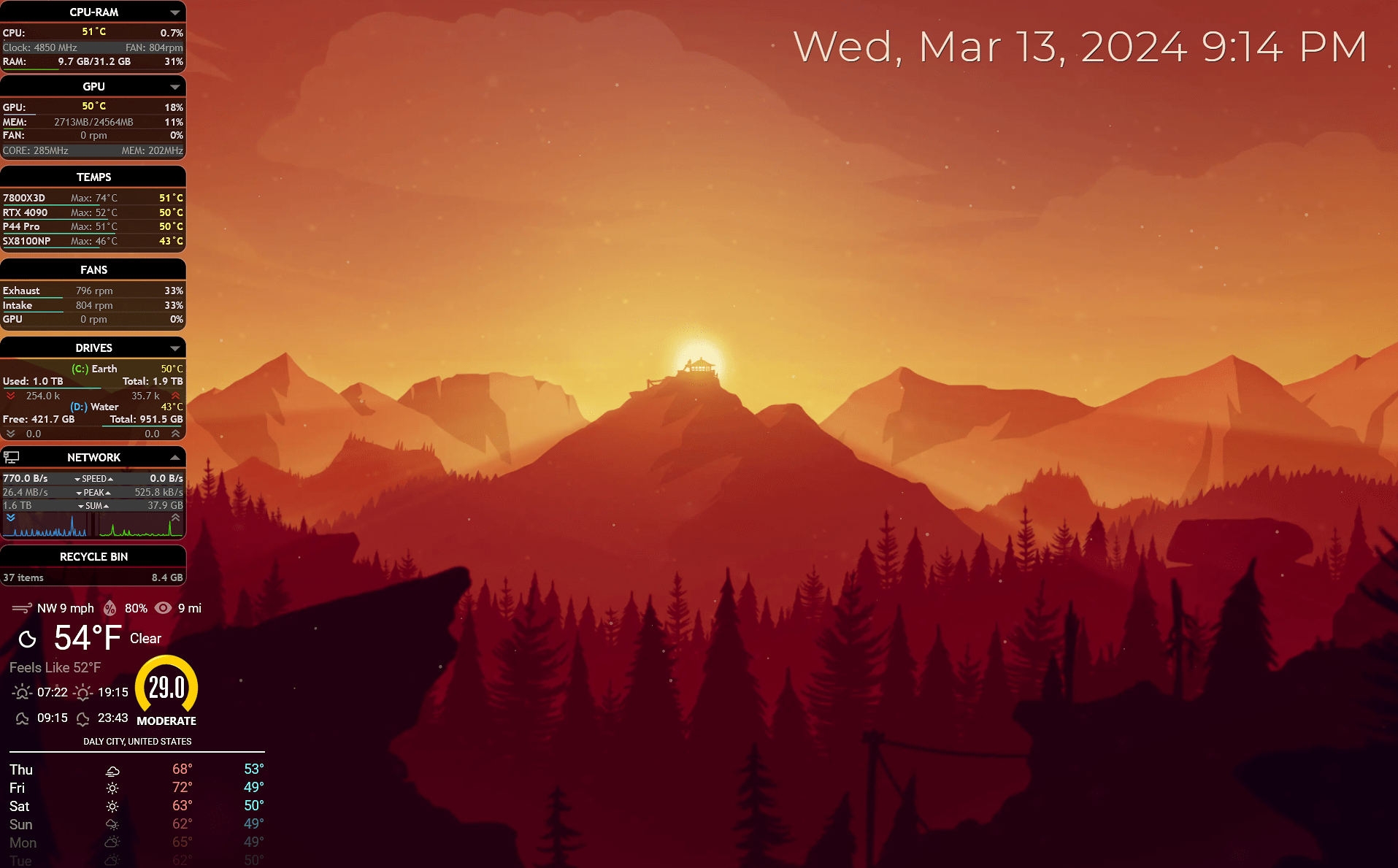
My current PC is built in an NR200P case running on a NVIDIA 4090FE graphics card and a Ryzen 7800X3D CPU, with the setup undervolted and the fan acoustics virtually silent during idling/light use.
My main monitor is the Gigabyte M27U with the ASUS PA248Q as the secondary and my TCL 55R655 TV as the tertiary for couch streaming/gaming.
A cool device that I use to turn on all parts of my battlestation at once is the advanced power strip (I have the TrickleStar TS1003).
The power strip is set up so that when I power on my computer, my two monitors and my DAC/Amp are triggered to turn on, and vice versa, so I can turn everything on with a press of a button.


As for cable management, my goal was to not see any stray wires while sitting down or at most viewing angles of the desk.
For the power strip and cables, I installed the PAMO cable management tray underneath the desk, and I placed everything else behind my drawers.
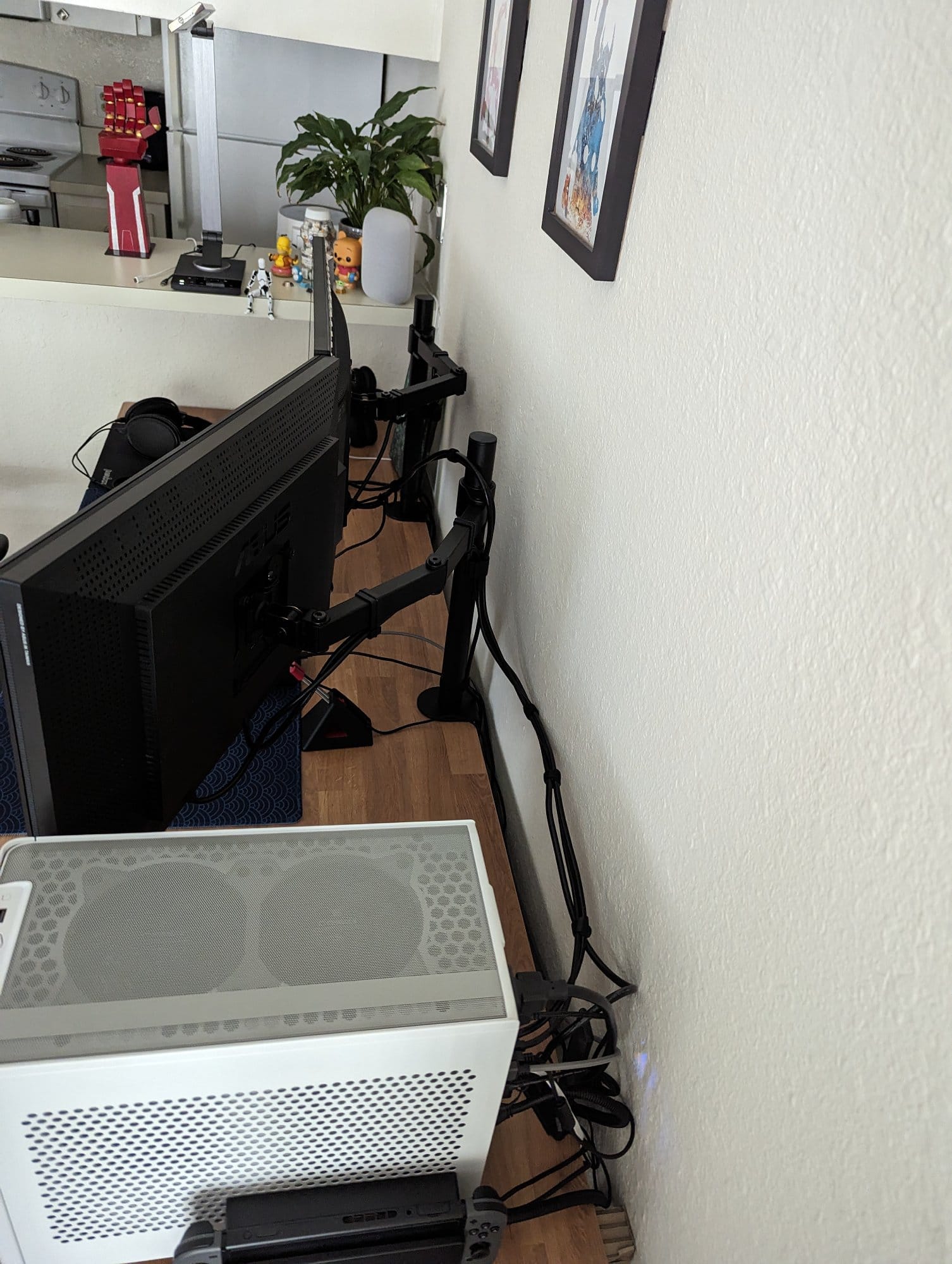
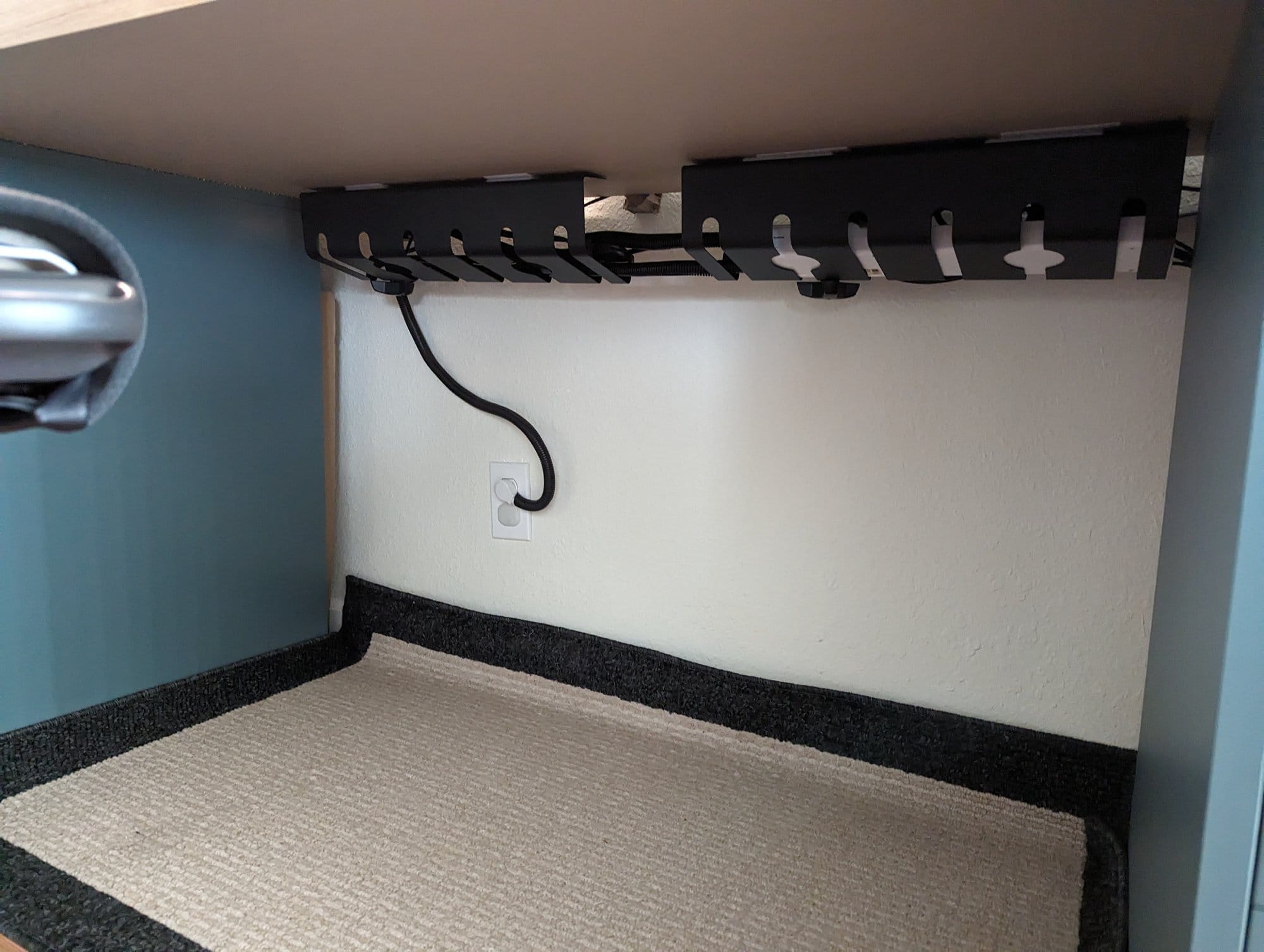
As for any visible wires, I grouped them into cable branches with cable ties and routed them along my monitor mounts.
The only wires that are visible are the ones necessary to power/connect my equipment.

The Herman Miller Embody has definitely been my favourite ergonomic office chair and well worth every penny, as I stopped getting back strains from sitting at my desk after long sessions.
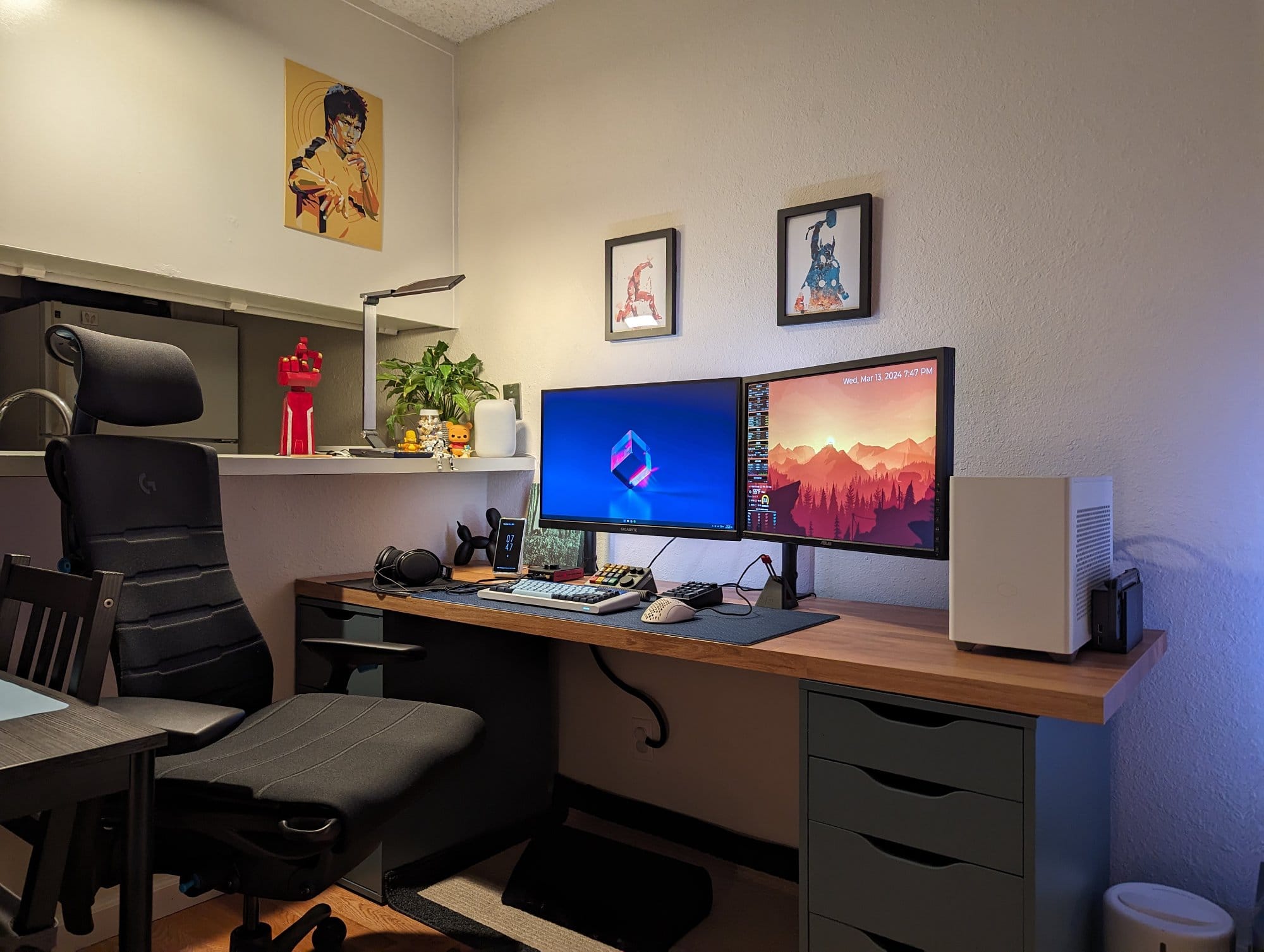
The Atlas headrest attachment is a nice addition whenever I want to lounge back and relax.
I like to dabble in home automations and make use of smart light bulbs and outlets.
I have lights that turn on during sunset or when I watch a movie.
My regular air purifier has been automated, as I have it plugged into a smart outlet, which turns on/off depending on what my indoor air quality monitor reads.
I enjoy my current setup, but it is far from perfect, as I am confined to the small dimensions of my studio.
My desk drawers are not aligned symmetrically to my desk in order to fit my pet feeder and TV stand.

I don’t have much space to move my office chair around, as it sits right behind my dining table.
The natural light for this place could be better, as the majority of my light comes from my balcony sliding doors, though I have to keep the blinds semi-closed for privacy, as my balcony faces a high traffic area of my complex.
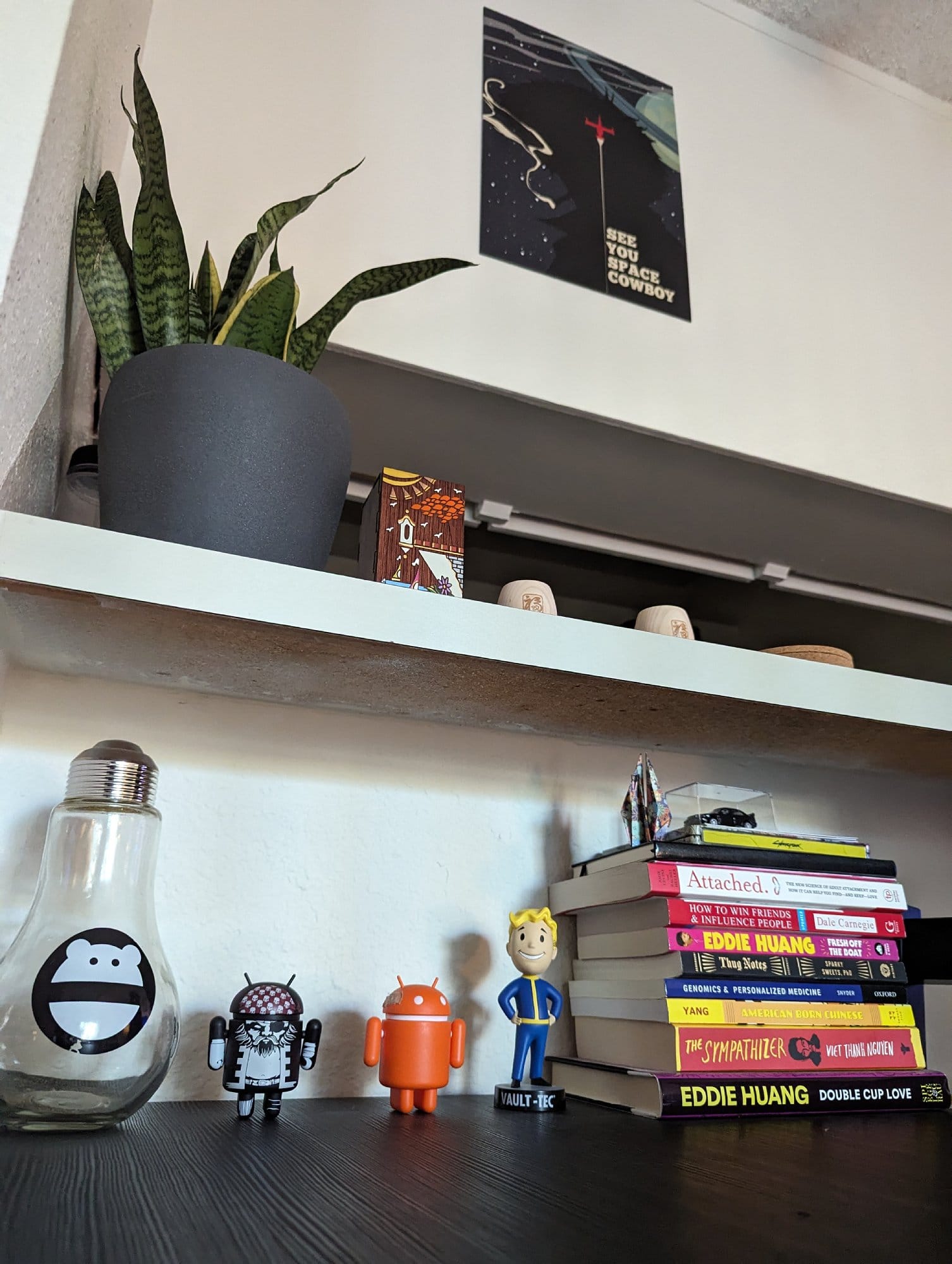
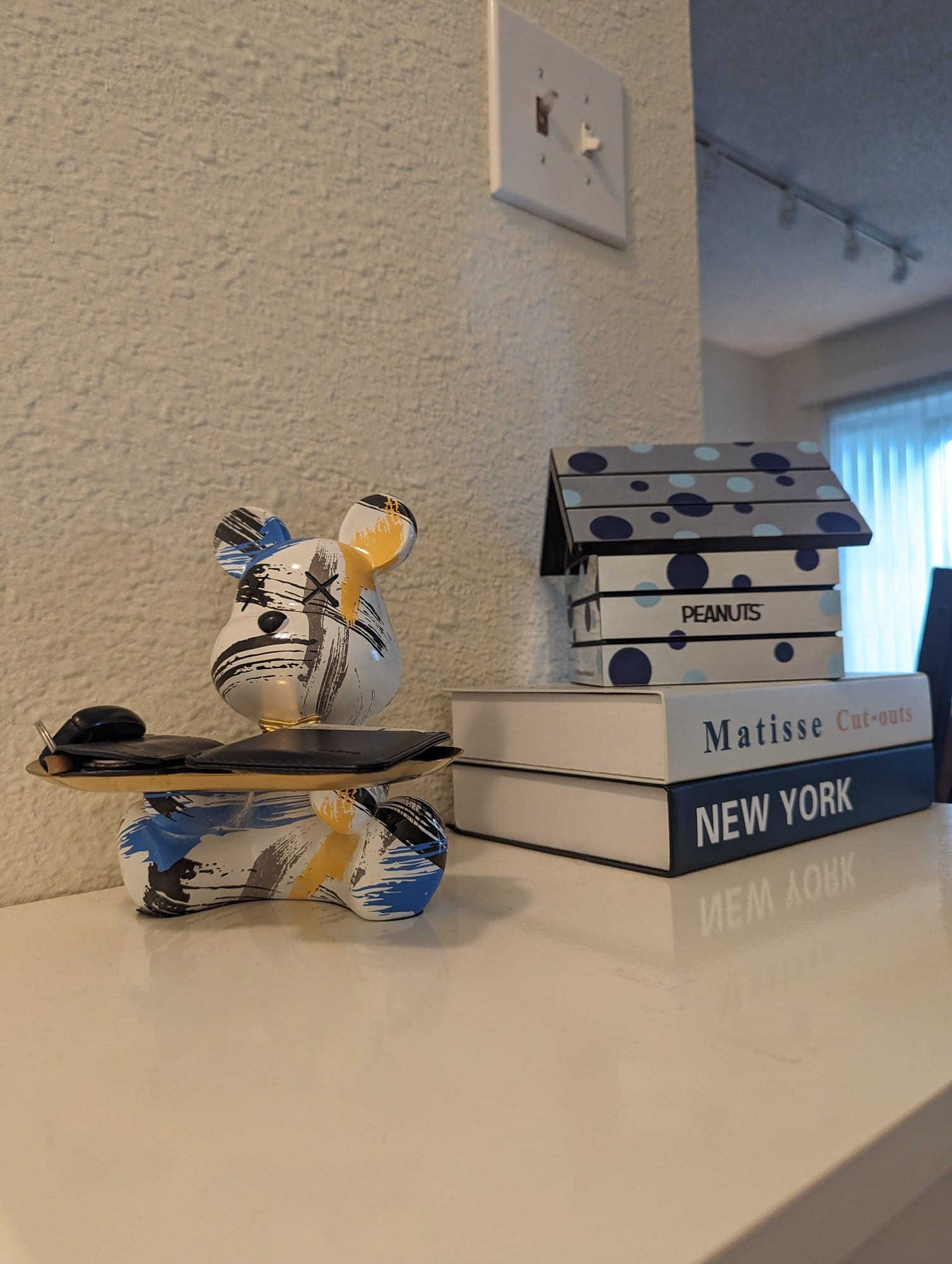
I’ve recently been adding more colour and mood lighting to my space to make it feel a lot more inviting, as opposed to when I first started with only monochrome furniture.
My next peripheral upgrades would be a wireless mouse, a light bar, and an ultrawide monitor.
For future automations, I would like to have automated blinds/curtains.
The next iteration of this space would be to redo my setup in a dedicated room with more shelves and a standing desk to tinker on my side projects.
What’s your favourite item on your desk?
My custom mechanical keyboards are one of my favourite items on my desk.
I enjoyed the whole process of building and tuning my keyboard to fit my preference and aesthetics.

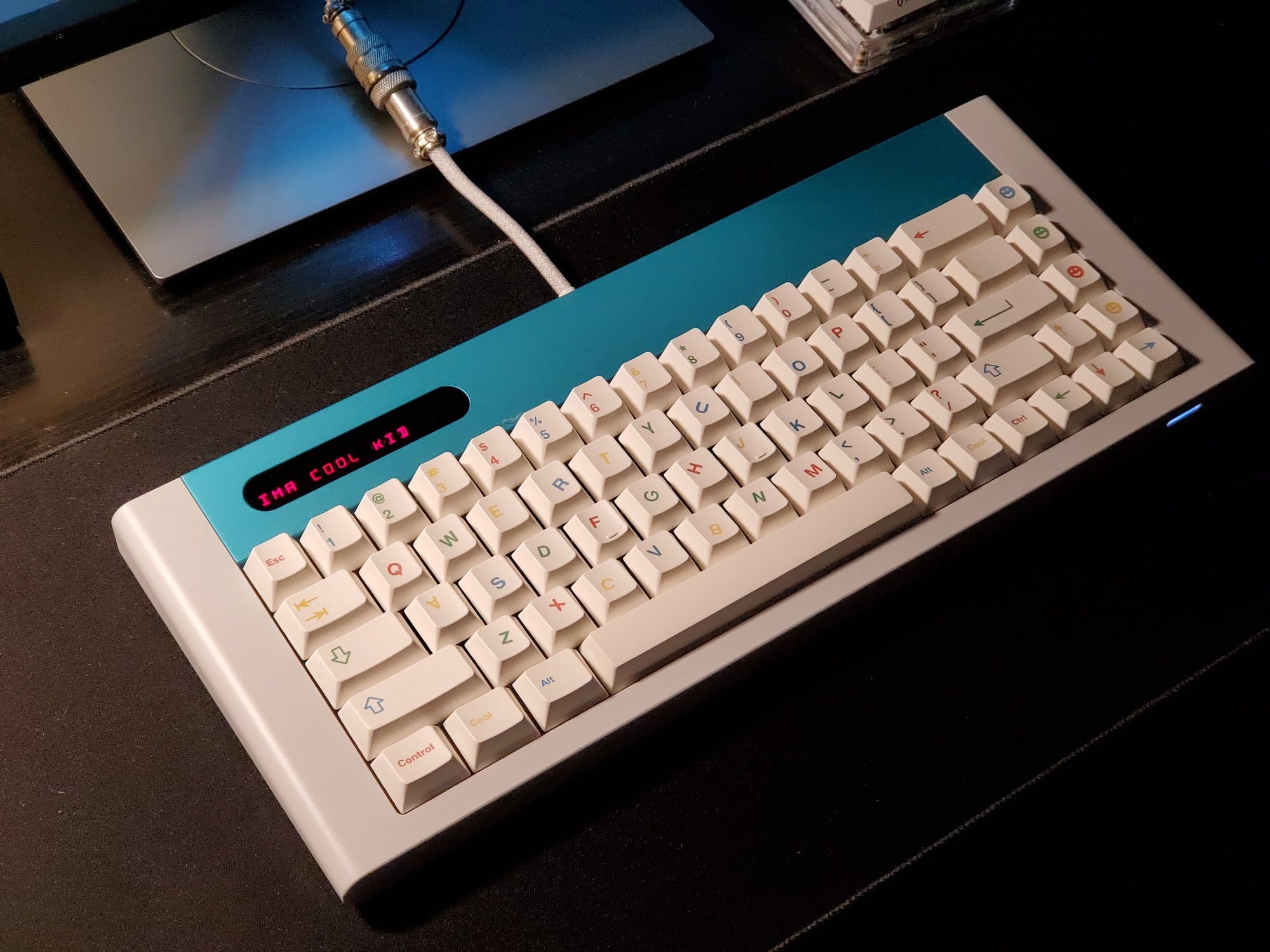
Each keyboard has its own sound signature and typing feel, from tactile bumps to smooth linear downstrokes to clicky clacky noises.
I rotate my various keyboards often but the one I have pictured on my desk is the grid650.
It is a 65% sized keyboard with rounded edges and a swappable accent plate on top.
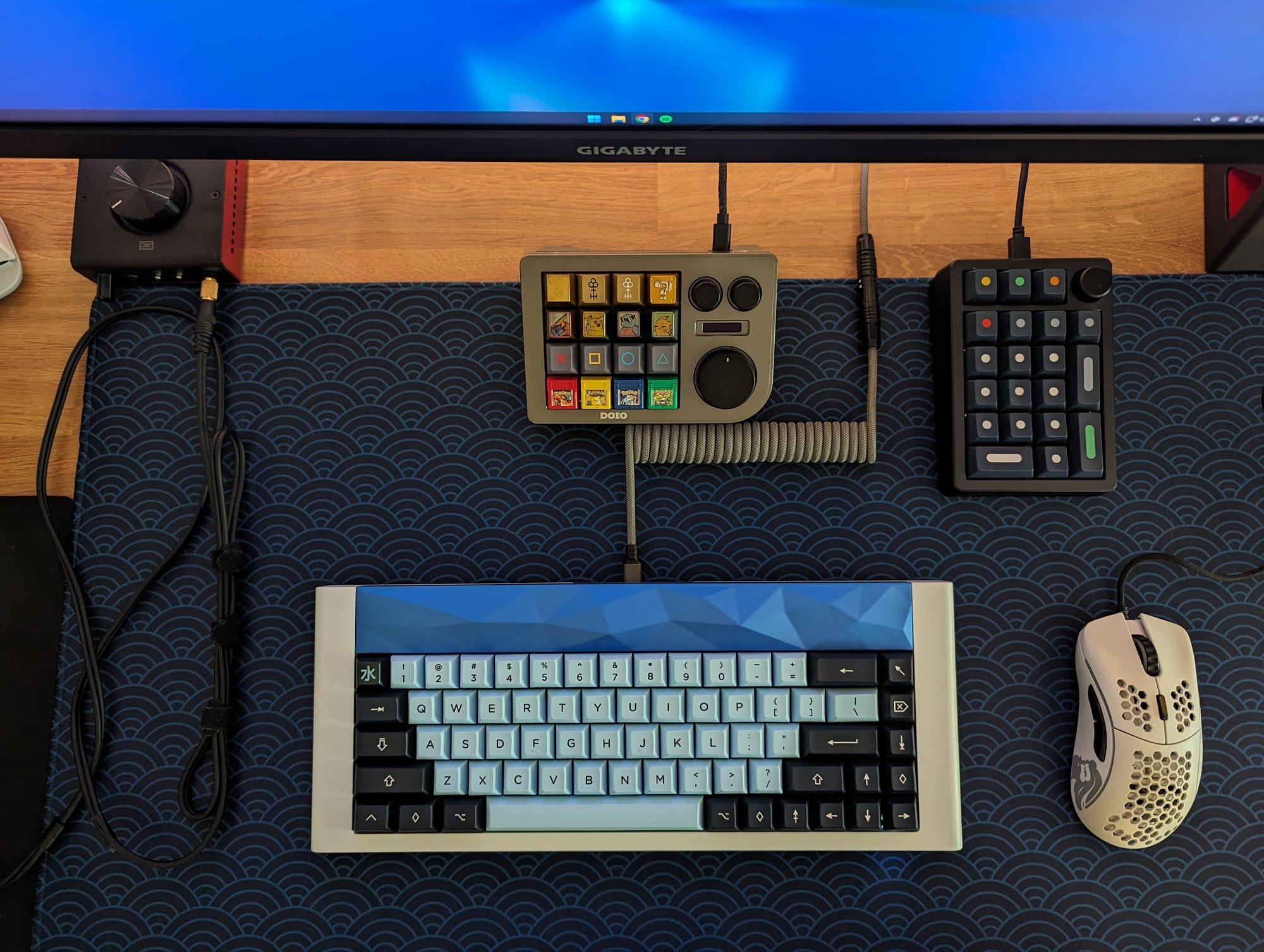
The current accent plate is called ‘Peaks’ as the metal accent plate has bumps that resemble geometric points or mountain peaks, which gives the piece a 3D effect when the light plays around it.
For the typing feel, I have opted to use tactile switches, Boba U4T, which give a heavy tactile bump when you type on it.
Since this keyboard is custom, it is made to order from the designer (@gridishere) through a group buy.
This keyboard

